
1. تعارف
خريد ڪرڻ لاءِ مهربانيasing the Imation Memorex PX6683 Wireless Bluetooth Speaker. This manual provides essential information for setting up, operating, and maintaining your speaker to ensure optimal performance and longevity. Please read these instructions carefully before use.
2. پيڪيج مواد
- Imation Memorex PX6683 Wireless Bluetooth Speaker
- پاور اڊاپٽر (علائقي جي لحاظ کان مختلف ٿي سگھي ٿو)
- Audio Cable (3.5mm auxiliary cable)
- استعمال ڪندڙ جو دستياب (ھي دستاويز)
3. پراڊڪٽ ختمview
Familiarize yourself with the components of your Memorex PX6683 speaker.
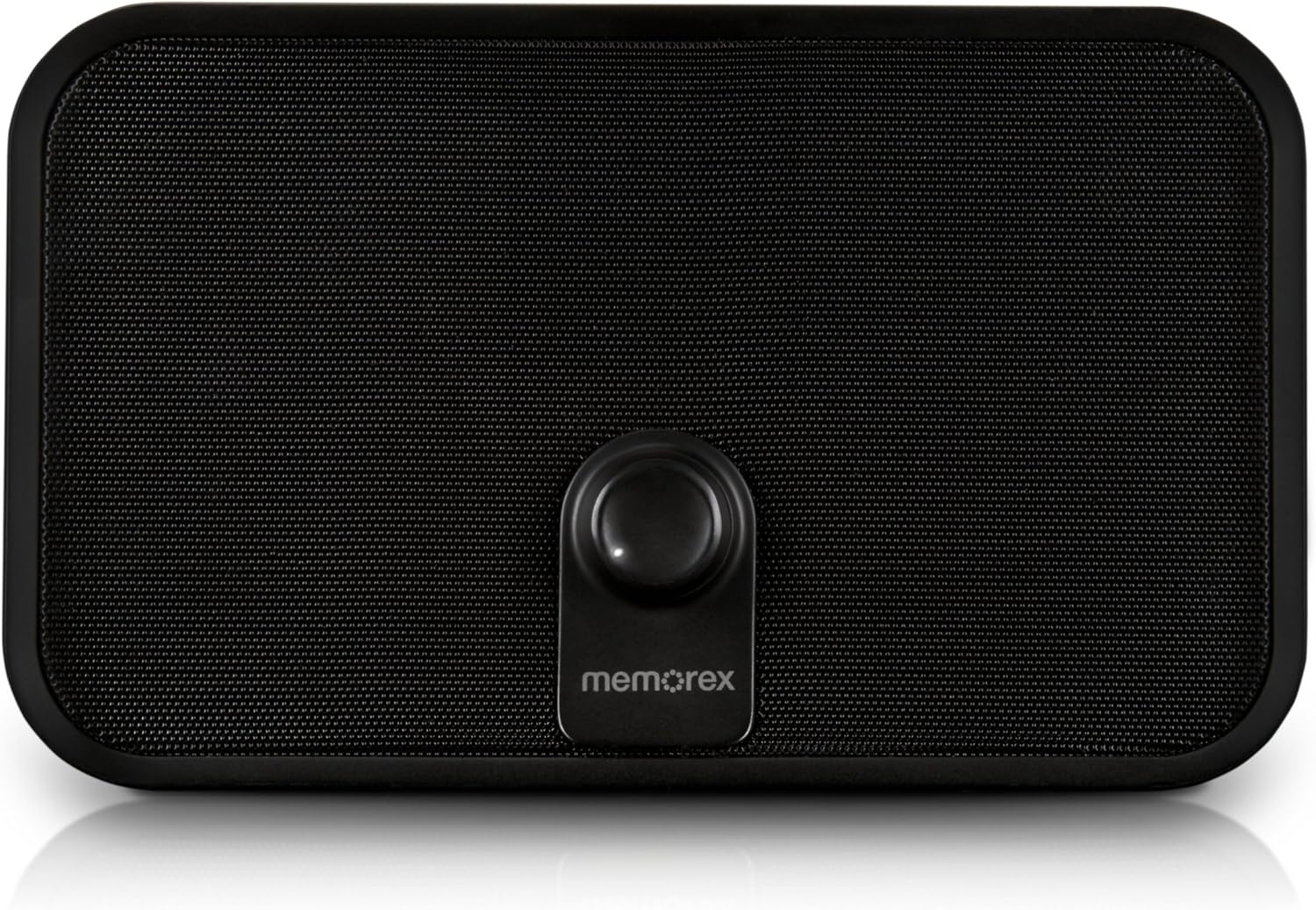
شڪل 3.1: سامهون view of the Memorex PX6683 speaker. The front features a large speaker grille and a central control knob with the 'memorex' logo below it.

شڪل 3.2: زاويه view of the Memorex PX6683 speaker. This perspective highlights the speaker's rectangular shape with rounded edges, the front grille, and the central control knob.
4. سيٽ اپ
4.1 پاور ڪنيڪشن
- Locate the power input port on the back or side of the speaker.
- Connect the provided power adapter to the speaker.
- پاور اڊاپٽر کي معياري برقي آئوٽليٽ ۾ لڳايو.
- The speaker is now powered on or in standby mode.
4.2 بلوٽوٽ جوڙي
The Memorex PX6683 supports A2DP Bluetooth wireless technology for audio streaming.
- پڪ ڪريو ته اسپيڪر پاور آهي.
- Activate Bluetooth on your audio device (smartphone, tablet, computer).
- ڳولھيو available Bluetooth devices. The speaker should appear as "Memorex PX6683" يا ساڳي.
- جوڙو ٺاهڻ شروع ڪرڻ لاءِ فهرست مان اسپيڪر چونڊيو.
- Once paired, the speaker will indicate a successful connection (e.g., an audible tone or LED indicator).
4.3 Line-in Connection (Auxiliary Input)
For devices without Bluetooth, use the universal line-in jack.
- Connect one end of the 3.5mm audio cable to the 'Line In' or 'AUX' port on the speaker.
- Connect the other end of the 3.5mm audio cable to the headphone jack or audio output of your device.
- The speaker will automatically switch to auxiliary input mode or may require manual selection via a mode button (if present).
5. آپريٽنگ هدايتون
5.1 پاور آن/آف
Refer to the power button or control knob on your speaker. Typically, a long press or rotation will power the unit on or off.
5.2 حجم ڪنٽرول
Adjust the audio volume using the central control knob on the front of the speaker. Rotate clockwise to increase volume and counter-clockwise to decrease volume.
5.3 آڊيو پلے بیک
Once connected via Bluetooth or Line-in, begin playing audio from your source device. The sound will be output through the speaker.
6. سار سنڀال
6.1 صفائي
Wipe the speaker's exterior with a soft, dry cloth. Do not use liquid cleaners or abrasive materials, as they may damage the finish or internal components.
6.2 اسٽوريج
When not in use for extended periods, store the speaker in a cool, dry place away from direct sunlight and extreme temperatures. Disconnect the power adapter.
7. مسئلا حل ڪرڻ
- طاقت ناهي: Ensure the power adapter is securely connected to both the speaker and a working electrical outlet.
- آواز ناهي:
- Check the volume level on both the speaker and your audio source device.
- If using Bluetooth, ensure the speaker is successfully paired and connected.
- If using Line-in, ensure the audio cable is fully inserted into both devices.
- بلوٽوٿ جوڙڻ جا مسئلا:
- Ensure the speaker is in pairing mode (if applicable).
- پنهنجي سورس ڊيوائس تي بلوٽوٿ کي بند ۽ آن ڪريو.
- پنهنجي ڊوائيس کي اسپيڪر جي ويجهو آڻيو.
- Remove "Memorex PX6683" from your device's Bluetooth list and attempt to re-pair.
8. وضاحتون

Figure 8.1: Approximate dimensions of the Memorex PX6683 speaker.
| خاصيت | تفصيل |
|---|---|
| برانڊ | اميشن |
| ماڊل | PX6683 |
| رابطي ٽيڪنالاجي | Wireless (Bluetooth), Wired (3.5mm Line-in) |
| بلوٽوٽ سپورٽ | A2DP |
| آڊيو آئوٽ پٽ موڊ | اسٽيريو |
| اسپيڪر وڌ ۾ وڌ آئوٽ پاور | 10 واٽ |
| چڙهڻ جو قسم | ڊائريڪٽنگ |
| طول و عرض (تقريبن) | 11.25" (ڊبليو) x 8.75" (ايڇ) x 4.13" (ڊي) |
9. وارنٽي ۽ سپورٽ
For warranty information and customer support, please refer to the documentation included with your purchase or visit the official Imation webسائيٽ. وارنٽي دعوائن لاءِ خريداري جو ثبوت رکو.