
Cherry JD-0800EU-2
CHERRY DC 2000 Keyboard and Mouse Combo
استعمال ڪندڙ دستي
Model: JD-0800EU-2 | Brand: Cherry
1. تعارف
The CHERRY DC 2000 Corded Desktop is a reliable and efficient keyboard and mouse combo designed for everyday office and home use. This set includes a full-size corded keyboard with additional function keys and a symmetrical 3-button corded mouse, suitable for both left and right-handed users. Its robust design ensures quiet and tactile keystrokes for comfortable and concentrated work.
پيڪيج مواد:
- CHERRY DC 2000 Corded Keyboard
- CHERRY DC 2000 Corded Mouse
- استعمال ڪندڙ جو دستياب (ھي دستاويز)

Figure 1.1: The CHERRY DC 2000 keyboard and mouse combo, showcasing the full layout of the keyboard and the ergonomic design of the mouse.
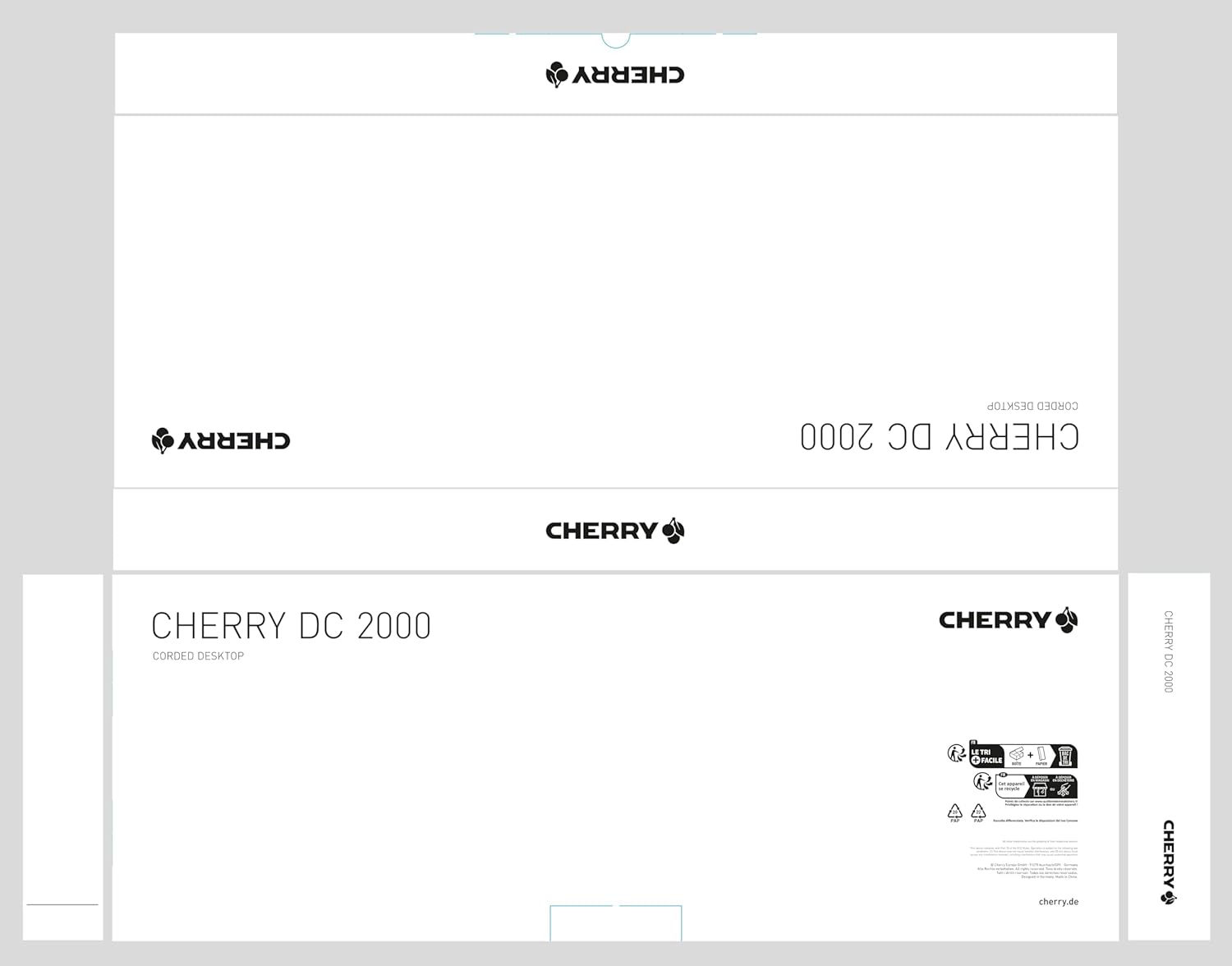
Figure 1.2: The packaging for the CHERRY DC 2000 Corded Desktop, indicating the product name and brand logo.
2. سيٽ اپ
The CHERRY DC 2000 keyboard and mouse combo is designed for simple plug-and-play installation. No additional drivers are typically required for basic functionality on supported operating systems.
2.1 سسٽم گهرجون
- آپريٽنگ سسٽم: ونڊوز 10، ونڊوز 8، ونڊوز 7
- Hardware Platform: PC, Laptop
- دستياب USB پورٽ
2.2 ڊوائيسز کي ڳنڍڻ
- پنهنجي ڪمپيوٽر (پي سي يا ليپ ٽاپ) تي موجود USB پورٽ ڳوليو.
- Plug the USB connector of the CHERRY DC 2000 keyboard into the USB port.
- Plug the USB connector of the CHERRY DC 2000 mouse into another available USB port.
- توهان جو آپريٽنگ سسٽم خودڪار طريقي سان ضروري ڊرائيورن کي ڳولي ۽ انسٽال ڪرڻ گهرجي. هن عمل ۾ ڪجهه لمحا لڳي سگهن ٿا.
- Once installation is complete, the keyboard and mouse are ready for use.

Figure 2.1: The CHERRY DC 2000 keyboard and mouse connected and positioned on a desk, ready for use.
3. آپريٽنگ هدايتون
3.1 ڪي بورڊ جا ڪم
The CHERRY DC 2000 keyboard features a standard QWERTY layout with additional keys designed to enhance productivity in office applications.
- معياري ترتيب: Full-size keyboard with numeric keypad for comprehensive data entry.
- اضافي چاٻيون: Four dedicated keys provide quick access to frequently used office functions. These keys are typically located above the numeric keypad and may include functions like Calculator, Email, Browser Home, and Sleep. Refer to your operating system's settings for potential customization of these keys.
- ٽيڪٽائل ڪي اسٽروڪ: Designed for quiet and comfortable typing, reducing noise in shared workspaces.

Figure 3.1: A user's hands positioned on the CHERRY DC 2000 keyboard and mouse, demonstrating active use.
3.2 مائوس جا ڪم
The CHERRY DC 2000 mouse is a symmetrical 3-button design, ensuring comfortable use for both left and right-handed individuals.
- 3-Button Design: Includes left-click, right-click, and a scroll wheel that also functions as a middle-click button.
- هموار شڪل: Ergonomically designed to fit comfortably in either hand.
- Precise Tracking: Provides accurate cursor control for various tasks.

شڪل 3.2: هڪ ويجهو تصوير view of a user's hand comfortably resting on the CHERRY DC 2000 mouse, highlighting its symmetrical design.

شڪل 3.3: هڪ تفصيلي view of the CHERRY DC 2000 mouse, showing its smooth finish and the CHERRY logo.
4. سار سنڀال ۽ سنڀال
Proper care and maintenance will extend the lifespan of your CHERRY DC 2000 keyboard and mouse combo.
- صفائي:
- صفائي ڪرڻ کان اڳ ڊوائيسز کي پنهنجي ڪمپيوٽر کان ڌار ڪريو.
- نرم، لِنٽ کان خالي ڪپڙو استعمال ڪريو ٿورڙو ڊيampپاڻي يا نرم، غير رگڙندڙ صفائي واري محلول سان صاف ڪيو وڃي.
- ڊوائيسز تي سڌو سنئون مائع اسپري ڪرڻ کان پاسو ڪريو.
- For dust and debris between keyboard keys, use compressed air.
- اسٽوريج: ڊوائيسز کي سڌي سج جي روشني ۽ انتهائي گرمي پد کان پري ٿڌي، سڪل جاءِ تي رکو.
- سنڀالڻ: Avoid dropping the devices or exposing them to excessive force, which could damage internal components.
5. مسئلا حل ڪرڻ
If you encounter issues with your CHERRY DC 2000 combo, try the following troubleshooting steps:
- ڊوائيس نه سڃاڻي:
- Ensure the USB connectors are fully inserted into the USB ports.
- پنهنجي ڪمپيوٽر تي ڊوائيسز کي مختلف USB پورٽن ۾ لڳائڻ جي ڪوشش ڪريو.
- پنهنجي ڪمپيوٽر کي ٻيهر شروع ڪريو.
- Check your operating system's Device Manager to see if the devices are listed and if there are any driver issues.
- Keys Not Responding / Mouse Not Moving:
- USB ڪنيڪشن جي تصديق ڪريو.
- Test the devices on another computer to determine if the issue is with the devices or your system.
- Ensure no debris is obstructing the mouse sensor or keyboard keys.
- دير يا دير سان جواب:
- پڪ ڪريو ته توهان جي ڪمپيوٽر جا USB ڊرائيور اپ ٽو ڊيٽ آهن.
- Avoid connecting the devices through unpowered USB hubs if possible.
جيڪڏهن انهن قدمن سان مسئلو حل نه ٿيو ته وڌيڪ مدد لاءِ مهرباني ڪري وارنٽي ۽ سپورٽ سيڪشن جو حوالو ڏيو.
6. وضاحتون
| خاصيت | تفصيل |
|---|---|
| برانڊ | چيري |
| ماڊل سيريز | ڊي سي ايم اينيمڪس |
| شيون ماڊل نمبر | JD-0800EU-2 |
| رابطي ٽيڪنالاجي | USB (ڪارڊڊ اليڪٽرڪ) |
| مطابقت رکندڙ ڊوائيسز | ليپ ٽاپ، پي سي |
| آپريٽنگ سسٽم مطابقت | ونڊوز 10، ونڊوز 8، ونڊوز 7 |
| ڪي بورڊ جي وضاحت | QWERTY, Wired Keyboard and Mouse Combo |
| رنگ | ڪارو |
| شيءِ جو وزن | 1.37 پائونڊ (تقريبن 0.62 ڪلوگرام) |
| پيداوار جي ماپ (LxWxH) | 18.03 x 6.69 x 0.79 انچ (تقريبن 45.8 x 17.0 x 2.0 سينٽي ميٽر) |

شڪل 6.1: سائڊ پروfile view of the CHERRY DC 2000 keyboard, illustrating its slim and flat design.
7. وارنٽي ۽ سپورٽ
Cherry products are manufactured to high quality standards. For information regarding warranty coverage and terms, please refer to the warranty card included with your product or visit the official Cherry webسائيٽ.
7.1 ڪسٽمر سپورٽ
If you require technical assistance or have questions not covered in this manual, please contact Cherry customer support. Contact information can typically be found on the Cherry webسائيٽ تي يا پراڊڪٽ پيڪنگنگ تي.
سڀ کان وڌيڪ تازه ترين سپورٽ معلومات لاءِ، مهرباني ڪري دورو ڪريو: www.cherry.de