
1. تعارف
Thank you for choosing the MageGee G6 Wired Gaming Mouse. This ergonomic USB optical mouse is designed to enhance your gaming and work experience with its high precision sensor, adjustable speed levels, and vibrant LED backlighting. Please read this manual thoroughly to ensure proper setup and optimal performance.
2. سيٽ اپ
2.1 پيڪيج مواد
- MageGee G6 Wired Gaming Mouse
- ھدايت وارو دستور
2.2 سسٽم گهرجون
- Operating System: Windows 10, Windows 8, Windows 7, Windows XP, WinME, Vista, Linux, etc.
- دستياب USB پورٽ
2.3 مائوس کي ڳنڍڻ
- Locate an available USB port on your computer (PC, Laptop, or Desktop).
- Plug the USB connector of the MageGee G6 mouse into the USB port.
- The mouse is plug-and-play; no additional drivers or software are required for basic functionality.
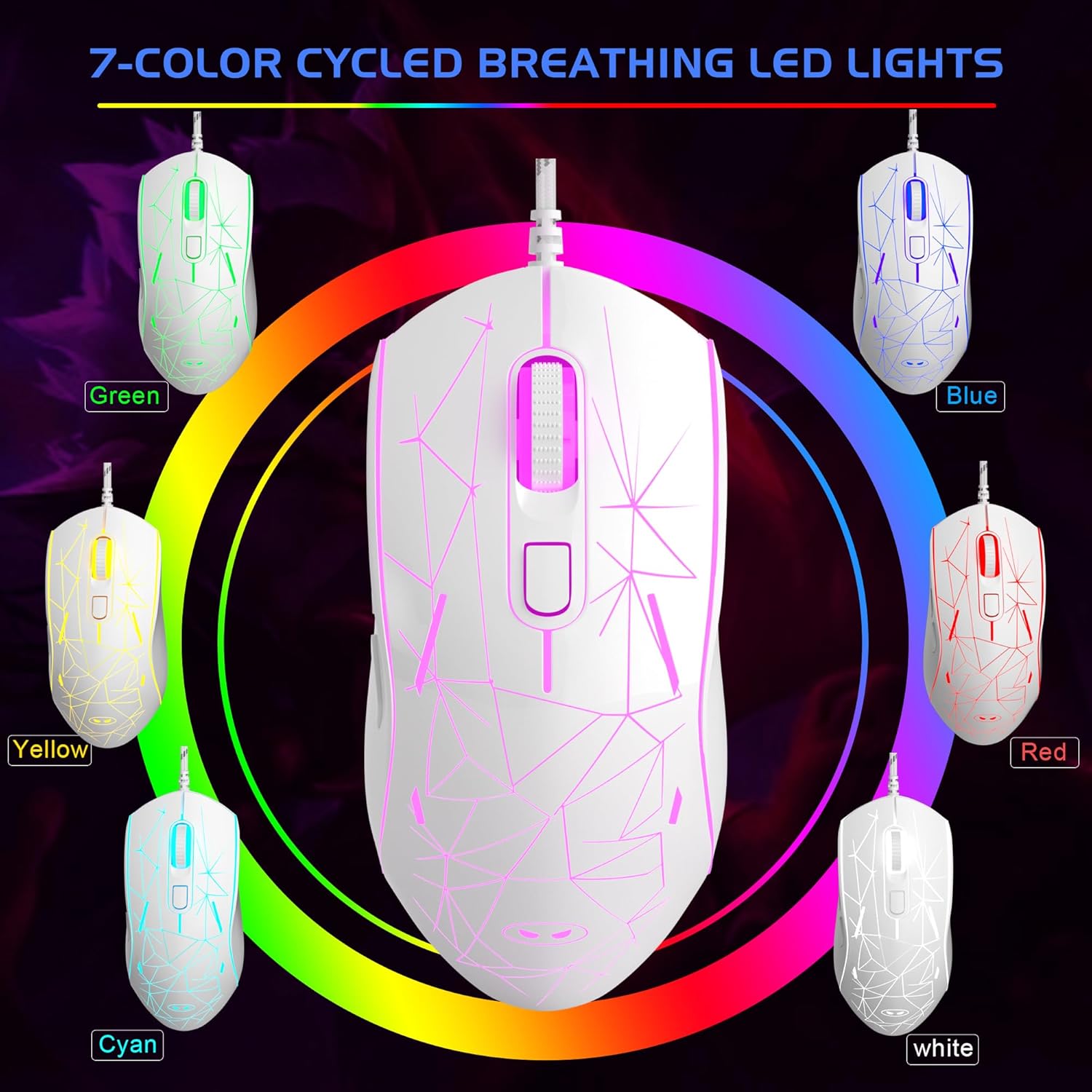
Image: The MageGee G6 Wired Gaming Mouse with its USB cable connected to a computer.
3. آپريٽنگ هدايتون
3.1 بٽڻ جا ڪم
The MageGee G6 offers 6 flexible buttons for versatile control:
- کاٻي بٽڻ: معياري کاٻي ڪلڪ فنڪشن.
- ساڄي بٽڻ: معياري ساڄي ڪلڪ فنڪشن.
- اسڪرول ويل: Scrolls up/down, and acts as a middle-click button.
- Speed Button (DPI Button): Adjusts the DPI (Dots Per Inch) sensitivity.
- فارورڊ بٽڻ: اڳتي نيويگيٽ ڪري ٿو web برائوزر يا ايپليڪيشنون.
- پوئتي بٽڻ: پوئتي نيويگيٽ ڪري ٿو web برائوزر يا ايپليڪيشنون.
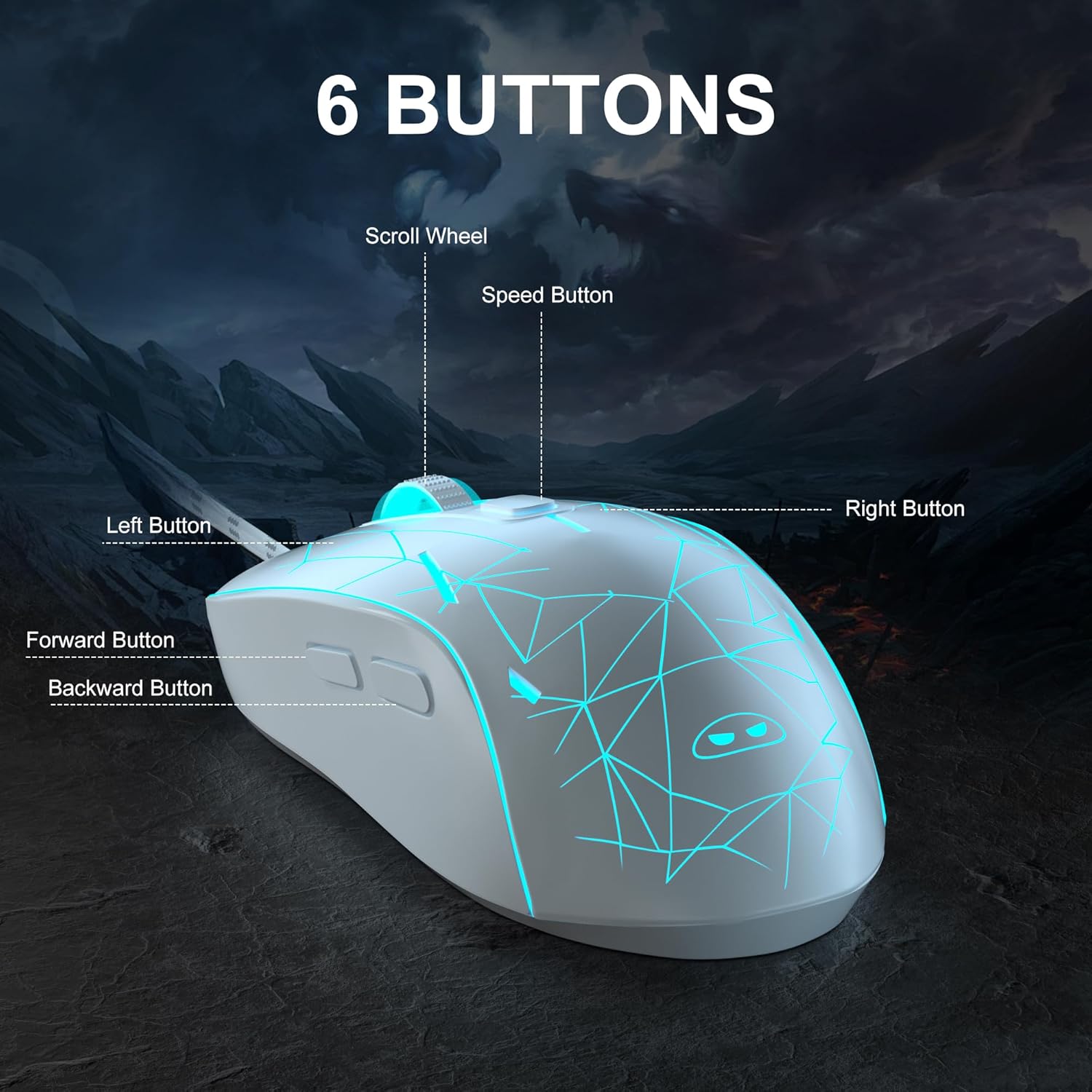
تصوير: هڪ تفصيلي view of the MageGee G6 mouse highlighting the Left, Right, Scroll Wheel, Speed, Forward, and Back buttons.
3.2 Adjusting DPI Speed Levels
The MageGee G6 offers 6 adjustable DPI speed levels for precise cursor control:
- 600 ڊي پي آئي
- 800 ڊي پي آئي
- 1200 ڊي پي آئي
- 1600 ڊي پي آئي
- 2400 ڊي پي آئي
- 3200 ڊي پي آئي
کي دٻايو اسپيڊ بٽڻ (located below the scroll wheel) to cycle through the different DPI settings. Each press will change the sensitivity, allowing you to find the optimal speed for your tasks or games.
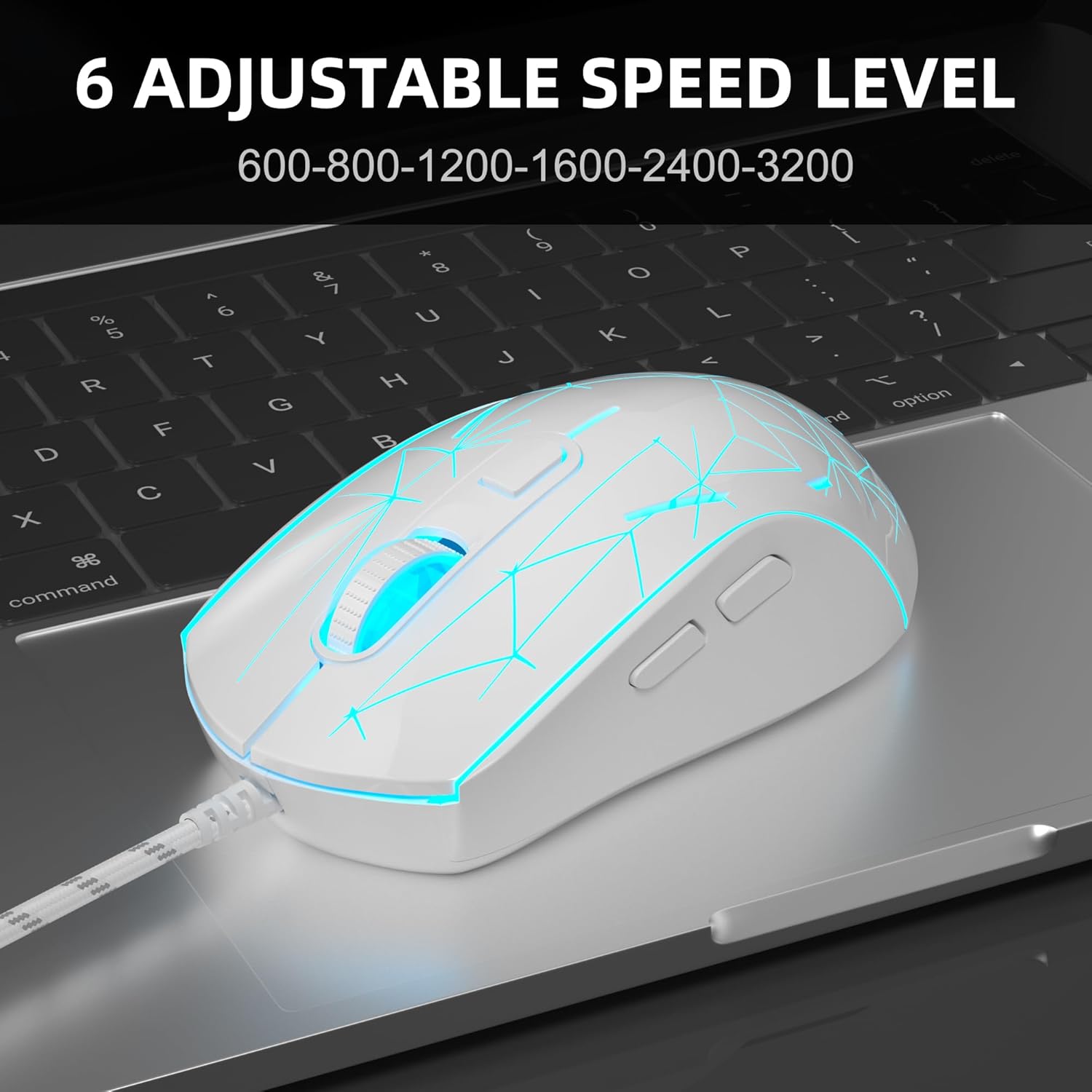
Image: The MageGee G6 mouse in use, demonstrating the adjustable DPI settings from 600 to 3200.
3.3 ايل اي ڊي بيڪ لائيٽ ڪنٽرول
The MageGee G6 features 7-color breathing LED backlighting. You can control the lighting as follows:
- رنگ تبديل ڪريو: کي دٻايو اسپيڊ بٽڻ ۽ جي فارورڊ بٽڻ simultaneously to cycle through and lock a specific color.
- لائٽون آن/بند ڪريو: کي دٻايو ۽ رکو اسپيڊ بٽڻ for 3 seconds to toggle the LED lights on or off.
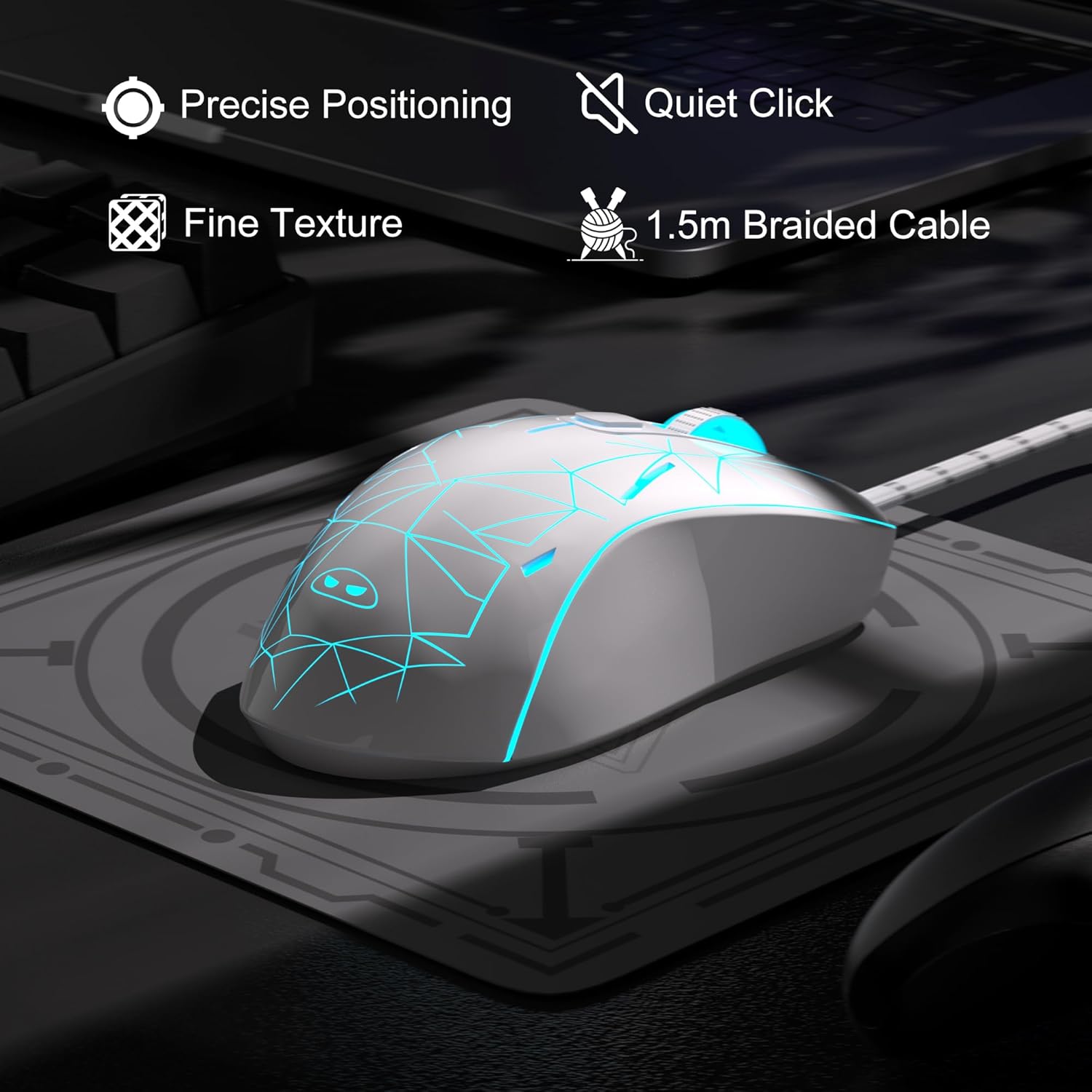
Image: The MageGee G6 mouse showcasing its 7-color breathing LED lights, including green, yellow, cyan, blue, red, and white.
4. سار سنڀال
- صفائي: مائوس کي صاف ڪرڻ لاءِ نرم، سڪل ڪپڙو استعمال ڪريو. سخت ڪيميڪلز يا رگڙيندڙ مواد استعمال ڪرڻ کان پاسو ڪريو.
- ڪيبل جي سنڀال: Do not pull or twist the braided USB cable excessively to prevent damage.
- اسٽوريج: Store the mouse in a dry place away from extreme temperatures.
5. مسئلا حل ڪرڻ
5.1 ماؤس جواب نه ڏئي رهيو آهي
- پڪ ڪريو ته USB ڪيبل توهان جي ڪمپيوٽر تي ڪم ڪندڙ USB پورٽ ۾ محفوظ طور تي لڳل آهي.
- مائوس کي ڪنهن ٻئي USB پورٽ ۾ لڳائڻ جي ڪوشش ڪريو.
- پنهنجي ڪمپيوٽر کي ٻيهر شروع ڪريو.
5.2 ايل اي ڊي لائيٽون ڪم نه ڪري رهيون آهن
- پڪ ڪريو ته مائوس توهان جي ڪمپيوٽر سان صحيح طرح سان ڳنڍيل آهي.
- کي دٻايو ۽ رکو اسپيڊ بٽڻ for 3 seconds to toggle the LED lights on or off.
5.3 Cursor Movement is Erratic
- مائوس جي تري ۾ موجود آپٽيڪل سينسر کي نرم ڪپڙي سان صاف ڪريو.
- پڪ ڪريو ته توهان مائوس کي مناسب مٿاڇري تي استعمال ڪري رهيا آهيو (مثال طور، هڪ مائوس پيڊ).
- Adjust the DPI sensitivity using the اسپيڊ بٽڻ.
6. وضاحتون
| خاصيت | تفصيل |
|---|---|
| برانڊ | ميج گي |
| ماڊل | G6 |
| رابطي ٽيڪنالاجي | USB ، وائرڊ |
| تحريڪ جي سڃاڻپ ٽيڪنالاجي | بصري |
| ڊي پي آئي جي سطح | 600/800/1200/1600/2400/3200 (Adjustable) |
| بٽڻ | 6 (Left, Right, Scroll Wheel, Speed, Forward, Back) |
| ايل ايل بائيٽ لائٽ | 7 Colors Breathing LED (Blue, Red, Green, Purple, Cyan, Yellow, White) |
| ڪيبل ڊگھائي | 1.5 meters (Durable Braided Cable) |
| ايرگونومڪس | Ergonomic Design with Comfortable Grip |
| مطابقت | Windows 10, 8, 7, XP, WinME, Vista, Linux, PC, Laptop, Desktop |
| شيءِ جو وزن | 5.6 اونس |
| پيڪيج جي ماپ | 5.31 x 3.62 x 1.65 انچ |
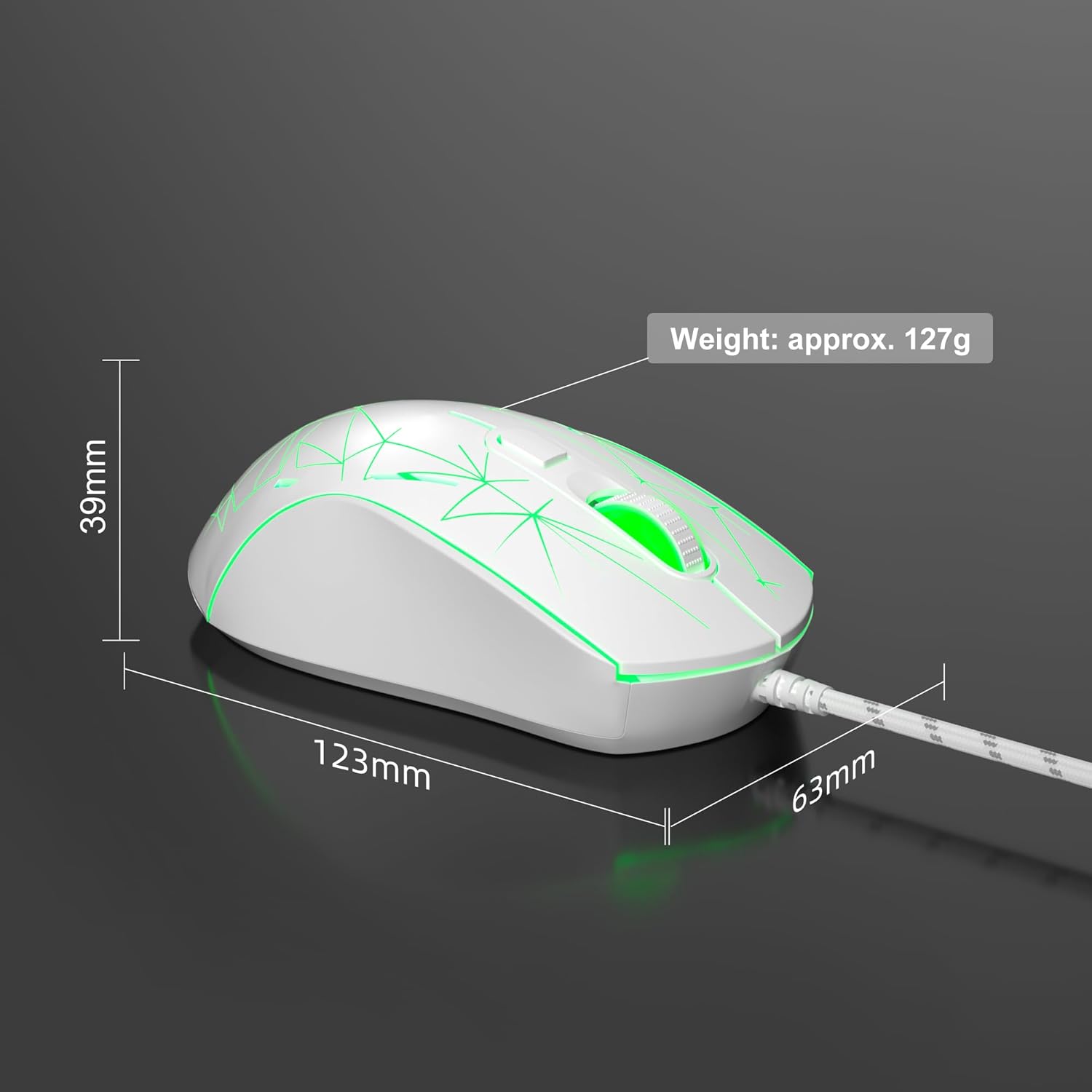
Image: Diagram illustrating the dimensions of the MageGee G6 Wired Gaming Mouse (123mm length, 63mm width, 39mm height, approx. 127g weight).
7. وارنٽي ۽ سپورٽ
For warranty information and customer support, please refer to the official MageGee webسائيٽ تي وڃو يا پنهنجي پرچون ڪندڙ سان رابطو ڪريو. وارنٽي دعوائن لاءِ پنهنجي خريداري جي رسيد رکو.
MageGee is committed to technological and product innovation, providing quality computer peripherals. Our after-sales team is available to promptly respond and solve your problems.
جو دورو ڪريو ميج گي اسٽور وڌيڪ شين ۽ معلومات لاءِ.