
تعارف
Thank you for choosing the Arenti IN1 WiFi Pet Camera. This manual provides detailed instructions on how to set up, operate, and maintain your camera. Please read this manual thoroughly before use to ensure proper functionality and safety. Keep this manual for future reference.
پيداوار ختمview
The Arenti IN1 WiFi Pet Camera is designed to provide reliable indoor surveillance with advanced features for monitoring your pets, children, or home. It offers high-definition video, two-way audio, and smart detection capabilities.
اهم خاصيتون:
- 1080p مڪمل HD وڊيو: صاف ۽ تفصيلي فو کي ڪيپچر ڪري ٿوtage at 25 frames per second.
- بهتر ڪيل رات جو خواب: Provides clear images even in low-light conditions, ensuring 24/7 monitoring.
- AI Human & Sound Detection: Intelligently detects human movement and abnormal sounds, sending instant notifications to your smartphone.
- ٻه طرفي آڊيو: Built-in microphone and speaker allow for seamless communication with your pets or family members.
- رازداري موڊ: Offers features like one-touch sleep mode, geofencing, and off-timer settings to protect your privacy.
- Cloud & SD Card Storage: Securely store recordings on AWS cloud service or a local SD card.
- سمارٽ گهر انٽيگريشن: Compatible with Alexa and Google Assistant for voice control.
- Arenti App Control: Manage all camera settings, monitor live view, and share access through the intuitive Arenti smartphone application.
پيڪيج مواد:
- Arenti IN1 WiFi Pet Camera
- پاور اڊاپٽر
- USB ڪيبل
- Mounting Kit (Screws, Wall Anchors)
- استعمال ڪندڙ دستي
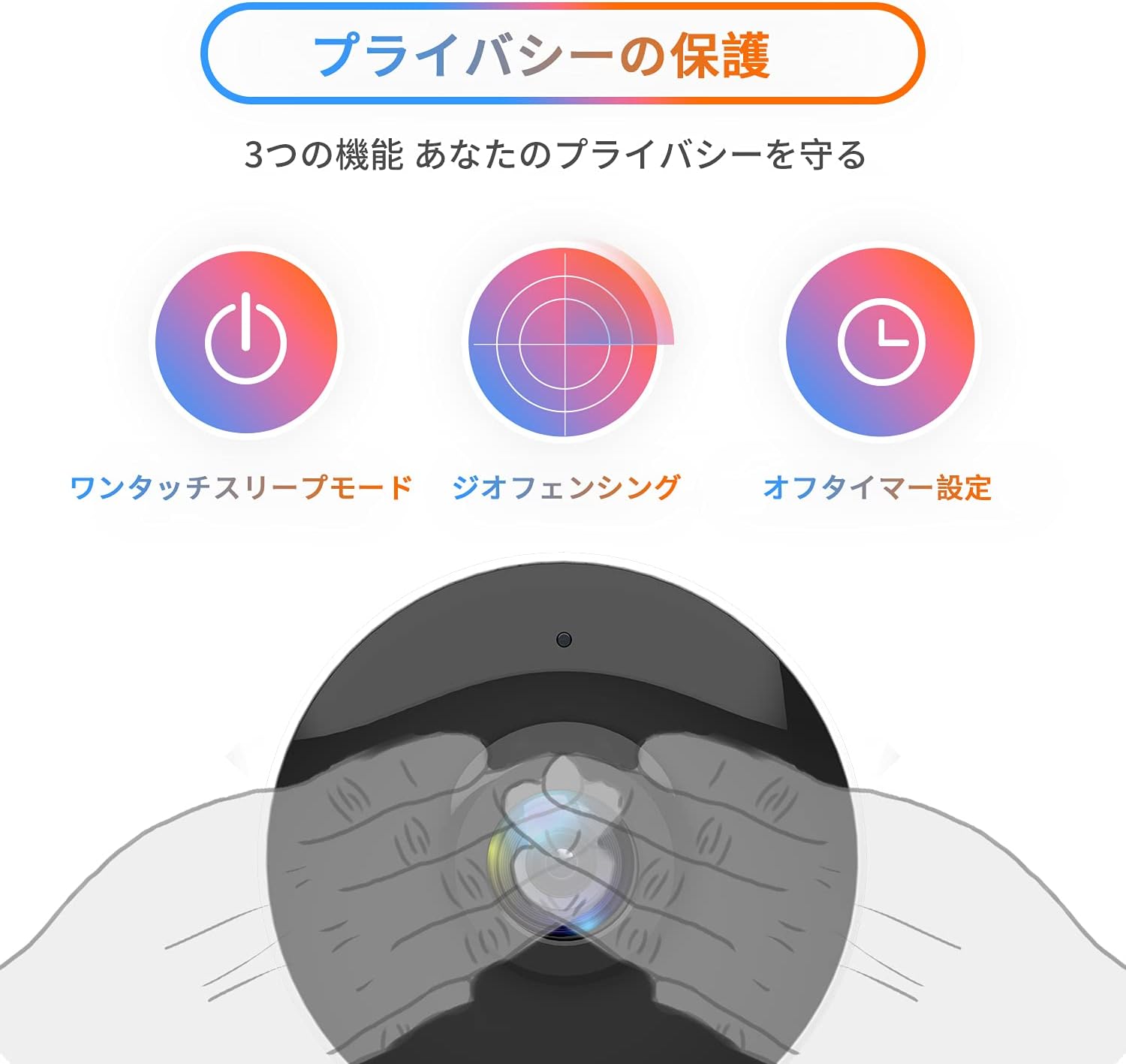
Image: The Arenti IN1 WiFi Pet Camera, a compact indoor camera with a white body and black lens, shown with its adjustable stand.
سيٽ اپ گائيڊ
Follow these steps to set up your Arenti IN1 WiFi Pet Camera:
- Download the Arenti App: ڳولھيو "Arenti" in the App Store (iOS) or Google Play Store (Android) and download the application.
- اڪائونٽ ٺاهيو: Open the Arenti app and register for a new account or log in if you already have one.
- ڪئميرا تي پاور: Connect the camera to a power outlet using the provided USB cable and power adapter. The camera's indicator light will turn on.
- ڊوائيس شامل ڪريو: In the Arenti app, tap the "+" icon to add a new device. Select your camera model (IN1) from the list.
- وائي فائي سان ڳنڍيو: Follow the in-app instructions to connect your camera to your 2.4GHz Wi-Fi network. You may need to scan a QR code displayed on your phone with the camera lens.
- لڳائڻ: Place the camera on a flat surface or mount it to a wall or ceiling using the included mounting kit. Ensure it has a clear view علائقي جو توهان مانيٽر ڪرڻ چاهيو ٿا.


Image: A series of smartphone screenshots illustrating the process of downloading the Arenti app, adding a device, and viewلائيو فيڊ ۾ شامل ٿي رهيو آهي.
آپريٽنگ هدايتون
جيئڻ View:
Open the Arenti app and select your camera to view the live feed. You can pinch to zoom and pan across the image.
ٻه طرفي آڊيو:
لائيو ۾ مائڪروفون آئڪن تي ٽيپ ڪريو view to speak through the camera's speaker. Tap again to end. This allows you to communicate with anyone near the camera.

Image: A child smiling while a speech bubble indicates communication with a person via the Arenti camera, demonstrating the two-way audio feature.
حرڪت ۽ آواز جي ڳولا:
The camera uses AI to detect human movement and abnormal sounds. When an event is detected, you will receive a push notification on your smartphone. You can adjust the detection sensitivity and set specific detection zones within the app.

Image: An illustration highlighting the camera's features including night vision, human detection, motion/sound detection, privacy mode, and compatibility with Alexa voice control.
رات جو خواب:
The camera automatically switches to night vision mode in low-light conditions, providing clear black and white images. This ensures continuous monitoring day and night.
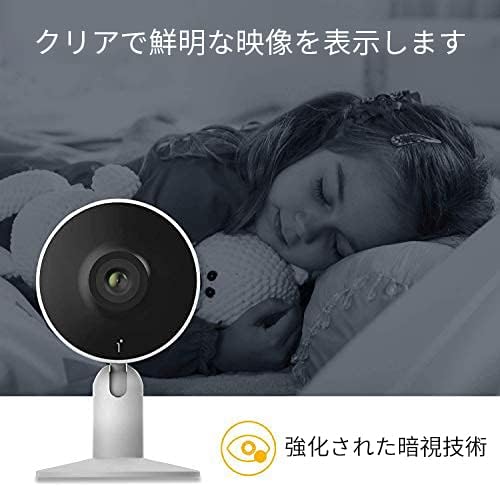
Image: A child sleeping peacefully in a dimly lit room, with the Arenti camera in the foreground, demonstrating its enhanced night vision capabilities for clear monitoring.
رازداري موڊ:
Activate privacy mode through the app to temporarily disable recording and live view. Options include one-touch sleep mode, geofencing (automatically activating privacy when you are home), and setting an off-timer.

Image: Three icons illustrating privacy protection features: a power button for one-touch sleep mode, a radar for geofencing, and a clock for off-timer settings.
رڪارڊنگ ۽ اسٽوريج:
The camera supports both cloud storage (via Arenti Cloud Service, powered by AWS) and local storage using a microSD card (up to 128GB, sold separately). You can review رڪارڊ ٿيل footage through the app's history timeline.
سمارٽ گهر انٽيگريشن:
Connect your Arenti camera to Amazon Alexa or Google Assistant for convenient voice control. For example, you can say, "Alexa, show me the living room camera."
وڊيو: هڪ جنرل اوورview video demonstrating the features and usage of the Arenti camera, including app interface and live monitoring.
سار سنڀال
- صفائي: Use a soft, dry cloth to clean the camera lens and body. Avoid using harsh chemicals or abrasive materials that could scratch the surface.
- فرم ويئر اپڊيٽس: Regularly check the Arenti app for available firmware updates. Keeping your camera's firmware up-to-date ensures optimal performance and security.
- اسٽوريج جو انتظام: If using a microSD card, periodically check its storage capacity and delete old recordings if necessary. For cloud storage, manage your subscription and data retention settings within the app.
- پاور سائيڪل: جيڪڏهن ڪئميرا ۾ ڪو مسئلو پيش اچي ٿو، ته ان کي ڪجهه سيڪنڊن لاءِ پاور سورس کان ان پلگ ڪرڻ جي ڪوشش ڪريو ۽ پوءِ ان کي واپس پلگ ان ڪريو.
مشڪلاتون
| مسئلو | ممڪن سبب | حل |
|---|---|---|
| ڪئميرا آف لائن | No power, Wi-Fi disconnected, poor signal | پاور ڪنيڪشن چيڪ ڪريو. ڪئميرا ۽ روٽر ٻيهر شروع ڪريو. پڪ ڪريو ته ڪئميرا وائي فائي جي حد اندر آهي. |
| وائي فائي سان ڳنڍجي نٿو سگھي | Incorrect password, 5GHz Wi-Fi, network issues | Verify Wi-Fi password. Ensure you are connecting to a 2.4GHz network. Try resetting the camera and repeating setup. |
| No notifications | App settings, phone settings, detection sensitivity | Check notification settings in the Arenti app and on your smartphone. Adjust motion/sound detection sensitivity. |
| غريب وڊيو معيار | Low bandwidth, dirty lens | Ensure stable internet connection. Clean the camera lens with a soft cloth. |
| ٻه طرفي آڊيو ڪم نه ڪري رهيو آهي | Microphone/speaker disabled, volume low | Check audio settings in the app. Ensure phone volume is up. |
وضاحتون
| خاصيت | تفصيل |
|---|---|
| وڊيو قرارداد | 1080p (مڪمل HD) |
| فريم جي شرح | 25 fps |
| رابطي | وائي فائي (صرف 2.4GHz) |
| رات جو نظارو | ها |
| آڊيو | ٻه طرفي آڊيو |
| پتو لڳائڻ | Motion Sensor, Sound Detection |
| اسٽوريج جا اختيار | Cloud Storage, MicroSD Card (up to 128GB) |
| مطابقت رکندڙ ڊوائيسز | Smartphones (iOS/Android) |
| طول و عرض | 21.2 x 18.4 x 6.6 سينٽي ميٽر (پيڪيج سائيز) |
| وزن | 480 گرام (پيڪيج جو وزن) |
وارنٽي ۽ سپورٽ
Arenti products typically come with a limited warranty. For specific warranty details, please refer to the warranty card included with your product or visit the official Arenti website. If you encounter any issues or require technical assistance, please contact Arenti customer support through their official website or the Arenti app.