
1. پراڊڪٽ ختمview
The SanDisk Professional G-DRIVE SSD is a high-performance, ultra-rugged portable external NVMe Solid State Drive designed for professionals who require reliable storage in demanding environments. It offers fast data transfer speeds and robust durability.

تصوير: سامهون view of the SanDisk Professional G-DRIVE SSD, showcasing its sleek black design with the 'G' logo and ventilation grilles.
اهم خاصيتون:
- Ultra-rugged durability: IP67 water/dust resistance, up to 3-meter drop protection, and 2000lb crush resistance.
- Pro-grade transfer speeds: Up to 1050MB/s Read and 1000MB/s Write.
- Sustained performance: Features a cooling aluminum core to maintain optimal speed.
- وڏي گنجائش: Available in capacities up to 2TB (this model).
- Broad compatibility: Ready for Mac (HFS+) and works with Windows via reformat.
2. دٻي ۾ ڇا آهي
- G-DRIVE SSD
- USB-سي ڪيبل
- USB-C کان USB-A ڪيبل
- تڪڙو شروع ھدايت
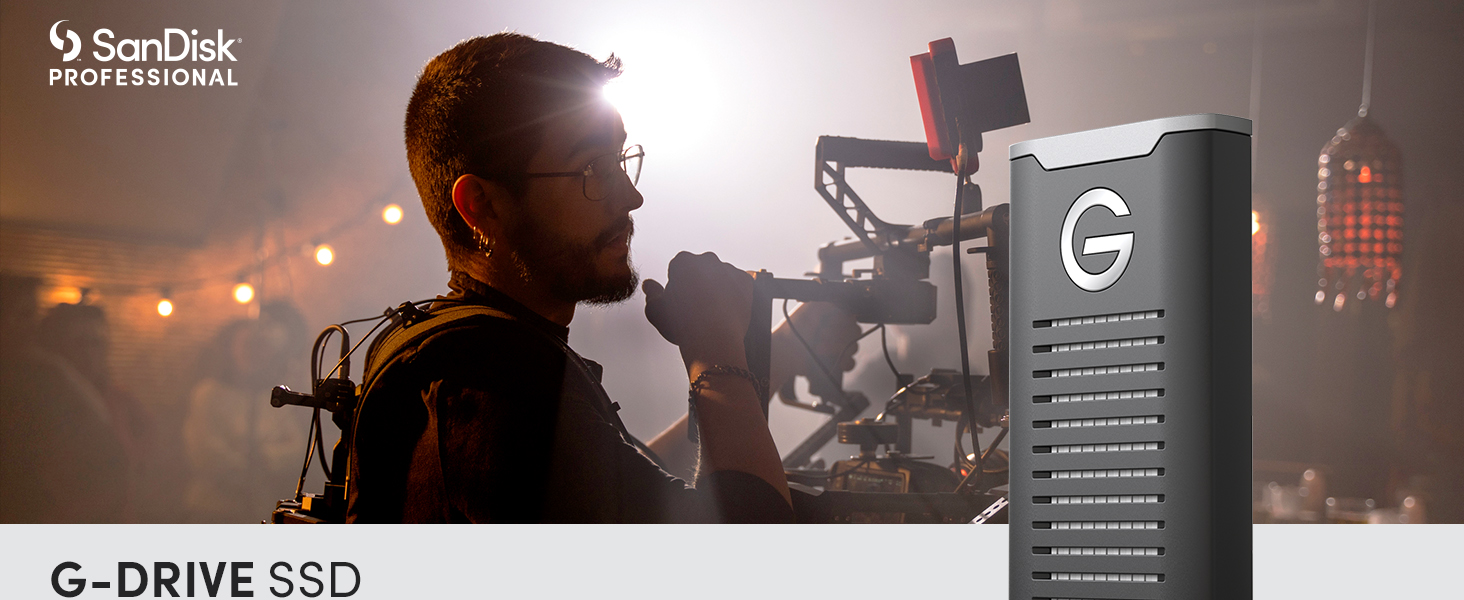
Image: A banner displaying the SanDisk Professional G-DRIVE SSD with its branding, highlighting its ultra-rugged storage and high-speed transfers.
3. سيٽ اپ جون هدايتون
3.1 توهان جي ڪمپيوٽر سان ڳنڍڻ
- Identify the appropriate cable: Use the provided USB-C to USB-C cable for direct connection to USB-C ports, or the USB-C to USB-A cable for older USB-A ports.
- Connect the SSD: Plug the USB-C end of the cable into the G-DRIVE SSD and the other end into an available port on your computer.
- Power On: The SSD is bus-powered and does not require an external power adapter. It will power on automatically upon connection.

Image: The G-DRIVE SSD connected to a laptop, demonstrating its USB-C connectivity for modern devices.
3.2 Initial Use and Formatting
The G-DRIVE SSD comes pre-formatted for macOS (HFS+). If you are using a Windows computer, you will need to reformat the drive before use. Refer to your operating system's documentation for instructions on how to format an external drive.
4. آپريٽنگ هدايتون
4.1 ڊيٽا جي منتقلي
منتقل ڪرڻ files, simply drag and drop them to and from the G-DRIVE SSD icon on your desktop or in your file explorer. The drive supports transfer speeds up to 1050MB/s Read and 1000MB/s Write, enabling rapid file وڏي ميڊيا لاءِ منتقلي files ۽ منصوبا.
Video: An official product video from SanDisk Professional showcasing the G-DRIVE SSD's features and performance.
4.2 محفوظ خارج ڪرڻ
Always safely eject the G-DRIVE SSD from your computer before disconnecting it to prevent data corruption. On macOS, drag the drive icon to the Trash or use the 'Eject' option. On Windows, use the 'Safely Remove Hardware and Eject Media' icon in the taskbar.
5. پائيداري خاصيتون
The G-DRIVE SSD is engineered for extreme conditions:
- IP67 پاڻي ۽ مٽي جي مزاحمت: مٽيءَ جي داخل ٿيڻ ۽ پاڻيءَ ۾ عارضي طور تي ٻڏڻ کان تحفظ فراهم ڪري ٿو.
- 3-Meter Drop Protection: Designed to withstand drops from up to 3 meters onto a carpeted concrete floor.
- 2000lb Crush Resistance: Built to endure significant pressure without damage.

Image: The G-DRIVE SSD resting on a sandy beach, illustrating its ultra-rugged durability and resistance to environmental elements.
6. سار سنڀال
To ensure the longevity and optimal performance of your G-DRIVE SSD:
- Keep the device clean and free from excessive dust or debris.
- ڊرائيو کي ڊگهي عرصي تائين انتهائي گرمي پد يا سڌي سج جي روشني ۾ بي نقاب ڪرڻ کان پاسو ڪريو.
- Always perform a safe ejection before disconnecting the drive.
- While the drive has a cooling aluminum core, prolonged heavy use may cause it to warm up. Ensure adequate ventilation during intensive operations.
7. مسئلا حل ڪرڻ
7.1 Drive Not Mounting or Recognized
- ڪيبل ڪنيڪشن چيڪ ڪريو: Ensure the USB cable is securely connected to both the SSD and your computer. Try a different USB port or cable if available.
- ڪمپيوٽر کي ٻيهر شروع ڪريو: ڪڏهن ڪڏهن هڪ سادي ٻيهر شروع ڪرڻ سان ڪنيڪشن جا مسئلا حل ٿي سگهن ٿا.
- ڊسڪ مئنيجمينٽ (ونڊوز) / ڊسڪ يوٽيلٽي (macOS) چيڪ ڪريو: Verify if the drive is visible in your operating system's disk management tools. If it appears but is not assigned a drive letter (Windows) or is unmounted (macOS), you may need to assign a drive letter or mount it manually.
- ڊرائيور اپڊيٽ: پڪ ڪريو ته توهان جي ڪمپيوٽر جا USB ڊرائيور اپ ٽو ڊيٽ آهن.
- آپريٽنگ سسٽم نسخو: For macOS users, ensure your operating system is updated to a recent version (e.g., Monterey 12.6.1 or later) as older versions may have compatibility issues with newer drives.
7.2 Slow Performance or Heating
- مناسب ڪنيڪشن کي يقيني بڻايو: Use the provided USB 3.2 Gen 2 compatible cables and ports for optimal speed. Older USB ports may limit performance.
- وينٽيليشن: While the aluminum core aids cooling, ensure the drive is placed in a well-ventilated area, especially during long periods of heavy data transfer or editing.
- پس منظر جا عمل: Close any unnecessary applications that might be consuming system resources or performing background disk operations.
- Drive Fragmentation (less common for SSDs): While SSDs don't suffer from fragmentation like HDDs, ensure sufficient free space for optimal performance.
8. وضاحتون
| برانڊ | سان ڊسڪ پروفيشنل |
| سلسلو | G-Drive SSD |
| ماڊل نمبر | SDPS11A-002T-GBANB |
| ڊجيٽل اسٽوريج جي صلاحيت | 2 ٽي بي |
| هارڊ ڊسڪ انٽرفيس | USB 3.2 Gen 2 |
| رابطي ٽيڪنالاجي | USB |
| پڙهڻ جي رفتار | 1050 MB/s تائين |
| لکڻ جي رفتار | 1000 MB/s تائين |
| پائيداري | IP67 Water/Dust Resistant, 3-meter Drop Protection, 2000lb Crush Resistance |
| هارڊويئر پليٽ فارم | Mac (Works with Windows via reformat) |
| شيءِ جو وزن | 0.45 اونس |
| پيداوار جي ماپ | 3.74 x 1.97 x 0.59 انچ |
| رنگ | ڪارو |
9. وارنٽي ۽ سپورٽ
9.1 محدود وارنٽي
The SanDisk Professional G-DRIVE SSD comes with an industry-leading 5-year limited warranty. Please retain your proof of purchase for warranty claims.
9.2 ٽيڪنيڪل سپورٽ
For technical assistance, product registration, or to access additional resources, please visit the official SanDisk Professional support website. You can find the latest drivers, firmware updates, and FAQs there.
وڌيڪ معلومات لاء، دورو ڪريو: SanDisk Professional Store