
BL T95Z PLUS
BL T95Z Plus Android ٽي وي باڪس يوزر مينوئل
Model: T95Z PLUS
تعارف
This user manual provides comprehensive instructions for setting up, operating, and maintaining your BL T95Z Plus Android TV Box. Please read this manual carefully before using the device to ensure optimal performance and longevity.
The BL T95Z Plus Android TV Box is a high-performance streaming media player designed to transform your television into a smart entertainment hub. Featuring the latest Android 12.0 OS, a powerful H618 quad-core CPU, and support for 6K Ultra HD resolution with HDR10+, it delivers a superior viewing experience. Advanced connectivity options like Wi-Fi 6 and Bluetooth 5.0 ensure seamless streaming and device integration.
پيڪيج مواد
سيٽ اپ سان اڳتي وڌڻ کان اڳ، مھرباني ڪري تصديق ڪريو ته ھيٺ ڏنل سڀ شيون توھان جي پيڪيج ۾ شامل آھن:
- Android TV Box 64GB (BL T95Z Plus)
- IR ريموٽ ڪنٽرول
- HDMI ڪيبل
- آمريڪي پاور اڊاپٽر
- استعمال ڪندڙ جو دستياب (ھي دستاويز)

Image: The BL T95Z Plus Android TV Box displayed with its standard accessories, including the IR remote control, HDMI cable, US power adapter, and the user manual. This image illustrates the complete package contents.
سيٽ اپ گائيڊ
1. Connecting the TV Box
- HDMI ڪيبل ڳنڍيو: Insert one end of the provided HDMI cable into the HDMI port on the BL T95Z Plus TV Box and the other end into an available HDMI input on your television.
- پاور اڊاپٽر ڳنڍيو: Plug the US Power Adapter into the DC port on the TV Box and then into a wall outlet.
- نيٽ ورڪ سان ڳنڍيو (اختياري):
- وائي فائي: After powering on, you can connect to your Wi-Fi network through the on-screen settings. The device supports Wi-Fi 6 (2.4G/5G) for high-speed wireless connectivity.
- Ethernet: For a wired connection, connect an Ethernet cable from your router to the LAN port on the TV Box.
- پاور آن: The device should power on automatically once connected to power. If not, press the power button on the remote control.

Image: The BL T95Z Plus Android TV Box, a hexagonal device with LED lighting, shown alongside its infrared remote control. This image highlights the main unit and its primary input device.
2. شروعاتي سيٽ اپ مددگار
Upon first boot, the TV Box will guide you through an initial setup wizard. Follow the on-screen prompts to:
- پنھنجي پسند جي ٻولي چونڊيو.
- Connect to your Wi-Fi network (if not using Ethernet).
- گوگل پلي اسٽور ۽ ٻين گوگل سروسز تائين رسائي حاصل ڪرڻ لاءِ پنهنجي گوگل اڪائونٽ سان سائن ان ڪريو.
- Adjust display settings if necessary.
آپريٽنگ هدايتون
انٽرفيس کي نيويگيٽ ڪرڻ
The BL T95Z Plus runs on Android 12.0 OS, featuring a user-friendly interface. Use the provided IR Remote Control to navigate:
- هدايتي پيڊ (ڊي-پيڊ): Use the arrow keys to move between icons and menu options.
- OKيڪ بٽڻ: Press to select an item or confirm an action.
- پوئتي بٽڻ: پوئين اسڪرين ڏانهن واپسي.
- هوم بٽڻ: مکيه هوم اسڪرين ڏانهن واپس اچي ٿو.
- حجم بٽڻ: آڊيو آئوٽ حجم کي ترتيب ڏيو.
- مائوس موڊ: Some remotes may have a mouse mode button to enable an on-screen cursor for easier navigation in certain applications.

Image: A visual representation of the Android 12.0 operating system interface as displayed on a television screen, showcasing a variety of pre-installed and downloadable applications. The image emphasizes the updated user interface and improved compatibility.
انسٽال ٿيل ايپليڪيشنون
Access the Google Play Store from the home screen to download and install a wide range of applications, including streaming services (Netflix, YouTube), social media, and games. The device supports popular services like Netflix, Skype, Chrome, Google Play Store, and YouTube.
Media Playback and Streaming
The BL T95Z Plus supports video decoding up to 5780*2890 pixels and offers a resolution of 6K@30fps. With 4K 3D and HDR10+ technology, it provides rich and vibrant color performance with enhanced contrast and detail.

Image: A visual comparison demonstrating the clarity and detail differences between 1080P, 4K, and 6K resolutions on a television screen, emphasizing the superior quality of 6K Ultra HD with HDR10+ support provided by the TV Box.
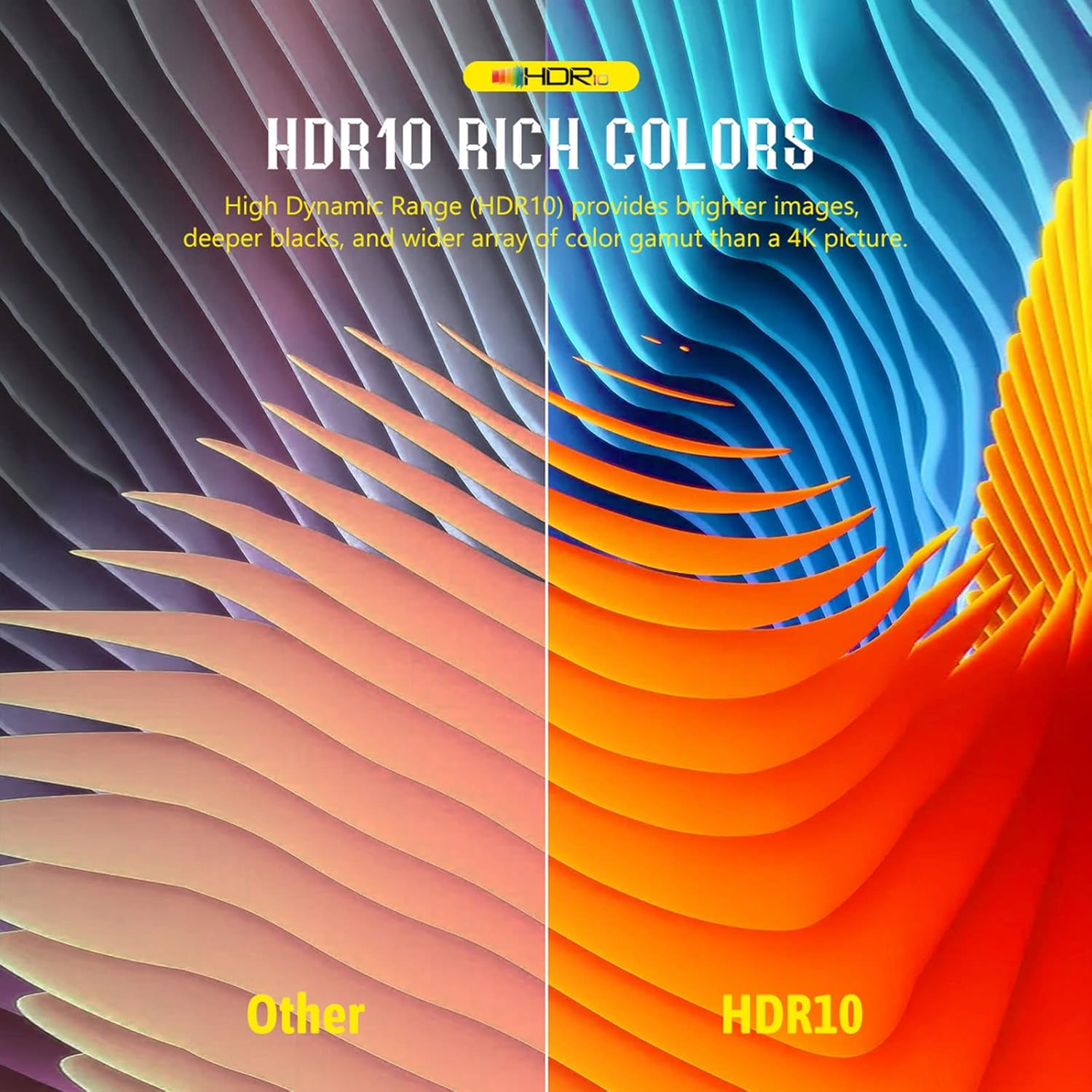
Image: A split image illustrating the difference between standard color representation and HDR10 rich colors, showcasing the enhanced vibrancy, deeper blacks, and brighter images achieved with HDR10+ technology.
اسڪرين مررنگ/ڪاسٽنگ
The device supports mobile phone mirroring and casting technologies like Airplay, DLNA, and Miracast, allowing you to display content from your smartphone or tablet directly on your TV screen.

Image: A user is shown casting content from a smartphone to a television via the Android TV Box, illustrating the interactive screen sharing capabilities for movies, images, music, and games using Airplay, DLNA, and Miracast.
External Device Connectivity
You can connect various external devices to the TV Box:
- USB بندرگاهن: Use the USB 2.0 ports to connect external hard drives (up to 2TB), USB flash drives (up to 128GB via TF card slot), keyboards, mice, or gamepads.
- بلوٽوٽ 5.0: Pair Bluetooth headsets, speakers, remote controls, and gamepads for enhanced audio and control. Bluetooth 5.0 offers higher transmission efficiency and range compared to older versions.
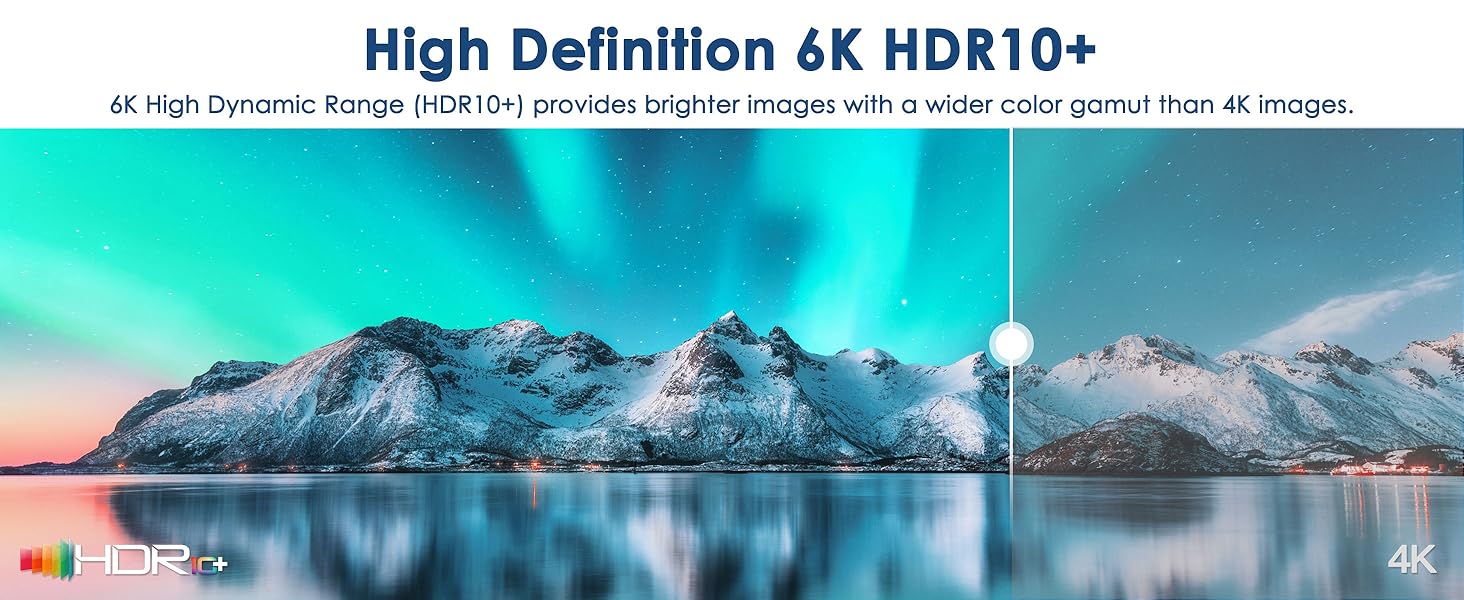
Image: A graphic illustrating the versatility of Bluetooth 5.0 connectivity with the BL T95Z Plus Android TV Box, showing various compatible devices such as smartphones, gamepads, keyboards, headphones, and mice, highlighting improved transmission efficiency and range.
سار سنڀال
- صفائي: Use a soft, dry cloth to clean the exterior of the TV Box. Do not use liquid cleaners or aerosols.
- وينٽيليشن: Ensure the TV Box is placed in a well-ventilated area to prevent overheating. Do not block any ventilation openings.
- سافٽ ويئر اپڊيٽ: The 6K TV Box supports OTA (Over-The-Air) technology, ensuring that the firmware is always up-to-date with the latest features and security enhancements. Regularly check for and install available updates through the system settings.
- اسٽوريج جو انتظام: Periodically clear cache and unnecessary files from applications to maintain optimal performance. The device has 64GB of internal storage and supports expandable storage via TF card (up to 128GB) and a 2TB hard disk.
مشڪلاتون
| مسئلو | ممڪن سبب | حل |
|---|---|---|
| ڪابه طاقت | پاور اڊاپٽر ڳنڍيل نه آهي يا آئوٽ ليٽ خراب آهي. | Ensure the power adapter is securely connected to the TV Box and a working power outlet. Try a different outlet. |
| ٽي وي تي ڪا به تصوير ناهي | HDMI cable loose or incorrect TV input selected. | Check HDMI cable connections. Ensure your TV is set to the correct HDMI input source. Try a different HDMI port on your TV. |
| ريموٽ ڪنٽرول جواب نه ڏئي رهيو آهي | Batteries are dead or remote is not pointed directly at the box. | Replace batteries in the remote control. Ensure there are no obstructions between the remote and the TV Box's IR receiver. Point the remote directly at the device. |
| خراب وائي فائي ڪنيڪشن | Weak signal, interference, or incorrect Wi-Fi password. | Move the TV Box closer to your Wi-Fi router. Ensure no large objects are blocking the signal. Re-enter Wi-Fi password. Consider using an Ethernet cable for a more stable connection. |
| Applications Crashing/Slow Performance | Too many apps running in background, low storage, or outdated firmware. | Close unused applications. Clear app caches. Check for and install system updates (OTA). Consider a factory reset if issues persist (backup data first). |
وضاحتون
| خاصيت | تفصيل |
|---|---|
| ماڊل نالو | T95Z PLUS |
| آپريٽنگ سسٽم | Android 12.0 OS |
| سي پي يو | H618 Quad-core Cortex-A53 |
| جي پي يو | مالي جي 31 |
| رام | 4 جي بي |
| روم | 64 جي بي |
| وسعت وارو اسٽوريج | TF Card (up to 128GB), 2TB Hard Disk |
| وڊيو آئوٽ | 6K@30fps, 4K 3D, HDR10+ |
| وائي فائي | وائي فائي 6 (2.4G/5G) |
| بلوٽوٿ | بلوٽوٿ 5.0 |
| ايٿرنيٽ | 100 ايم |
| بندرگاهن | HDMI, USB 2.0, LAN, Optical Audio, DC Power, AV, TF Card Slot |
| طول و عرض | 4.2 x 4.2 x 0.9 انچ |
| وزن | 3.52 اونس |

تصوير: هڪ اندروني view highlighting the powerful Allwinner H618 chip, detailing its specifications including Quad-core Cortex-A53 CPU, 4GB RAM, 64GB ROM, Multi-core G31 OpenGL ES 3.2 GPU, and support for 6K@30fps video decoding.

Image: A graphic detailing the advanced connectivity features of the BL T95Z Plus, including Wi-Fi 6 with dual-band 2.4G/5G support, 100M Ethernet, and Bluetooth 5.0, ensuring a secure and low-latency network experience.
وارنٽي ۽ سپورٽ
For warranty information and technical support, please refer to the official BL webسائيٽ تي وڃو يا سڌو سنئون انهن جي ڪسٽمر سروس سان رابطو ڪريو. وارنٽي دعوائن لاءِ خريداري جي ثبوت طور پنهنجي خريداري جي رسيد رکو.
آن لائن سپورٽ: جو دورو ڪريو BL Store on Amazon پراڊڪٽ جي معلومات ۽ سپورٽ وسيلن لاءِ.
Ask a question about this manual
Ask about setup, troubleshooting, compatibility, parts, safety, or missing instructions. Manuals+ will review the question and use this page’s manual context to help answer it.