
1. تعارف
Welcome to the instruction manual for your new Fashionit U Speakers Mini Portable Wireless Bluetooth Speaker. This manual provides essential information on how to set up, operate, and maintain your speakers, ensuring optimal performance and longevity. Please read this manual thoroughly before using the product.
2. پيڪيج مواد
پڪ ڪريو ته هيٺ ڏنل سڀئي شيون توهان جي پيڪيج ۾ شامل آهن:
- Two (2) Fashionit U Speakers Mini Portable Wireless Bluetooth Speakers
- One (1) Micro USB to USB Charging Cord
- ھڪڙو (1) استعمال ڪندڙ دستياب
- هڪ (1) وارنٽي ڪارڊ
3. پراڊڪٽ ختمview
The Fashionit U Speakers Mini are compact, portable wireless Bluetooth speakers designed for an active lifestyle. Each speaker features a durable aluminum shell, a magnetic base for versatile placement, a built-in microphone for hands-free calls, and a remote shutter function for taking photos.

Figure 3.1: Fashionit U Speakers Mini in Gold and Rose Gold.
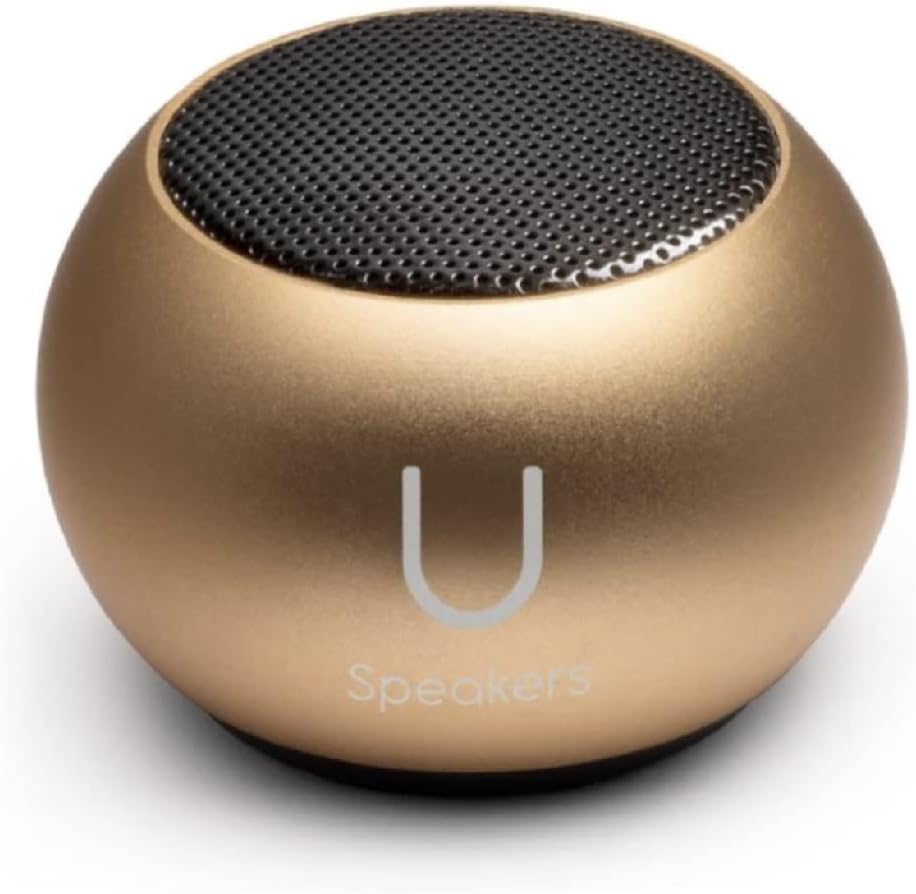
Figure 3.2: A single Fashionit U Speaker Mini, Gold variant.

Figure 3.3: A single Fashionit U Speaker Mini, Rose Gold variant.
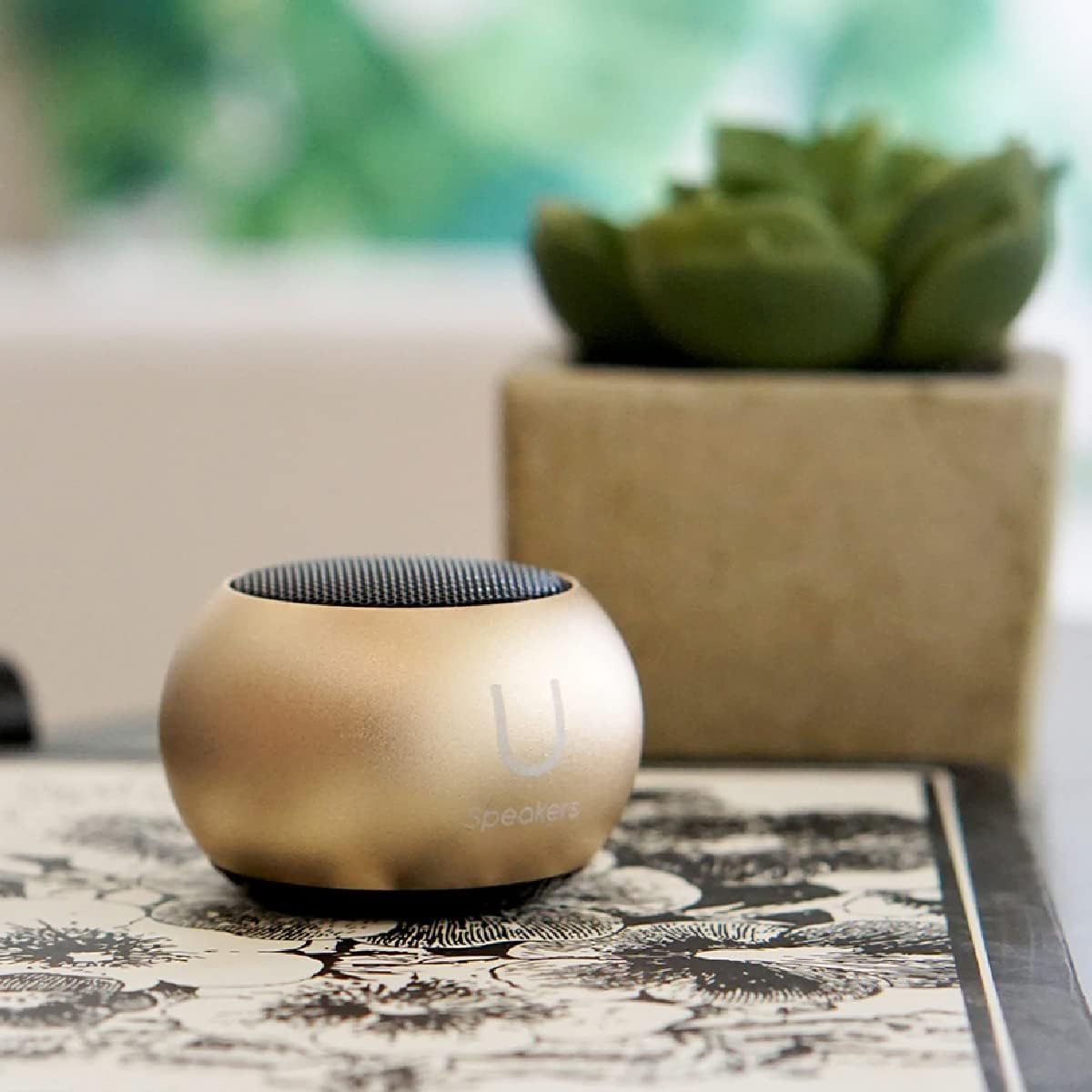
Figure 3.4: The Fashionit U Speaker Mini positioned on a desk, highlighting its compact and portable design.
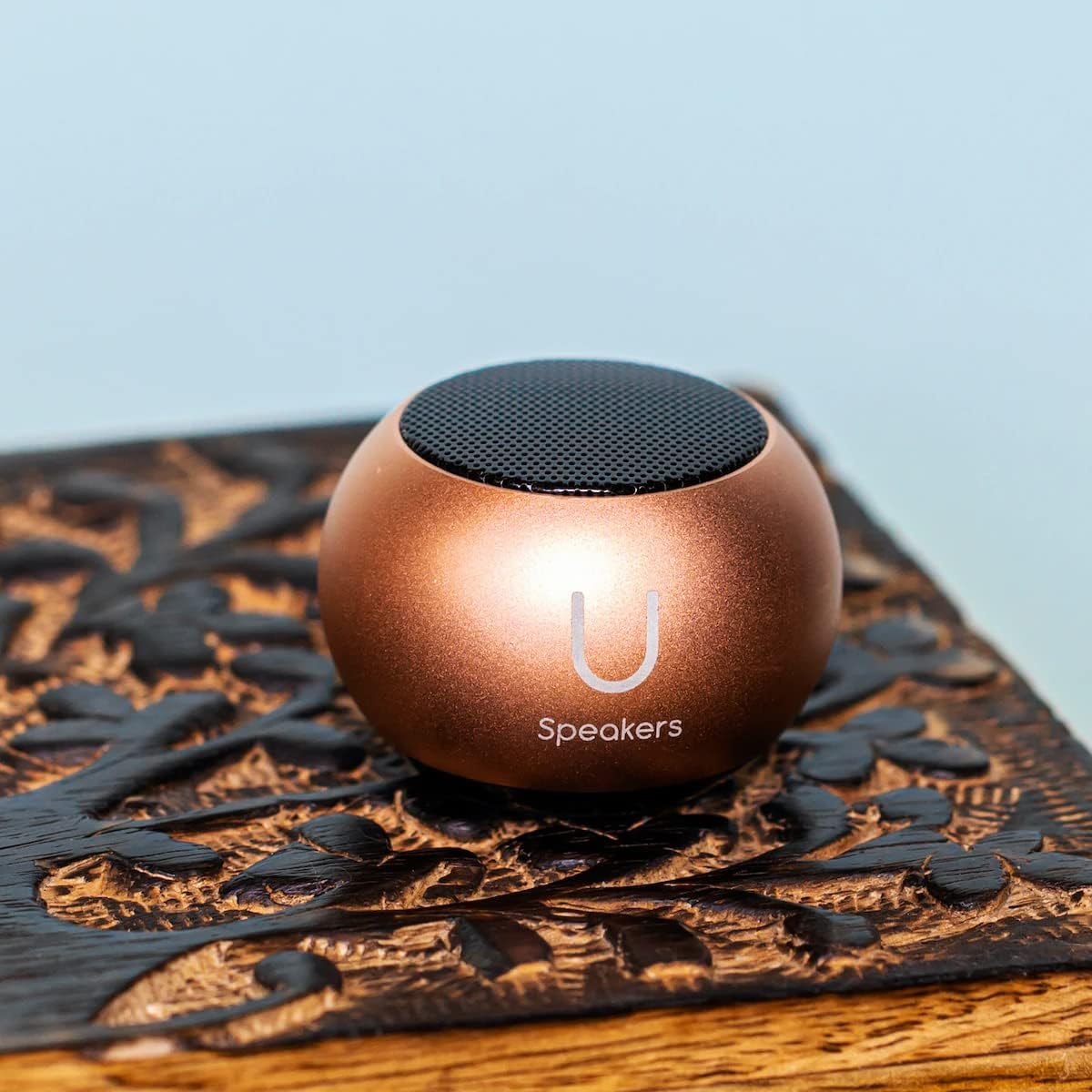
Figure 3.5: The Fashionit U Speaker Mini placed on a decorative wooden surface.

Figure 3.6: Two Fashionit U Speakers Mini demonstrating their magnetic attachment capability on a red vertical surface.
4. سيٽ اپ
4.1 اسپيڪرز کي چارج ڪرڻ
- Locate the Micro USB charging port on the bottom of each speaker.
- Connect the provided Micro USB to USB charging cord to the speaker and a compatible USB power source (e.g., computer, wall adapter).
- LED اشارو چارجنگ دوران روشن ٿيندو ۽ مڪمل چارج ٿيڻ تي بند ٿي ويندو.
- مڪمل چارج 4 ڪلاڪن تائين پلے بیک وقت فراهم ڪري ٿو.
4.2 Initial Bluetooth Pairing (Single Speaker)
- Press and hold the power button on the speaker until you hear an audible prompt and the LED indicator flashes blue, indicating it is in pairing mode.
- پنهنجي ڊوائيس (اسمارٽ فون، ٽيبليٽ، ليپ ٽاپ) تي، بلوٽوٿ کي فعال ڪريو ۽ موجود ڊوائيسز جي ڳولا ڪريو.
- Select "U Speaker" from the list of devices.
- هڪ دفعو ڳنڍيل ٿيڻ کان پوءِ، توهان کي هڪ تصديق وارو آواز ٻڌڻ ۾ ايندو، ۽ LED اشارو مضبوط نيرو ٿي ويندو.
4.3 ٽرو وائرليس اسٽيريو (TWS) پيئرنگ (ٻه اسپيڪر)
To achieve a surround sound experience, you can pair two U Speakers Mini together:
- Ensure both speakers are fully charged and turned off.
- Turn on both speakers simultaneously. They will automatically enter pairing mode.
- Wait for a few seconds; the speakers will automatically connect to each other. You will hear a confirmation tone when TWS pairing is successful. One speaker will act as the master (left channel) and the other as the slave (right channel).
- هاڻي، پنهنجي ڊوائيس کي بلوٽوٿ ذريعي ماسٽر اسپيڪر سان ڳنڍيو جيئن سيڪشن 4.2 ۾ بيان ڪيو ويو آهي.
5. آپريٽنگ هدايتون
5.1 پاور آن/آف
- To Power On: Press and hold the power button until the LED indicator flashes.
- To Power Off: Press and hold the power button until the LED indicator turns off.
5.2 آڊيو پلے بیک
Once connected via Bluetooth, simply play audio from your paired device. Volume control is managed directly through your connected device.
5.3 Selfie Remote Control
The U Speakers Mini can function as a remote shutter for your smartphone camera:
- پڪ ڪريو ته اسپيڪر بلوٽوٿ ذريعي توهان جي اسمارٽ فون سان جوڙيو ويو آهي.
- پنهنجي اسمارٽ فون جي ڪئميرا ايپليڪيشن کوليو.
- Press the power button on the speaker once to trigger the camera shutter and take a photo.
5.4 هٿ کان سواءِ ڪالنگ
With the built-in microphone, you can answer calls directly through the speaker:
- To Answer/End Call: Press the power button once.
- To Reject Call: Press and hold the power button.
5.5 Magnetic Base Functionality
Each speaker is equipped with a magnetic base, allowing it to be securely attached to metallic surfaces. This provides flexible placement options for optimal sound projection.
6. سار سنڀال
- Clean the speakers with a soft, dry cloth. Do not use abrasive cleaners or solvents.
- Keep the speakers away from water, moisture, and extreme temperatures. The product is NOT waterproof.
- جڏهن استعمال ۾ نه هجن ته اسپيڪرن کي ٿڌي، سڪل جاءِ تي رکو.
7. مسئلا حل ڪرڻ
7.1 Speaker Does Not Turn On
- پڪ ڪريو ته اسپيڪر مڪمل طور تي چارج ٿيل آهي. مهيا ڪيل USB ڪيبل استعمال ڪندي ان کي پاور سورس سان ڳنڍيو.
7.2 ڊوائيس سان جوڙي نه ٿو سگهجي
- پڪ ڪريو ته اسپيڪر پيئرنگ موڊ ۾ آهي (چمڪندڙ نيرو LED).
- پڪ ڪريو ته توهان جي ڊوائيس تي بلوٽوٿ فعال آهي ۽ اهو رينج اندر آهي (عام طور تي 10 ميٽر).
- Forget "U Speaker" from your device's Bluetooth list and attempt to re-pair.
7.3 ڪو به آواز يا گهٽ آواز نه
- Increase the volume on both the speaker (if applicable) and your connected device.
- پڪ ڪريو ته اسپيڪر صحيح طرح سان جوڙيل ۽ ڳنڍيل آهي.
- چيڪ ڪريو ته آڊيو ذريعو صحيح طرح هلي رهيو آهي.
7.4 TWS Pairing Fails
- Ensure both speakers are turned off before attempting TWS pairing.
- Turn both speakers on simultaneously and allow them a few seconds to connect to each other before connecting to your device.
8. وضاحتون
| ماڊل نالو | U Speaker |
| برانڊ | فيشنيٽ |
| وائرليس ٽيڪنالاجي | بلوٽوٿ |
| اسپيڪر جو قسم | جزو |
| خاص خصوصيت | Portable, Magnetic Base, Built-in Mic, Selfie Remote |
| مطابقت رکندڙ ڊوائيسز | ڊيسڪ ٽاپ، ليپ ٽاپ، اسمارٽ فون، ٽيبليٽ |
| شين جو تعداد | 2 (Speakers) |
| پيداوار جي ماپ | 45.45mm x 33mm (1.75 "x 1.3") |
| شيءِ جو وزن | 2.46 oz (per speaker) / 8 ounces (total package) |
| بيٽري جي گنجائش | 400 mAh |
| پلے بیک وقت | 4 ڪلاڪ تائين |
| پنروڪ آهي | ڪوڙو |
| رابطي ٽيڪنالاجي | بلوٽوٿ، يو ايس بي |
| آڊيو آئوٽ پٽ موڊ | اسٽيريو، سرائونڊ |
| يو پي سي | 840104308448 |
9. وارنٽي ۽ سپورٽ
The Fashionit U Speakers Mini come with a Limited Warranty. Please refer to the included Warranty Card for detailed terms and conditions. For technical support, troubleshooting assistance, or warranty claims, please contact Fashionit customer service through their official webسائيٽ يا وارنٽي ڪارڊ تي ڏنل رابطي جي معلومات.