
1. تعارف
Thank you for choosing the Mobility Lab ML313139 Ergonomic Wireless Mouse Premium. This manual provides essential information for the proper setup, operation, and maintenance of your new mouse. This ergonomic mouse is designed for comfortable handling and a natural hand position, aiming to reduce tension and improve productivity during extended use.
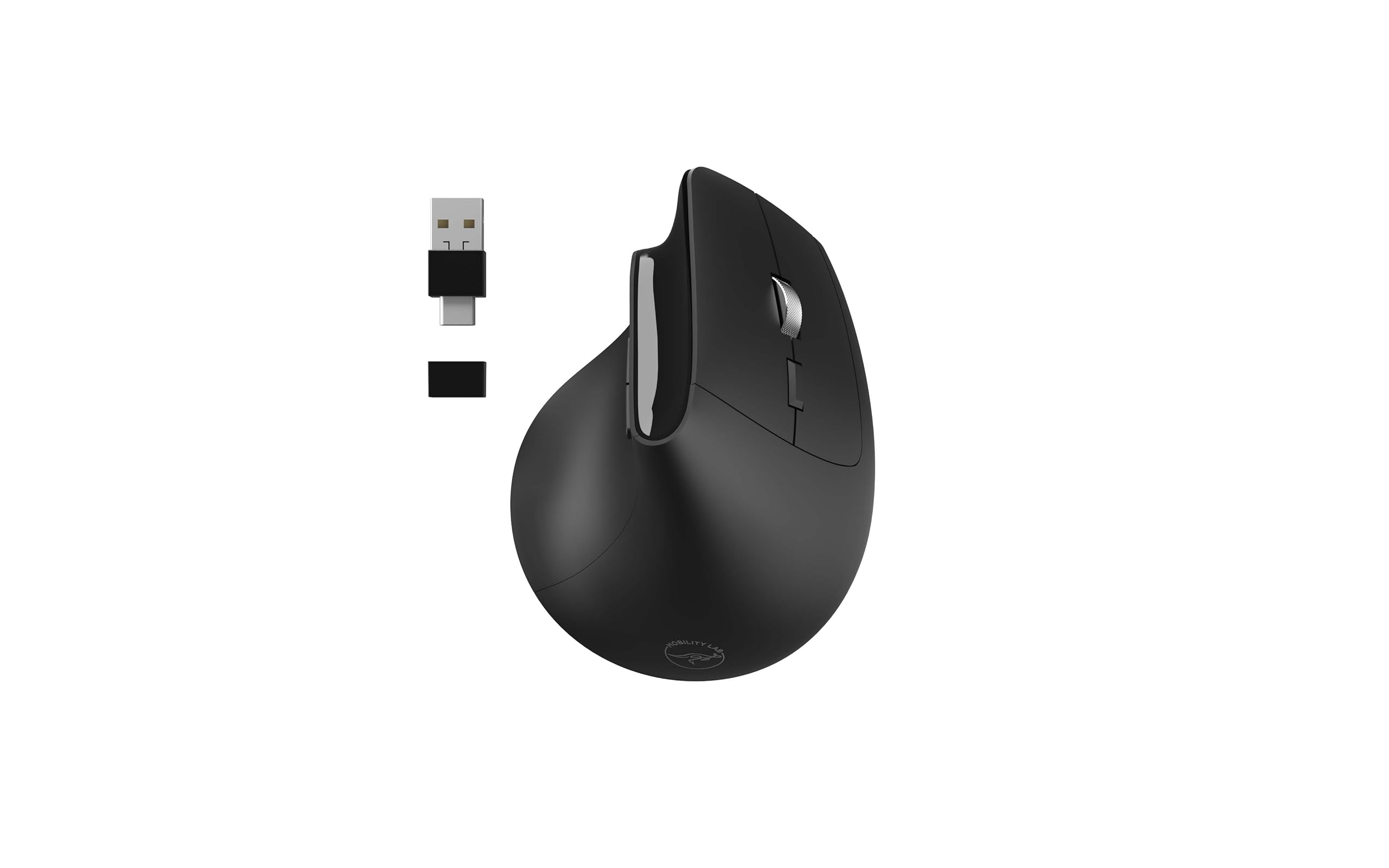
Image 1.1: The Mobility Lab Ergonomic Wireless Mouse Premium, showcasing its vertical design and included USB receiver.
اهم خاصيتون:
- Ergonomic ڊيزائن: Promotes a natural hand position to reduce strain.
- وائرلیس رابطي Operates wirelessly with a range of up to 10 meters for flexible use.
- Dual Receiver: Includes a 2-in-1 USB and USB-C receiver for broad compatibility.
- ترتيب ڏيڻ وارو DPI: Offers adjustable accuracy from 800 to 1600 DPI for precise control.
- خاموش ڪلڪون: Features silent click buttons for a quiet working environment.
- نرم ڇُهندڙ مٿاڇري: Provides a comfortable grip.
- پلگ ۽ راند: No software installation required for immediate use.
- وسيع مطابقت: Compatible with Windows and macOS operating systems.
2. پيڪيج مواد
مھرباني ڪري ھيٺ ڏنل شين لاءِ پيڪيج چيڪ ڪريو:
- Mobility Lab ML313139 Ergonomic Wireless Mouse Premium
- 2-in-1 USB/USB-C Receiver
- استعمال ڪندڙ جو دستياب (ھي دستاويز)
Note: One AA battery is required for operation and is not included in the package.
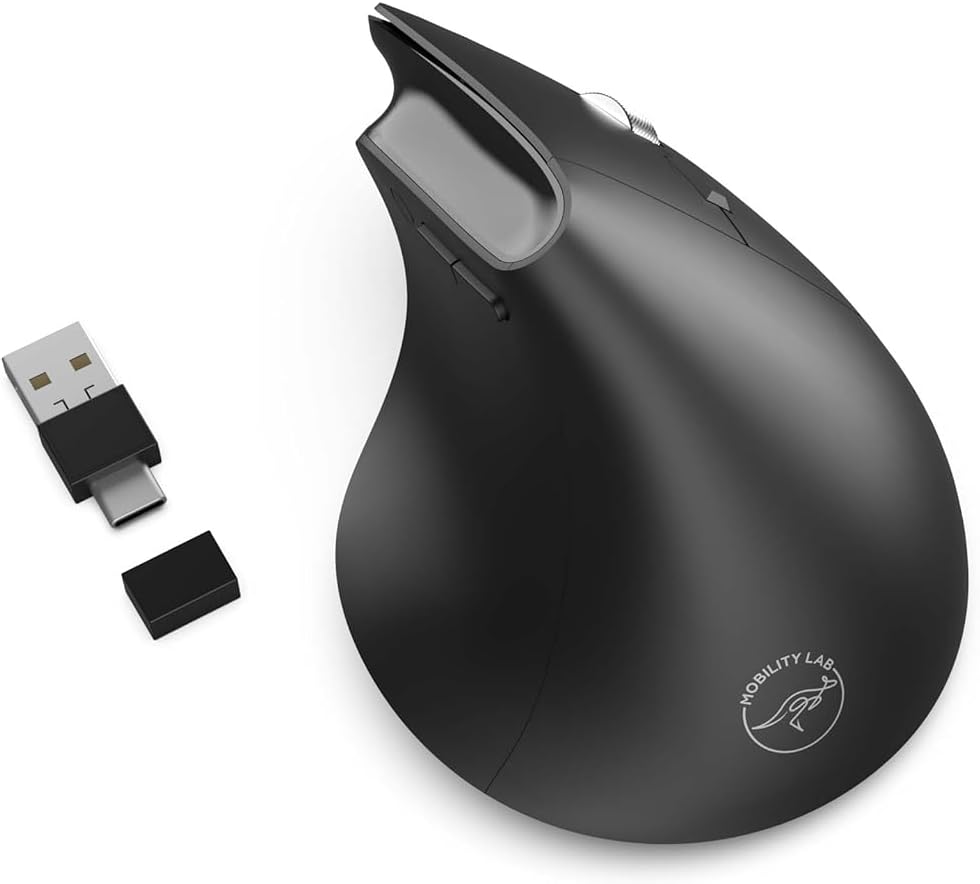
Image 2.1: The ergonomic mouse shown with its versatile USB and USB-C receiver options.
3. سيٽ اپ گائيڊ
3.1. بيٽري لڳائڻ
- مائوس جي هيٺئين پاسي واري بيٽري جي ڪمري کي ڳولھيو.
- بيٽري جي ڪمري واري ڍڪ کي کوليو.
- Insert one AA battery, ensuring the correct polarity (+/-) as indicated inside the compartment.
- بيٽري جي ڪمري واري ڍڪ کي محفوظ طور تي بند ڪريو.
3.2. وصول ڪندڙ کي ڳنڍڻ
- Identify the appropriate port on your computer (USB-A or USB-C).
- Select the corresponding connector on the 2-in-1 receiver.
- Plug the receiver into an available USB-A or USB-C port on your computer.
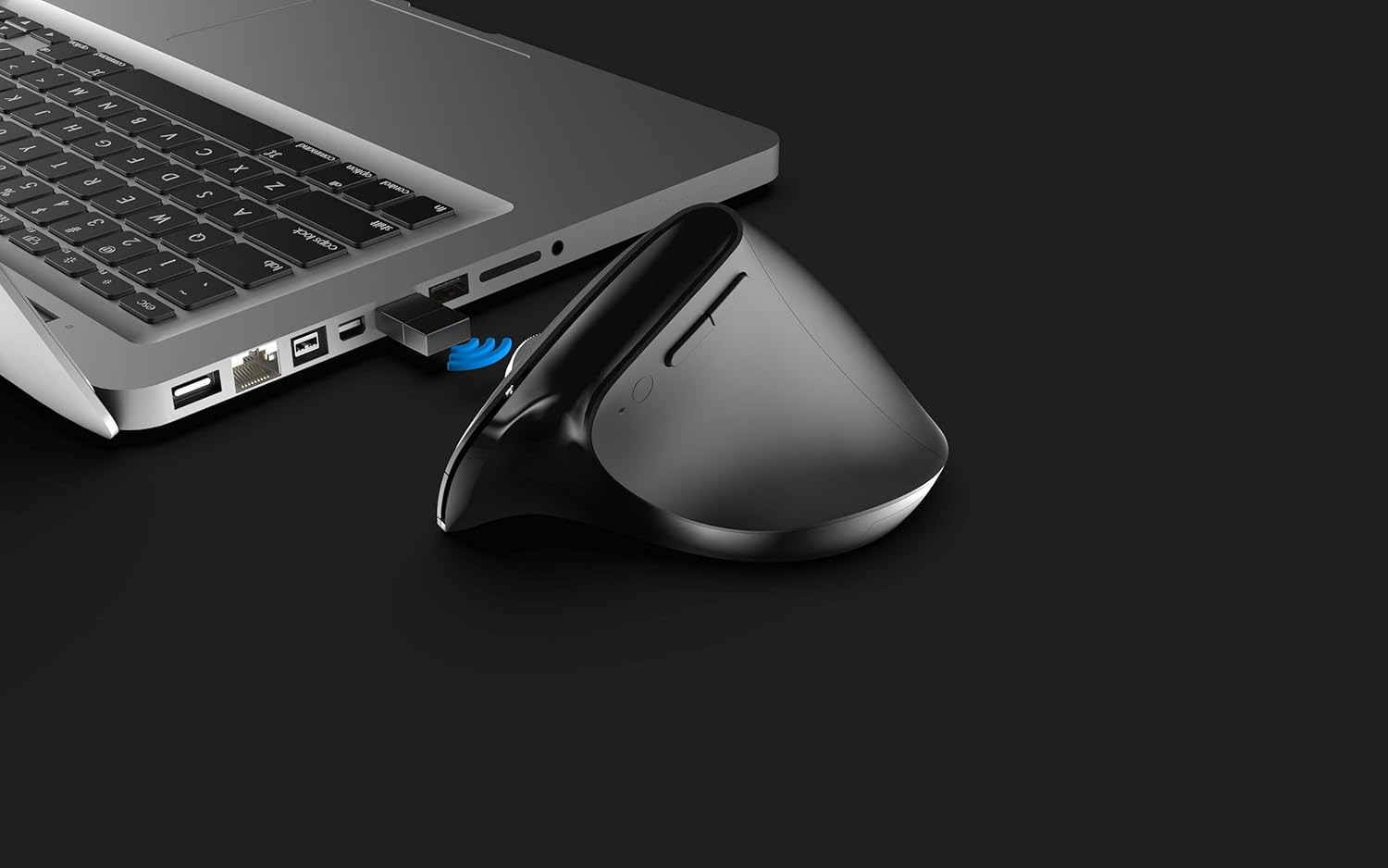
Image 3.1: The ergonomic mouse receiver plugged into a laptop's USB port, indicating wireless connection.
3.3. Initial Use (Plug and Play)
The Mobility Lab ML313139 mouse is designed for plug-and-play functionality. Once the battery is installed and the receiver is connected to your computer, the mouse should be automatically recognized and ready for use without requiring any driver installation.
4. آپريٽنگ هدايتون
4.1. پاور آن/آف
The mouse typically powers on automatically once a fresh battery is inserted and the receiver is connected. To conserve battery life, ensure your computer is turned off or the receiver is unplugged when not in use for extended periods.
4.2. ڊي پي آءِ ايڊجسٽمينٽ
The mouse features adjustable DPI (Dots Per Inch) settings, allowing you to control the cursor speed and sensitivity. The available DPI settings range from 800 to 1600 DPI. To adjust the DPI, locate the DPI button, usually found near the scroll wheel or on the top surface of the mouse. Press this button to cycle through the available DPI settings until you find your preferred cursor speed.

Image 4.1: The ergonomic mouse highlighting its key features, including adjustable DPI and silent clicks.
4.3. Mouse Buttons
The mouse includes standard left and right click buttons, a scroll wheel, and additional navigation buttons (typically 'Previous' and 'Next' for web برائوزنگ يا file navigation) located on the side. All clicks are designed to be quiet for a less disruptive user experience.
4.4. وائرليس رينج
The wireless connection operates reliably within a range of up to 10 meters (approximately 33 feet) from the receiver. Performance may vary depending on environmental factors and obstacles.
4.5. مطابقت
This mouse is fully compatible with devices running Windows and macOS operating systems, including laptops, desktop PCs, and other compatible devices.
5. سار سنڀال
5.1. صفائي
To maintain optimal performance and appearance, clean your mouse regularly. Use a soft, dry, lint-free cloth to wipe the surface. For stubborn dirt, a slightly damp cloth can be used, but ensure no moisture enters the mouse's internal components. Avoid using harsh chemicals or abrasive cleaners.
5.2. بيٽري مٽائڻ
When the mouse's performance degrades or it stops responding, it may be time to replace the AA battery. Follow the battery installation steps outlined in Section 3.1. Dispose of used batteries responsibly according to local regulations.
6. مسئلا حل ڪرڻ
If you encounter issues with your Mobility Lab ML313139 mouse, please refer to the following common solutions:
- مائوس جواب نه ڏئي رهيو آهي:
- پڪ ڪريو ته بيٽري صحيح طرح سان نصب ٿيل آهي ۽ ڪافي چارج آهي. جيڪڏهن ضروري هجي ته تبديل ڪريو.
- Verify that the USB/USB-C receiver is securely plugged into a working port on your computer. Try a different port.
- Move the mouse closer to the receiver to rule out range issues or interference.
- پنهنجي ڪمپيوٽر کي ٻيهر شروع ڪريو.
- ڪرسر جي حرڪت بي ترتيب يا سست آهي:
- مائوس جي هيٺئين پاسي واري آپٽيڪل سينسر کي صاف ڪريو.
- پڪ ڪريو ته توهان مائوس کي مناسب مٿاڇري تي استعمال ڪري رهيا آهيو. تمام گهڻي عڪاسي ڪندڙ يا شفاف مٿاڇريون ٽريڪنگ کي متاثر ڪري سگهن ٿيون.
- Adjust the DPI setting (refer to Section 4.2) to a higher sensitivity if the cursor is too slow.
- وائرليس ڪنيڪشن جا مسئلا:
- Avoid using the mouse near other wireless devices that might cause interference (e.g., Wi-Fi routers, cordless phones).
- پڪ ڪريو ته مائوس ۽ رسيور جي وچ ۾ ڪا به وڏي ڌاتوءَ جي شيءِ نه آهي.
7. وضاحتون
Detailed technical specifications for the Mobility Lab ML313139 Ergonomic Wireless Mouse Premium:
| برانڊ | موبلٽي ليب |
| ماڊل نمبر | ايم ايل 313139 |
| سلسلو | Ergonomic Pro |
| رنگ | ڪارو |
| رابطي ٽيڪنالاجي | Wireless (2.4GHz) via USB/USB-C Receiver |
| تحريڪ جي سڃاڻپ ٽيڪنالاجي | ليزر |
| DPI (Adjustable) | 800 - 1600 ڊي پي آءِ |
| بٽڻ جو تعداد | 2 (plus scroll wheel and side buttons) |
| هٿ جو رخ | ساڄي هٿ |
| طاقت جو ذريعو | 1 x AA بيٽري (شامل نه آهي) |
| وائرلیس رينج | 10 ميٽر تائين |
| مطابقت رکندڙ آپريٽنگ سسٽم | ونڊوز، macOS |
| پيداوار جي ماپ | 11.4 x 8.3 x 6.9 سينٽي |
| شيءِ جو وزن | 99 جي |

Image 7.1: Diagram showing the dimensions of the ergonomic wireless mouse.
8. وارنٽي ۽ سپورٽ
8.1. وارنٽي ڄاڻ
Mobility Lab products are manufactured to high-quality standards. This product is covered by a limited warranty against defects in materials and workmanship. Please refer to the warranty card included with your purchase or visit the official Mobility Lab webتوهان جي علائقي لاءِ مخصوص تفصيلي وارنٽي شرطن ۽ ضابطن لاءِ سائيٽ.
8.2. ڪسٽمر سپورٽ
For technical assistance, troubleshooting, or product inquiries, please contact Mobility Lab customer support. Contact information can typically be found on the official Mobility Lab webسائيٽ تي يا پراڊڪٽ پيڪنگنگ تي.
- آن لائن سپورٽ: Visit the official Mobility Lab webاڪثر پڇيا ويندڙ سوالن، ڊرائيورن، ۽ سپورٽ وسيلن لاءِ سائيٽ.
- اي ميل سپورٽ: ڏانهن رجوع ڪريو website for the appropriate email address.
- فون سپورٽ: چيڪ ڪريو webعلائقائي رابطي جي نمبرن لاءِ سائيٽ.