
1. تعارف
Thank you for choosing the ProMaster Ultrasoft US1014RGB 2-Light Transport Kit. This kit provides two versatile LED light panels designed for photographers and videographers seeking soft, high-quality illumination. The lights feature RGBWW capabilities, variable color temperature, and special effects, all controllable via an intuitive mobile application. This manual provides essential information for the safe and effective operation of your new lighting kit.
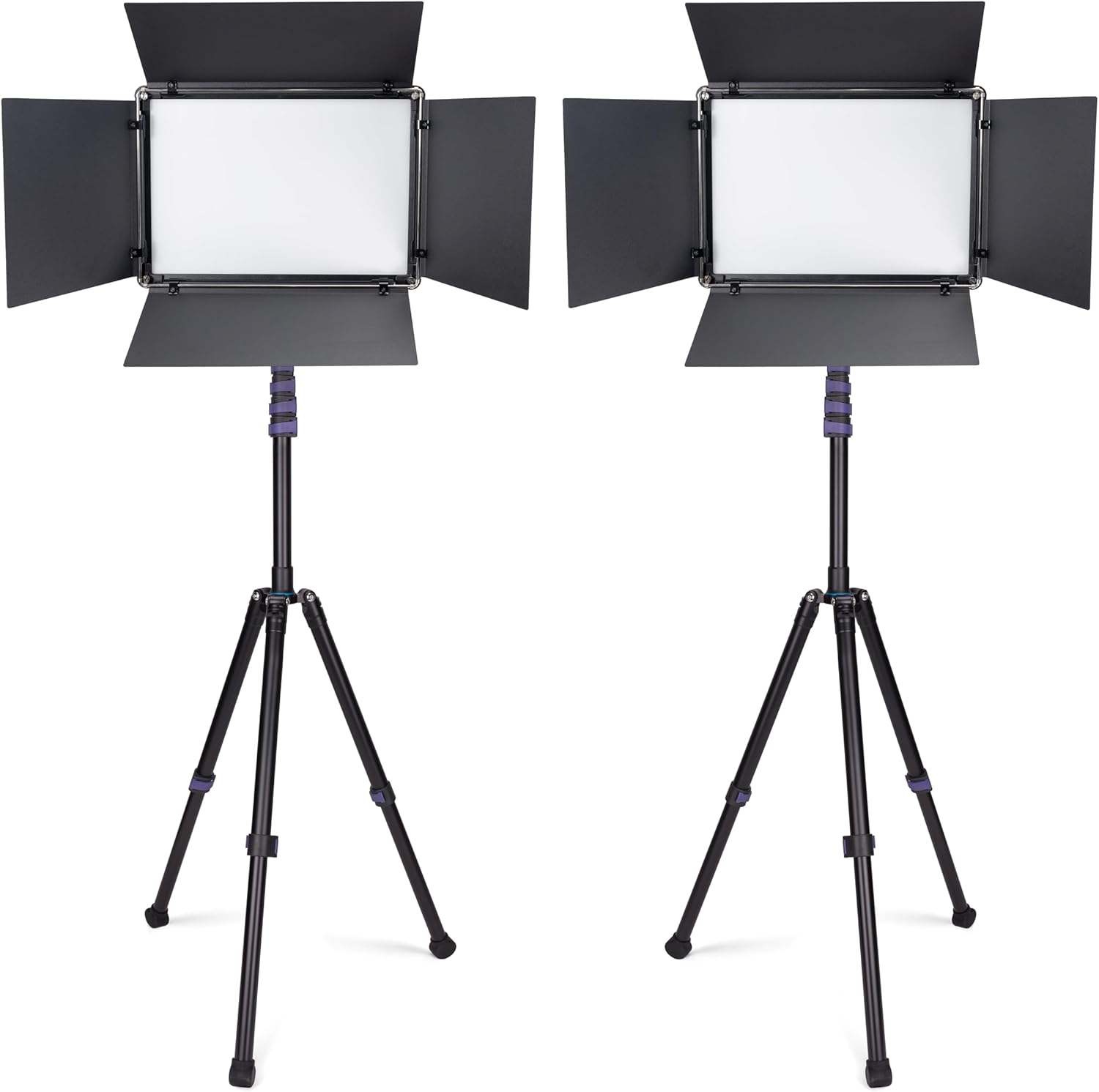
Image 1.1: The ProMaster Ultrasoft US1014RGB 2-Light Transport Kit, showing both LED panels on their respective stands.
2. حفاظت جي ڄاڻ
- Do not expose the lights to water or excessive humidity.
- ايل اي ڊي لائيٽ جي ذريعن سان اکين جي سڌي رابطي کان پاسو ڪريو.
- وڌيڪ گرم ٿيڻ کان بچڻ لاءِ مناسب وائيٽليشن کي يقيني بڻايو وڃي.
- Use only the specified power adapters or compatible NP-F batteries and D-Tap power sources.
- ٻارن جي پهچ کان پري رکو.
- Always secure the light panels firmly to the stands to prevent accidental falls.
- صفائي يا سار سنڀال ڪرڻ کان اڳ بجلي بند ڪريو.
3. پيڪيج مواد
Verify that all items are present in your kit:
- 2 x ProMaster Ultrasoft US1014RGB LED Light Panels
- 2 x LS-CT Light Stands
- 2 x اي سي پاور اڊاپٽر
- 1 x ٽرانسپورٽ ڪيس
4. پراڊڪٽ ختمview
4.1 LED لائيٽ پينل
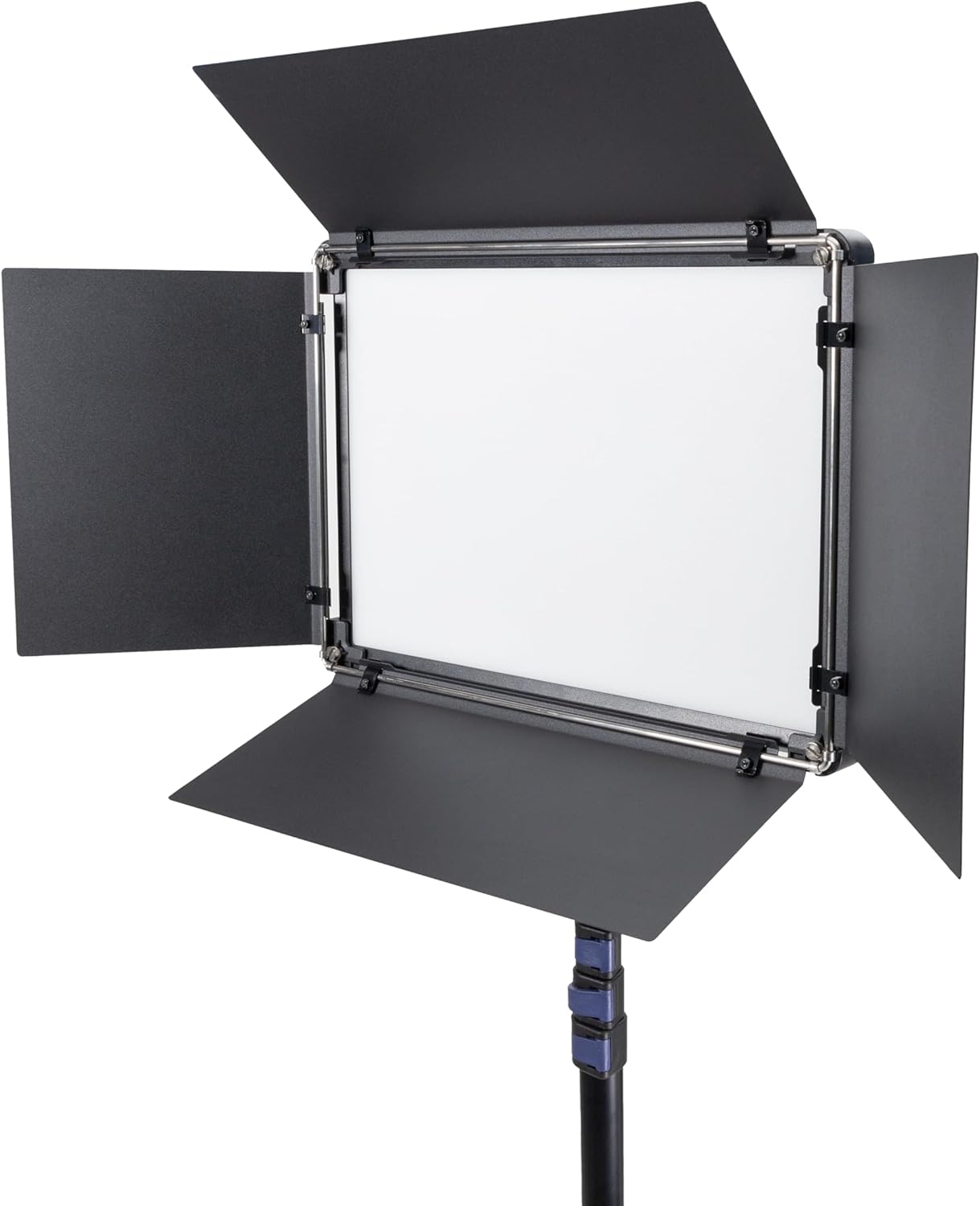
تصوير 4.1: سامهون view of the LED light panel with barn doors.
The Ultrasoft LED panel features an integrated diffuser for soft light output. The attached barn doors allow for light shaping and spill control.
4.2 ڪنٽرول پينل

Image 4.2: Rear control panel of the LED light.
The rear panel includes a display, mode selection buttons (MODE, TEMP, BRT, SAT, HUE, EFX), a control dial, a power switch, and dual NP-F battery mounts. A DC-IN port is also present for AC power or D-Tap input.
4.3 Light Stand

Image 4.3: ProMaster LS-CT Light Stand.
The included LS-CT light stands are compact and provide stable support for the LED panels.
5. سيٽ اپ
5.1 لائيٽ اسٽينڊ کي گڏ ڪرڻ
- Remove the LS-CT light stand from the transport case.
- Extend the legs of the stand until they are fully spread and stable.
- Loosen the locking collars on the stand sections and extend the center column to the desired height. Securely tighten all locking collars.
5.2 Mounting the Light Panel
- Locate the mounting receiver on the bottom of the LED light panel.
- Place the light panel onto the stud at the top of the light stand.
- Tighten the locking knob on the light panel's yoke to secure it to the stand. Adjust the tilt angle as needed and tighten the tilt locking knob.
5.3 Powering the Lights
The US1014RGB light panel offers three power options:
- اي سي پاور: Connect the included AC power adapter to the DC-IN port on the light panel and plug it into a wall outlet.
- اين پي-ايف بيٽريون: Insert two compatible NP-F type batteries (sold separately) into the battery mounts on the rear of the panel. Ensure correct polarity.
- D-Tap: Use a D-Tap cable (sold separately) to connect to a compatible D-Tap power source via the DC-IN port.
6. آپريٽنگ
6.1 پاور آن/آف
Flip the power switch located on the rear control panel to the 'ON' position to power on the light. Flip it to 'OFF' to power off.
6.2 دستي ڪنٽرول
Use the buttons and control dial on the rear panel to adjust settings:
- طرفن: Press to cycle through different operating modes (CCT, RGB, EFX).
- سي سي ٽي موڊ: Use the 'TEMP' button and control dial to adjust color temperature from 2,500K to 8,500K. Use the 'BRT' button and control dial to adjust brightness.
- RGB موڊ: Use the 'HUE', 'SAT', and 'BRT' buttons with the control dial to adjust hue (360 colors), saturation, and brightness.
- EFX Mode: Use the 'EFX' button and control dial to select from 19 special effects scenes. Use the 'BRT' button to adjust brightness of the effect.
6.3 Wireless Control with Light Attendant App

Image 6.1: ProMaster Light Attendant App Interface.
The ProMaster Ultrasoft US1014RGB can be controlled wirelessly using the free Light Attendant app, available for iOS and Android devices.
- Download and install the 'Light Attendant' app from your device's app store.
- Ensure your light panel is powered on.
- Open the app and follow the on-screen instructions to connect to your light panel(s). The app allows for comprehensive control over all light settings, including CCT, RGB, and special effects.
7. سار سنڀال
7.1 صفائي
To clean the light panel and stand, use a soft, dry cloth. For stubborn dirt, a slightly damp ڪپڙو استعمال ڪري سگھجي ٿو، ان کان پوءِ سڪل ڪپڙو. سخت ڪيميڪل يا رگڙيندڙ صاف ڪندڙ استعمال نه ڪريو.
7.2 اسٽوريج
When not in use, store the light kit in its transport case in a cool, dry place, away from direct sunlight and extreme temperatures.
8. مسئلا حل ڪرڻ
| مسئلو | ممڪن سبب | حل |
|---|---|---|
| روشني doesرندي ناهي. | No power, low battery, or power switch off. | Check power connection, replace/charge batteries, ensure power switch is ON. |
| Cannot connect to Light Attendant app. | Bluetooth off, app not paired, or light too far. | Ensure Bluetooth is enabled on device, restart app/light, move closer to light, re-pair in app. |
| روشني جي پيداوار غير مطابقت واري آهي. | گھٽ بيٽري طاقت. | Replace or recharge batteries, or use AC power. |
9. وضاحتون
- ماڊل: يو ايس 1014 آر جي بي
- روشني جو قسم: ايل اي ڊي
- رنگ جي درجه حرارت: 2,500K - 8,500K
- رنگ جي ورڇ: TLCI 98+ / CRI 96+
- RGB موڊ: 360 colors with saturation control
- خاص اثر: 19 منظر
- پاور جا اختيار: AC, NP-F batteries, D-Tap
- وائرليس ڪنٽرول: Light Attendant app (iOS/Android)
- مواد: Plastic, Polypropylene
- Item Weight (per light): Approximately 10 pounds (including stand)
- پيڪيج جي ماپ: 24.09 x 16.93 x 13.27 انچ
10. وارنٽي ۽ سپورٽ
ProMaster products are designed for reliability and performance. For warranty information, technical support, or service inquiries, please refer to the official ProMaster website or contact your authorized ProMaster dealer. Keep your proof of purchase for warranty claims.
وڌيڪ مدد لاءِ، دورو ڪريو: www.promaster.com