
1. تعارف
This manual provides comprehensive instructions for the Andoer Mini Compact Digital Camera. This portable device is designed for capturing 1080P photos and videos, featuring a built-in LCD screen, flash, and rechargeable battery. It is suitable for beginners and casual users seeking a simple and functional camera.
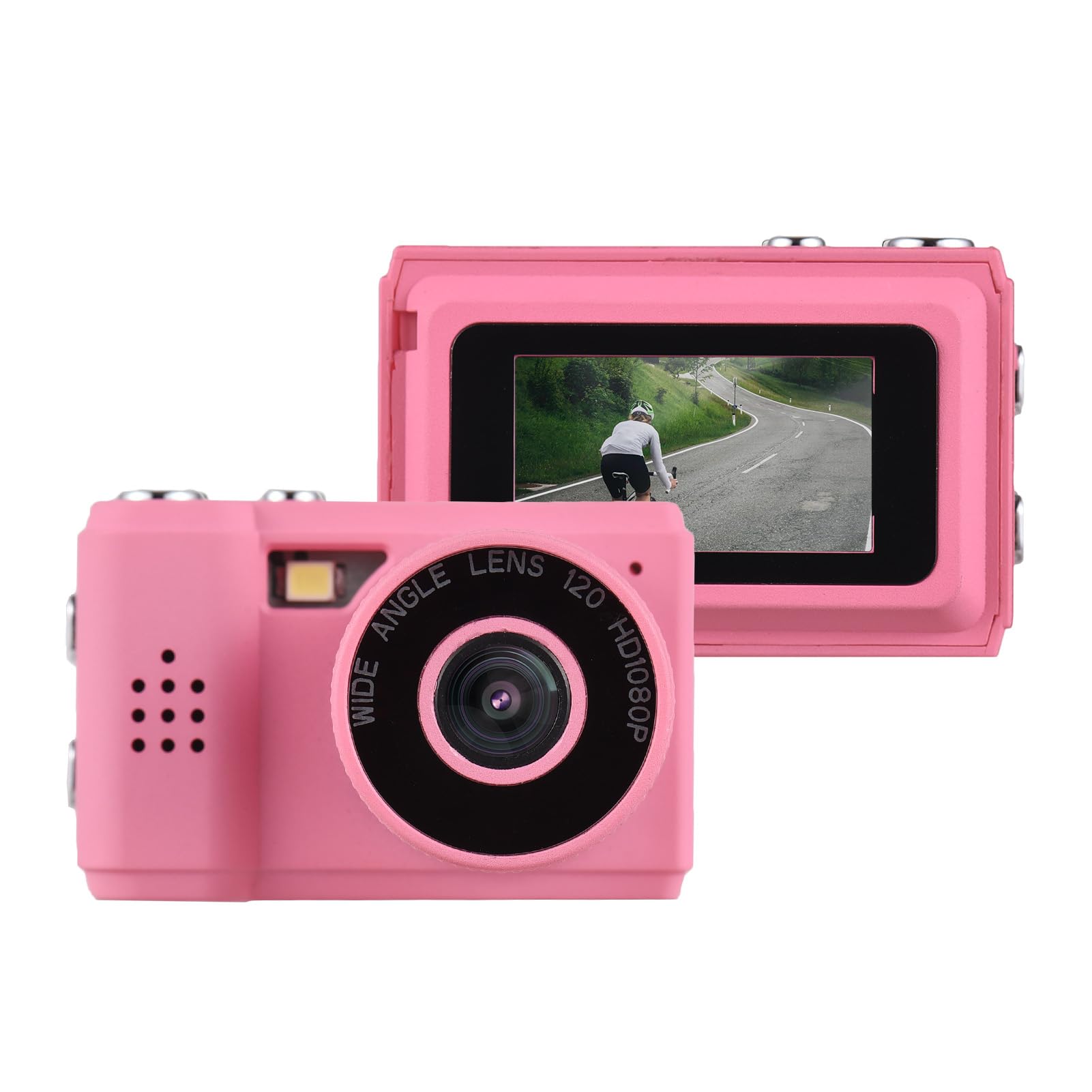
Image: The Andoer Mini Compact Digital Camera, demonstrating its compact size when held in a hand.
2. دٻي ۾ ڇا آهي
پيڪيج کولڻ تي، تصديق ڪريو ته سڀئي جزا موجود آهن:
- ڪئميرا جسم
- Accessories (e.g., USB charging cable, strap)
3. مصنوعات جون خاصيتون
The Andoer Mini Compact Digital Camera offers the following key features:
- Super mini size, with a net weight of only 18g, ensuring portability.
- Capable of capturing both still images and 1080P videos.
- Integrated LCD screen for direct viewتصويرون ۽ وڊيوز جي ڪاپي.
- Built-in flash for improved low-light photography.
- Includes 5 filter effects for creative photo enhancements.
- Built-in rechargeable battery, chargeable via the included USB cable.
4. سيٽ اپ
4.1 بيٽري کي چارج ڪرڻ
The camera is equipped with a built-in rechargeable lithium-ion battery. Before initial use, fully charge the battery.
- Locate the USB charging port on the camera.
- Connect one end of the provided USB charging cable to the camera's port.
- USB ڪيبل جي ٻئي ڇيڙي کي هڪ مطابقت رکندڙ USB پاور سورس سان ڳنڍيو (مثال طور، ڪمپيوٽر USB پورٽ، USB وال اڊاپٽر).
- چارجنگ انڊيڪيٽر لائيٽ چارجنگ دوران روشن ٿيندي ۽ عام طور تي مڪمل چارج ٿيڻ تي بند ٿي ويندي يا رنگ تبديل ڪندي.
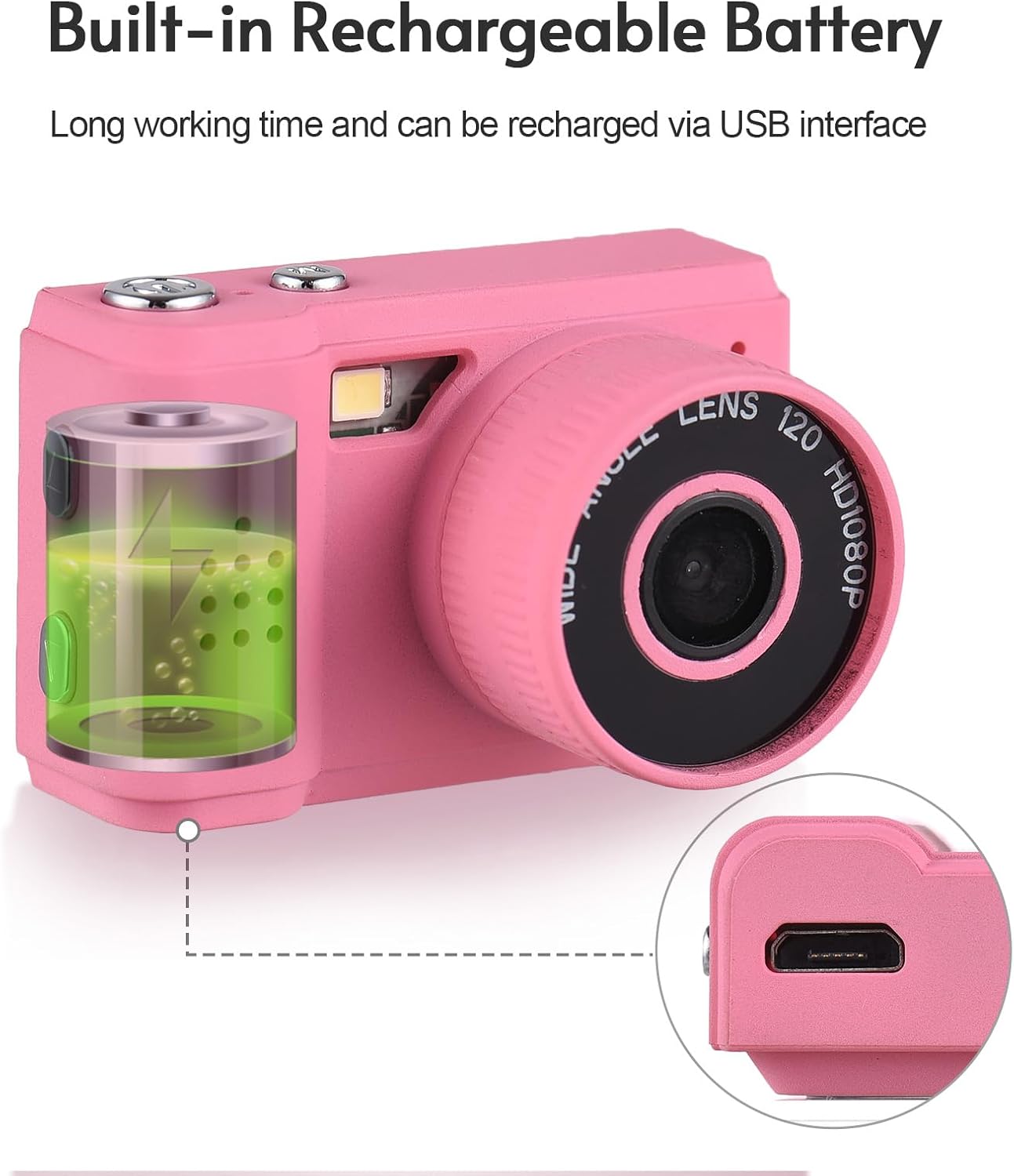
Image: Illustration of the camera's built-in rechargeable battery and the location of the USB charging port.
4.2 مائڪرو ايس ڊي ڪارڊ داخل ڪرڻ
A Micro SD card (not included) is required to store photos and videos. The camera supports Micro SD cards.
- Locate the Micro SD card slot on the camera, usually on the side or bottom.
- Insert the Micro SD card with the metal contacts facing downwards (or as indicated by a diagram near the slot) until it clicks into place.
- ڪارڊ ڪڍڻ لاءِ، ان کي نرميءَ سان اندر دٻايو جيستائين اهو ٻاهر نه اچي.
5. آپريٽنگ هدايتون
5.1 پاور آن/آف
Press and hold the power button (typically located on the top or side) for a few seconds to turn the camera on or off.
5.2 تصويرون ڪڍڻ
- Ensure the camera is in photo mode. This is usually indicated by an icon on the LCD screen.
- Frame your desired shot using the LCD screen.
- Press the shutter button (usually a larger button on the top) to capture the photo.

Image: The camera's rear view, highlighting the LCD screen for framing and reviewشاٽ ڪرڻ.
5.3 رڪارڊنگ وڊيوز
- ڪئميرا کي وڊيو رڪارڊنگ موڊ ۾ تبديل ڪريو.
- Press the record button (often marked with a red dot or video camera icon) to begin recording.
- Press the record button again to stop recording. The camera records videos in 1080P resolution.
5.4 بلٽ ان فليش استعمال ڪندي
The camera features a built-in flash to assist in low-light conditions.
- Access the camera's menu or dedicated flash button to cycle through flash modes (e.g., Auto Flash, Fill Flash, Flash Off).
- Select the appropriate mode based on your lighting environment.

Image: The camera with its built-in flash activated, demonstrating its use in a low-light setting.
5.5 Viewتصويرون ۽ وڊيوز
Toيهر ڪرڻview your captured media:
- Enter playback mode (usually indicated by a play icon).
- Use the navigation buttons (up/down/left/right) to scroll through your photos and videos on the LCD screen.
- Press the 'OK' or 'Play' button to view هڪ وڊيو.
5.6 ڪمپيوٽر سان ڳن Connectڻ
منتقل ڪرڻ fileڪمپيوٽر ڏانهن s:
- پڪ ڪريو ته ڪئميرا فعال آهي.
- مهيا ڪيل USB ڪيبل استعمال ڪندي ڪئميرا کي پنهنجي ڪمپيوٽر سان ڳنڍيو.
- The camera should appear as a removable disk or mass storage device on your computer.
- Open the camera's folder to access and transfer your photos (JPEG) and videos (MJPEG).
6. سار سنڀال
6.1 صفائي
- ڪئميرا جي باڊي کي صاف ڪرڻ لاءِ نرم، سڪل، لِنٽ فري ڪپڙو استعمال ڪريو.
- For the lens and LCD screen, use a specialized lens cleaning cloth and a small amount of lens cleaning solution. Avoid applying liquid directly to the screen or lens.
- گھڙڻ وارا صاف ڪندڙ، محلول، يا سخت ڪيميڪل استعمال نه ڪريو.
6.2 اسٽوريج
- Store the camera in a cool, dry place, away from direct sunlight, high humidity, and extreme temperatures.
- If storing for an extended period, remove the Micro SD card.
6.3 بيٽري جي سنڀال
- Charge the battery regularly, even if the camera is not in frequent use, to help maintain its lifespan.
- Avoid fully discharging the battery frequently, as this can reduce its overall capacity over time.
7. مسئلا حل ڪرڻ
عام مسئلن لاءِ هيٺ ڏنل حلن جو حوالو ڏيو:
7.1 ڪئميرا آن نه ٿي رهيو آهي
- Ensure the battery is sufficiently charged. Connect the camera to a power source using the USB cable and try again.
- Press and hold the power button for a longer duration (5-10 seconds).
7.2 Cannot Take Photos or Record Videos
- Verify that a Micro SD card is inserted correctly.
- Check if the Micro SD card has sufficient free space. Delete unnecessary files or insert a new card if full.
- Ensure the camera is in the correct mode (photo or video).
7.3 خراب تصويري معيار
- Clean the camera lens with a suitable lens cleaning cloth.
- Ensure adequate lighting. Use the built-in flash in low-light conditions.
- Hold the camera steady during capture to prevent blur.
7.4 Files Not Transferring to Computer
- Ensure the USB cable is securely connected to both the camera and the computer.
- Try connecting to a different USB port on your computer or using a different USB cable.
- Verify that the camera is powered on and recognized as a storage device by your computer's operating system.
8. وضاحتون
Detailed technical specifications for the Andoer Mini Compact Digital Camera:
| خاصيت | تفصيل |
|---|---|
| برانڊ | اينڊر |
| ماڊل نالو | ميني |
| ماڊل نمبر | ded11659-e9f8-4b07-a44a-8be1159f3ded |
| فوٽو سينسر قرارداد | 2.1 MP (Total Still Resolution: 2 MP) |
| وڊيو قرارداد | 1080 ص |
| ڊسپلي جو قسم | ايل سي ڊي |
| رابطي ٽيڪنالاجي | USB |
| بيٽري جو قسم | ليٿيم آئن (بلٽ ان) |
| فليش ميموري جو قسم | مائڪرو ايس ڊي |
| حمايت ڪئي File فارميٽ | JPEG (Image), MJPEG (Video) |
| تصوير جي استحڪام | ڊجيٽل |
| شيون طول و عرض (D x W x H) | 1"ڊي x 1.7"ڊي x 1"ايڇ |
| خالص وزن | 18 گرام |
| رنگ | گلابي |
9. وارنٽي
This product is sold without an explicit manufacturer's warranty. For information regarding returns or exchanges, please refer to the return policy of the retailer from whom you purchased this device.
10. سپورٽ
For further assistance, technical support, or any inquiries not covered in this manual, please contact Andoer customer support through their official channels. You may also visit the official Andoer Store on Amazon for additional product information and resources: