
1. پراڊڪٽ ختمview
The Andoer Wireless Security Camera DVR System provides comprehensive surveillance with a 720P wireless camera and a 7-inch LCD monitor. This system supports photo capturing, manual or loop video recording, and offers night vision capabilities for 24/7 monitoring. It is designed for various applications including home, office, warehouse, and shopping mall security.
پيڪيج مواد:
- 1 x Monitor with Battery
- 1 x ڪئميرا
- 2 x پاور اڊاپٽر
- 1 x استعمال ڪندڙ دستياب

تصوير 1.1: مٿيview of the Andoer Wireless Security Camera DVR System, showing the 7-inch LCD monitor and the wireless camera.
2. وضاحتون
Receiver (Monitor) Specifications:
- LCD اسڪرين سائيز: 7 inch TFT LCD Screen
- قرارداد: 1024*600
- ٽرانسميشن فريڪئنسي: 2.4G Digital RF modulation
- وصول ڪرڻ واري حساسيت: -85dBm
- پاور اڊاپٽر: ڊي سي 5V / 1A
- طول و عرض: 20 * 12 * 2 سينٽ
- بيٽري جي گنجائش: 1200mAh (BL-5C)
- ايڊڊٽٽر انٽيپشن: AC100 ~ 240V، 50 / 60Hz
ڪئميرا جي وضاحت:
- تصويري سينسر: 1/4" Omni OV7725 Vision 720P
- عڪسل: 0.6MP
- ٽرانسميشن فريڪئنسي: 2.4G Digital RF modulation
- گھٽ ۾ گھٽ روشني: 0Lux (Infrared LED ON) / 5LUX
- رات جو نظارو فاصلو: 15 ايم
- پاور اڊاپٽر: ڊي سي 5V / 1A
- ايڊڊٽٽر انٽيپشن: AC100 ~ 240V، 50 / 60Hz
عام وضاحتون:
- رابطي ٽيڪنالاجي: وائرليس
- وڊيو ڪيپچر جو حل: 720 ص
- خاص خاصيتون: Image Sensor, Night Vision, Wireless
- ياداشت رکڻ جي گنجائش: Supports up to 32 GB TF memory cards (not included)
- طاقت جو ذريعو: تار ٿيل برقي
- شيء جو وزن: 2.19 پائونڊ
- پيڪيج جي ماپ: 13.19 x 9.25 x 3.07 انچ
3. سيٽ اپ ۽ تنصيب
The Andoer Wireless Security Camera System is designed for easy installation without complex wiring. Follow these steps to set up your system:
3.1 Powering the System
- ڪئميرا پاور: Connect the camera to a continuous power source using the provided power adapter. The camera requires constant power for operation.
- مانيٽر پاور: Connect the monitor to a power source using its dedicated power adapter. The monitor includes a rechargeable battery (1200mAh BL-5C) for portable use, but it should be charged before first use and for extended operation.

Image 3.1: The wireless camera connected to its power adapter, illustrating the continuous power requirement.
3.2 ڪئميرا لڳائڻ
The camera features a mounting base for secure placement. Choose a suitable location for optimal surveillance coverage. Ensure the camera is within the 30M transmission range of the monitor for stable signal.

تصوير 3.2: پوئتي view of the wireless camera, showing the mounting base for installation.
3.3 مانيٽر لڳائڻ
The 7-inch LCD monitor comes with a backside stand for convenient tabletop placement. Position the monitor in a location where you can easily view the surveillance feed.
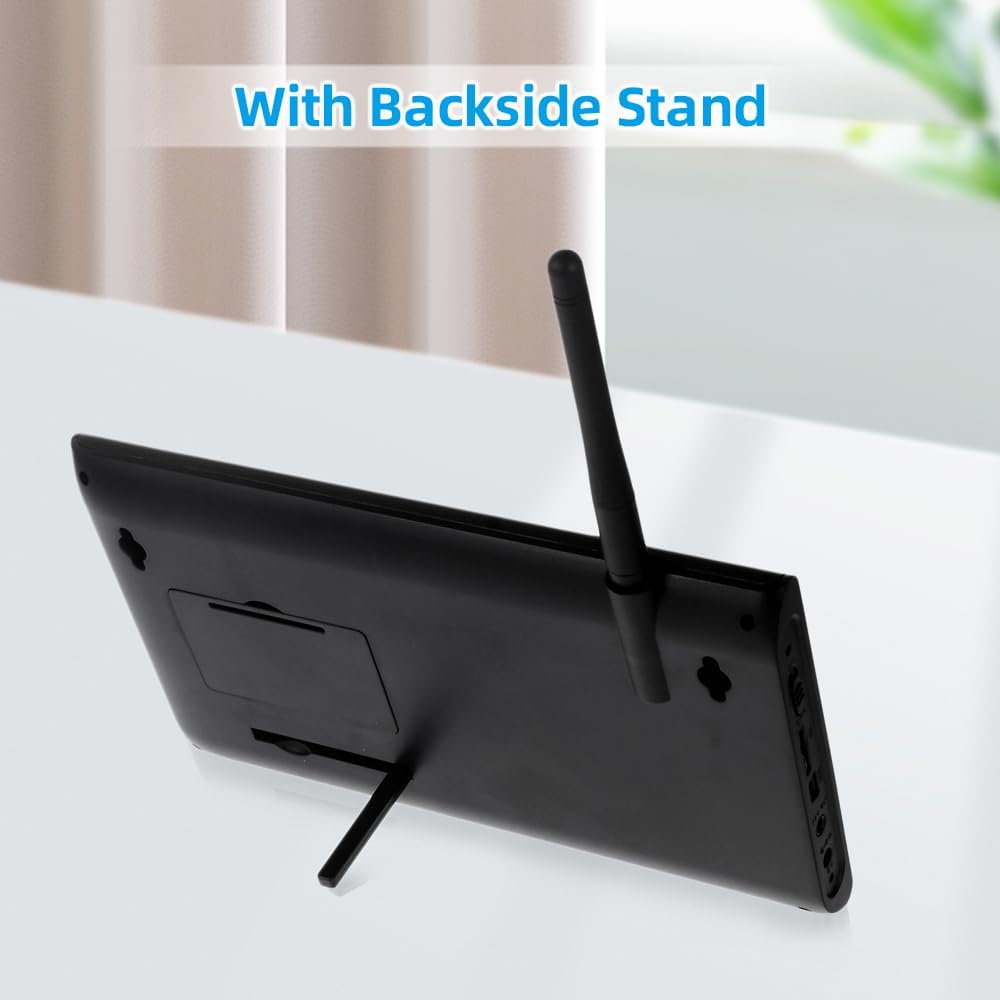
Image 3.3: The 7-inch LCD monitor with its integrated backside stand, ready for desktop use.
4. آپريٽنگ هدايتون
Once the system is powered on, the monitor will automatically connect to the camera(s). Familiarize yourself with the monitor controls for optimal use.
4.1 Monitor Controls and Display
The 7-inch LCD monitor provides a clear view of the camera feed. Use the buttons on the side of the monitor to navigate menus and control functions.

Image 4.1: The 7-inch LCD monitor displaying a multi-view layout from connected cameras.
4.2 Video Recording and Photo Capturing
The system supports recording video and capturing photos. Insert a TF memory card (up to 32GB, not included) into the monitor's slot to enable storage. You can choose between manual recording or continuous loop recording modes via the monitor's menu.
4.3 Night Vision Functionality
The camera is equipped with IR lights for automatic night vision, providing clear surveillance even in low-light or complete darkness up to 15 meters. This ensures continuous protection for your property 24/7.

Image 4.2: Illustration of the camera's night vision capability, showing infrared illumination in a dark environment.
4.4 Expandable Viewing اختيارن
The system can support up to 4 cameras (additional cameras sold separately). The 7-inch LCD monitor offers flexible viewing modes: single camera view, split-screen view (2 cameras), or quad-view (4 cameras) to monitor multiple areas simultaneously.
5. سار سنڀال
مناسب سار سنڀال توهان جي سيڪيورٽي سسٽم جي ڊگهي عمر ۽ بهترين ڪارڪردگي کي يقيني بڻائي ٿي.
5.1 صفائي
- Gently wipe the camera lens and monitor screen with a soft, dry cloth.
- Avoid using harsh chemicals or abrasive cleaners, as they can damage the surfaces.
5.2 موسم جي حفاظت
The camera features a weatherproof design, making it suitable for outdoor use. However, for extreme weather conditions, consider additional protective measures to extend its lifespan.
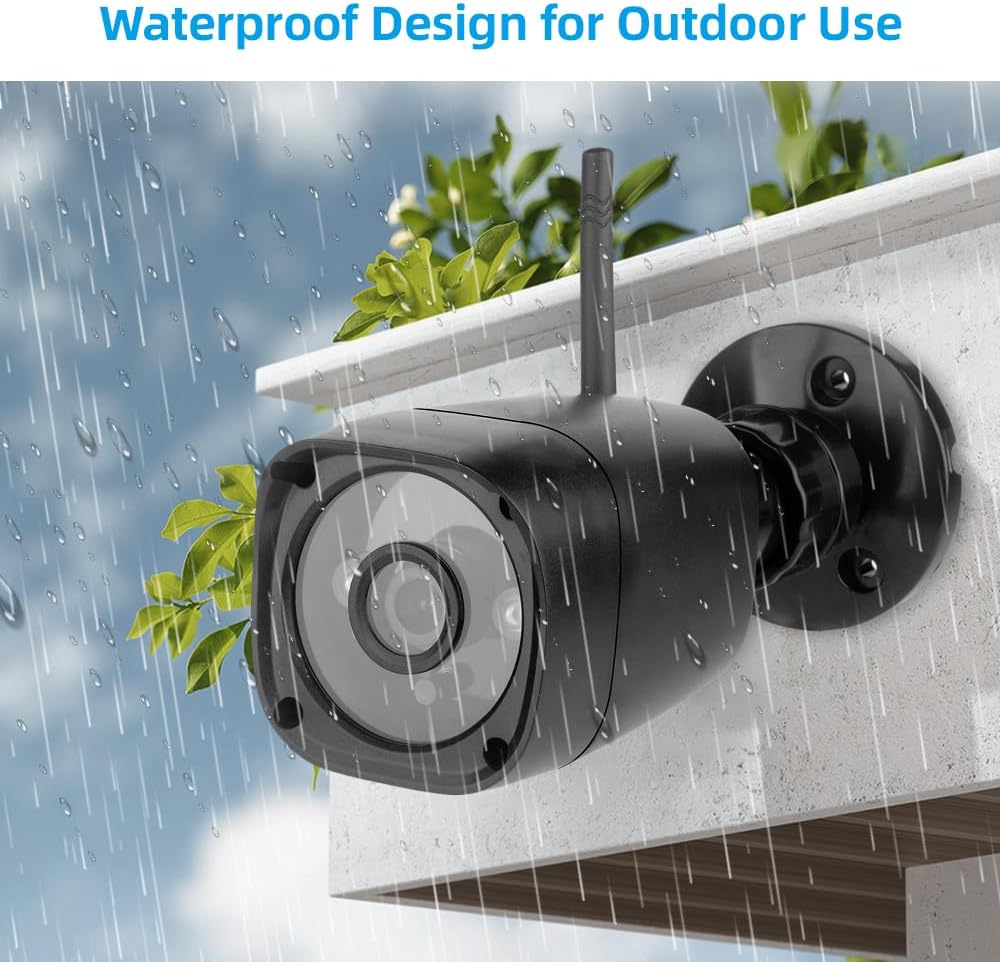
Image 5.1: The weatherproof design of the wireless camera, suitable for outdoor installation.
5.3 اسٽوريج
If storing the system for an extended period, ensure both the camera and monitor are powered off and stored in a cool, dry place.
6. مسئلا حل ڪرڻ
If you encounter issues with your Andoer Wireless Security Camera DVR System, refer to the following common troubleshooting steps:
- طاقت ناهي: Ensure both the camera and monitor are properly connected to their respective power adapters and that the power outlets are functional. Check the monitor's battery level if operating wirelessly.
- مانيٽر تي ڪا به تصوير ناهي: Verify that the camera is powered on and within range of the monitor. If multiple cameras are used, cycle through the viewing modes (single, split, quad) to ensure the correct camera is selected.
- خراب تصويري معيار: Check for obstructions in front of the camera lens. Ensure the camera lens is clean. Adjust the camera's position for better signal reception.
- رڪارڊنگ جا مسئلا: Confirm that a compatible TF memory card is inserted and has sufficient free space. Check the recording settings in the monitor's menu.
- وقفي وقفي سان سگنل: Reduce the distance between the camera and the monitor. Remove any large metallic objects or other wireless devices that may cause interference.
7. وارنٽي ۽ سپورٽ
For warranty information or technical support, please refer to the documentation included with your purchase or contact Andoer customer service. You can also visit the official Andoer store for more product information and support resources.
Andoer Store: https://www.amazon.com/stores/Andoer/page/080F79BB-D5B8-4281-8969-5313BC4DDC64