
1. تعارف
Thank you for choosing the CHONCHOW G221 Wireless Gaming Keyboard. This keyboard is designed for an optimal gaming and office experience, featuring stable 2.4GHz wireless connectivity, a long-lasting rechargeable battery, customizable RGB backlighting, and an ergonomic, durable design. This manual provides detailed instructions for setup, operation, maintenance, and troubleshooting to ensure you get the most out of your device.

Image: The CHONCHOW G221 Wireless Gaming Keyboard showcasing ان جي متحرڪ RGB روشني.
2. سيٽ اپ
2.1 پيڪيج مواد
- CHONCHOW G221 Wireless Gaming Keyboard
- USB رسيور (2.4GHz)
- USB قسم-سي چارجنگ ڪيبل
- استعمال ڪندڙ دستي
2.2 ڪي بورڊ کي ڳنڍڻ
The G221 keyboard supports both 2.4GHz wireless and wired USB connections.
وائرليس ڪنيڪشن (2.4GHz)
- Locate the USB receiver. It is typically stored in a compartment on the keyboard or included separately in the packaging.
- Plug the USB receiver into an available USB port on your computer or game console.
- Turn on the keyboard using the power switch (usually located on the back or side of the keyboard).
- The keyboard should automatically connect to the receiver. No drivers are required for basic functionality.

Image: The CHONCHOW G221 keyboard emphasizing its 2.4GHz wireless capability.
وائرڊ ڪنيڪشن
Connect the keyboard to your device using the provided USB Type-C cable. The keyboard will function in wired mode and charge simultaneously.
2.3 مطابقت
The CHONCHOW G221 keyboard is widely compatible with various operating systems and gaming platforms:
- آپريٽنگ سسٽم: Windows 10, Windows 8, Windows 7, Windows XP, Windows VISTA, macOS 10.12 Sierra and above.
- گيمنگ ڪنسولز: PS4, PS5, Xbox (compatibility depends on individual game software).
Important Note for Console Gaming: While the keyboard hardware is compatible with consoles like PS4 and PS5, its functionality in games depends on whether the specific game software supports keyboard and mouse input. Before purchasing or using for console gaming, please verify within the game's settings if controls can be changed to keyboard and mouse input. If the game itself does not support this input method, the keyboard will likely not function for gameplay.

Image: The CHONCHOW G221 keyboard displaying its broad compatibility with various operating systems.
3. آپريٽنگ هدايتون
3.1 پاور آن/آف ۽ موڊ سوئچنگ
Use the power switch on the keyboard to turn it on or off. When connected via USB cable, the keyboard automatically operates in wired mode and charges.
3.2 آر بي جي بائيٽ لائٽنگ
The G221 features customizable RGB backlighting with 16.78 million colors. You can adjust the lighting effects to enhance your gaming or work environment.
- روشني جا طريقا: Choose from 3 distinct lighting modes.
- روشني جي ترتيب: Adjust the brightness to your preference.
- Breathing Light Intensity: The intensity of the breathing light effect can be freely adjusted.
- Turn Off Lighting: Lighting effects can be turned off completely if desired.
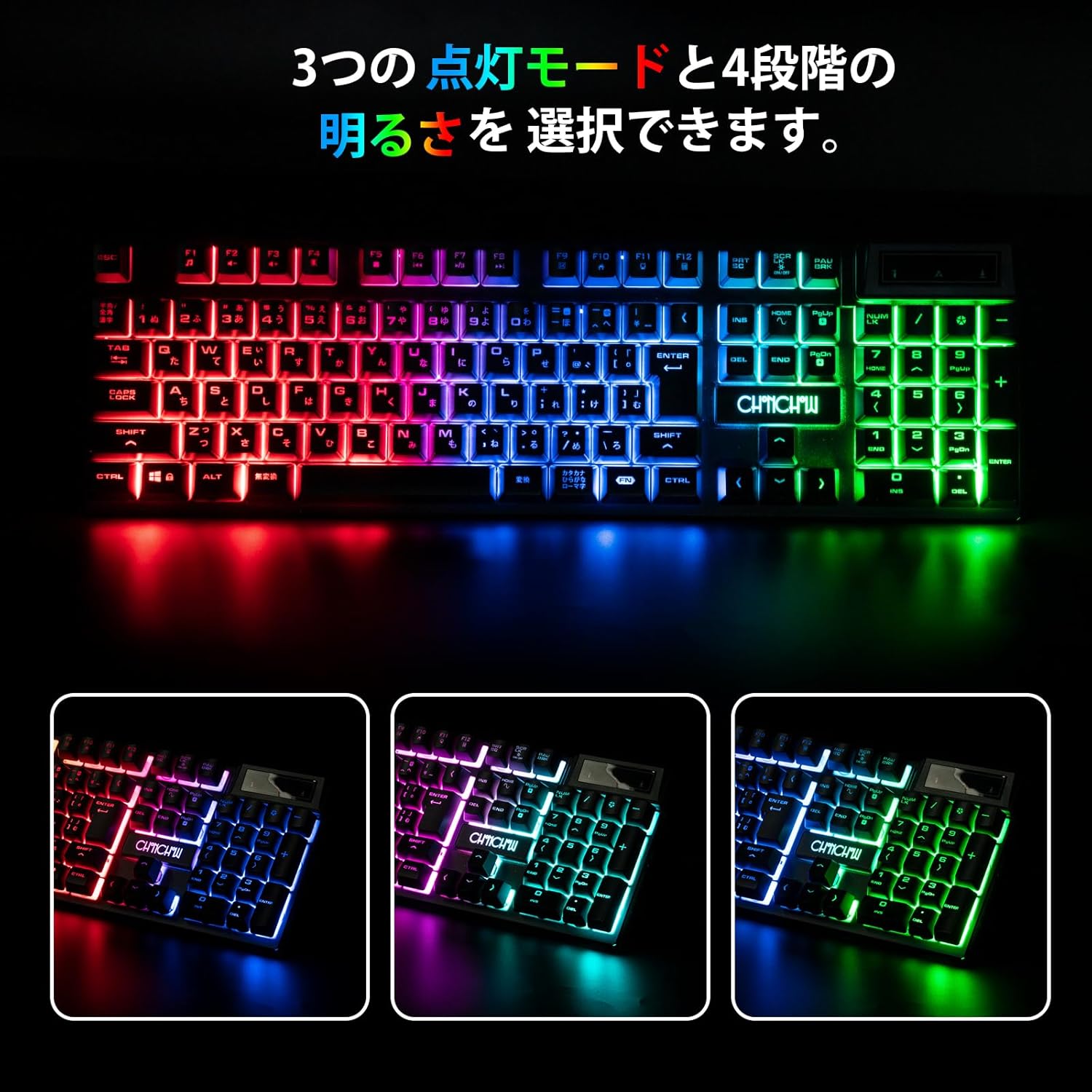
Image: The CHONCHOW G221 keyboard illustrating its three distinct RGB lighting modes.
3.3 Battery and Power Saving
The keyboard is equipped with a 2500mAh rechargeable battery and a power-saving chip to maximize battery life.
- واڌ واري موڊ After 3 minutes of inactivity, the keyboard enters standby mode.
- سمهڻ جو طريقو: 5 منٽن جي غير فعال ٿيڻ کان پوءِ، ڪيبورڊ ڊيپ ننڊ موڊ ۾ داخل ٿئي ٿو.
- اُٿ: Press any key to wake the keyboard from standby or deep sleep mode.
- چارج ڪرڻ: Use the provided Type-C cable to charge the keyboard. It can be used while charging.

Image: The CHONCHOW G221 keyboard highlighting its 2500mAh battery and power-saving capabilities.
4. سار سنڀال
4.1 صفائي
The CHONCHOW G221 keyboard is designed for easy maintenance:
- Removable Keycaps: The keycaps can be removed for convenient cleaning.
- پنروڪ ڊيزائن: The keyboard features three drainage holes and is made with waterproof and dustproof materials. In case of accidental spills, simply wipe off the liquid.
4.2 پائيداري
Constructed from high-quality ABS material, the keyboard offers excellent durability and wear resistance, designed to withstand tens of millions of keystrokes. The key legends are designed not to fade even after long-term use.

Image: Close-up of the CHONCHOW G221 keyboard keys, highlighting the durable ABS material.
5. مسئلا حل ڪرڻ
5.1 Connection or Wake-up Issues
If your keyboard is unresponsive, the backlight lights up for a few seconds and then turns off, or the battery is not charging, the USB receiver may have lost its pairing due to factors like long-term transportation or high temperatures. Follow these steps to re-establish the connection:
- Turn off the keyboard (if it's on).
- Unplug the USB receiver from your device.
- ڪيبورڊ تي، دٻايو ۽ رکو اي ايس سي چاٻي ۽ K key simultaneously for 3 seconds. The indicator light on the keyboard should start flashing.
- Reinsert the USB receiver into your device.
- Wait for approximately 3 seconds. The indicator light on the keyboard should turn off.
- Press any key on the keyboard to wake it up and test its functionality. You can also enable the backlight to confirm it's working.
5.2 عام مسئلا حل ڪرڻ جا طريقا
- پڪ ڪريو ته ڪيبورڊ مڪمل طور تي چارج ٿيل آهي.
- Verify the USB receiver is securely plugged into your device.
- ڪوشش ڪريو USB وصول ڪندڙ کي مختلف USB پورٽ ۾ پلگ ان ڪرڻ.
- Restart your computer or game console.
- پڪ ڪريو ته ٻيا وائرليس ڊوائيس مداخلت جو سبب نه بڻجن.
6. وضاحتون
| برانڊ | چونچو |
| ماڊل | جي 221 |
| رابطي ٽيڪنالاجي | 2.4GHz Wireless (via USB receiver), Wired (USB Type-C) |
| مطابقت رکندڙ ڊوائيسز | PC, Game Consoles (PS4, PS5, Xbox - game software dependent) |
| آپريٽنگ سسٽم مطابقت | Windows 10, 8, 7, XP, VISTA; macOS 10.12 Sierra+ |
| ڪي بورڊ لي آئوٽ | QWERTY (106 keys) |
| سوئچ جو قسم | جھلي |
| مواد | اعلي معيار ABS |
| بيٽري جي گنجائش | 2500mAh |
| خاص خاصيتون | Ergonomic Design, RGB Backlit (16.78M colors, 3 modes), Hotkeys & Media Keys, Rechargeable, Waterproof, Dustproof, Removable Keycaps |
| شامل اجزاء | USB ڪيبل |
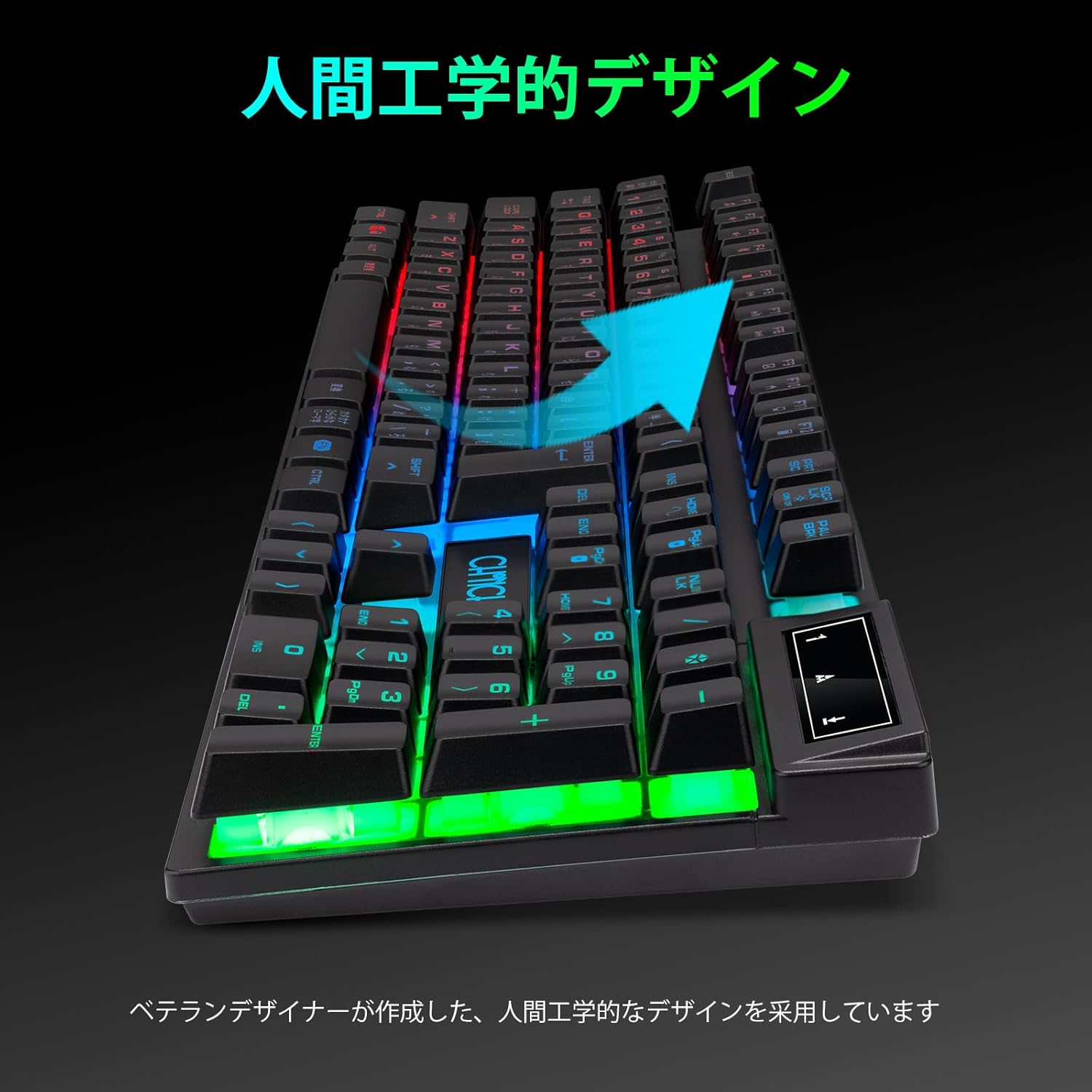
Image: The CHONCHOW G221 keyboard highlighting its ergonomic design for comfortable use.
7. وارنٽي
The CHONCHOW G221 Wireless Gaming Keyboard comes with a ٺاهيندڙ جي خرابين جي خلاف 1 سال وارنٽي from the date of purchase. Please retain your proof of purchase for warranty claims. This warranty does not cover damage caused by misuse, accident, unauthorized modification, or normal wear and tear.
8. سپورٽ
If you encounter any issues not covered in this manual or require further assistance, please contact CHONCHOW customer support. You can typically find contact information on the product packaging or the official CHONCHOW webسائيٽ.
For the latest information and support, please visit the official CHONCHOW webسائيٽ: www.chonchow.com (Note: This is a placeholder link. Please replace with the actual support URL جيڪڏهن دستياب هجي.)