
1. تعارف
This manual provides detailed instructions for the Varmilo Sword68 Sakura 65% Hotswap Wireless RGB Mechanical Keyboard. Please read this manual thoroughly before using the product to ensure proper operation and to maximize its lifespan. This keyboard features a full 6063 aluminum CNC case, multiple connectivity options, hot-swappable switches, and customizable RGB lighting.
2. حفاظت جي ڄاڻ
- Keep the keyboard away from liquids and excessive moisture to prevent damage.
- ڪيبورڊ کي انتهائي گرمي پد تي بي نقاب ڪرڻ کان پاسو ڪريو.
- ڪيبورڊ کي ڌار ڪرڻ يا تبديل ڪرڻ جي ڪوشش نه ڪريو، ڇاڪاڻ ته اهو وارنٽي کي رد ڪري سگهي ٿو ۽ نقصان پهچائي سگهي ٿو.
- چارجنگ ۽ وائرڊ ڪنيڪشن لاءِ صرف مهيا ڪيل USB-C ڪيبل استعمال ڪريو.
- ٻارن جي پهچ کان پري رکو.
3. پيڪيج مواد
پڪ ڪريو ته سڀئي شيون پيڪيج ۾ موجود آهن:
- Varmilo Sword68 Mechanical Keyboard
- USB-سي ڪيبل
- Keycap Puller (may be included)
- Switch Puller (may be included)
4. سيٽ اپ
4.1 شروعاتي چارجنگ
Before first use, connect the keyboard to a USB power source using the provided USB-C cable. The keyboard features a 4000mAh rechargeable battery. A full charge is recommended for optimal wireless performance.
4.2 ڪنيڪٽوٽي آپشنز
The Varmilo Sword68 supports three connection modes:
- وائرڊ (USB-C): Connect the keyboard directly to your computer using the USB-C cable. The keyboard will automatically switch to wired mode.
- بلوٽوٽ 5.0:
- Turn on the keyboard and switch to Bluetooth mode (refer to the keyboard's function keys for mode switching).
- پنهنجي ڊوائيس (پي سي، ليپ ٽاپ، اسمارٽ فون، ٽيبليٽ) تي، بلوٽوٿ کي فعال ڪريو ۽ نوان ڊوائيسز ڳوليو.
- Select 'Varmilo Sword68' from the list of available devices to pair.
- 2.4 GHz وائرليس:
- Insert the 2.4 GHz USB receiver into an available USB port on your computer.
- Switch the keyboard to 2.4 GHz wireless mode (refer to the keyboard's function keys for mode switching). The keyboard should automatically connect to the receiver.
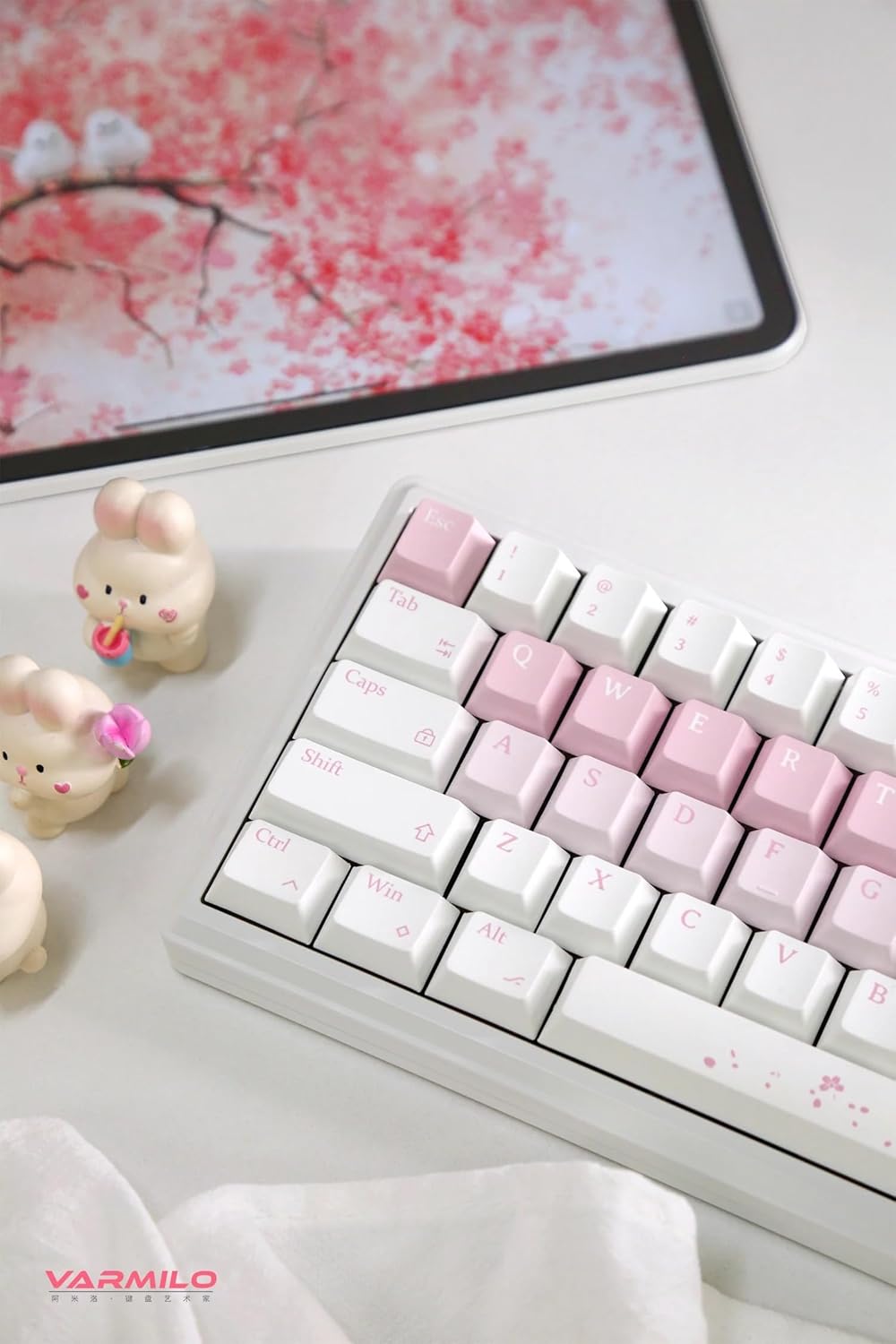
Image: The Varmilo Sword68 keyboard set up on a desk, demonstrating its compact size and aesthetic design alongside a tablet.
5. آپريٽنگ
5.1 بنيادي ڪي بورڊ جا ڪم
The Varmilo Sword68 functions as a standard 65% mechanical keyboard. All keys perform their labeled functions. For secondary functions (accessed via the Fn key), refer to the keycap legends or the custom software.

تصوير: هڪ تفصيلي view of the Varmilo Sword68 keyboard's right side, highlighting the white and pink keycaps and the Sakura-themed spacebar and escape key.
5.2 آر بي جي بائيٽ لائٽنگ
The keyboard features RGB backlighting. Lighting effects and colors can be customized using the dedicated software. Refer to the software's instructions for detailed customization options.
5.3 Custom Layout Control
The Varmilo Sword68 supports custom layout control through its software. This allows users to remap keys, create macros, and personalize the keyboard's functionality to suit their workflow or gaming preferences.
5.4 گرم مٽائڻ وارا سوئچ
The PCB is hot-swappable, allowing users to change mechanical switches without soldering. This feature supports both plate mount and PCB mount stabilizers. To replace a switch:
- ڪي ڪيپ ڪڍڻ واري کي استعمال ڪندي نرميءَ سان ڪي ڪيپ هٽايو.
- Use a switch puller to carefully extract the switch from the PCB.
- Align the pins of the new switch with the holes on the PCB and press firmly until it clicks into place. Ensure pins are not bent.

تصوير: هڪ ويجهو تصوير view of the Varmilo Sword68 keyboard, showcasing the arrangement of its white and pink keycaps and the decorative spacebar.
6. سار سنڀال
6.1 ڪي بورڊ صاف ڪرڻ
ڪيبورڊ جي ظاهر ۽ ڪارڪردگي کي برقرار رکڻ لاءِ:
- صفائي ڪرڻ کان اڳ ڪيبورڊ کي سڀني پاور ذريعن کان ڌار ڪريو.
- نرم، لِنٽ کان خالي ڪپڙو استعمال ڪريو ٿورڙو ڊيampڪي ڪيپس ۽ ڪيس کي صاف ڪرڻ لاءِ پاڻي يا هلڪي صفائي واري محلول سان صاف ڪريو.
- ڪي ڪيپس جي وچ ۾ مٽي ۽ ملبي لاءِ، دٻيل هوا يا ننڍو برش استعمال ڪريو.
- سخت ڪيميائي يا ٻرندڙ مواد استعمال ڪرڻ کان پاسو ڪريو.
6.2 ڪي ڪيپ ۽ سوئچ ڪيئر
The Double Shot ABS keycaps are durable. If removing keycaps or switches, do so gently to avoid damaging the components or the PCB.
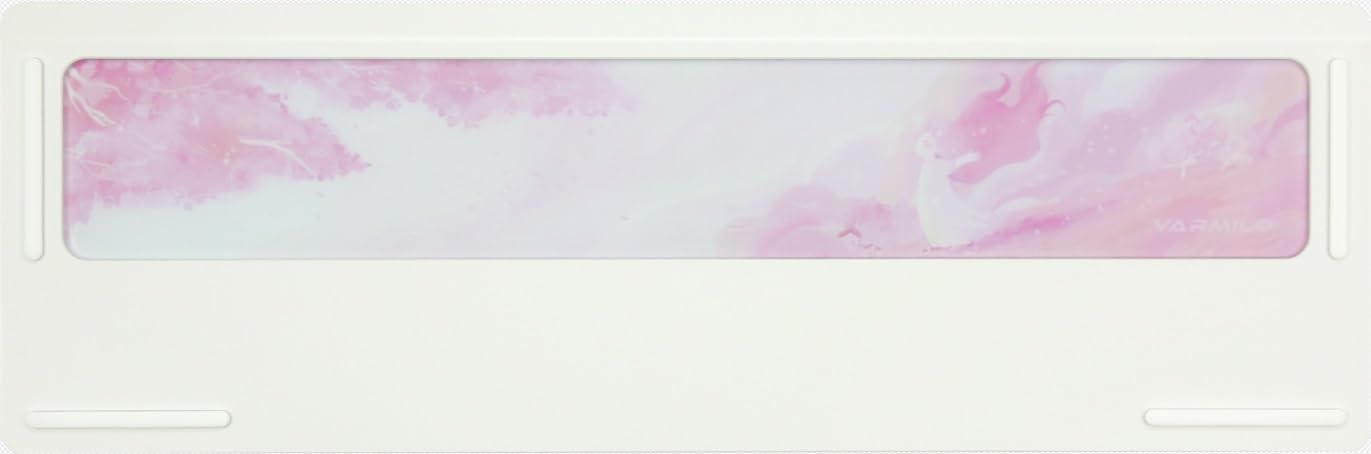
Image: The underside of the Varmilo Sword68 keyboard, revealing the frosted glass weight and rubber feet for stability.
7. مسئلا حل ڪرڻ
- ڪي بورڊ جواب نه ڏئي رهيو آهي: Ensure the USB-C cable is securely connected or that the wireless receiver is properly inserted and the keyboard is in the correct mode (wired, Bluetooth, 2.4 GHz). Check battery level if in wireless mode.
- بلوٽوٿ جوڙڻ جا مسئلا: Ensure the keyboard is in pairing mode and your device's Bluetooth is enabled. Try removing previous pairings and re-pairing.
- آر جي بي لائيٽنگ ڪم نه ڪري رهي آهي: Check the software settings for RGB control. Ensure the keyboard is not in a low-power mode that disables lighting.
- ڪيز رجسٽر نه ٿي رهيون آهن: For hot-swappable switches, ensure the switch is fully seated and its pins are not bent. Try replacing the switch if the issue persists.
- Intermittent wireless connection: Ensure the keyboard is within range of the receiver/device and there are no significant obstructions or interference sources.
8. وضاحتون
| برانڊ | ورميلو |
| ماڊل | Sword68 |
| ASIN | B0DMXL67WS |
| رابطي ٽيڪنالاجي | بلوٽوٽ ، USB-C |
| ڪي بورڊ جي وضاحت | مشيني |
| خاص خاصيتون | Backlit, Hot-Swappable, Rechargeable |
| ڪي بورڊ Backlighting رنگ جي حمايت | آر جي بي |
| مواد | المونيم، Polycarbonate |
| بيٽري جي گنجائش | 4000mAh |
| ڪيپ ڪيپ | Double Shot ABS |
| آواز جذب | 3x Poron foam, 2x PET foam, 1x IXPE foam |
| ڪيس جو مواد | 6063 Aluminum CNC with electrophoresis finish |
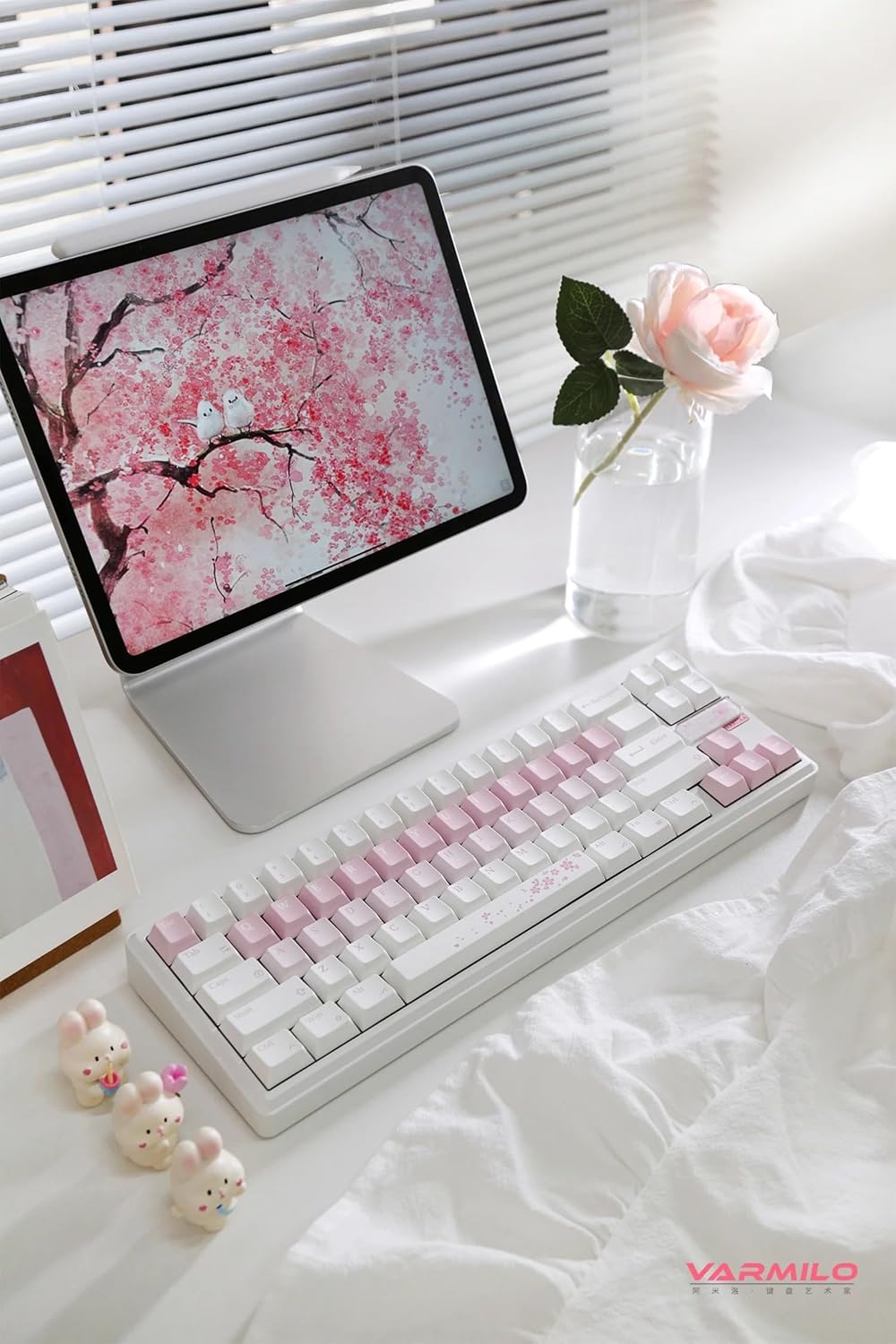
تصوير: هڪ مڪمل view of the Varmilo Sword68 keyboard in a desk setup, showcasing its elegant design and compact form factor.
9. وارنٽي ۽ سپورٽ
For warranty information, technical support, or service inquiries, please refer to the official Varmilo webسائيٽ تي وڃو يا سڌو سنئون انهن جي ڪسٽمر سپورٽ سان رابطو ڪريو. وارنٽي دعوائن لاءِ پنهنجي خريداري جي رسيد رکو.