
تعارف
The Xmenha YX36 RGB Mecha True Wireless Gaming Earbuds are designed to provide an immersive audio experience for gaming and music. Featuring Bluetooth 5.4 connectivity, low latency, and a unique mecha-inspired design, these earbuds offer enhanced sound quality and comfortable wear. This manual provides instructions for setup, operation, maintenance, and troubleshooting to ensure optimal performance.
پيڪيج مواد
مھرباني ڪري ھيٺ ڏنل شين لاءِ دٻي کي چيڪ ڪريو:
- Gaming Earbuds (L/R)
- 2 Sizes of Ear Caps
- چارج ڪيس
- USB چارجنگ ڪيبل (ٽائيپ-سي)
- استعمال ڪندڙ دستورالعمل (2 ڪاپيون)
پيداوار ختمview
The Xmenha YX36 earbuds feature a distinctive mecha design with RGB lighting, housed in a compact charging case. They are engineered for comfort and performance, especially for gaming.

Image: The Xmenha YX36 Winter-Blue earbuds are shown inside their open charging case, highlighting the unique design and glowing elements.
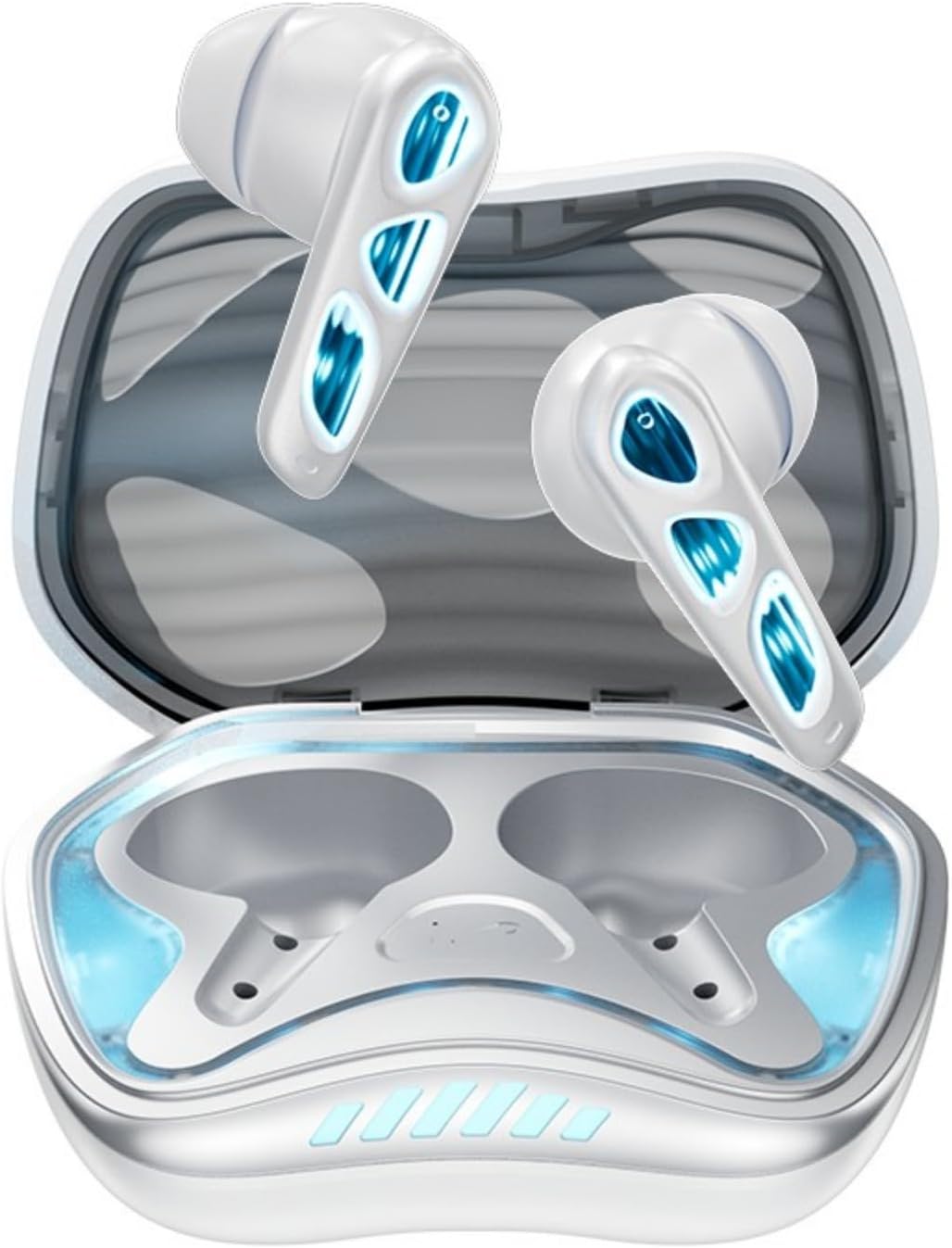
تصوير: مٿي کان هيٺ تائين view of the Winter-Blue earbuds resting in their charging case, showcasing the internal layout and design details.

Image: This graphic highlights the gaming-specific features of the earbuds, including Bluetooth 5.4 for smooth connection, a polymer diaphragm for sound quality, super heavy bass, and comfortable noise reduction.
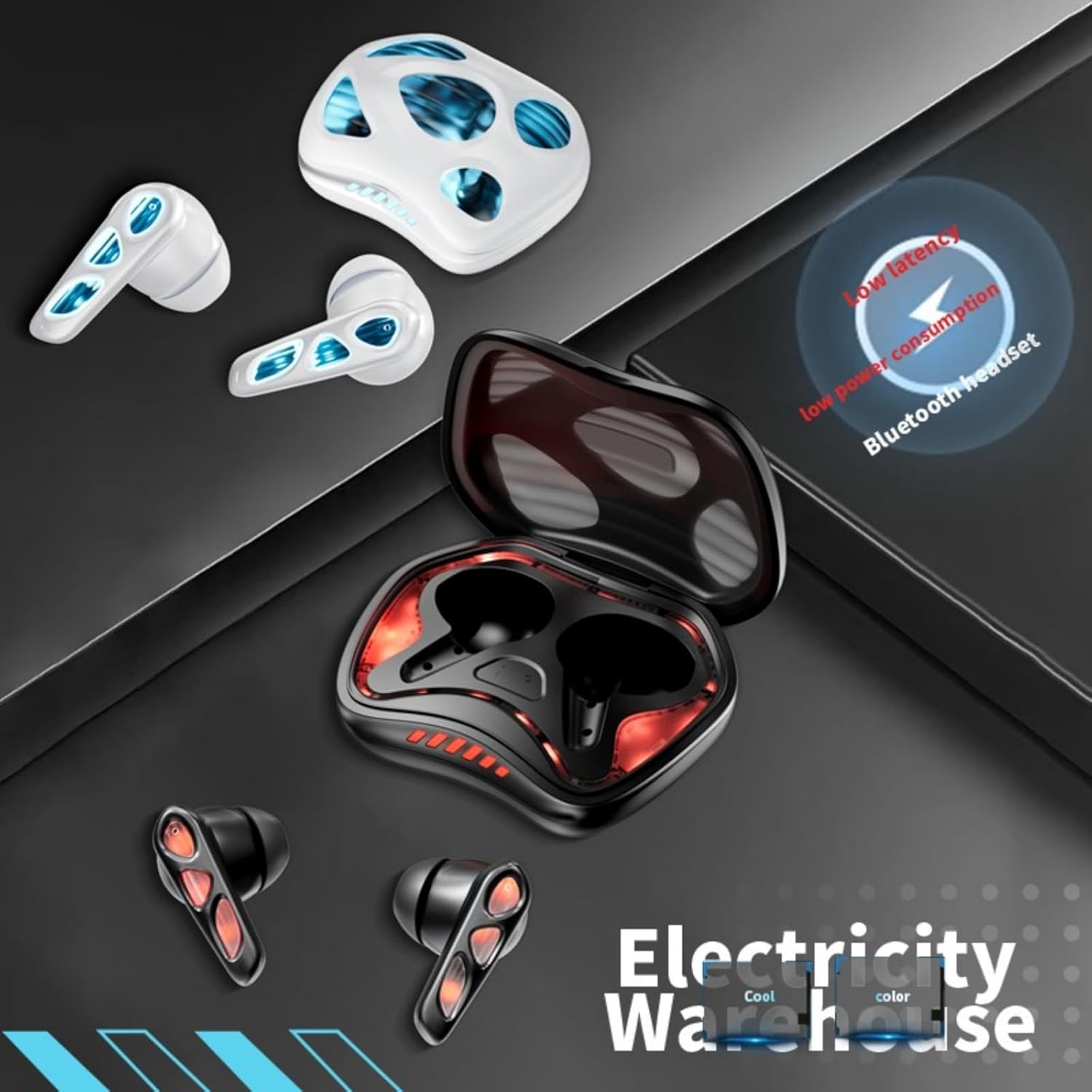
Image: The earbuds and charging case are depicted alongside text indicating low latency and low power consumption, emphasizing efficient performance for gaming and extended use.
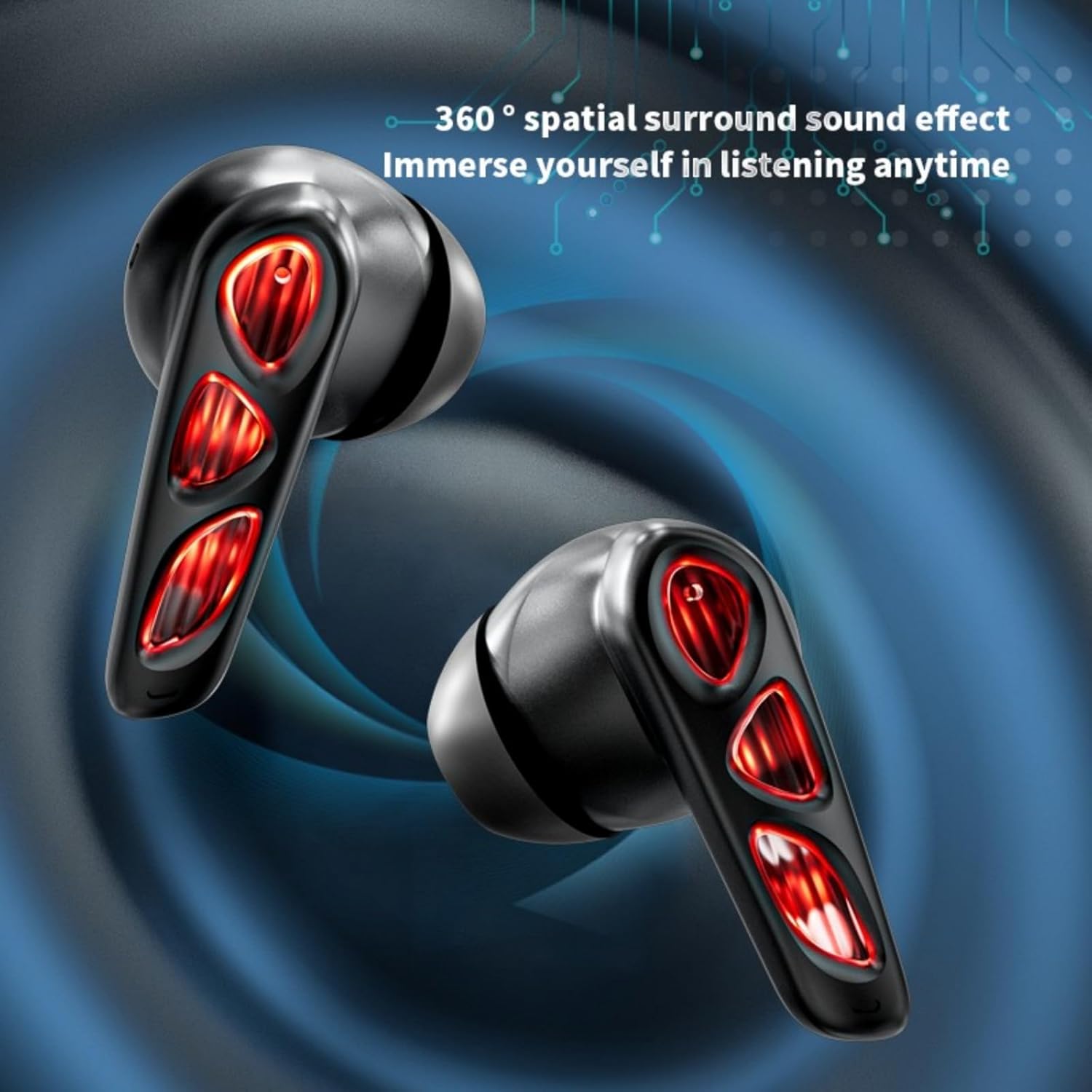
Image: A close-up of the earbuds (in the Flame-Red variant) highlights the 360-degree spatial surround sound effect, designed to immerse the user in their audio experience.

Image: This image showcases the Winter-Blue earbuds in their charging case, emphasizing the ultra-long battery life and strong power reserve for extended gaming sessions.

Image: A person is shown wearing the earbuds, illustrating the ergonomic design for comfortable and worry-free use during play.
سيٽ اپ ڪريو
1. ائربڊس ۽ ڪيس کي چارج ڪرڻ
پهرين استعمال کان اڳ، ائربڊس ۽ چارجنگ ڪيس کي مڪمل طور تي چارج ڪريو.
- مهيا ڪيل USB ٽائپ-سي چارجنگ ڪيبل کي ڪيس تي چارجنگ پورٽ ۽ پاور سورس سان ڳنڍيو.
- The charging case will indicate its charging status. A full charge for the case typically takes approximately 2 hours.
- Place the earbuds into the charging case. They will begin charging automatically. The earbuds provide approximately 5.5 hours of continuous playtime on a single charge, with the charging case offering an additional 36 hours of battery life.
2. بلوٽوٽ جوئر
سهولت لاءِ ائربڊس ۾ ون-اسٽيپ پيئرنگ جي خاصيت آهي.
- چارجنگ ڪيس کوليو. ائربڊس پاڻمرادو آن ٿيندا ۽ پيئرنگ موڊ ۾ داخل ٿيندا.
- پنهنجي ڊوائيس (اسمارٽ فون، ٽيبليٽ، پي سي) تي، بلوٽوٿ کي فعال ڪريو ۽ موجود ڊوائيسز جي ڳولا ڪريو.
- Select "YX36" (or similar name) from the list of found devices to connect.
- هڪ ڀيرو جوڙيو ويندو، ائربڊس ڪيس مان هٽائڻ تي پاڻمرادو آخري جوڙيل ڊوائيس سان ڳنڍجي ويندا.
آپريٽنگ هدايتون
ٽچ ڪنٽرول
The Xmenha YX36 earbuds utilize intelligent touch controls for various functions:
- موسيقي هلايو/روڪ ڪريو: ٻنهي ائربڊ تي هڪ ڀيرو ٽيپ ڪريو.
- اڳيون گيت: ساڄي ائربڊ تي ٻٽي ٽيپ ڪريو.
- اڳيون گيت: کاٻي ائربڊ تي ٻٽي ٽيپ ڪريو.
- جواب/آخر ڪال: ايندڙ ڪال دوران ٻنهي ائربڊ تي هڪ ڀيرو ٽيپ ڪريو.
- ڪال رد ڪريو: ايندڙ ڪال دوران ڪنهن به ائربڊ کي 2 سيڪنڊن لاءِ دٻايو ۽ رکو.
- وائس اسسٽنٽ کي فعال ڪريو. ڪنهن به ائربڊ تي ٽي ڀيرا ٽيپ ڪريو (ڪارڪردگي ڊوائيس جي لحاظ کان مختلف ٿي سگهي ٿي).
گيمنگ موڊ
The earbuds are designed with a low-latency connection (55ms) for an optimized gaming experience. This ensures audio and video synchronization with near-zero delay.
سار سنڀال
صفائي
بهترين ڪارڪردگي ۽ صفائي برقرار رکڻ لاءِ:
- نرم، سڪل، لِنٽ فري ڪپڙي سان ائربڊس ۽ چارجنگ ڪيس کي نرميءَ سان صاف ڪريو.
- گھڙڻ وارا صاف ڪندڙ، الڪوحل، يا ڪيميائي محلول استعمال نه ڪريو.
- پڪ ڪريو ته ٻنهي ائربڊس ۽ ڪيس تي چارجنگ ڪانٽيڪٽس صاف ۽ سڪل آهن.
ذخيرو
When not in use, store the earbuds in their charging case to protect them and keep them charged. Avoid storing in extreme temperatures or humid environments.
مشڪلاتون
If you encounter issues with your Xmenha YX36 earbuds, please refer to the following common solutions:
| مسئلو | حل |
|---|---|
| ائربڊس نه ملائي رهيا آهن |
|
| هڪ earbud مان ڪوبه آواز ناهي |
|
| چارج ڪيس چارج نه ڪرڻ |
|
| گهٽ آواز يا خراب آواز جو معيار |
|
وضاحتون
| خاصيت | تفصيل |
|---|---|
| ماڊل نمبر | YX36 |
| بلوٽوت ورزن | 5.4 |
| ٽرانسميشن جو فاصلو | > 10 ميٽر |
| Earbud بيٽري جي ظرفيت | 30mAh (هر هڪ) |
| چارج ڪيس جي بيٽري جي گنجائش | 380mAh |
| راند جو وقت | تقريبن 5.5 ڪلاڪ (ايربڊس)، 36 ڪلاڪ (چارجنگ ڪيس سان) |
| چارج ڪرڻ وقت | لڳ ڀڳ. 2 ڪلاڪ (چارج ڪيس) |
| چارجنگ پورٽ | ٽائپ-سي |
| گھٽ ويڪرائي | 55ms |
| ڪنٽرول جو طريقو | ڇڪڻ |
| پاڻي جي مزاحمت جي سطح | پنروڪ |
| مطابقت رکندڙ ڊوائيسز | iPhone, Android, PC |
| مواد | پلاسٽڪ |
| شيءِ جو وزن | 3.8 آونس |
وارنٽي ۽ سپورٽ
Xmenha is committed to providing quality products and customer satisfaction. While specific warranty details are not provided in this manual, if you receive a defective product or have any questions during use, please contact Xmenha customer support. We aim to respond and provide a solution within 24 hours.
For support, please refer to the contact information provided with your purchase or visit the official Xmenha store page on Amazon.