
SOLAKAKA KI99PRO
SOLAKAKA KI99 Pro 96% Wireless Mechanical Keyboard User Manual
Model: KI99PRO
تعارف
This manual provides detailed instructions for the setup, operation, and maintenance of your SOLAKAKA KI99 Pro 96% Wireless Mechanical Keyboard. Please read this manual thoroughly before using the product to ensure proper functionality and to maximize your user experience.
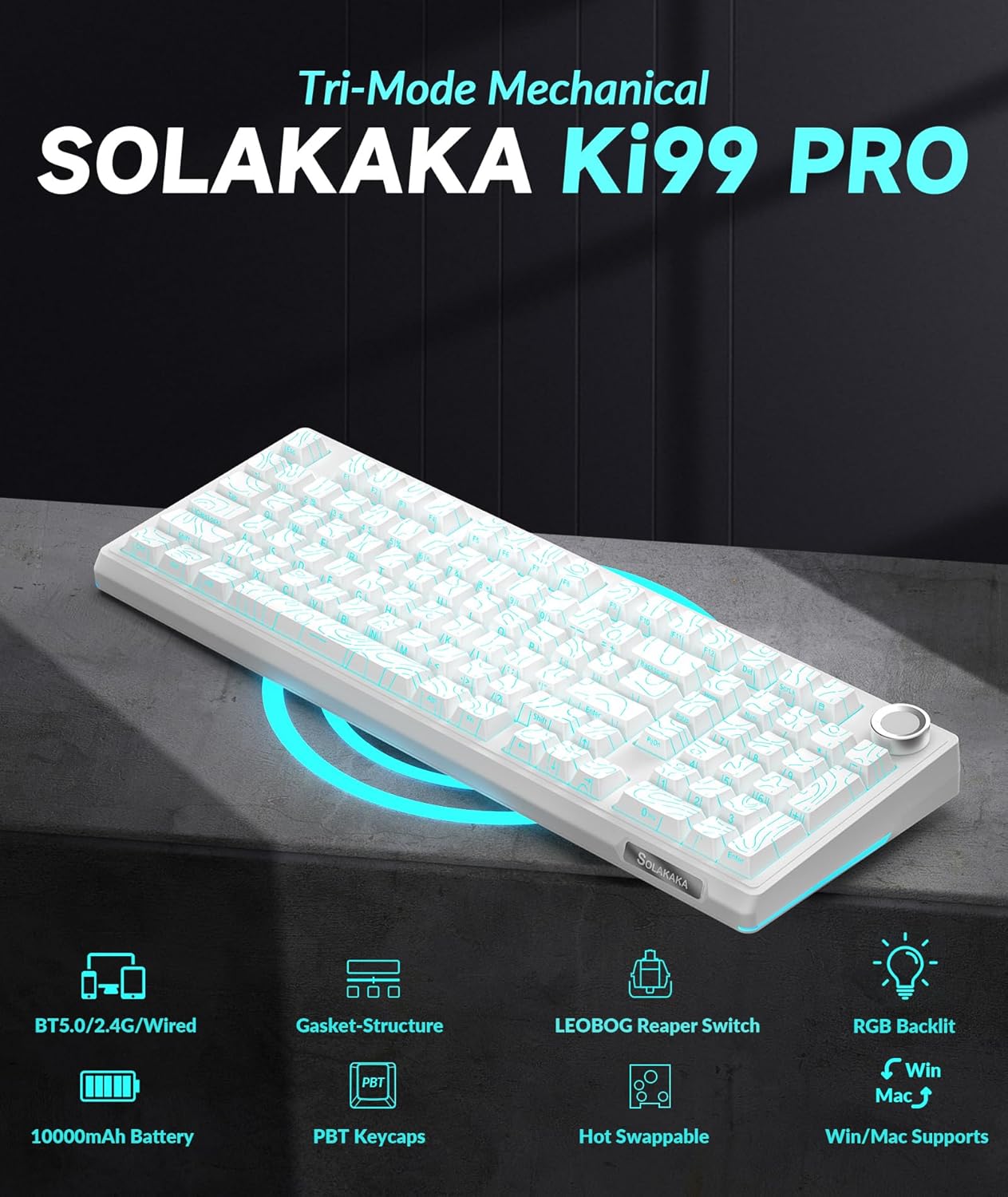
پيداوار جون خاصيتون
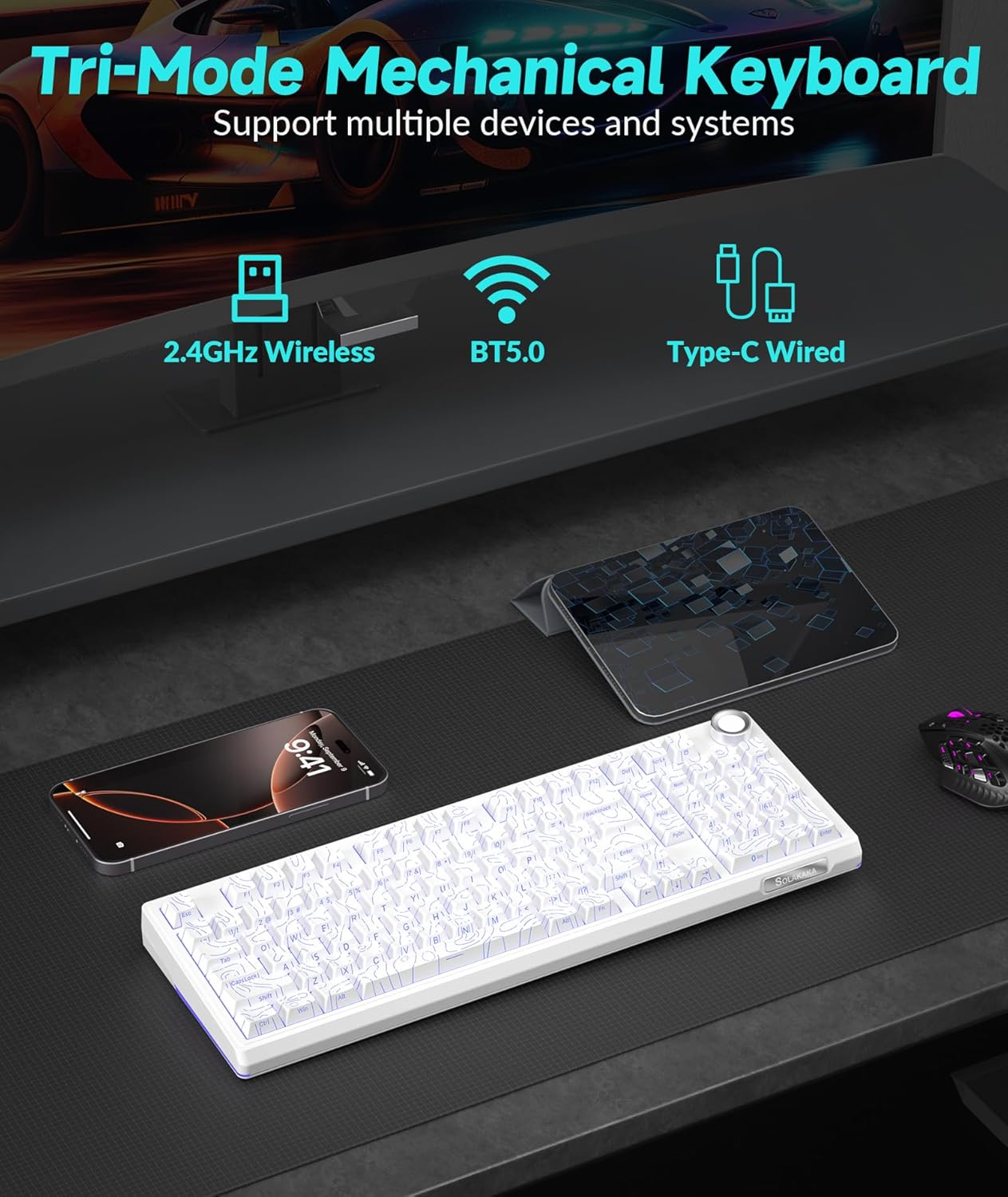
- Triple-mode Connectivity: Supports Bluetooth 5.0, 2.4GHz wireless, and Type-C wired connections for versatile use across various devices and operating systems (Windows, macOS).
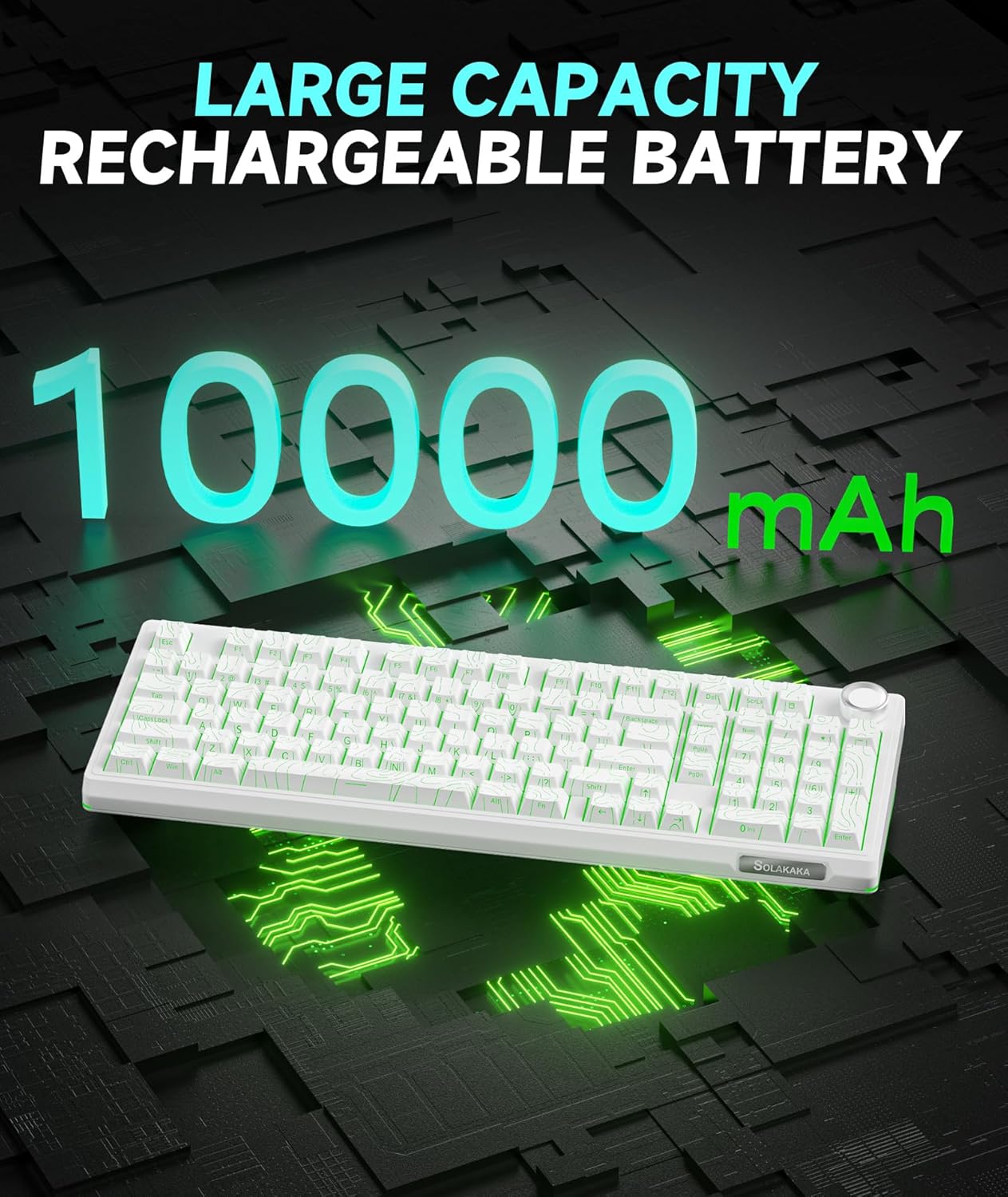
- ڊگھي بيٽري: Equipped with a 10,000mAh high-capacity battery for extended use.
- 96٪ لي آئوٽ: Integrates most functional keys of a full-size keyboard in a compact form factor, including a dedicated numeric keypad.
- ملٽي فنڪشنل نوب: Allows for easy adjustment of volume, media playback, and RGB lighting brightness.
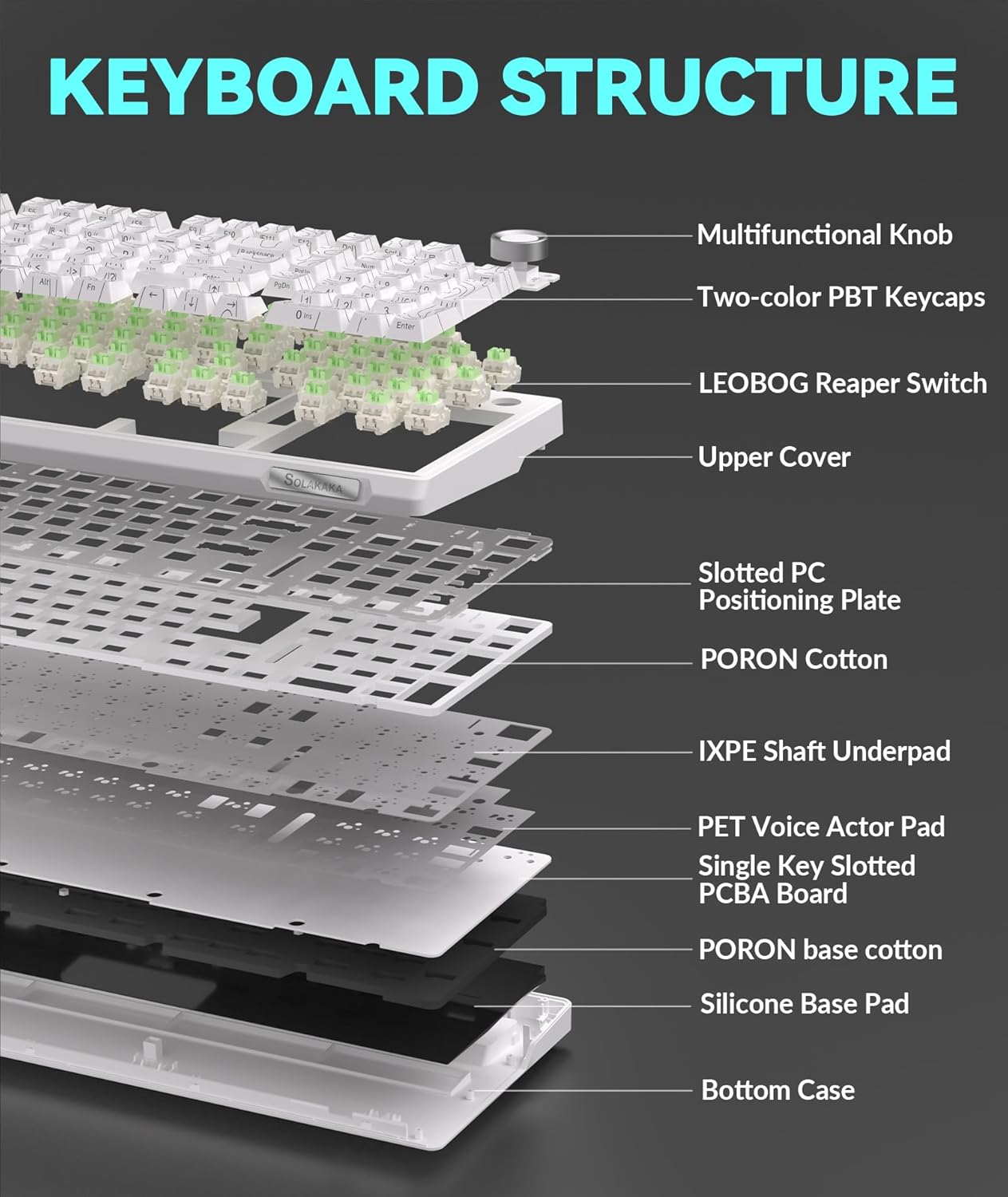
- Gasket Structure & Five-layer Noise Reduction: Designed to reduce key vibration and noise, providing a smooth and quiet typing experience.
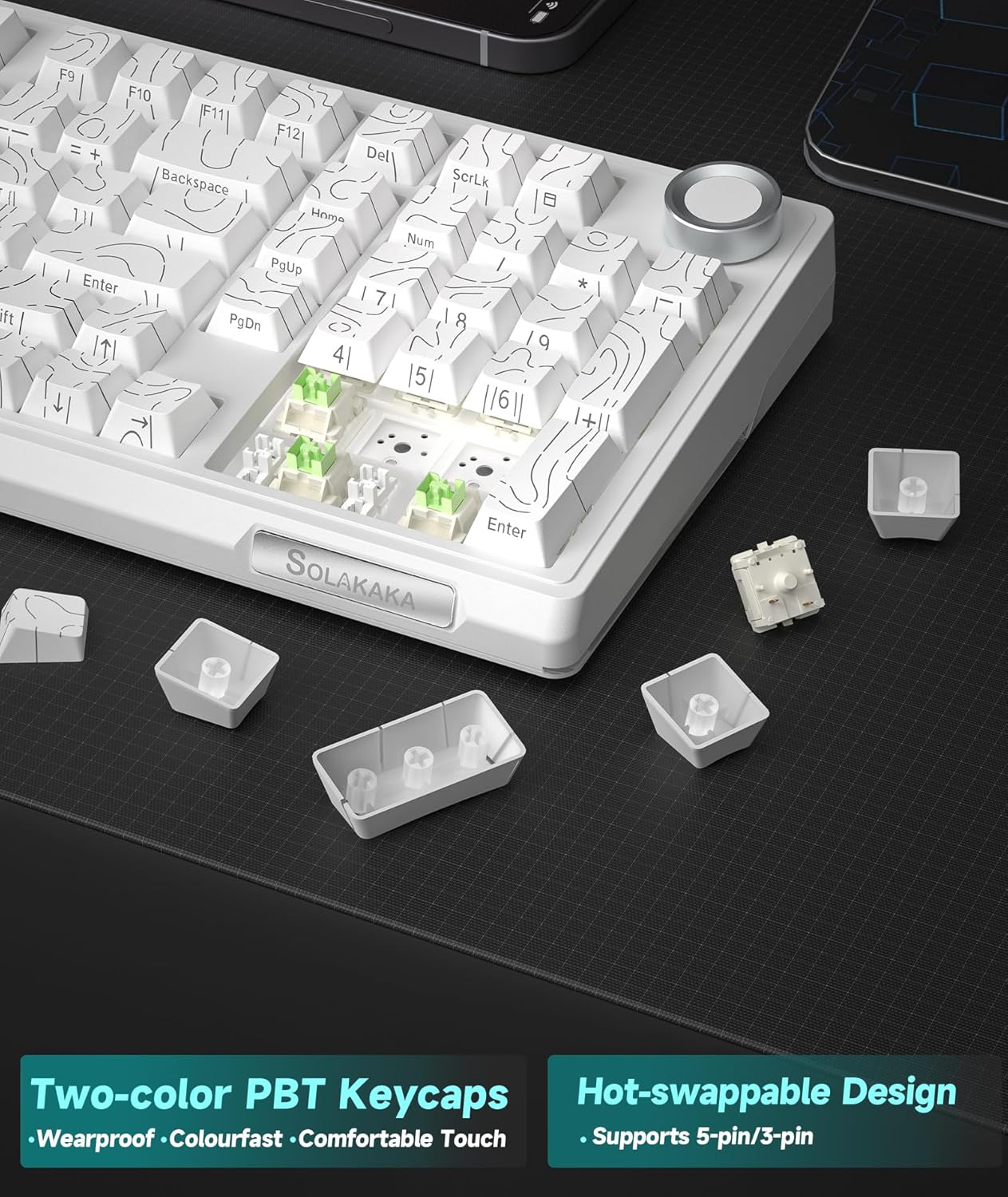
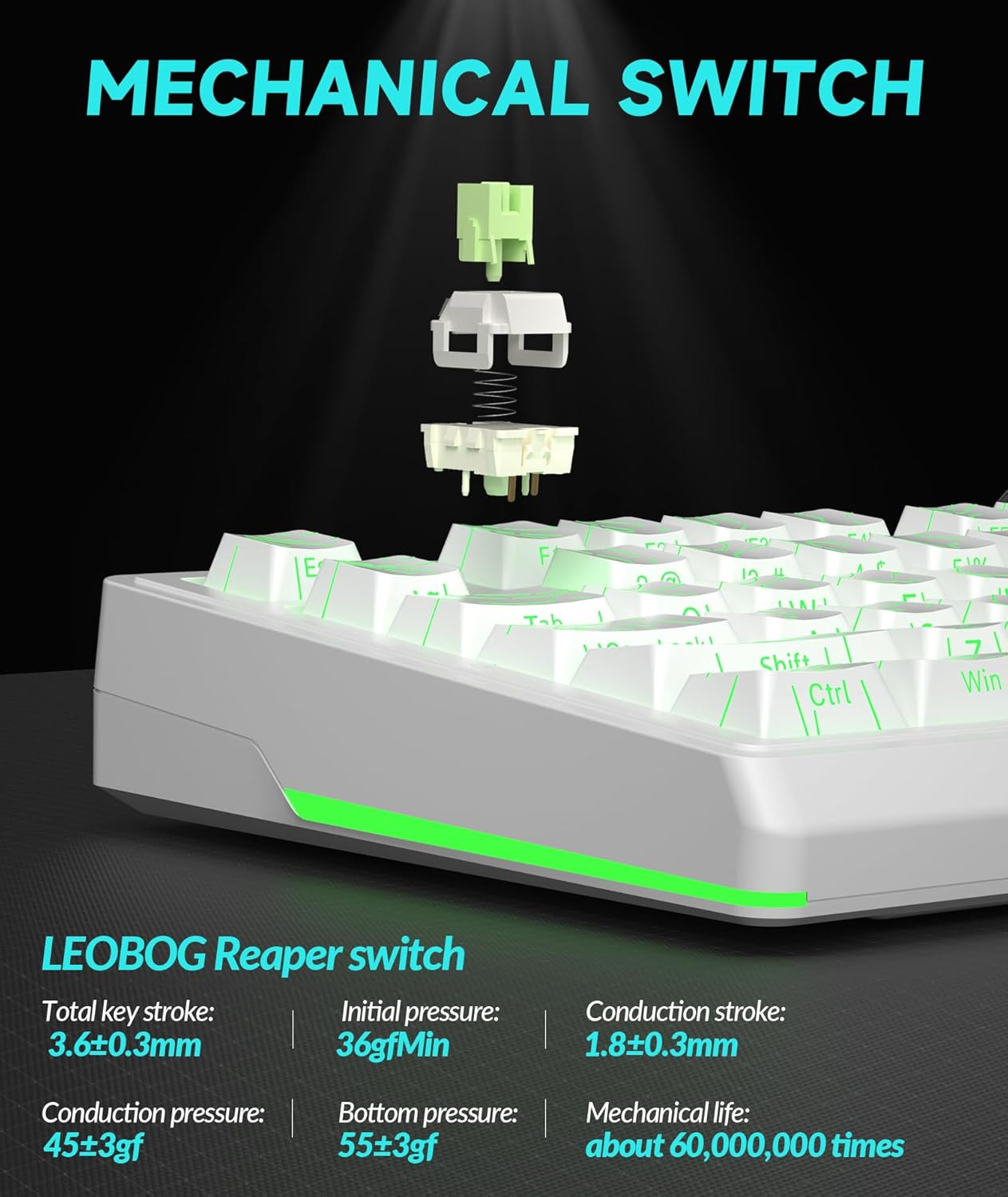
- گرم مٽائي سگھڻ وارا سوئچ: Features a 1.2mm flex-cut hot-swappable PCB and PC board, compatible with 3-pin and 5-pin switches for personalized tactile customization without soldering.
- High-quality PBT Keycaps: Dual-color injection molded PBT keycaps offer wear and fade resistance, maintaining clear characters and vibrant colors.
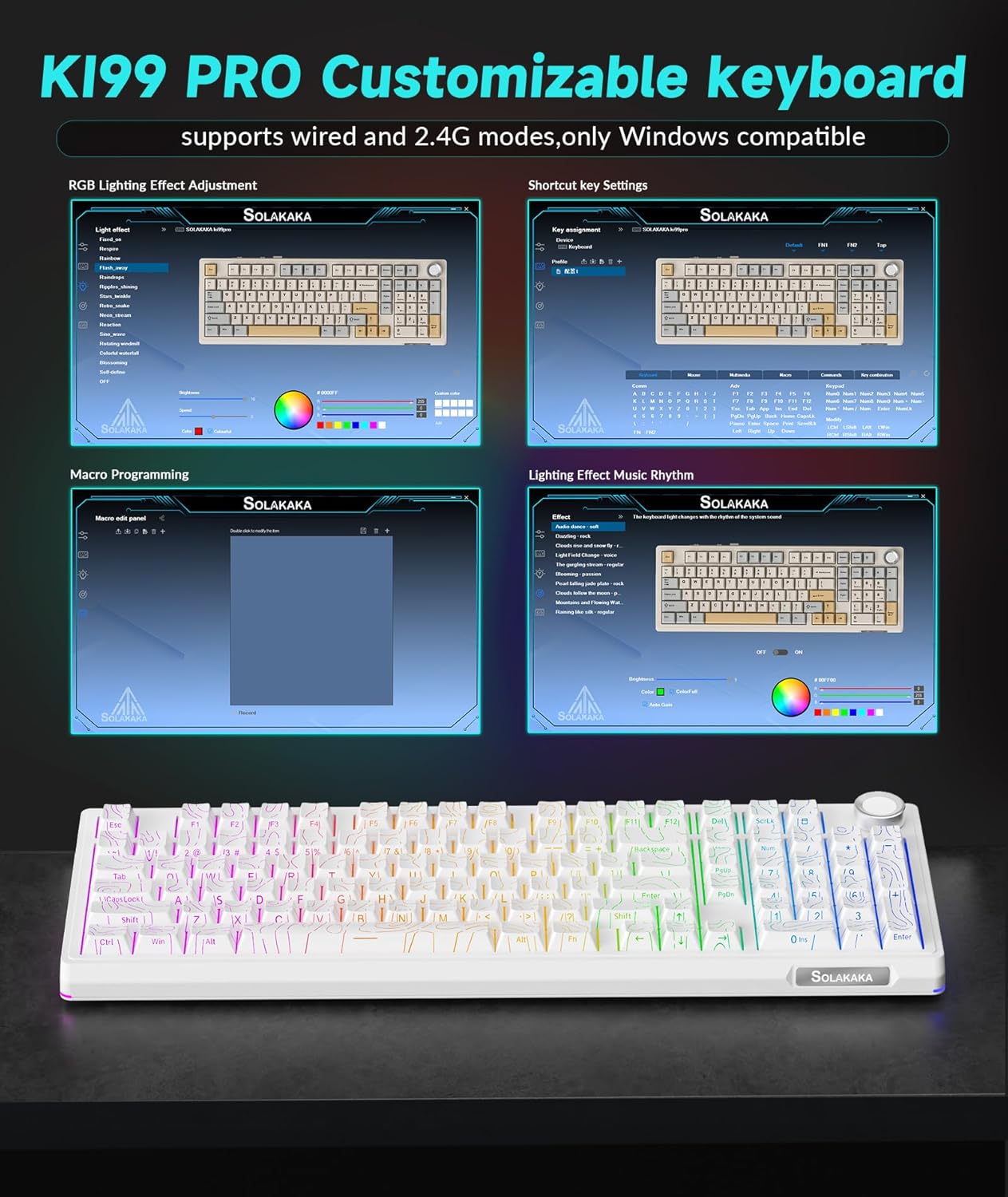
- Customizable Driver Software: Allows reprogramming key functions, adjusting RGB lighting effects, and customizing macro programming (Windows compatible for 2.4G and wired modes).
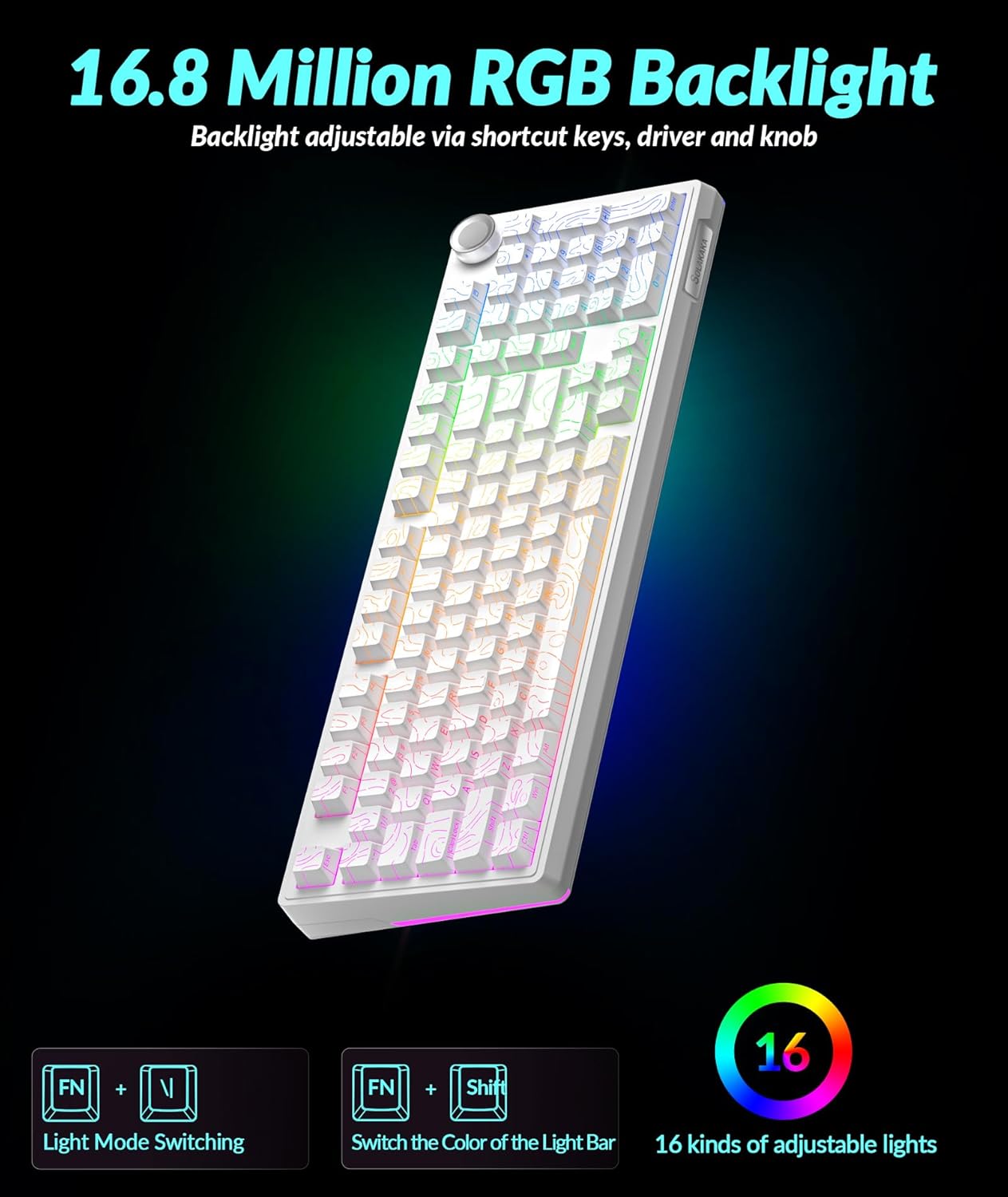
- متحرڪ آر جي بي لائيٽنگ: Full-key RGB lighting and side RGB light bars with 16.8 million color options, adjustable via driver software or shortcut keys.
سيٽ اپ جون هدايتون
ڪنيڪشن موڊس
The KI99 Pro keyboard supports three connection modes: Wired (USB-C), 2.4GHz Wireless, and Bluetooth 5.0. A switch on the keyboard allows selection between these modes.
1. Wired Mode (USB-C)
- Toggle the mode switch on the keyboard to the wired position.
- مهيا ڪيل USB-C ڪيبل کي ڪيبورڊ مان پنهنجي ڪمپيوٽر جي USB پورٽ سان ڳنڍيو.
- توهان جو آپريٽنگ سسٽم ڪيبورڊ پاڻمرادو سڃاڻي وٺندو.
2. 2.4GHz وائرليس موڊ
- Toggle the mode switch on the keyboard to the 2.4GHz wireless position.
- 2.4GHz USB رسيور ڳوليو، جيڪو عام طور تي ڪيبورڊ تي هڪ خاني ۾ ذخيرو ٿيل هوندو آهي.
- 2.4GHz USB رسيور کي پلگ ان ڪريو توهان جي ڪمپيوٽر تي موجود USB پورٽ ۾.
- ڪيبورڊ پاڻمرادو ڳنڍجي ويندو.
3. بلوٽوٿ 5.0 موڊ
- Toggle the mode switch on the keyboard to the Bluetooth position.
- دٻايو ۽ رکو fn+1, fn+2، يا fn+3 to enter pairing mode for one of the three available Bluetooth channels. The corresponding key will flash blue, indicating it is ready for pairing.
- On your device (PC, laptop, smartphone), enable Bluetooth and search for "KI99pro 5.0".
- Select the keyboard to connect. The blue light will become solid once connected.
- جوڙيل بلوٽوٿ ڊوائيسز جي وچ ۾ سوئچ ڪرڻ لاءِ، مختصر دٻايو Fn + 1/2/3.
ڪي بورڊ کي چارج ڪرڻ
The keyboard is equipped with a 10,000mAh battery. To charge, connect the USB-C cable to the keyboard and a power source (e.g., computer USB port, USB wall adapter). The charging indicator will show the charging status.
آپريٽنگ هدايتون
ملٽي فنڪشنل نوب
The knob located on the top right of the keyboard provides quick access to several functions:
- گھمايو: سسٽم جي مقدار کي ترتيب ڏئي ٿو (وڌائڻ لاءِ گھڙيال جي طرف، گھٽائڻ لاءِ گھڙيال جي مخالف طرف).
- پريس: Plays/pauses media.
- دٻايو ۽ رکو: May cycle through lighting brightness levels or modes (refer to specific lighting controls).
آر جي بي لائٽنگ ڪنٽرول
The keyboard features full-key RGB backlighting and side RGB light bars. Lighting effects can be adjusted using shortcut keys or the customization software.
- ايف اين + \|: Switches RGB backlight effects.
- ايف اين + ← / →: Adjusts lighting effects speed.
- ايف اين + ↑ / ↓: Adjusts backlight brightness.
- ايف اين + شفٽ: Switches side light mode.
- Fn + Alt: Switches side light brightness.
- Fn + ?: Switches side light color.
- Fn + Esc: Restores factory lighting settings.
ڪسٽمائيزيشن سافٽ ويئر
The KI99 Pro supports driver software for advanced customization. This software is compatible with Windows operating systems when the keyboard is connected via wired or 2.4GHz wireless mode. It allows users to:
- Reprogram key functions.
- Adjust RGB lighting effects in detail.
- Create and customize macro programming.
Please visit the official SOLAKAKA website to download the latest version of the customization software.
سار سنڀال
ڪي بورڊ جي صفائي
- صفائي ڪرڻ کان اڳ ڪيبورڊ کي سڀني پاور ذريعن ۽ ڊوائيسز کان ڌار ڪريو.
- نرم، لِنٽ کان خالي ڪپڙو استعمال ڪريو ٿورڙو ڊيampڪي ڪيپس ۽ چيسس کي صاف ڪرڻ لاءِ پاڻي يا هلڪي صفائي واري محلول سان صاف ڪريو.
- Avoid excessive moisture and do not spray cleaning solutions directly onto the keyboard.
- ڪي ڪيپس جي وچ مان مٽي ۽ ملبہ هٽائڻ لاءِ دٻيل هوا استعمال ڪريو.
گرم مٽائڻ وارا سوئچ
The KI99 Pro features hot-swappable switches, allowing for easy replacement without soldering. This enables customization of typing feel and sound.
- ڪي ڪيپ ڪڍڻ واري کي استعمال ڪندي نرميءَ سان ڪي ڪيپ هٽايو.
- Use a switch puller to carefully extract the switch from the PCB. Ensure the switch is pulled straight up to avoid bending the pins.
- نئين 3-پن يا 5-پن سوئچ جي پنن کي پي سي بي تي سوراخن سان ترتيب ڏيو.
- Press the new switch firmly into place until it clicks. Ensure it is seated correctly and functions properly before replacing the keycap.
مشڪلاتون
| مسئلو | ممڪن سبب | حل |
|---|---|---|
| ڪي بورڊ وائرليس موڊ ۾ جواب نه ڏئي رهيو آهي. | Low battery, incorrect mode selected, receiver not plugged in (2.4GHz), not paired (Bluetooth), out of range. |
|
| چاٻيون رجسٽر نه ٿيڻ يا ٻٽي ٽائيپ ٿيڻ. | Dust/debris under keycap/switch, faulty switch, software issue. |
|
| آر جي بي لائيٽنگ ڪم نه ڪري رهي آهي يا غلط آهي. | Lighting settings incorrect, software glitch. |
|
| ڪي بورڊ چارج نه ٿي رهيو آهي. | Faulty cable, power source, or keyboard port. |
|
وضاحتون
| برانڊ | سولاڪا |
| ماڊل نمبر | KI99PRO |
| ڪي بورڊ جي وضاحت | مشيني |
| رابطي ٽيڪنالاجي | 2.4GHz وائرليس، بلوٽوٿ 5.0، USB-C وائرڊ |
| مطابقت رکندڙ ڊوائيسز | Laptop, PC, Smartphone (Windows, macOS) |
| خاص خاصيتون | Customizable, Hot-Swappable, Multifunctional Knob, Programmable, RGB Backlighting |
| ڪي ڪيپ مواد | PBT (Dual-color injection molded) |
| بيٽري جي گنجائش | 10,000mAh (2 Lithium Ion batteries included) |
| شيءِ جو وزن | 3.27 پائونڊ |
| پيڪيج جي ماپ | 17.13 x 6.73 x 2.13 انچ |
| ٺاهيندڙ | سولاڪا |
وارنٽي ۽ سپورٽ
For warranty information, technical support, or further assistance, please refer to the official SOLAKAKA webسائيٽ تي وڃو يا سڌو سنئون انهن جي ڪسٽمر سروس سان رابطو ڪريو. پراڊڪٽ رجسٽريشن ۽ وارنٽي دعوائن بابت تفصيل عام طور تي ٺاهيندڙ جي سپورٽ صفحن تي ملي سگهن ٿا.
Manufacturer: SOLAKAKA
جو دورو ڪريو SOLAKAKA Store وڌيڪ پراڊڪٽس ۽ سپورٽ جي معلومات لاءِ.