
1. تعارف
This manual provides essential instructions for the setup, operation, maintenance, and troubleshooting of your RCA 40-inch MultiTuner HD Google TV, Model R40M-F4G. Please read this manual thoroughly before using your television to ensure proper functionality and safety.
2. اهم حفاظتي ڄاڻ
باهه، بجليءَ جي جھٽڪي ۽ زخم جي خطري کي گهٽائڻ لاءِ هن پراڊڪٽ کي استعمال ڪندي هميشه بنيادي حفاظتي احتياطن تي عمل ڪريو.
- ٽي وي کي مينهن يا نمي کي بي نقاب نه ڪريو.
- ٽي وي نه کوليو سيasing؛ سڀني خدمتن کي قابل اهلڪارن جي حوالي ڪريو.
- ٽي وي جي چوڌاري مناسب وائيٽليشن کي يقيني بڻائي.
- صرف ٽي وي سان فراهم ڪيل پاور ڪنڊ استعمال ڪريو.
- ٽي وي کي سڌي سج جي روشني ۽ گرمي جي ذريعن کان پري رکو.
3. ڇا شامل آهي
پڪ ڪريو ته سڀئي جزا پيڪنگ ۾ موجود آهن:
- RCA 40-inch MultiTuner HD Google TV (Model R40M-F4G)
- ريموٽ ڪنٽرول (بيٽرين سان)
- استعمال ڪندڙ جو دستياب (ھي دستاويز)
- پاور ڪنڊ
- ٽي وي اسٽينڊ (2) ۽ اسڪرو

Image 1: RCA 40-inch Google TV with included remote control and stand components.
4. سيٽ اپ
4.1 ٽي وي اسٽينڊ ڳنڍڻ
- اسڪرين کي نقصان کان بچائڻ لاءِ احتياط سان ٽي وي کي نرم، صاف مٿاڇري تي منهن هيٺ ڪريو.
- هر اسٽينڊ کي ٽي وي جي تري ۾ لاڳاپيل اسڪرو سوراخن سان ترتيب ڏيو.
- مهيا ڪيل اسڪرو استعمال ڪندي اسٽينڊ کي محفوظ ڪريو. وڌيڪ تنگ نه ڪريو.
4.2 ڀت تي چڙهڻ (اختياري)
If you plan to wall-mount your TV, refer to the instructions provided with your wall-mount bracket. Ensure the bracket is compatible with the TV's VESA mounting pattern (refer to specifications). Remove the TV stands before wall mounting.

تصوير 2: ريئر view of the TV, highlighting the VESA mounting points for wall installation.
4.3 ڳنڍڻ وارا آلات
Connect your external devices (e.g., cable box, Blu-ray player, gaming console) to the appropriate ports on the TV.
- HDMI: هاءِ ڊيفينيشن آڊيو ۽ وڊيو لاءِ.
- USB: USB اسٽوريج ڊوائيسز کي ڳنڍڻ لاءِ.

تصوير 3: پاسي view of the TV, illustrating the location of HDMI and USB ports for device connectivity.
4.4 شروعاتي پاور آن ۽ گوگل ٽي وي سيٽ اپ
- پاور ڪنڊ کي ٽي وي ۾ ۽ پوءِ وال آئوٽليٽ ۾ لڳايو.
- ريموٽ ڪنٽرول يا ٽي وي تي پاور بٽڻ دٻايو.
- Follow the on-screen instructions to complete the initial setup, including:
- ٻولي جي چونڊ
- نيٽ ورڪ ڪنيڪشن (وائي فائي)
- گوگل اڪائونٽ سائن ان
- Channel scanning (if using an antenna)
5. Operating Your RCA Google TV
5.1 گوگل ٽي وي انٽرفيس
The Google TV operating system provides a centralized hub for your streaming services, live TV, and apps. Navigate using the remote control's directional pad and select button.

Image 4: The Google TV home screen, showing recommended content and installed applications.
5.2 اهم خاصيتون
- گوگل اسسٽنٽ: Control your TV, search for content, or get information using voice commands. Press the Google Assistant button on your remote and speak into the microphone.

Image 5: Using Google Assistant with the remote control for voice commands.
- Chromecast بلٽ ان: Cast content (videos, photos, music) from your compatible smartphone, tablet, or computer directly to the TV screen.
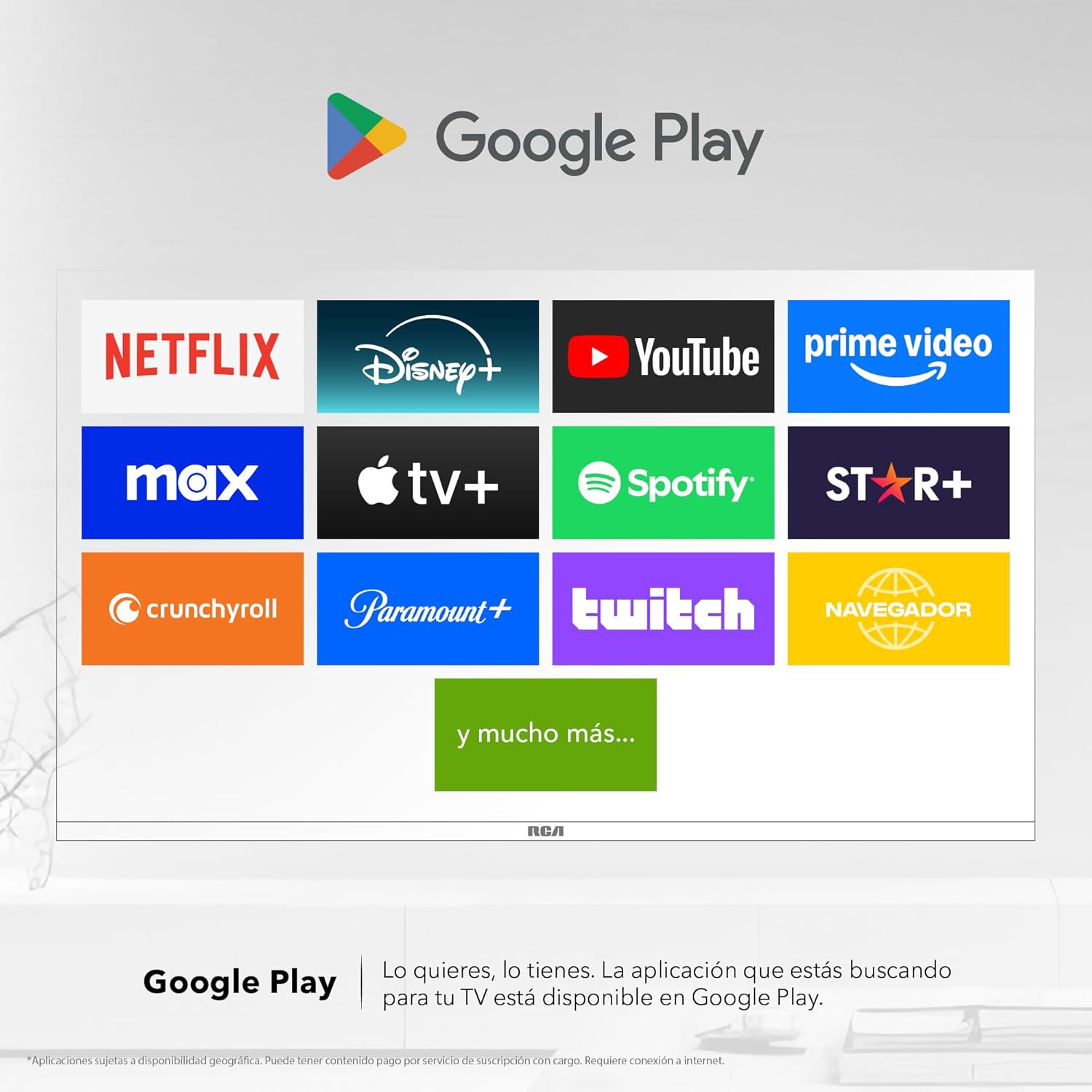
Image 6: Demonstrating content casting from a mobile device to the TV via Google Cast.
- بلوٽوت ڪنيڪشن: Connect Bluetooth-enabled devices such as soundbars, headphones, or game controllers wirelessly to your TV.

Image 7: The TV connected to a soundbar via Bluetooth for enhanced audio.
- گوگل پلي اسٽور: Download and install a wide variety of applications directly onto your TV.

Image 8: The Google Play Store displaying various applications available for download.
- ٻارن جي پروfile: Create a dedicated profile for children to manage accessible applications and content.

Image 9: The Kids Profile interface, designed for child-friendly content management.
- ڊولبي آڊيو: Experience clear, rich, and detailed sound with Dolby Audio technology.
Image 10: The Dolby Audio feature enhancing the sound experience on the TV.
6. سار سنڀال
6.1 اسڪرين کي صاف ڪرڻ
- ٽي وي کي بند ڪريو ۽ ان کي پاور آئوٽ مان انپلگ ڪريو.
- نرميءَ سان اسڪرين کي صاف ڪريو نرم، لِنٽ فري ڪپڙي سان.
- ضدي نشانن لاءِ، هلڪو ڊيampڪپڙي کي پاڻي يا خاص اسڪرين ڪلينر سان ڌوئڻ (سڌو اسڪرين تي اسپري نه ڪريو).
- سخت ڪيميائي يا ٻرندڙ مواد استعمال ڪرڻ کان پاسو ڪريو.
6.2 عام سنڀال
- Keep the TV in a well-ventilated area.
- Protect the TV from dust by regularly wiping the casing نرم، سڪل ڪپڙي سان.
- ٽي وي جي چوٽي تي ڳري شيون رکڻ کان پاسو ڪريو.
7. مسئلا حل ڪرڻ
| مسئلو | ممڪن سبب | حل |
|---|---|---|
| طاقت نه آهي | Power cord disconnected; power outlet issue | پڪ ڪريو ته پاور ڪنڊ محفوظ طور تي ڳنڍيل آهي. آئوٽليٽ کي ٻئي ڊوائيس سان جانچيو. |
| تصوير ناهي، پر آواز موجود آهي. | Incorrect input source; faulty cable | Press the "Input" button on the remote to select the correct source. Check HDMI/AV cable connections. |
| آواز ڪونهي، پر تصوير موجود آهي. | Volume too low; Mute activated; audio settings issue | Increase volume. Check if Mute is active. Verify audio output settings in the TV menu. |
| ريموٽ ڪنٽرول ڪم نه ڪري رهيو آهي | بيٽريون ختم؛ رڪاوٽ؛ جوڙڻ جو مسئلو | Replace batteries. Remove any obstructions between remote and TV. Re-pair Bluetooth remote if applicable. |
| وائي فائي ڪنيڪشن جا مسئلا | Router problem; incorrect password; signal interference | پنهنجو روٽر ٻيهر شروع ڪريو. وائي فائي پاسورڊ ٻيهر داخل ڪريو. ٽي وي کي روٽر جي ويجهو منتقل ڪريو يا مداخلت گهٽ ڪريو. |
8. وضاحتون
| خاصيت | تفصيل |
|---|---|
| برانڊ | آر سي اي |
| ماڊل | R40M-F4G |
| اسڪرين جي ماپ | 40 انچ |
| ڊسپلي ٽيڪنالاجي | ايل اي ڊي |
| قرارداد | 1920 x 1080 (مڪمل HD) |
| ريفريش جي شرح | 60 هز |
| آپريٽنگ سسٽم | گوگل ٽي وي |
| آڊيو انڪوڊنگ | Dolby Atmos |
| ھارڊويئر انٽرفيس | HDMI، USB |
| ڪل USB بندرگاهن | 2 |
| بلوٽوٽ سپورٽ | ها |
| خاص خاصيتون | Chromecast, Flat Screen |
| چڙهڻ جو قسم | ڀت لڳڻ جي قابل |
| پيداوار جي ماپ (WxHxD) | 97 x 56 x 11 سينٽي |
| پيداوار جو وزن | 7 ڪلو |
9. وارنٽي ۽ سپورٽ
9.1 وارنٽي ڄاڻ
This product comes with a manufacturer's warranty. Please refer to the warranty card included in your packaging for specific terms and conditions. Extended warranty options may be available from your retailer.
9.2 ڪسٽمر سپورٽ
For technical assistance, troubleshooting beyond this manual, or warranty claims, please contact RCA customer support. Visit the official RCA webرابطي جي تفصيل ۽ سپورٽ وسيلن لاءِ سائيٽ.
آر سي اي آفيشل Webسائيٽ: www.rca.com