
1. پراڊڪٽ ختمview
The ARENTI Smart Automatic Cat Feeder and Water Fountain is designed to provide automated feeding and hydration for your pets. This integrated system features a 4L dry food dispenser and a hygienic water fountain, both controllable via a smartphone application. It includes a 2K HD camera for real-time monitoring and two-way audio communication.
اهم خاصيتون:
- Smart Feeding & Hydration: Unlimited meal scheduling and adjustable portions via app. Flowing water encourages pet hydration.
- 2K HD Camera & Real-Time Monitoring: جيئڻ view with 130° wide-angle lens and 4:3 aspect ratio for comprehensive pet monitoring.
- Meal Call & Two-Way Talk: Interact with your pet using built-in two-way audio and custom meal calls.
- Large 4L Capacity & Battery Backup: Holds up to 17 cups of dry food, with AC power and optional D-cell battery backup for power outages.
- Easy to Clean & Pet-Safe Materials: Food-grade, detachable components for easy cleaning.
- Smart Alerts & Notifications: Motion detection and app notifications for pet activity and low food levels.
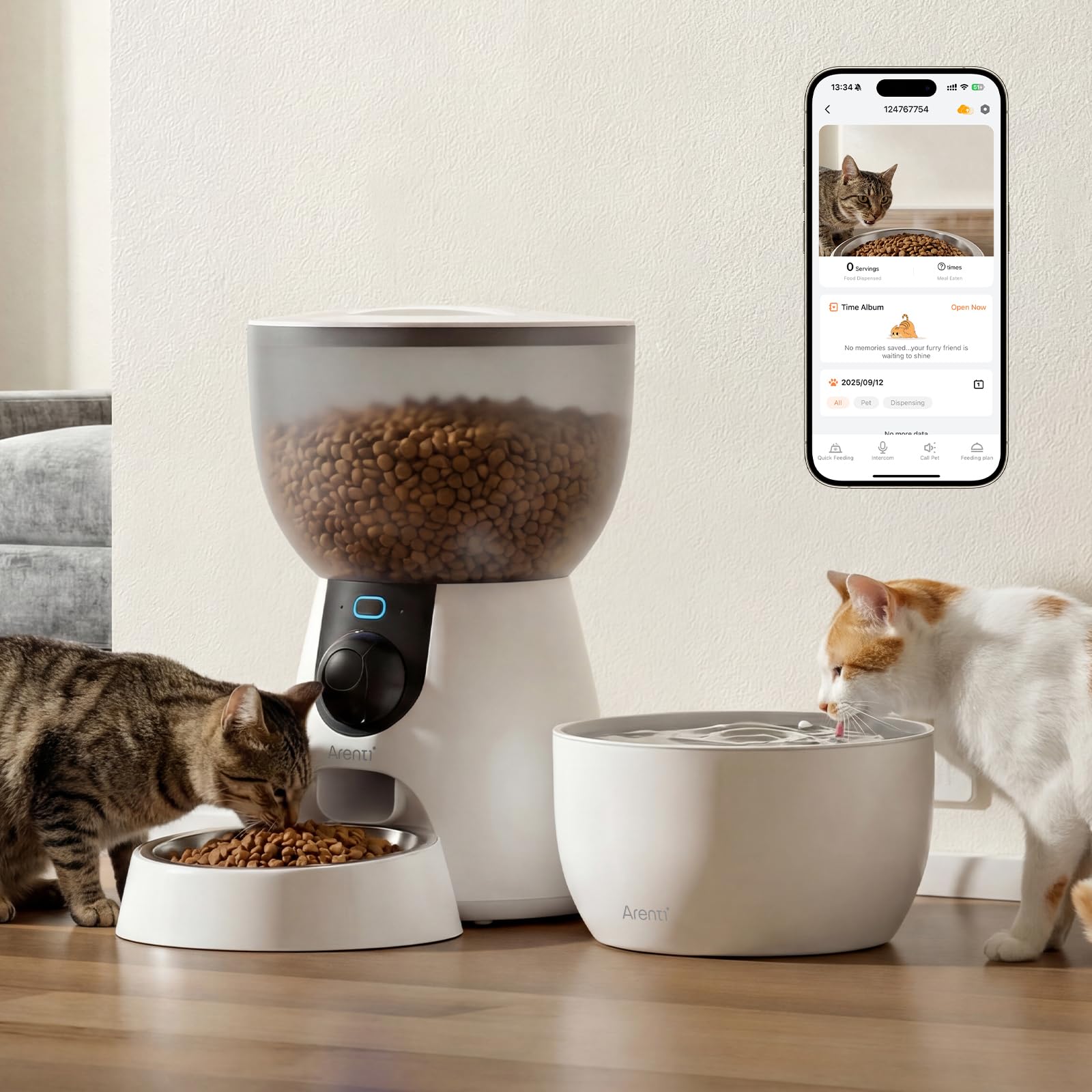
Image 1.1: The ARENTI Smart Automatic Cat Feeder and Water Fountain.
وڊيو 1.1: ختمview of the ARENTI Pet Feeder1, Automatic Cat Feeder with Camera.
2. دٻي ۾ ڇا آهي
پيڪيج ۾ هيٺيان اجزاء شامل آهن:
- کاڌي پيتي جو سامان
- مکيه جسم
- مٿو ڍڪڻ
- کاڌي پيتي
- اسٽينلیس سٹیل جو پيالو
- پاور اڊاپٽر
- Desiccant پيڪ
- USB ڪيبل
- استعمال ڪندڙ دستي
- پاڻي جو چشمو
- پيئڻ جي ٽري
- ٽيوب
- فلٽر عنصر
- تري
- Water dispensing tube
- Pump USB cable
- پاڻي جو پيالو
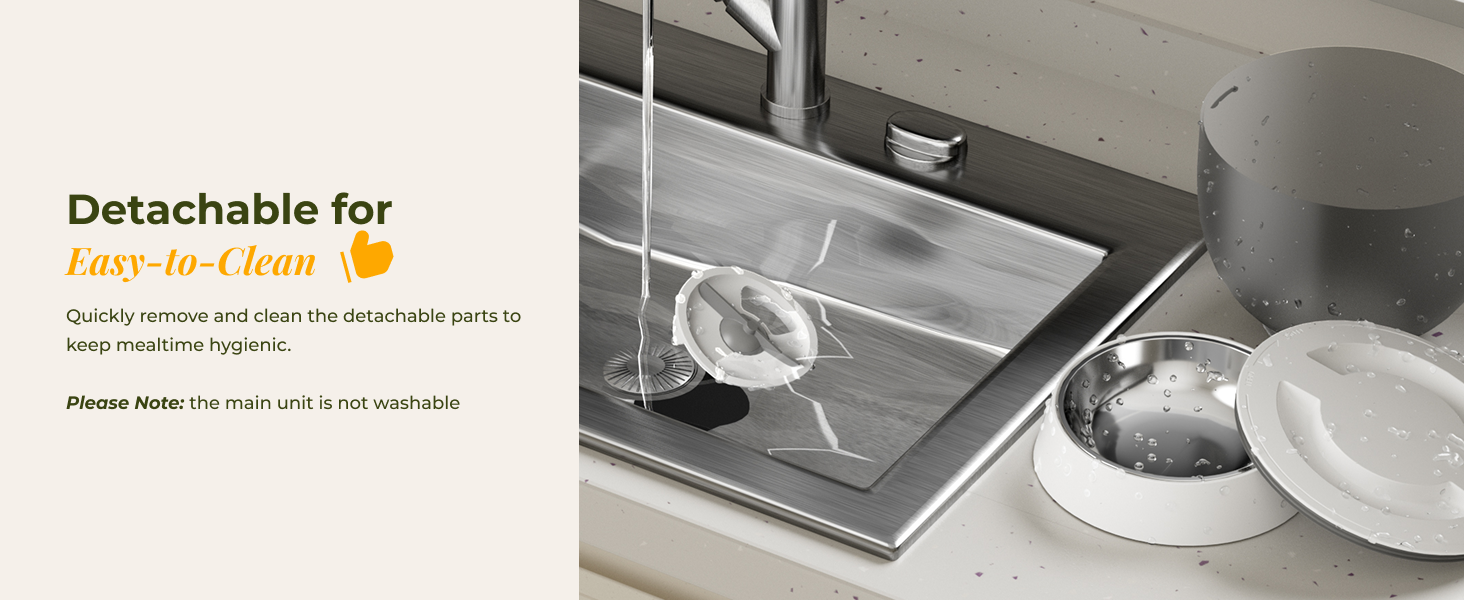
Image 2.1: All included components of the Pet Feeder1 Kit.
3. سيٽ اپ جون هدايتون
Follow these steps to set up your ARENTI Smart Automatic Cat Feeder and Water Fountain:
- انپيڪ اجزاء: احتياط سان پيڪنگ مان سڀئي شيون هٽايو ۽ پڪ ڪريو ته سڀئي درج ٿيل جزا موجود آهن.
- Assemble Feeder Base: Place the main body of the feeder on a stable, flat surface.
- کاڌي جو پيالو انسٽال ڪريو: Insert the stainless steel food bowl into the designated slot at the front of the feeder base.
- Fill Food Hopper: Open the top lid of the food hopper and pour dry pet food (recommended kibble size: 5-15 mm) into the container. Ensure the desiccant bag is placed in the lid to maintain food freshness. Close the lid securely.
- Assemble Water Fountain: Assemble the water fountain components including the drinking tray, tube, filter element, and pump. Fill the water reservoir with fresh water.
- پاور Connectنيو: Connect the power adapter to the feeder and plug it into a wall outlet. For battery backup, insert 4 D-cell batteries (not included) into the battery compartment at the bottom of the unit.
- ايپ ڊائون لوڊ ڪريو پنهنجي اسمارٽ فون جي ايپ اسٽور تان ARENTI ايپ ڊائون لوڊ ڪريو.
- وائي فائي سان ڳنڍيو: Follow the in-app instructions to connect your feeder to your home's 2.4 GHz or 5 GHz Wi-Fi network.
Video 3.1: Step-by-step guide for setting up the ARENTI Pet Feeder1 and Pet Feeder1 Kit.

Image 3.1: Filling the food hopper with dry kibble.
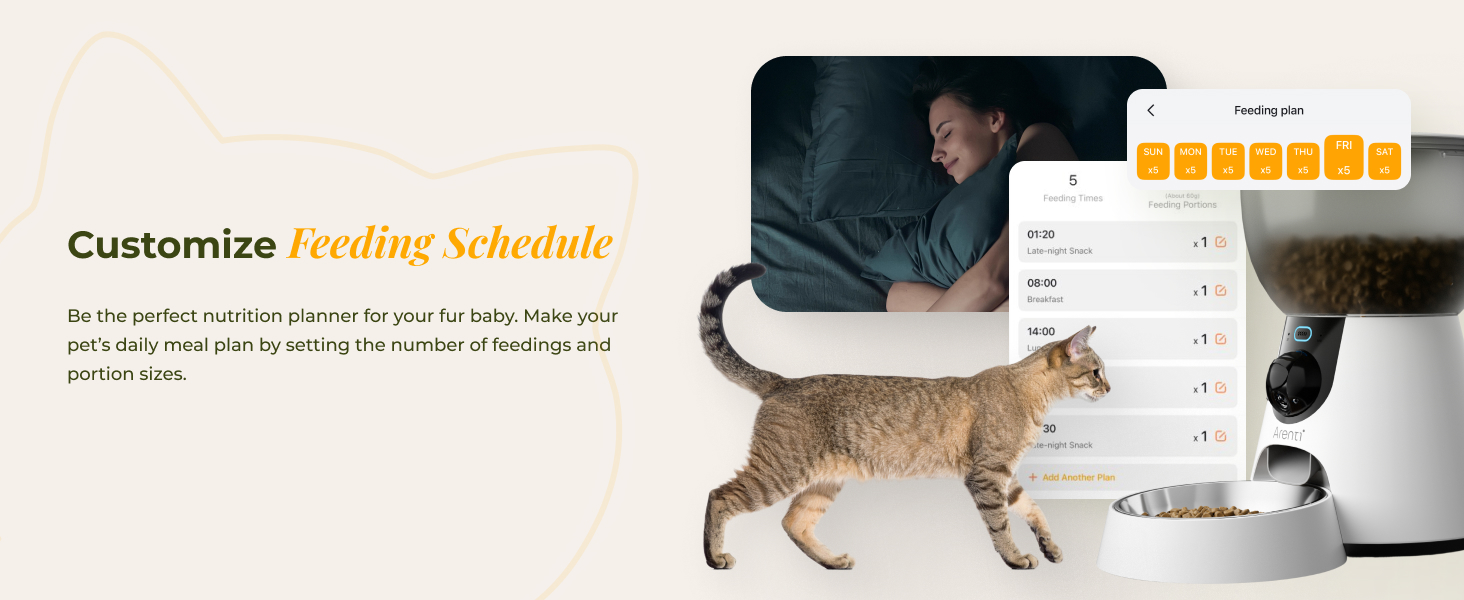
Image 3.2: The integrated drinking fountain accessory.
4. آپريٽنگ هدايتون
Operate your smart feeder using the ARENTI app or manual controls.
4.1. شيڊول ٿيل کاڌ خوراڪ
Use the ARENTI app to set up a customized feeding schedule for your pet. You can specify feeding times, days of the week, and portion sizes. The feeder will automatically dispense food according to your programmed schedule.
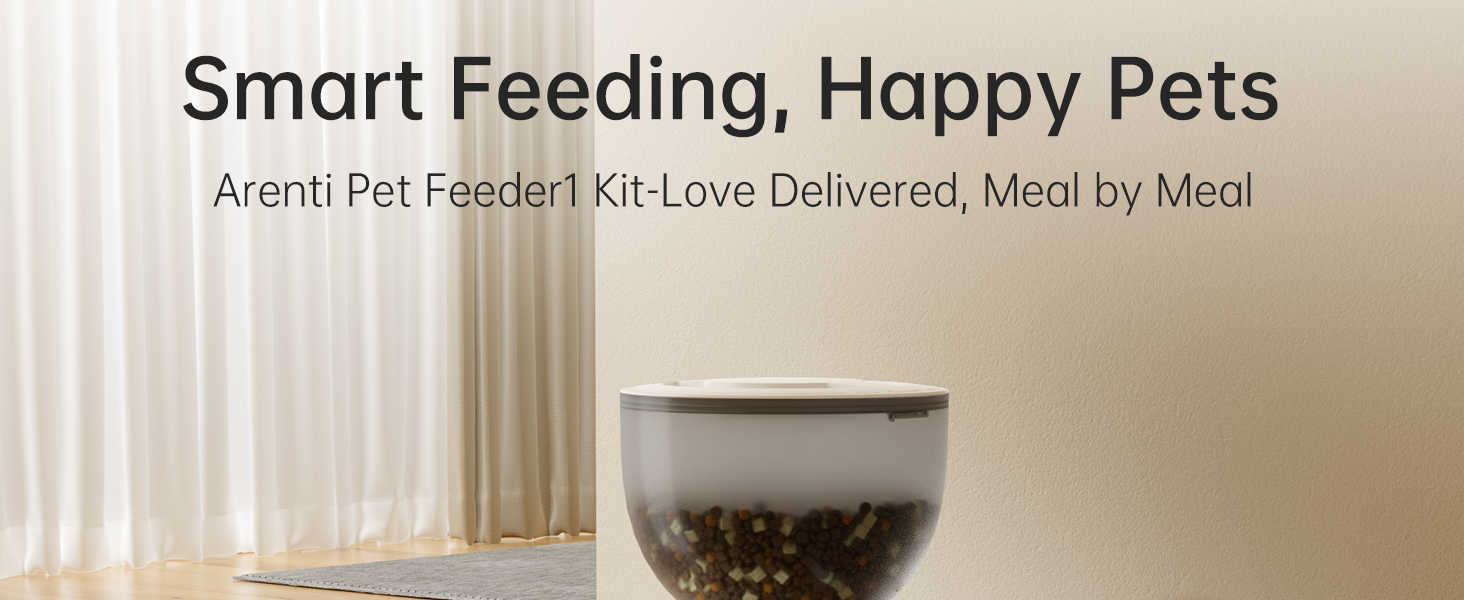
Image 4.1: Customize your pet's feeding schedule via the app.
4.2. دستي کارائڻ
To dispense food manually, either press the feed button on the device or use the 'Feed Now' option in the ARENTI app. You can select the desired portion size before manual dispensing via the app.

Image 4.2: Remote feeding via the Arenti App.
4.3. Camera Monitoring & Two-Way Talk
Access the 2K HD camera via the app for a live view of your pet. The 130° wide-angle lens and 4:3 aspect ratio provide extensive coverage. Use the two-way audio feature to speak to your pet or listen to them. You can also record custom meal calls to attract your pet at feeding times.
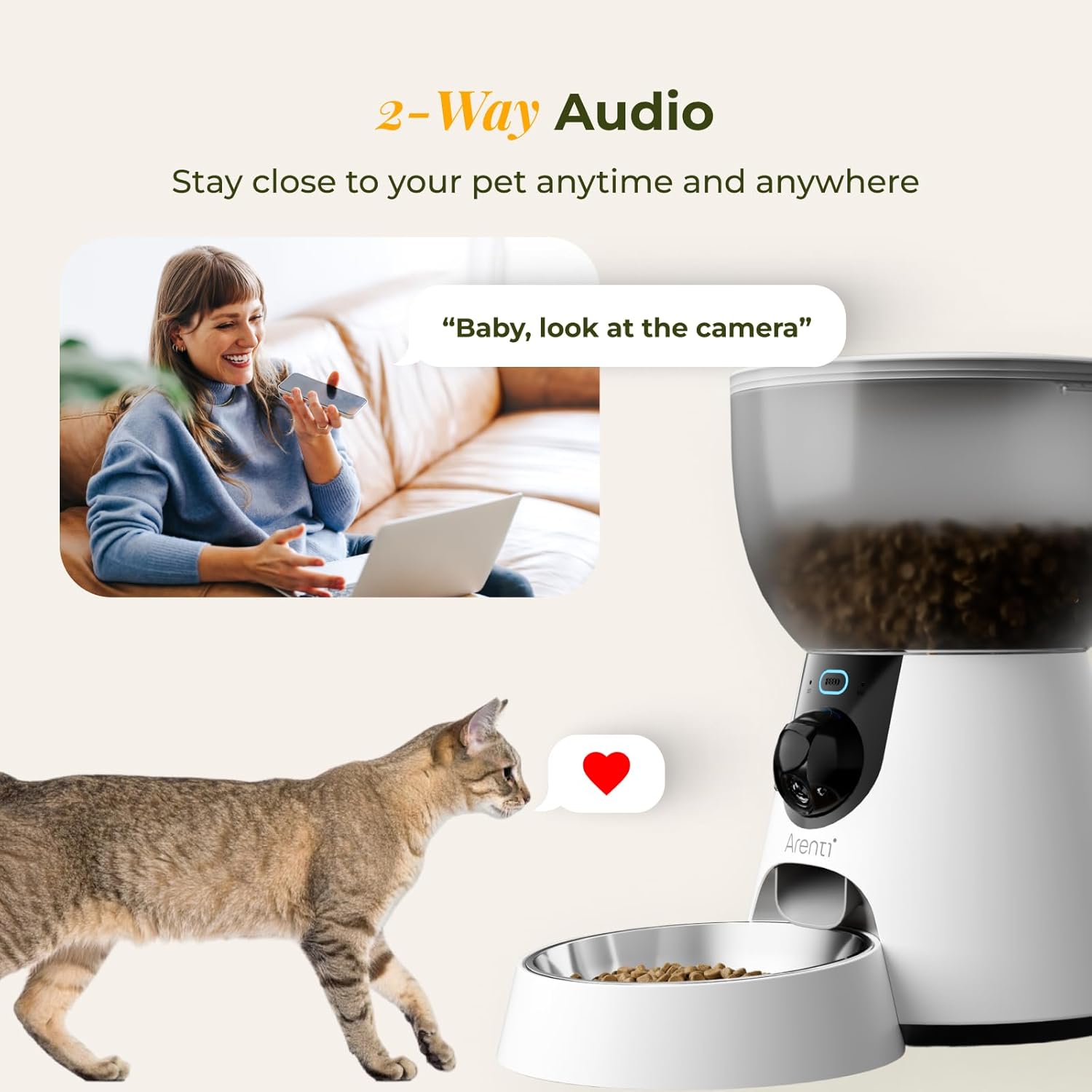
Image 4.3: Two-way audio feature for interacting with your pet.
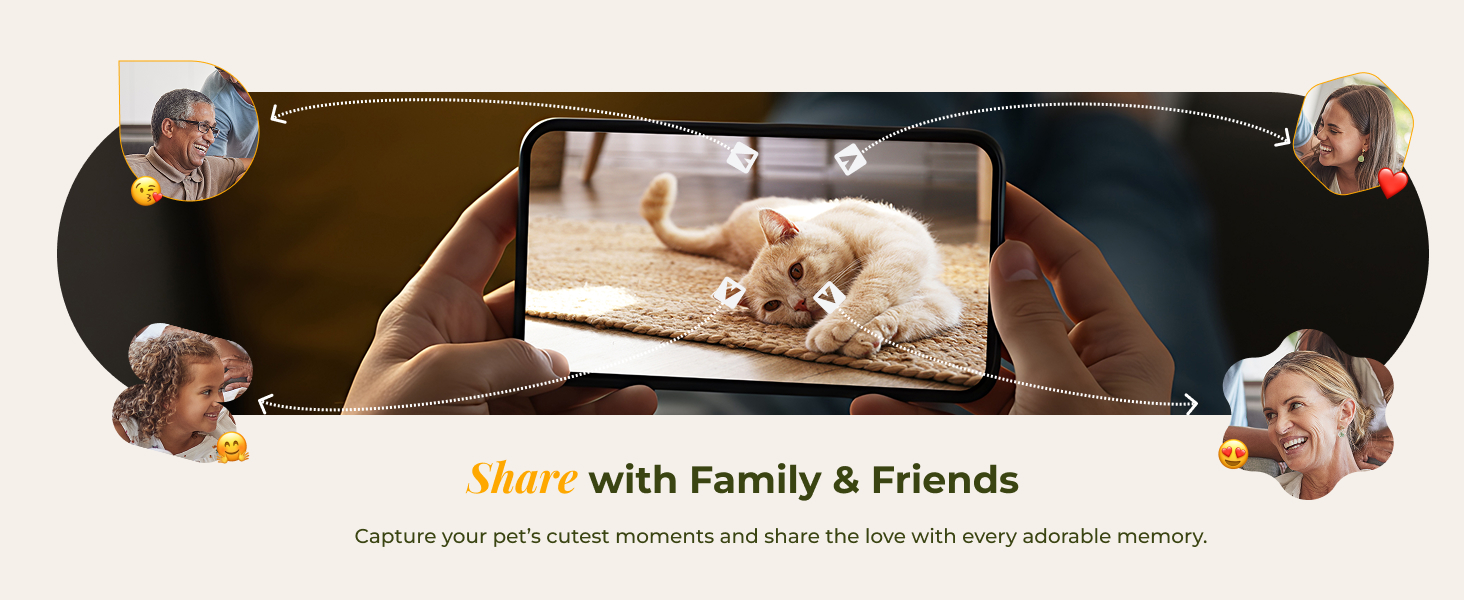
Image 4.4: The 3MP/2K wide-angle view provides extensive monitoring.
4.4. Laser Play
Some models may include a laser pointer for interactive play. Control the laser's movement via the app to engage your pet, even when you're away.
4.5. Smart Alerts & Notifications
The feeder features built-in motion detection. You will receive real-time app push notifications when your pet is active or when the food level is low.
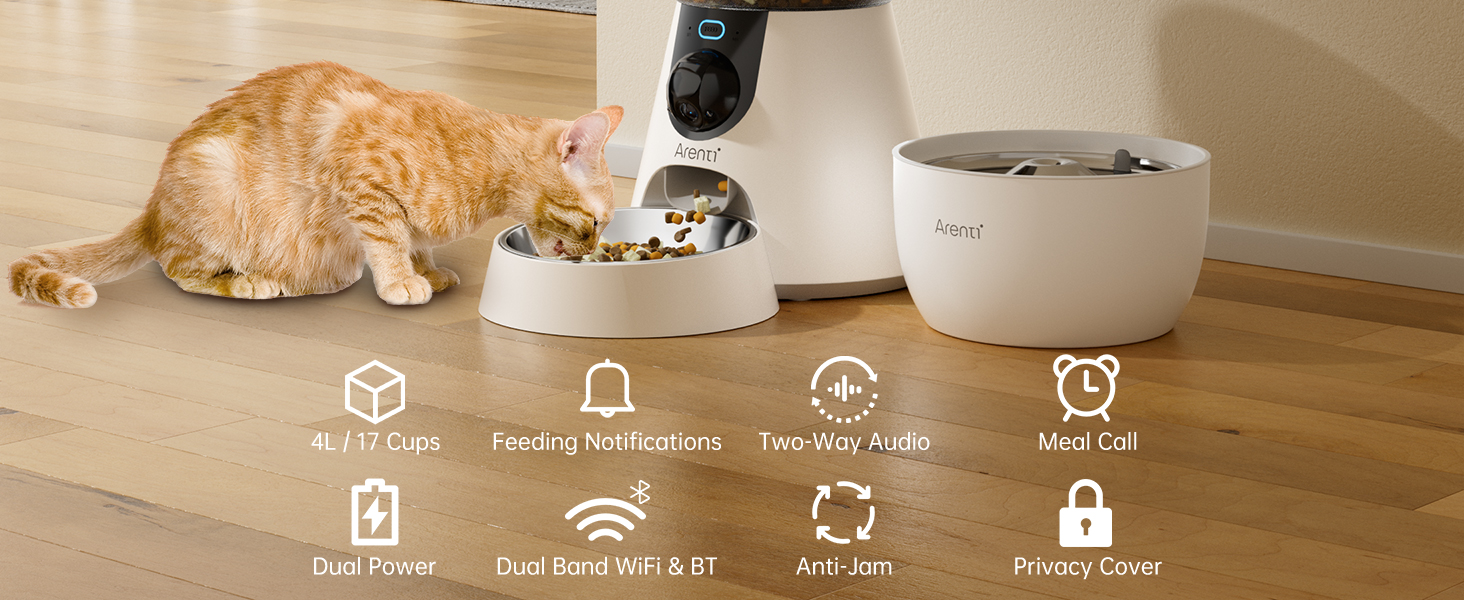
Image 4.5: Intelligent Capture feature auto-detects and records pet motion.
4.6. Dual Power / Battery Backup
The feeder operates on AC power for full functionality. In case of a power outage, the optional D-cell batteries (not included) provide up to 6 days of low-power feeding, ensuring your pet is fed even without electricity. App control, live view, and Wi-Fi features require AC power and network connection.
Video 4.6: Demonstrates scheduled feeding with battery backup during a power outage.
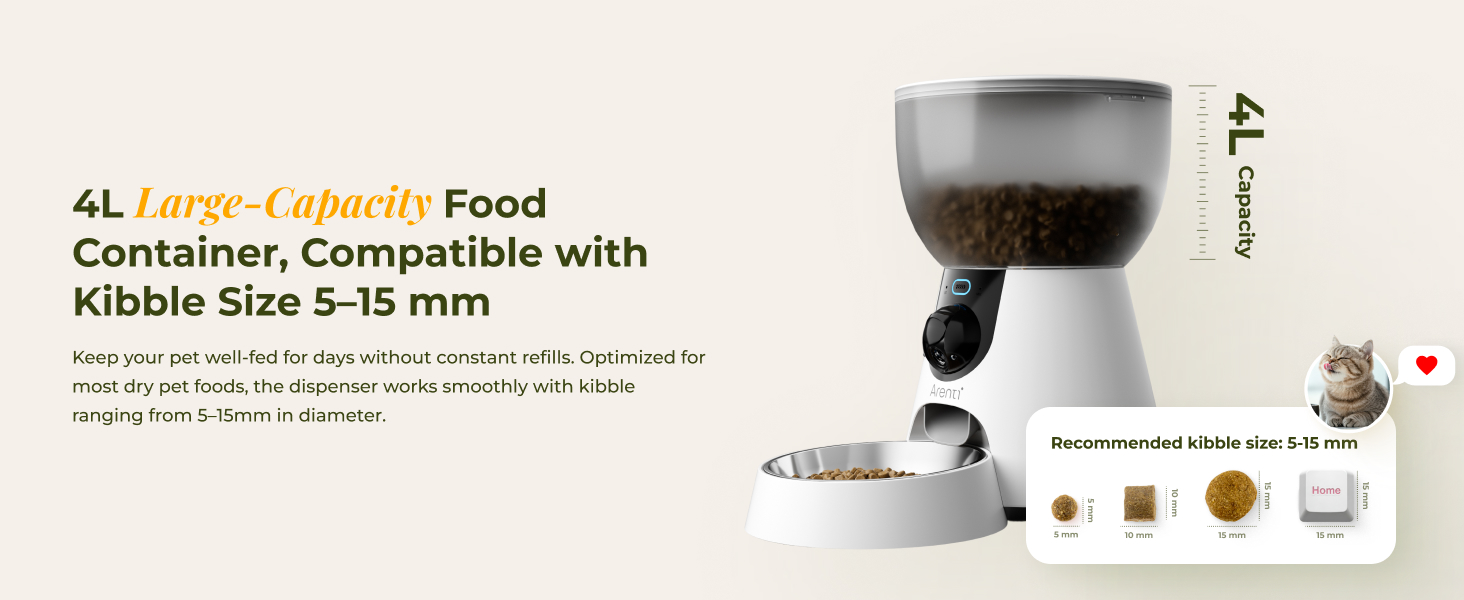
Image 4.7: Power Outage Feeding Protection with optional battery backup.
4.7. وائي فائي ڪنيڪشن
The feeder supports both 2.4 GHz and 5 GHz Wi-Fi for reliable and smooth monitoring. Ensure your device is connected to the internet for full app functionality.
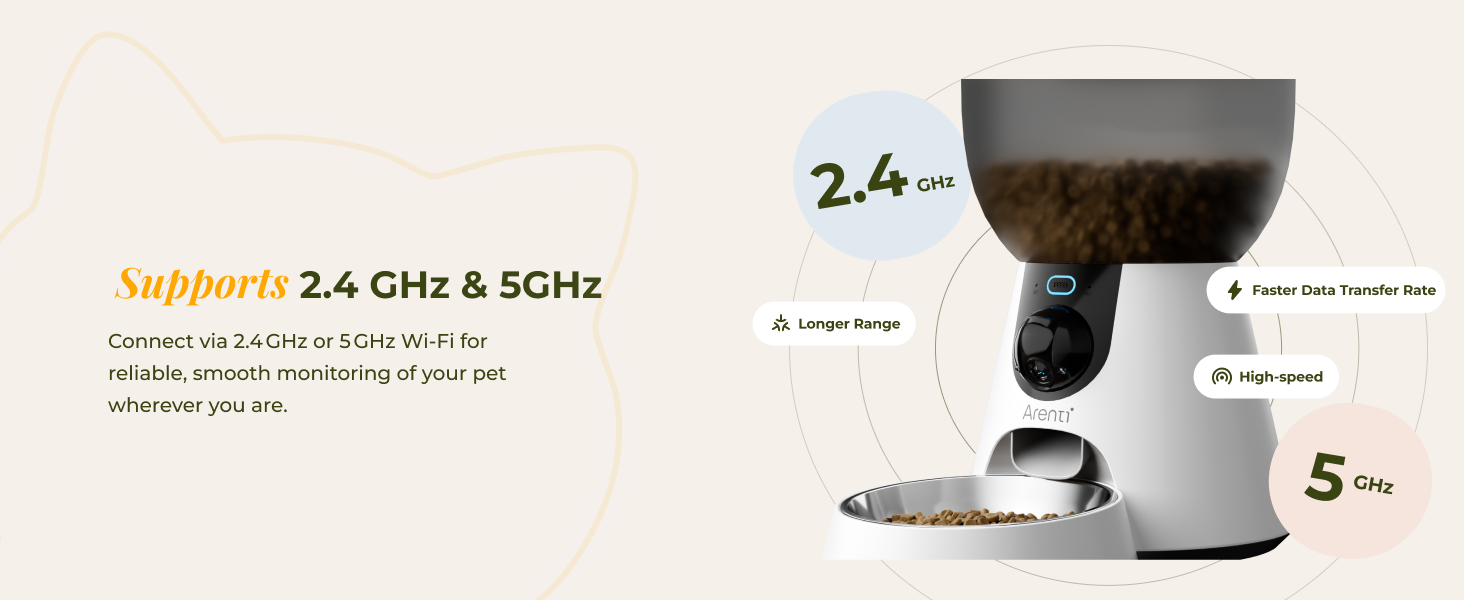
Image 4.8: The feeder supports both 2.4 GHz and 5 GHz Wi-Fi networks.
4.8. Camera Privacy Cover
The camera features a manually operated privacy cover, allowing you to close the lens for privacy when needed.

Image 4.9: Manually operated camera privacy cover for enhanced privacy.
4.9. Anti-Jam Design
The feeder incorporates a Smart Anti-Jam Design with reverse rotation technology. This prevents food from getting stuck, ensuring smooth and consistent feeding.
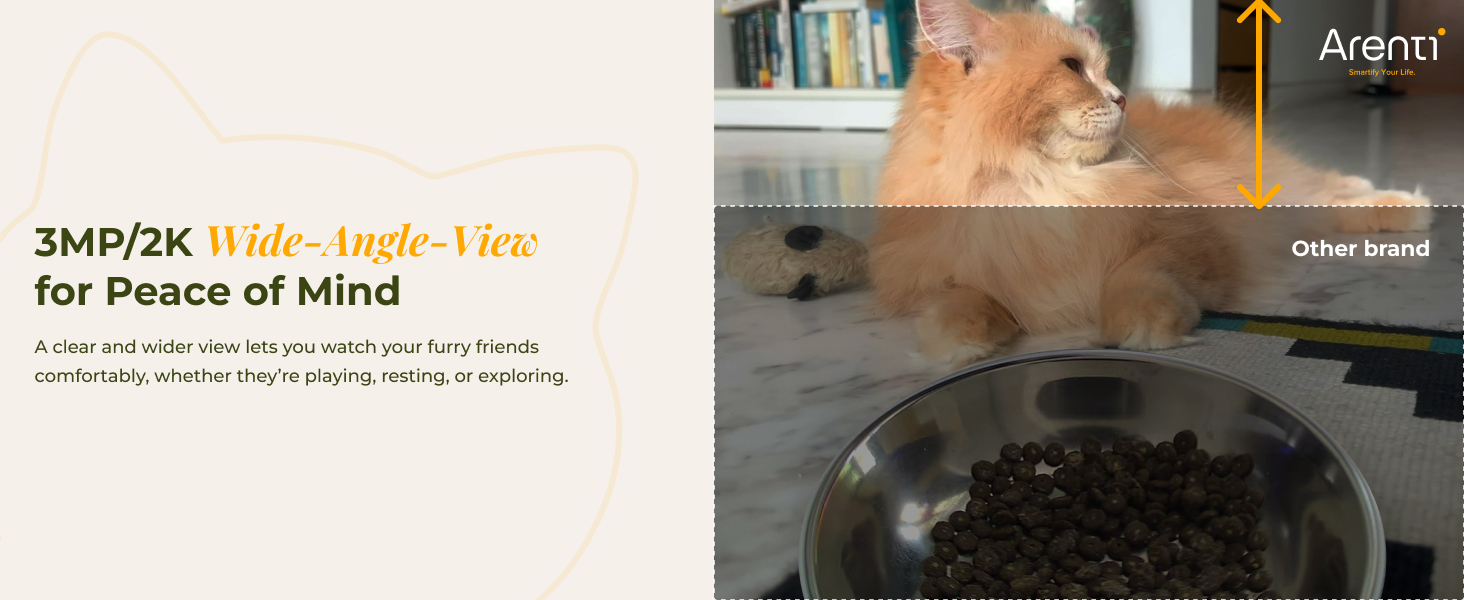
Image 4.10: Smart Anti-Jam Design ensures smooth food dispensing.
5. سار سنڀال
Regular cleaning is essential to ensure the hygiene and proper functioning of your pet feeder and water fountain.
- ڌار ڪرڻ وارا اجزاء: The food bowl, stainless steel bowl, water fountain components, and food hopper are designed to be easily detachable for cleaning.
- صفائي جون هدايتون: Hand wash all detachable components with mild soap and water. Rinse thoroughly.
- مکيه يونٽ: The main unit of the feeder is not washable. Wipe it clean with a damp ڪپڙو.
- Desiccant بيگ: Replace the desiccant bag monthly to keep dry food fresh and prevent moisture. Update the desiccant status in the app.
Video 5.1: Easy step-by-step tutorial for cleaning the Pet Feeder1 Kit.

Image 5.2: Features like the secure twist-lock lid and desiccant bag help keep food fresh.

تصوير 5.3: آسان صفائي لاءِ الڳ ڪرڻ لائق جزا.
6. مسئلا حل ڪرڻ
If you encounter any issues with your ARENTI Smart Automatic Cat Feeder and Water Fountain, refer to the following common solutions:
- فيڊر کاڌو نه پيو ڏئي:
- Check if the food hopper is empty.
- Ensure the feeder is powered on and connected to Wi-Fi.
- Verify that the kibble size is within the recommended 5-15 mm range to prevent jams.
- Check for any obstructions in the dispensing mechanism.
- Water Fountain Not Flowing:
- پڪ ڪريو ته پاڻي جو ذخيرو ڀريل آهي.
- Check if the pump is properly installed and free from debris.
- Clean the filter element regularly.
- ايپ ڪنيڪشن جا مسئلا:
- Confirm your Wi-Fi network is active and stable (supports 2.4 GHz and 5 GHz).
- Restart your router and the feeder.
- پڪ ڪريو ته ايپ تازو ورزن تائين اپڊيٽ ڪئي وئي آهي.
- ڪئميرا ڪم نه ڪري رهيو آهي:
- وائي فائي ڪنيڪشن چيڪ ڪريو.
- Ensure the camera privacy cover is open.
- فيڊر کي ٻيهر شروع ڪريو.
7. وضاحتون
| خاصيت | تفصيل |
|---|---|
| برانڊ | آرينٽي |
| ماڊل نالو | Pet Feeder 1 Kit-MRHK |
| شيءِ جو وزن | 5.51 پائونڊ |
| شيون طول و عرض (LxWxH) | 7.85 x 7.85 x 13.39 انچ |
| رنگ | اڇو |
| مواد | 304 Food-grade Stainless Steel, Plastic |
| کاڌي جي گنجائش | 4L (approx. 17 cups of dry food) |
| تجويز ڪيل ڪيبل سائيز | 5-15 ملي ميٽر |
| طاقت جو ذريعو | AC Power with 4 D-cell battery backup (batteries not included) |
| رابطي | 2.4 GHz & 5 GHz Wi-Fi |
| ڪئميرا قرارداد | 2K HD |
| خاص خاصيتون | Automatic, Camera, Microphone, Smart App, Two-Way Audio, Motion Detection, Night Vision, Anti-Jam Design |
Image 7.1: 4L Large-Capacity Food Container, compatible with kibble size 5-15 mm.
8. وارنٽي ۽ سپورٽ
The ARENTI Smart Automatic Cat Feeder and Water Fountain comes with a 2-سال وارنٽي. For any product inquiries, technical assistance, or support, please contact ARENTI customer service. ARENTI is committed to providing smart pet care solutions and offers 24/7 customer support to ensure your furry friends are well-cared for.