
تعارف
The Wireless Express Lumina Jellyfish Mood Lamp is designed to create a calming and immersive ambiance in your living space. This lamp features lifelike jellyfish that move within a water-filled chamber, illuminated by customizable RGB LED lighting. It also includes a built-in Bluetooth speaker and white noise functions for a multi-sensory experience. This manual provides instructions for setup, operation, and maintenance of your Lumina Jellyfish Mood Lamp.
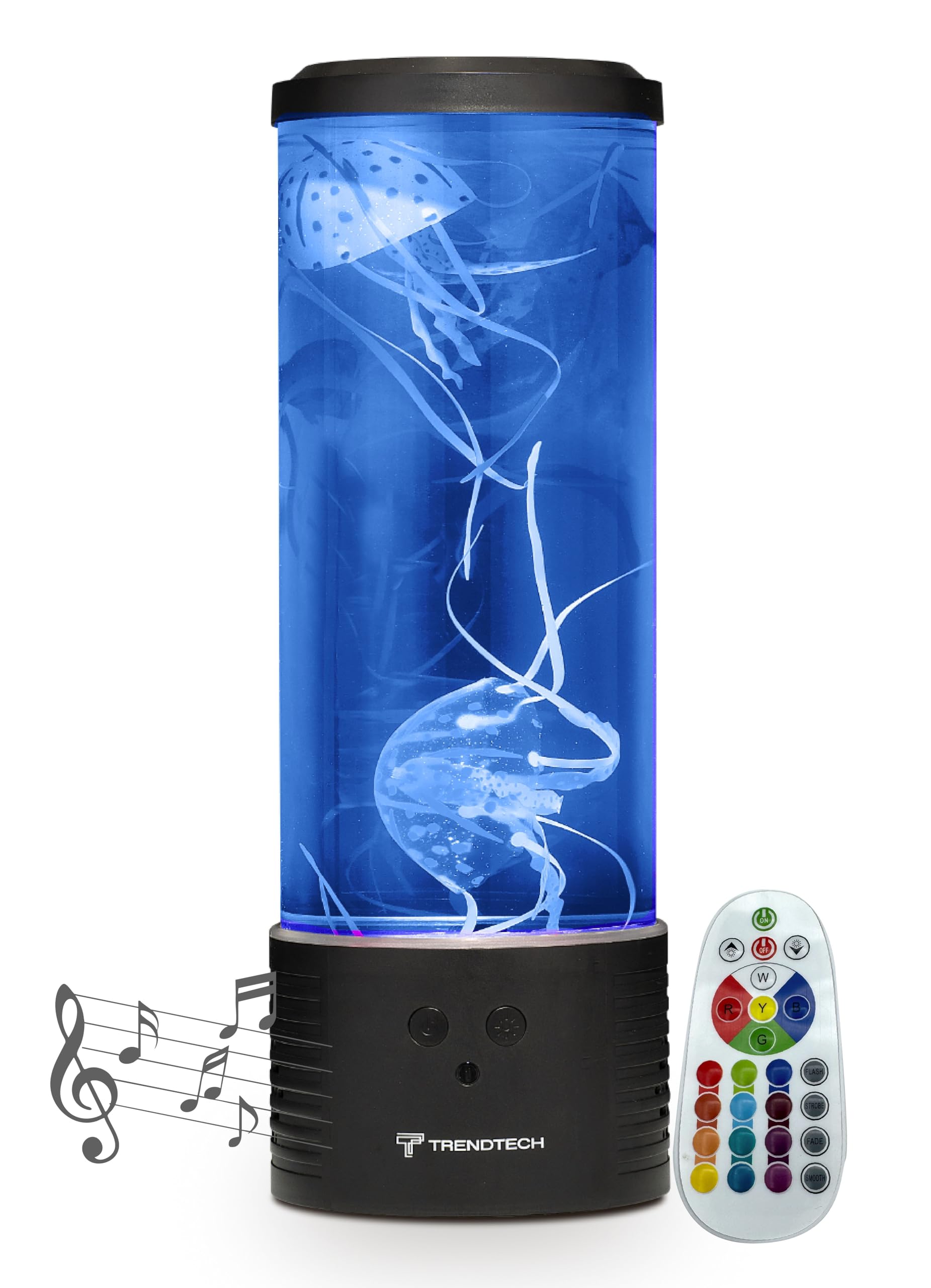
Image: The Lumina Jellyfish Mood Lamp in operation, showcasing its blue illumination and artificial jellyfish.
دٻي ۾ ڇا آهي
مھرباني ڪري پيڪيج جي مواد کي چيڪ ڪريو ته جيئن پڪ ڪري سگھجي ته سڀئي شيون موجود آھن:
- Lumina Jellyfish Mood Lamp Unit (Base and Cylinder)
- 2 x Artificial Jellyfish
- ريموٽ ڪنٽرول
- پاور اڊاپٽر
- هدايت نامو (هي دستاويز)
سيٽ اپ جون هدايتون
- ايل کي کوليوamp: Carefully remove all components from the packaging. Place the lamp هڪ مستحڪم، هموار مٿاڇري تي بنياد.
- پاڻي ڀريو: Remove the top lid of the lamp. Fill the transparent cylinder with distilled water up to the indicated fill line. Avoid overfilling.
- Add Jellyfish: Gently place the artificial jellyfish into the water. If they float at the top, use a stick or similar object to push them down and release any trapped air bubbles. This may take a few minutes.
- لڪير کي محفوظ ڪريو: Replace the top lid firmly to prevent water spillage.
- پاور Connectنيو: پاور اڊاپٽر کي ايل ۾ لڳايوampجي پاور ان پٽ پورٽ، پوءِ اڊاپٽر کي معياري اليڪٽريڪل آئوٽليٽ ۾ لڳايو.
- ريموٽ ڪنٽرول بيٽري: Ensure the remote control has a working battery. If not, insert or replace with the correct battery type.
Note: It may take up to 24 hours for the jellyfish to fully acclimate and move naturally within the water.
آپريٽنگ هدايتون
پاور آن / آف
Press the "ON/OFF" button on the remote control or the touch-sensitive switch on the lamp l کي ڦيرائڻ جو بنيادamp آن يا بند.
ايل اي ڊي لائيٽنگ موڊس
Use the remote control to select various RGB LED lighting modes and colors. The remote typically includes buttons for specific colors (e.g., Red, Green, Blue) and modes (e.g., Flash, Strobe, Fade, Smooth) to customize the ambiance.

Image: The Lumina Jellyfish Mood Lamp displaying various color options and highlighting its features, including the remote control.

Purple Illumination
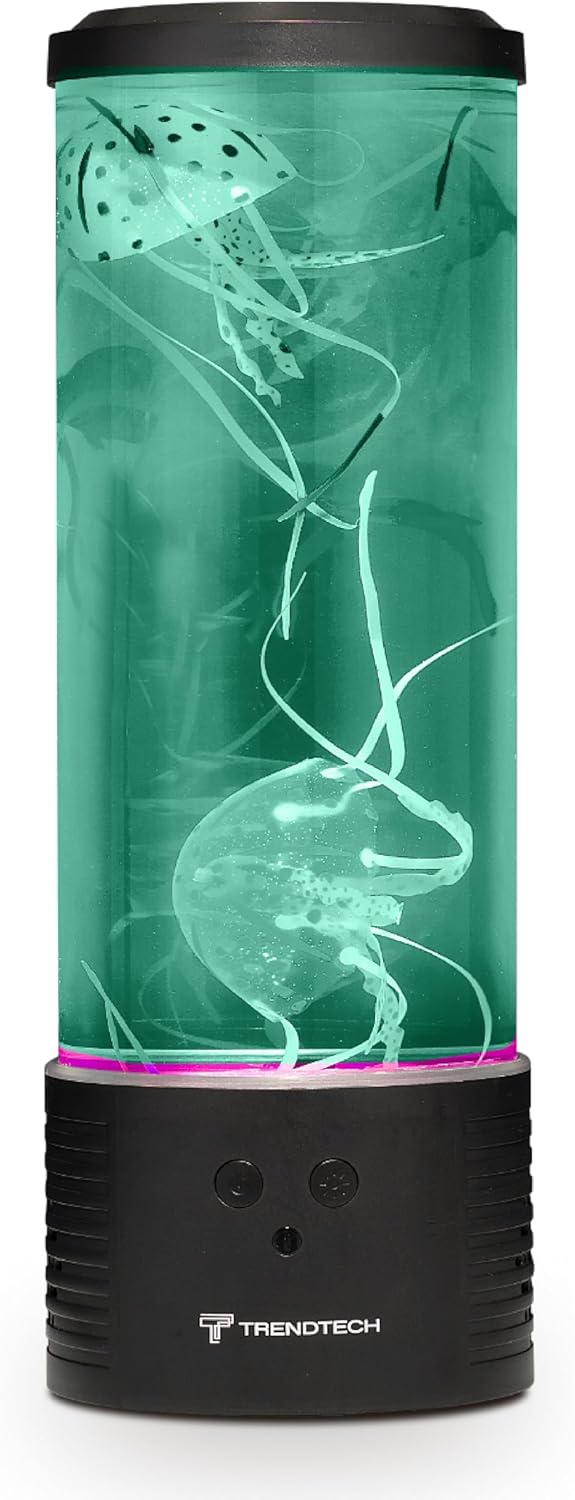
Green Illumination
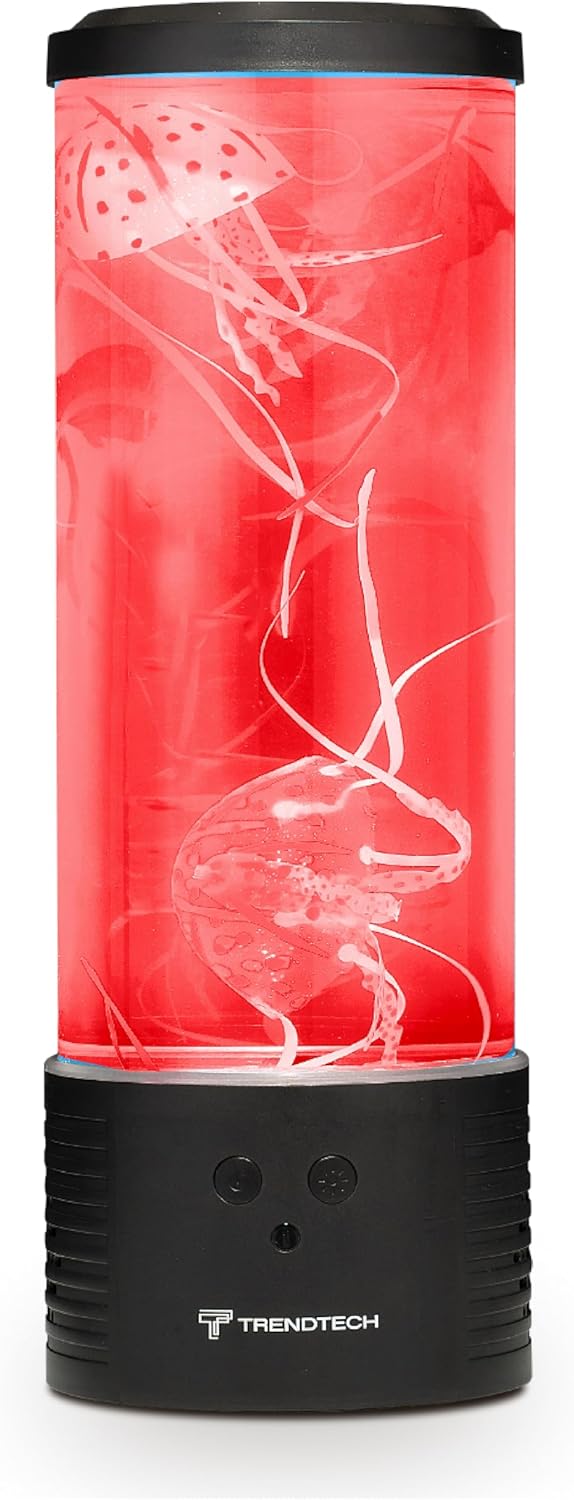
Red Illumination
بلوٽوٽ اسپيڪر فنڪشن
- جوڙڻ: ايل کي چالو ڪريوamp. Activate Bluetooth on your mobile device and search for "Lumina Jellyfish Lamp" or a similar device name. Select it to pair.
- پلے بیک: Once paired, you can play audio from your device through the lamp's built-in speaker.
- حجم ڪنٽرول: Adjust volume using your connected device.
White Noise Feature
آيلamp includes a white noise function to aid relaxation. Refer to the remote control for a dedicated white noise button or a mode selection that includes white noise.
پاڻمرادو بند ٿيندڙ ٽائمر
آيلamp features an auto shut-off timer for convenience. Consult the remote control for timer settings (e.g., 1-hour, 2-hour options).
پراڊڪٽ وڊيو ختمview
Video: An official product video demonstrating the color-changing LED lights, remote control functionality, white noise feature, and built-in speaker of the Lumina Jellyfish Mood Lamp.
سار سنڀال
صفائي
To clean the exterior of the lamp، نرم استعمال ڪريو، ڊيamp cloth. Do not use abrasive cleaners or solvents. For the interior, if the water becomes cloudy, it is recommended to replace the distilled water. Unplug the lamp صفائي کان اڳ.
پاڻي جي متبادل
If the water appears cloudy or the jellyfish movement is hindered, replace the water. Unplug the lamp, remove the lid, and carefully pour out the old water. Rinse the cylinder and jellyfish with clean water, then refill with fresh distilled water as per setup instructions.
مشڪلاتون
- Lamp چالو نه ٿو:
- پڪ ڪريو ته پاور اڊاپٽر محفوظ طور تي ٻنهي l ۾ پلگ ان ٿيل آهيamp and a working electrical outlet. Check if the outlet is functional. Verify the remote control battery is not depleted.
- Jellyfish are not moving or floating at the top:
- This is common during initial setup. Gently push the jellyfish down with a non-sharp object to release trapped air bubbles. It may take up to 24 hours for them to move freely. Ensure only distilled water is used.
- Bluetooth speaker not connecting:
- ايل کي يقيني بڻايو وڃيamp is powered on and Bluetooth is enabled on your device. Try restarting both the lamp and your device. Make sure no other device is currently paired with the lamp.
- Lights are not changing colors:
- Check the remote control battery. Ensure you are pressing the correct buttons for color selection or mode changes.
وضاحتون
| خاصيت | تفصيل |
|---|---|
| ماڊل نمبر | SKU-VOLRED |
| برانڊ | وائرليس ايڪسپريس |
| پيداوار جي ماپ | 7"ڊي x 7"ڊي x 17.5"ايڇ |
| Lamp قسم | مزاج لائٽ |
| روشني جو ذريعو قسم | RGB LED |
| طاقت جو ذريعو | تار ٿيل برقي |
| جلدtage | 12 وولٽ |
| واتtage | 5 واٽ |
| ڪنٽرول جو طريقو | ٽچ، ريموٽ ڪنٽرول |
| ڪنيڪشن پروٽوڪول | بلوٽوٿ |
| مواد جو قسم | ڌاتو ، شيشي |
| اندروني / ٻاهران استعمال | اندريون |
| پاڻي جي مزاحمت جي سطح | نه پاڻي مزاحمتي |
وارنٽي ۽ سپورٽ
This product comes with a limited warranty from Wireless Express. For specific warranty details, please refer to the documentation included with your purchase or visit the official Wireless Express webسائيٽ.
Manufacturer Warranty Description: Limited warranty.
For technical support or customer service, please contact Wireless Express directly through their official channels.