1. تعارف
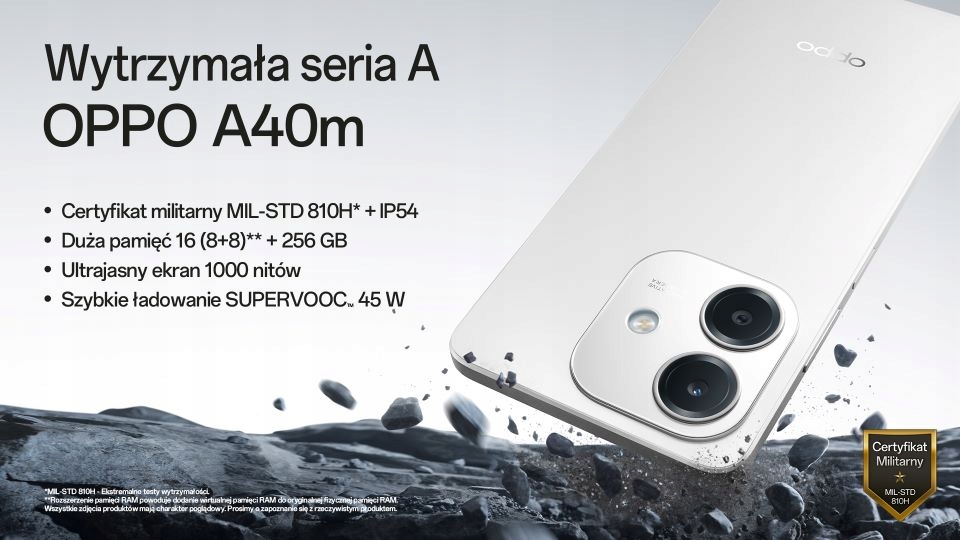
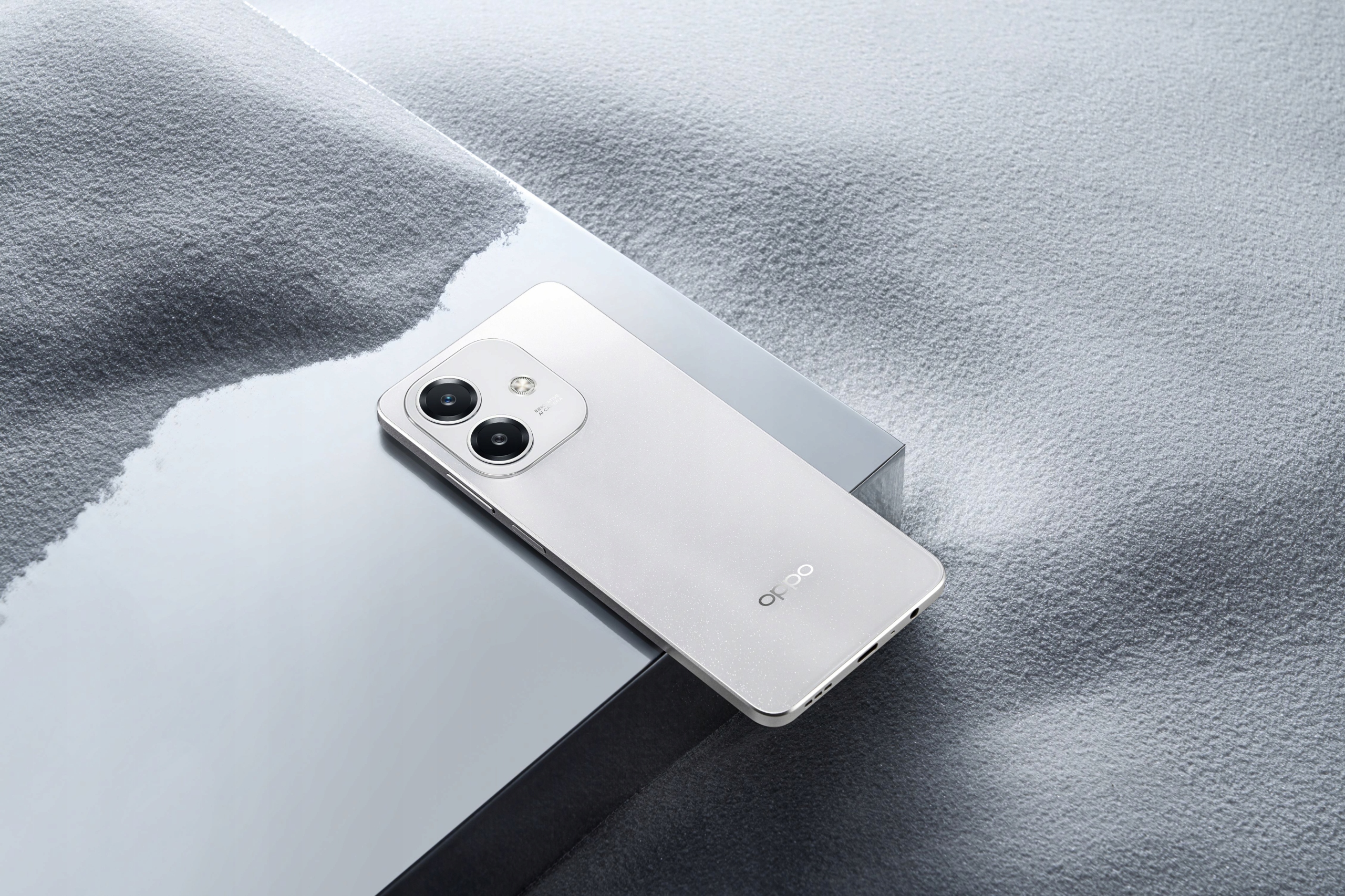
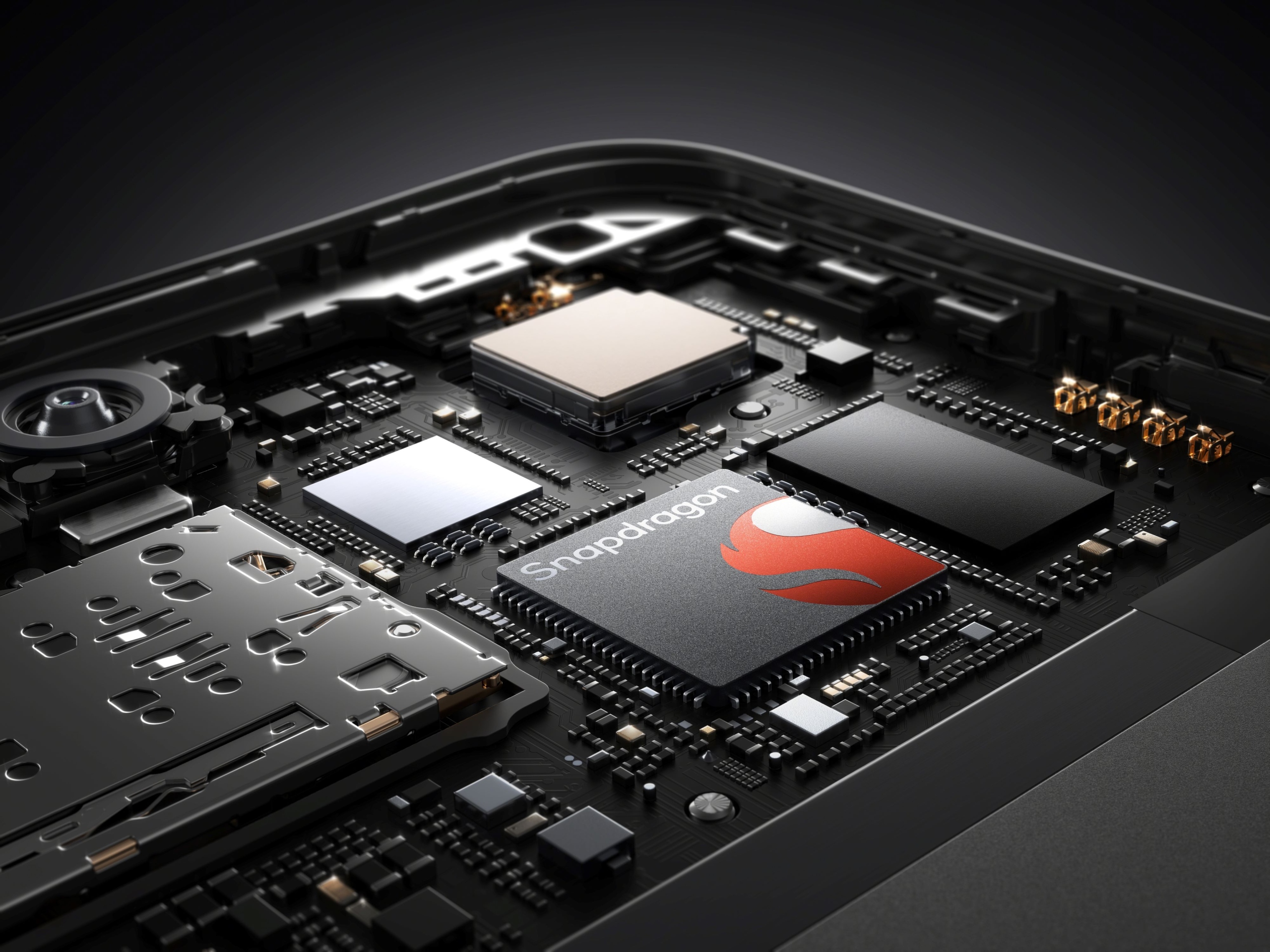
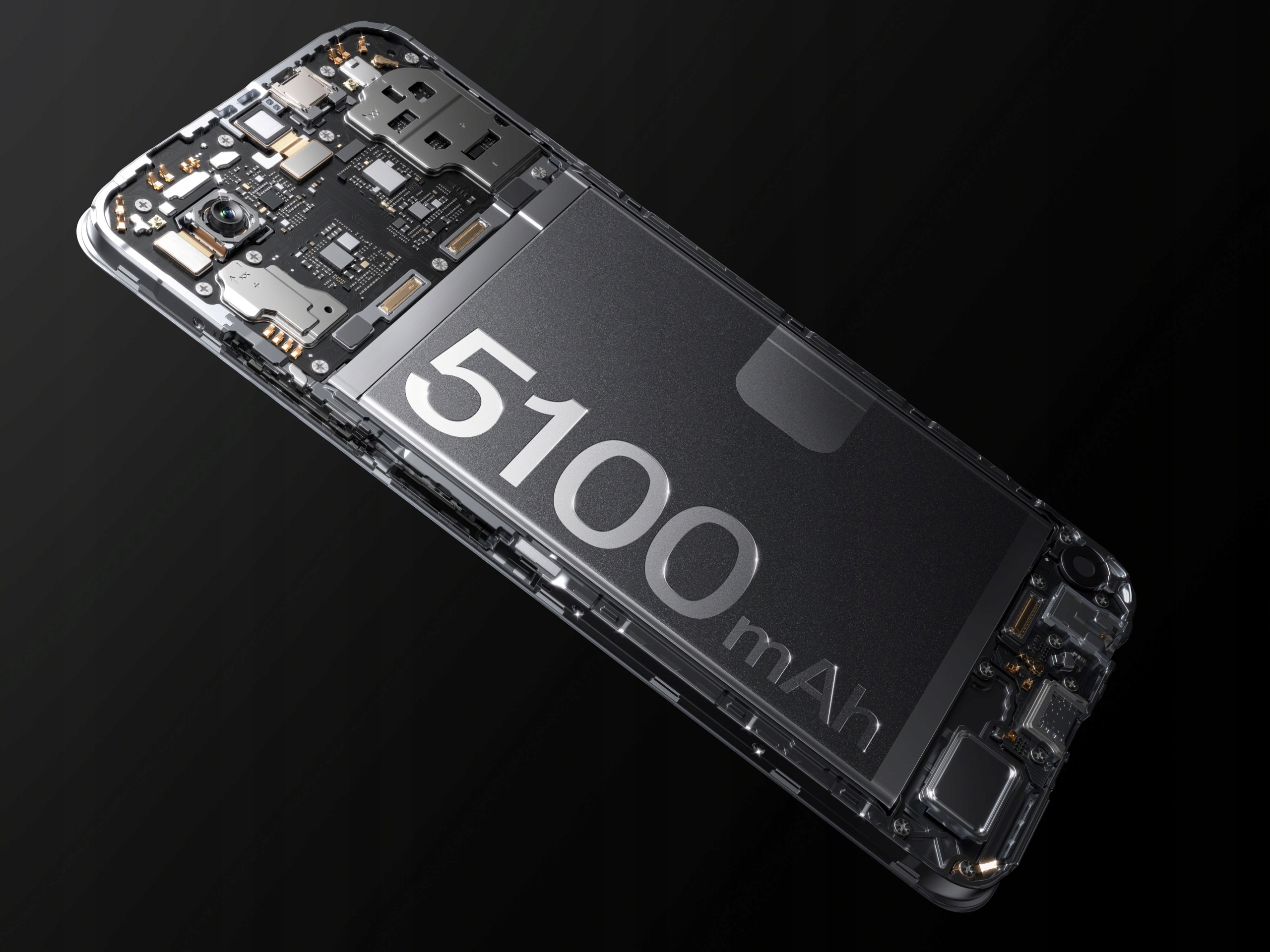
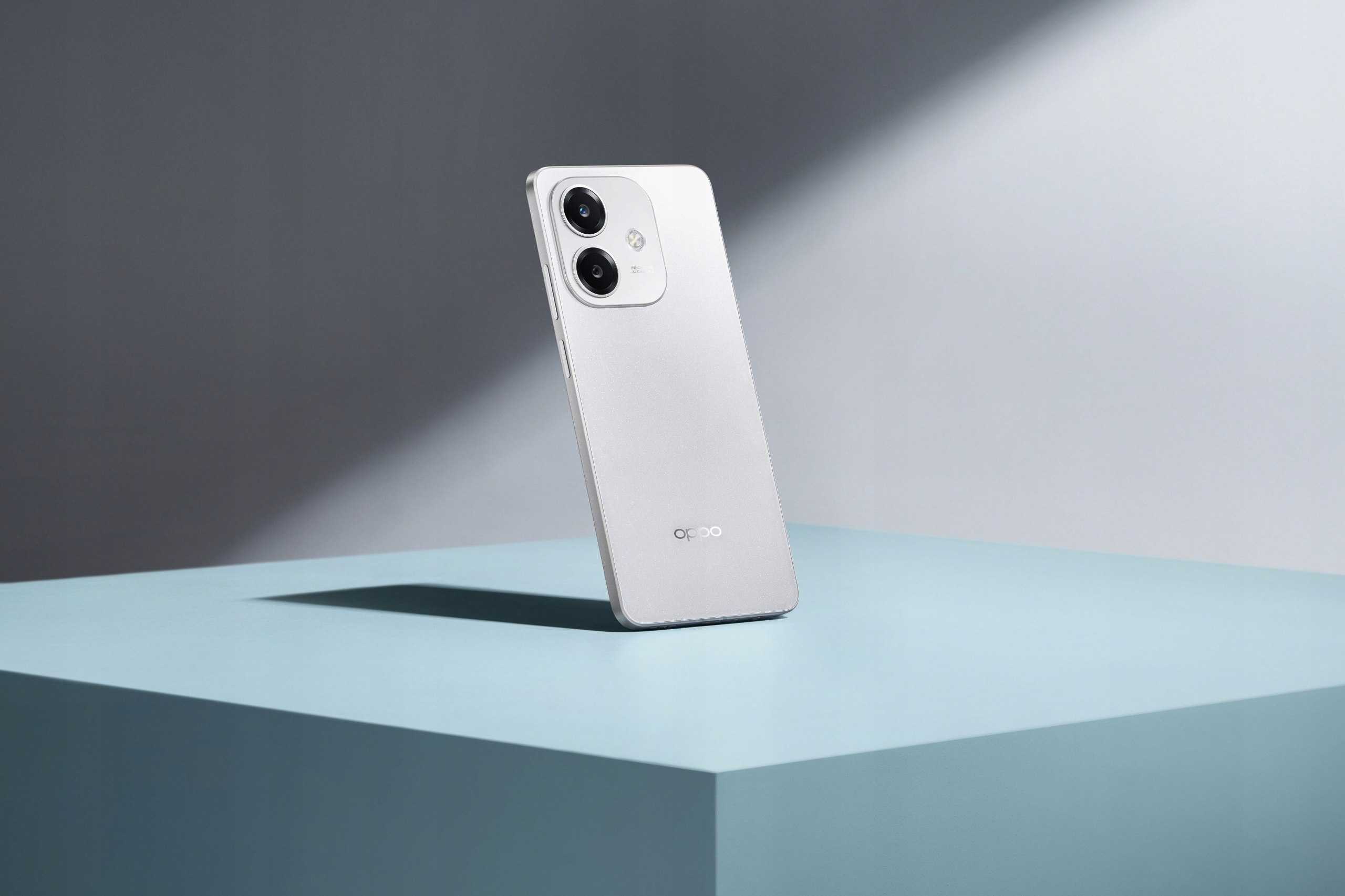
The OPPO A40m is a robust and feature-rich smartphone designed for reliable performance and durability. It boasts a MIL-STD 810H military standard certification and IP54 water resistance, making it resilient against drops, shocks, and fluid exposure. Powered by a Snapdragon® 6s 4G Gen1 processor, it offers smooth operation and ample storage with 8GB RAM (expandable with +8GB virtual RAM) and 256GB ROM, further expandable up to 1TB via microSD. The device features a vibrant 6.67-inch 1000-nit ultra-bright display with a 90Hz refresh rate and Splash Touch technology for responsive interaction even with wet hands. Capture stunning photos with its 50MP main camera and 5MP front camera, and enjoy fast charging with the 5100mAh battery and 45W SUPERVOOC™ technology.

2. پيڪيج مواد
مھرباني ڪري ھيٺ ڏنل شين لاءِ دٻي کي چيڪ ڪريو:
- OPPO A40m Smartphone
- USB ڪيبل (قسم-سي)
- SIM Ejector Tool (SIM needle)
- Reduced Instruction Manual
جيڪڏهن ڪا به شيءِ غائب يا خراب آهي، مهرباني ڪري پنهنجي پرچون ڪندڙ سان رابطو ڪريو.
3. وضاحتون
| خاصيت | تفصيل |
|---|---|
| برانڊ | اوپو |
| ماڊل | A40m |
| رام | 8 GB (expandable with +8 GB virtual RAM) |
| روم | 256 GB (expandable up to 1 TB via microSD) |
| پروسيسر | Snapdragon® 6s 4G Gen1 |
| ڊسپلي سائيز | 6.67 انچ |
| ڊسپلي قرارداد | 720x1604 |
| اسڪرين جو قسم | Full Screen, 1000 NIT ultra-bright, 90Hz refresh rate, Touch Screen, Splash Touch |
| بيٽري جي گنجائش | 5100 mAh (هٽائي نه سگهبو) |
| چارج ڪرڻ | SUPERVOOC™ 45W Fast Charging (Type-C Interface) |
| پوئين ڪئميرا | 50 MP (Single lens) |
| سامهون ڪئميرا | 5 MP (Single lens) |
| بايوميٽرڪس ٽيڪنالاجي | پاسي تي لڳل فنگر پرنٽ سينسر |
| هيڊ فون پورٽ | 3.5mm جيڪ |
| سم ڪارڊ جي مقدار | 2 SIM Card slots |
| آپريٽنگ سسٽم | Android |
| پائيداري | MIL-STD 810H Military Standard, IP54 Water Resistance |
| اين ايف سي | 360° NFC |
| وائرليس چارجنگ | نه |
| اصليت | مکيه زمين چين |
4. سيٽ اپ گائيڊ
4.1. سم ڪارڊ ۽ مائڪرو ايس ڊي ڪارڊ داخل ڪرڻ
- Locate the SIM card tray on the side of your OPPO A40m.
- سم ايجيڪٽر ٽول کي ٽري جي ڀرسان ننڍڙي سوراخ ۾ داخل ڪريو ۽ نرميءَ سان دٻايو جيستائين ٽري ٻاهر نه اچي.
- Place your Nano-SIM card(s) and/or microSD card into the designated slots on the tray. Ensure the gold contacts are facing down.
- ٽري کي احتياط سان فون ۾ ٻيهر داخل ڪريو جيستائين اهو پنهنجي جاءِ تي ڪلڪ نه ڪري.
4.2. شروعاتي پاور آن ۽ سيٽ اپ
- پاور بٽڻ (پاسي تي واقع) کي دٻايو ۽ رکو جيستائين OPPO لوگو ظاهر نه ٿئي.
- پنهنجي ٻولي چونڊڻ، وائي فائي نيٽ ورڪ سان ڳنڍڻ، ۽ پنهنجو گوگل اڪائونٽ سيٽ اپ ڪرڻ لاءِ اسڪرين تي ڏنل هدايتن تي عمل ڪريو.
- You will be guided through setting up security features like the side-mounted fingerprint sensor and screen lock.
5. آپريٽنگ هدايتون
5.1. پاور آن/آف ۽ ريسٽارٽ ڪريو
- پاور آن: Press and hold the Power button until the device vibrates and the OPPO logo appears.
- بجلي بند: پاور بٽڻ کي دٻايو ۽ رکو، پوءِ اسڪرين تي "پاور آف" تي ٽيپ ڪريو.
- ٻيهر شروع ڪريو: پاور بٽڻ کي دٻايو ۽ رکو، پوءِ اسڪرين تي "ٻيهر شروع ڪريو" تي ٽيپ ڪريو.
5.2. توهان جي ڊوائيس کي چارج ڪرڻ
The OPPO A40m supports SUPERVOOC™ 45W fast charging. Use the provided USB Type-C cable and a compatible 45W SUPERVOOC™ charger for optimal charging speeds. The device can charge from 0% to 50% in approximately 30 minutes.
- Connect the USB cable to the phone's Type-C port.
- Connect the other end of the cable to the power adapter, then plug the adapter into a power outlet.
- The phone will display a charging indicator.
5.3. ڊسپلي خاصيتون
The 6.67-inch display offers a 1000-nit ultra-bright experience and a 90Hz refresh rate for smooth visuals. The Splash Touch feature ensures the screen remains responsive even when wet.
5.4. ڪئميرا جو استعمال
The OPPO A40m is equipped with a 50MP main lens and a 5MP front lens.
- تصويرون وٺڻ Open the Camera app. By default, the 50MP main lens operates in a 12.5MP mode for enhanced light sensitivity. To capture more detailed photos, switch to the dedicated 50MP mode within the camera settings.
- سامهون ڪئميرا: The 5MP front camera features AI Smart portrait retouching, allowing you to customize your natural look.
- ualه-View وڊيو: This feature allows you to record video simultaneously from both the front and rear cameras, automatically combining the footage into a single video.
5.5. اين ايف سي جي ڪارڪردگي
The 360° NFC feature provides a convenient digital wallet experience for contactless payments and other NFC-enabled interactions.
5.6. Turbo Flashlight
Access the Turbo Flashlight from your quick settings panel. It is 70% brighter than previous generations, providing enhanced illumination when needed.
6. سار سنڀال
- سافٽ ويئر اپڊيٽ: بهتر ڪارڪردگي، سيڪيورٽي، ۽ نون خاصيتن تائين رسائي کي يقيني بڻائڻ لاءِ باقاعدي طور تي سسٽم اپڊيٽس جي جانچ ڪريو ۽ انسٽال ڪريو.
- صفائي: Use a soft, lint-free cloth to clean the screen and body of the phone. Avoid harsh chemicals. For ports, use a soft brush to gently remove dust.
- ماحولياتي تحفظ: While the OPPO A40m is MIL-STD 810H certified and IP54 water resistant, avoid exposing it to extreme temperatures, direct sunlight for prolonged periods, or corrosive liquids.
- بيٽري جي سنڀال: To prolong battery life, avoid fully discharging the battery frequently. Use the original charger and cable.
7. مسئلا حل ڪرڻ
- ڊوائيس جواب نه ڏئي رهيو آهي: جيڪڏهن توهان جو فون منجمد ٿي وڃي ته پاور بٽڻ کي 10-15 سيڪنڊن لاءِ دٻايو ۽ دٻايو ته جيئن زبردستي ٻيهر شروع ٿئي.
- چارج جا مسئلا: Ensure the charging cable and adapter are securely connected. Try a different outlet or charger if available.
- نيٽ ورڪ ڪنيڪشن: Check if Airplane Mode is off. Restart your phone. If issues persist, contact your network provider.
- سست ڪارڪردگي: Close unused apps, clear cache, or restart your device. Consider uninstalling rarely used applications.
- Is this phone 5G LTE? The OPPO A40m is equipped with a Snapdragon® 6s 4G Gen1 processor, indicating it supports 4G LTE networks. It does not support 5G connectivity.
8. استعمال ڪندڙ ٽوٽڪا
- Leverage Durability: Don't be afraid to use your OPPO A40m in challenging environments. Its MIL-STD 810H and IP54 ratings mean it's built to withstand more than typical smartphones.
- Fast Charging Advantage: Utilize the 45W SUPERVOOC™ charging for quick power boosts, especially when you're short on time.
- Detailed Photography: For photos requiring maximum detail, remember to switch to the 50MP mode in the camera app.
- اسٽوريج وڌايو: If you find yourself running out of space, take advantage of the microSD card slot to expand storage up to 1TB.
9. وارنٽي ۽ سپورٽ
وارنٽي جي معلومات ۽ ٽيڪنيڪل سپورٽ لاءِ، مھرباني ڪري پنھنجي پراڊڪٽ سان شامل وارنٽي ڪارڊ ڏسو يا سرڪاري OPPO جو دورو ڪريو. webسائيٽ. توهان مدد لاءِ پنهنجي خريداري واري هنڌ سان پڻ رابطو ڪري سگهو ٿا.


