تعارف
خريد ڪرڻ لاءِ مهربانيasing the GPX DH300B 1080p Upconversion DVD Player with HDMI. This device is designed to enhance your viewing experience by upconverting standard definition DVDs to near high-definition resolutions (720p, 1080i, or 1080p) for compatible HDTVs. It supports a variety of disc formats, including DVD, DVD+/-R/RW, CD, CD-R/RW, and JPEG CDs, and features multiple audio and video output options for versatile connectivity.
پيڪيج مواد
Please ensure all items listed below are included in your package:
- GPX DH300B DVD Player with built-in AC power cable
- Full-function Remote Control (requires 2 AAA batteries - not included)
- RCA Audio/Video Cable
- User's Guide (this document)
- وارنٽي ڪارڊ
پيداوار ختمview
فرنٽ پينل ڪنٽرول
The front panel of your GPX DH300B DVD Player provides essential controls for basic operation:

شڪل 1: سامهون view of the GPX DH300B DVD Player, showing the disc tray, control buttons, and USB port.
- ڊسڪ ٽري: Insert DVDs or CDs here.
- کولڻ/بند ڪرڻ جو بٽڻ: ڊسڪ ٽري کي کوليو ۽ بند ڪري ٿو.
- راند/روڪ بٽڻ: ڊسڪ پلے بیک شروع ڪري ٿو يا روڪي ٿو.
- بٽڻ بند ڪريو: ڊسڪ پلے بیک کي روڪي ٿو.
- پاور بٽڻ: يونٽ کي آن يا بند ڪري ٿو.
- USB پورٽ: USB فليش ڊرائيو مان ميڊيا هلائڻ لاءِ.
ريئر پينل ڪنيڪشن
The rear panel offers various ports for connecting the DVD player to your television or audio system:

شڪل 2: پوئتي view of the GPX DH300B DVD Player, highlighting the HDMI, S-video, composite video, coaxial digital audio, and RCA stereo audio outputs.
- HDMI ٻاھر For digital audio and video connection to an HDTV. Supports 720p, 1080i, 1080p upconversion.
- ايس-ويڊيو آئوٽ پٽ: For video connection to a TV.
- Composite Video Output (Yellow RCA): For standard definition video connection.
- Coaxial ڊجيٽل آڊيو آئوٽ: For digital audio connection to a compatible audio receiver.
- RCA Stereo Audio Output (Red/White): For analog stereo audio connection.
سيٽ اپ ڪريو
1. ٽيليويزن سان ڳنڍڻ
Choose the appropriate connection method based on your television's available inputs:
HDMI Connection (Recommended for HDTVs)
- Ensure both the DVD player and your TV are powered off.
- HDMI ڪيبل جي ھڪڙي پڇاڙي سان ڳنڍيو (شامل نه آھي) سان HDMI ٻاهر port on the back of the DVD player.
- HDMI ڪيبل جي ٻئي ڇيڙي کي هڪ سان ڳنڍيو HDMI اندر پنهنجي ٽيليويزن تي پورٽ ڪريو.
- Power on your TV and select the corresponding HDMI input using your TV's remote control.
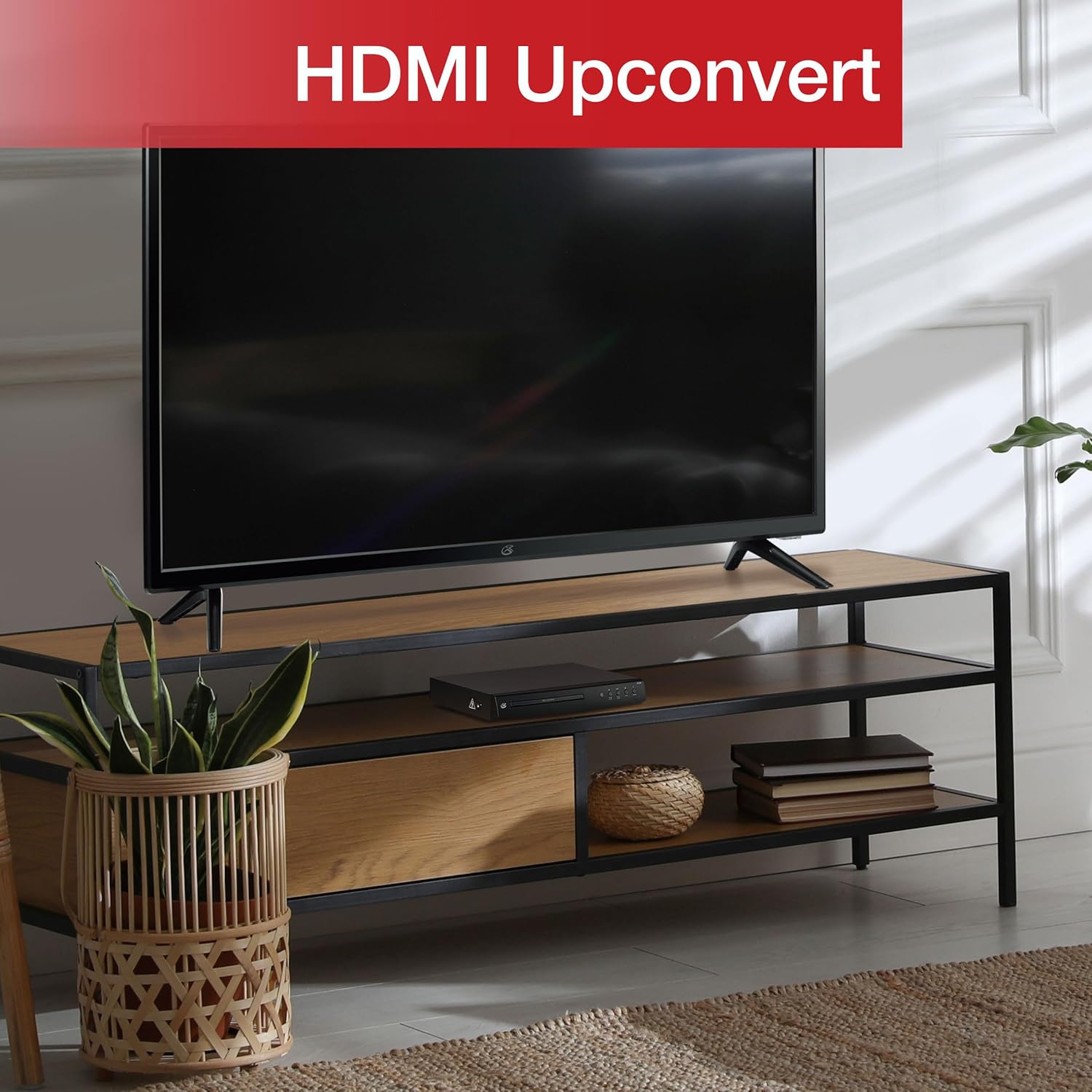
Figure 3: The GPX DH300B DVD Player connected to a television, demonstrating HDMI upconversion capabilities.
RCA Composite Video Connection
- Ensure both the DVD player and your TV are powered off.
- Connect the yellow plug of the RCA audio/video cable to the وڊيو ٻاهر نڪتو (yellow) port on the DVD player.
- Connect the red and white plugs of the RCA audio/video cable to the آڊيو آئوٽ آر (ڳاڙهو) ۽ آڊيو آئوٽ ايل (white) ports on the DVD player.
- Connect the other ends of the RCA cables to the corresponding ۾ وڊيو ۽ AUDIO IN (R/L) ports on your television.
- Power on your TV and select the corresponding AV input.
2. پاور ڪنيڪشن
The DVD player has a built-in AC power cable. Plug this cable into a standard 120V AC wall outlet.
3. ريموٽ ڪنٽرول بيٽري لڳائڻ
The remote control requires two AAA batteries (not included). Open the battery compartment on the back of the remote and insert the batteries, ensuring correct polarity (+/-).
آپريٽنگ هدايتون
1. پاور آن/آف
کي دٻايو طاقت button on the front panel of the DVD player or on the remote control to turn the unit on or off.
2. ڊسڪ پلے بیک
- Power on the DVD player and your television.
- کي دٻايو کليل/بند ڊسڪ ٽري کولڻ لاءِ فرنٽ پينل يا ريموٽ ڪنٽرول تي بٽڻ.
- ڊسڪ ٽري تي هڪ ڊي وي ڊي يا سي ڊي رکو جنهن جو ليبل پاسو مٿي هجي.
- کي دٻايو کليل/بند button again to close the disc tray. The player will begin loading the disc.
- Playback should start automatically. If a menu appears, use the arrow buttons on the remote to navigate and the OK چونڊڻ لاءِ بٽڻ.
- استعمال ڪريو راند/روڪ ۽ روڪ پلے بیک ڪنٽرول لاءِ بٽڻ.

Figure 4: The GPX DH300B DVD Player, indicating its DVD playback capability.

Figure 5: The GPX DH300B DVD Player, indicating its CD playback capability.
3. USB پلے بیک
The GPX DH300B supports media playback from a USB flash drive. Insert your USB drive into the USB port on the front panel. Use the remote control to navigate the on-screen menu and select your desired media files (e.g., JPEG images).
4. On-Screen Display (OSD) and Settings
The multi-language on-screen display allows you to adjust various video and audio settings. Press the سيٽ اپ ڪريو button on the remote control to access the setup menu. Use the arrow buttons to navigate and OK چونڊن جي تصديق ڪرڻ.
5. ريموٽ ڪنٽرول افعال
The included full-function remote control provides comprehensive control over the DVD player. Key functions include:

Figure 6: A user operating the GPX DH300B DVD Player with its remote control.
- پاور آن / آف
- کليل/بند ڊسڪ ٽري
- کيڏو، روڪيو، روڪيو، تيز اڳتي وڌو، پوئتي ڪريو
- Chapter Skip (Next/Previous)
- حجم ڪنٽرول
- Setup Menu Access
- Navigation (Arrow buttons, OK)
- Subtitle, Audio, Angle selection
سار سنڀال
يونٽ جي صفائي
Wipe the exterior of the DVD player with a soft, dry cloth. Do not use liquid cleaners or abrasive materials, as they may damage the finish.
صفائي واري ڊسڪ
Wipe discs from the center outwards with a soft, lint-free cloth. Avoid touching the playback surface of the disc. Do not use solvents such as benzene, thinners, or commercially available cleaners, as they may damage the disc.
مشڪلاتون
| مسئلو | ممڪن سبب | حل |
|---|---|---|
| طاقت نه آهي | پاور ڪيبل ڳنڍيل نه آهي؛ آئوٽليٽ فعال نه آهي. | Ensure power cable is securely plugged into a working outlet. |
| تصوير نه آهي | Video cable not connected; incorrect TV input selected. | Check video cable connections (HDMI or RCA). Select the correct input source on your TV. |
| آواز ڪونهي | Audio cable not connected; TV/receiver volume too low or muted. | Check audio cable connections (HDMI or RCA). Adjust volume on TV/receiver. Ensure not muted. |
| ڊسڪ راند نه آهي | ڊسڪ گندي، خراب ٿيل، يا غير مطابقت واري فارميٽ ۾ آهي. | Clean the disc. Try a different disc. Ensure the disc format is supported (DVD, CD, JPEG CD). |
| ريموٽ ڪنٽرول ڪم نه ڪري رهيو آهي | Batteries are dead or incorrectly inserted; obstruction between remote and player. | Replace batteries, ensuring correct polarity. Remove any obstructions. Ensure remote is pointed at the player. |
وضاحتون
- ماڊل: ڊي ايڇ 300 بي
- سپورٽ ميڊيا: DVD, DVD+/-R/RW, CD, CD-R/RW, JPEG CD
- وڊيو آئوٽ: HDMI (720p, 1080i, 1080p upconversion), S-Video, Composite Video
- آڊيو آئوٽ: Coaxial Digital Audio, RCA Stereo Audio (2-channel)
- پاسو تناسب: 16:9, 4:3LB, 4:3PS
- خاص خاصيتون: Progressive Scan, Multi-language On-Screen Display
- پاور گهرجون: 120V AC
- طول و عرض: تقريبن 10.24 x 8.07 x 1.85 انچ
- وزن: تقريبن 2.38 پائونڊ
وارنٽي ۽ سپورٽ
For detailed warranty information and customer support, please refer to the warranty card included in your product packaging or visit the official GPX webسائيٽ. ڪنهن به وارنٽي دعوائن لاءِ خريداري جو ثبوت رکو.


