1. تعارف
Welcome to your Master Lock 7640EURDBLK 4-Digit Combination Padlock. This manual provides essential instructions for setting your personal combination, operating the lock, performing routine maintenance, and troubleshooting common issues. Please read these instructions carefully to ensure proper use and longevity of your padlock.
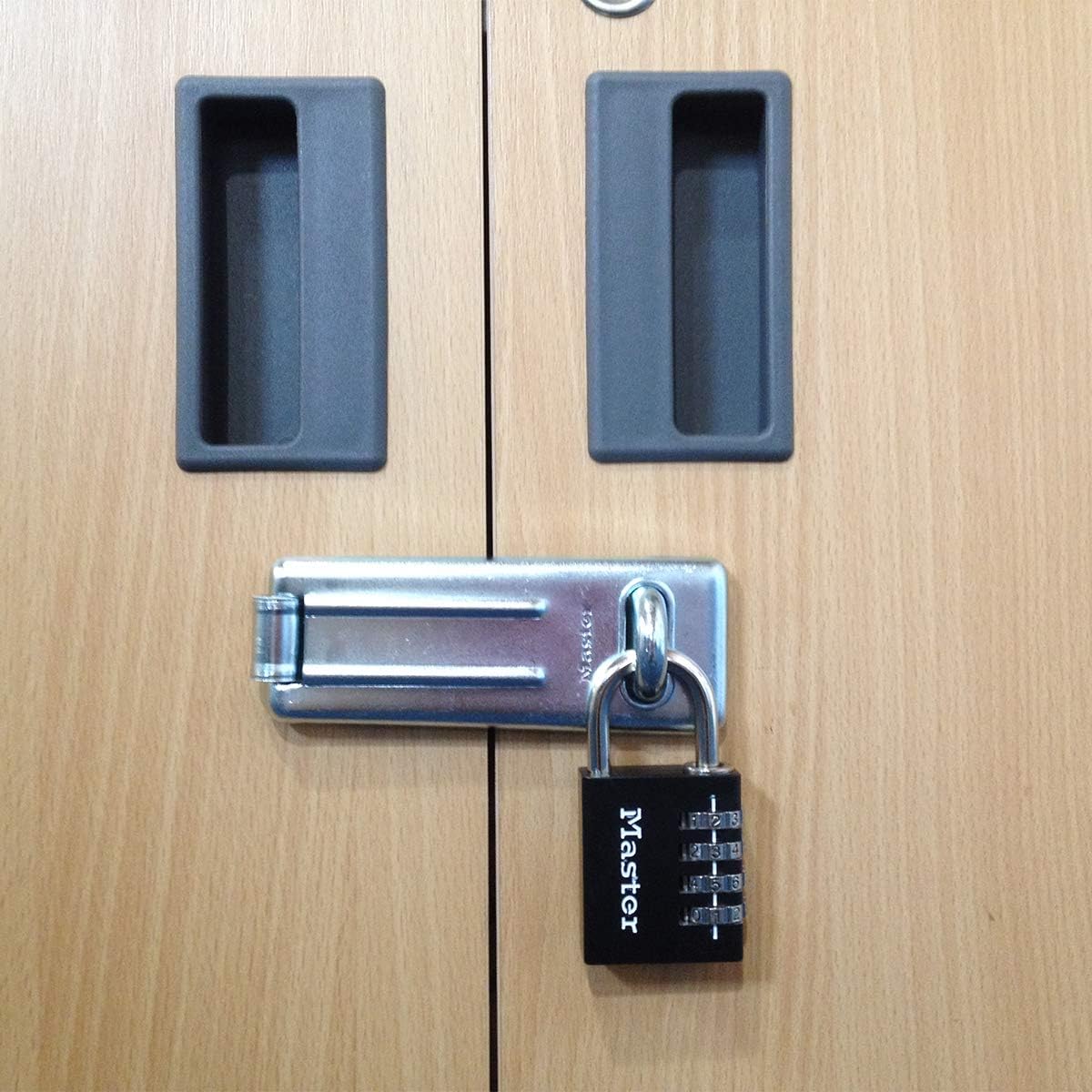
This padlock features a durable 40mm wide solid aluminum body with a black finish and a chrome-plated steel shackle. It is designed for indoor use, making it ideal for securing school lockers, gym bags, travel luggage, suitcases, briefcases, and backpacks.

The 4-dial combination security offers keyless convenience, eliminating the need for keys. Its robust construction provides resistance against cutting and sawing, ensuring reliable security for your belongings.

2. Setup: Setting Your Combination
Your Master Lock 7640EURDBLK padlock comes with a factory-set combination, typically '0-0-0-0'. Follow these steps to set your own personalized 4-digit combination:
- Open the lock using the current combination (factory default is '0-0-0-0'). Pull up the shackle.
- Rotate the shackle 90 degrees (a quarter turn) counter-clockwise.
- Push the shackle down firmly into the lock body.
- While holding the shackle down, set your desired 4-digit combination by rotating the dials. Ensure the numbers align precisely with the indicator line on the lock body.
- Pull the shackle up to release it from the set position.
- Rotate the shackle back to its original position (90 degrees clockwise).
- Push the shackle down to lock it. Scramble the dials to secure your new combination.
اهم: Remember your new combination. There is no master key or override code to reset the lock if the combination is forgotten. It is recommended to write down your combination and store it in a secure, memorable location.
3. Operation: Locking and Unlocking
3.1. Unlocking the Padlock
To unlock your Master Lock 7640EURDBLK padlock, rotate the dials until your personal 4-digit combination is aligned with the indicator line on the lock body. Once the correct combination is set, pull up the shackle to open the lock.
3.2. Locking the Padlock
To lock the padlock, push the shackle down firmly into the lock body until it clicks into place. After the shackle is secured, scramble the dials to a random set of numbers. This action secures the lock and prevents unauthorized access.
4. سار سنڀال
Proper maintenance ensures the smooth operation and extends the lifespan of your padlock:
- صفائي: Periodically clean the lock body and shackle with a soft, dry cloth to remove dust and grime.
- لوڻ: If the dials or shackle mechanism become stiff, apply a small amount of silicone-based lubricant. Work the dials back and forth to distribute the lubricant evenly. Avoid using oil-based lubricants as they can attract dirt and debris, potentially hindering operation.
- اسٽوريج: Store the padlock in a dry environment when not in use to prevent moisture accumulation and potential corrosion.
5. مسئلا حل ڪرڻ
5.1. Combination Dials are Stiff
If the combination dials are difficult to turn, apply a silicone-based lubricant to the dials and the shackle mechanism. Work the dials back and forth several times to help distribute the lubricant and free up any stiffness.
5.2. Lock Will Not Open with Correct Combination
- ترتيب جي چڪاس: Ensure each number of your combination is precisely aligned with the indicator line. Even a slight misalignment can prevent the lock from opening.
- Shackle Position: Verify that the shackle was fully pushed down and rotated correctly during the combination setting process. If the combination was not set properly, the lock may not open with the intended code.
- Recent Reset: If you recently changed the combination, double-check that you are using the newly set combination, not the previous one.
- Forgotten Combination: If the combination is forgotten, the lock cannot be opened without the correct code. Master Lock combination padlocks do not have a master key or override function.
6. وضاحتون
| وصف | تفصيل |
| برانڊ | ماسٽر لاڪ |
| ماڊل نالو | 7640EURDBLK |
| تالا جو قسم | گڏيل تالا |
| خاص خصوصيت | ري سيٽ ڪرڻ جي قابل |
| مواد | مصر جو اسٽيل، ايلومينيم، ڌاتو |
| رنگ | ڪارو |
| شيون طول و عرض (L x W x H) | 1.57 x 1.18 x 2.8 انچ (4 x 7.8 x 1.5 سينٽي) |
| Shackle Dimensions (A x B x C) | 0.6 x 2.7 x 2.2 سينٽي |
| شيءِ جو وزن | 3.21 اونس (0.09 ڪلوگرام) |
| تجويز ڪيل استعمال | Security for school lockers, gym, travel luggage, suitcases, briefcases, backpacks. |

7. وارنٽي ڄاڻ
The Master Lock 7640EURDBLK 40mm 4-Digit Combination Padlock is backed by a Limited Lifetime Warranty. This warranty covers defects in material and workmanship under normal use. For complete details regarding warranty coverage, terms, conditions, and how to make a claim, please refer to the official Master Lock webسائيٽ تي وڃو يا سڌو سنئون انهن جي گراهڪ سپورٽ سان رابطو ڪريو.

8. ڪسٽمر سپورٽ
For further assistance, product inquiries, or to access additional resources, please visit the official Master Lock website or contact their customer service department. You can find more information and contact options at the Master Lock Store:


