1. پراڊڪٽ ختمview
The Timex T121B Digital Alarm Clock is designed for simplicity and reliability, featuring a large, easy-to-read LED display. It includes a 24-hour "set and forget" alarm with auto-repeat and auto-shutoff functions. The alarm offers a graduated wake-up sound, starting softly and increasing in volume. For convenience during power interruptions, the clock is equipped with a battery backup system (requires 2 AAA batteries, not included) to maintain time and alarm settings. LED indicators show PM, alarm set status, and low battery warnings.

تصوير: سامهون view of the Timex T121B Digital Alarm Clock, displaying the time 10:09 PM.
2. دٻي ۾ ڇا آهي
- Timex T121B Alarm Clock with 0.7-inch Red Display (Black)
- 120V Universal Power Adapter (Corded Electric)
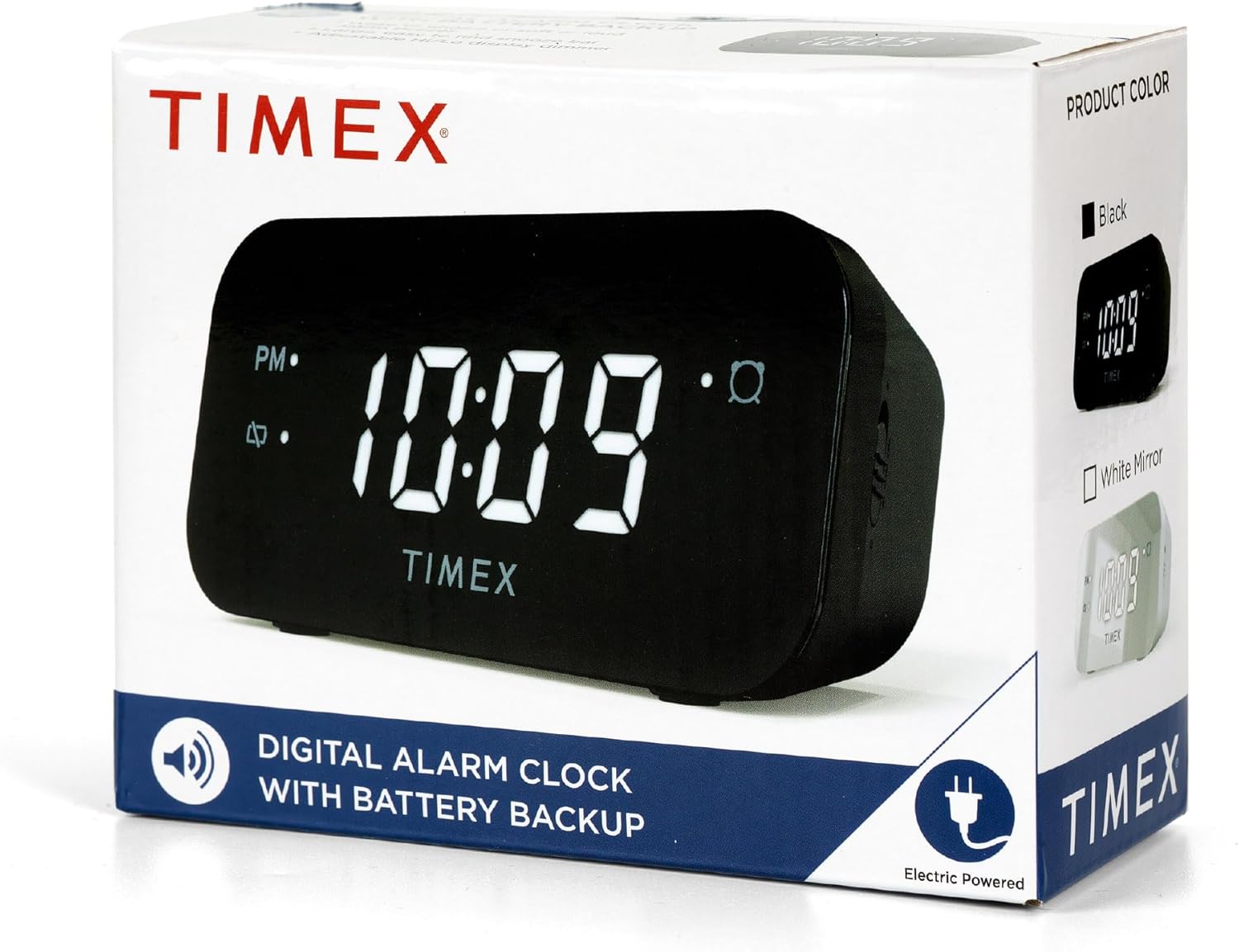
Image: The Timex T121B Digital Alarm Clock shown inside its retail packaging, highlighting its electric power source.
3. سيٽ اپ
3.1 پاور ڪنيڪشن
- Unpack the Timex T121B alarm clock and its power adapter.
- Insert the small end of the 120V universal power adapter into the DC input jack located on the back of the alarm clock.
- Plug the larger end of the power adapter into a standard 120V AC wall outlet. The clock display will illuminate.
3.2 بيٽري بيڪ اپ جي انسٽاليشن
The battery backup feature ensures that time and alarm settings are retained during power outages. This clock requires two "AAA" batteries (not included).
- Locate the battery compartment on the bottom of the alarm clock.
- بيٽري جي ڪمري واري ڍڪ کي کوليو.
- Insert two fresh "AAA" batteries, observing the correct polarity (+ and -) as indicated inside the compartment.
- بيٽري جي ڪمري واري ڍڪ کي محفوظ طور تي بند ڪريو.
تصوير: پوئين پاسي view of the Timex T121B Digital Alarm Clock, illustrating the location of the battery compartment and power input.
4. آپريٽنگ هدايتون
4.1 وقت مقرر ڪرڻ
- کي دٻايو ۽ رکو وقت مقرر button (usually located on the top or back) until the hour digits begin to flash.
- کي دٻايو ڪلاڪ ڪلاڪ کي ترتيب ڏيڻ لاءِ بار بار بٽڻ دٻايو. جيڪڏهن PM جو وقت مقرر ڪري رهيا آهيو ته PM اشاري کي ڏسو.
- کي دٻايو منٽ منٽن کي ترتيب ڏيڻ لاءِ بار بار بٽڻ دٻايو.
- کي دٻايو وقت مقرر تصديق ڪرڻ ۽ وقت بچائڻ لاءِ ٻيهر بٽڻ دٻايو.
4.2 الارم لائڻ
- کي دٻايو ۽ رکو الارم سيٽ بٽڻ دٻايو جيستائين الارم ڪلاڪ جا انگ چمڪڻ شروع نه ٿين.
- کي دٻايو ڪلاڪ الارم ڪلاڪ کي ترتيب ڏيڻ لاءِ بٽڻ
- کي دٻايو منٽ الارم منٽن کي ترتيب ڏيڻ لاءِ بٽڻ.
- کي دٻايو الارم سيٽ الارم جي وقت جي تصديق ڪرڻ لاءِ ٻيهر بٽڻ دٻايو.
- الارم کي چالو يا غير فعال ڪرڻ لاءِ، دٻايو الارم آن / بند button. An alarm indicator light will appear on the display when the alarm is active.
4.3 اسنوز فنڪشن
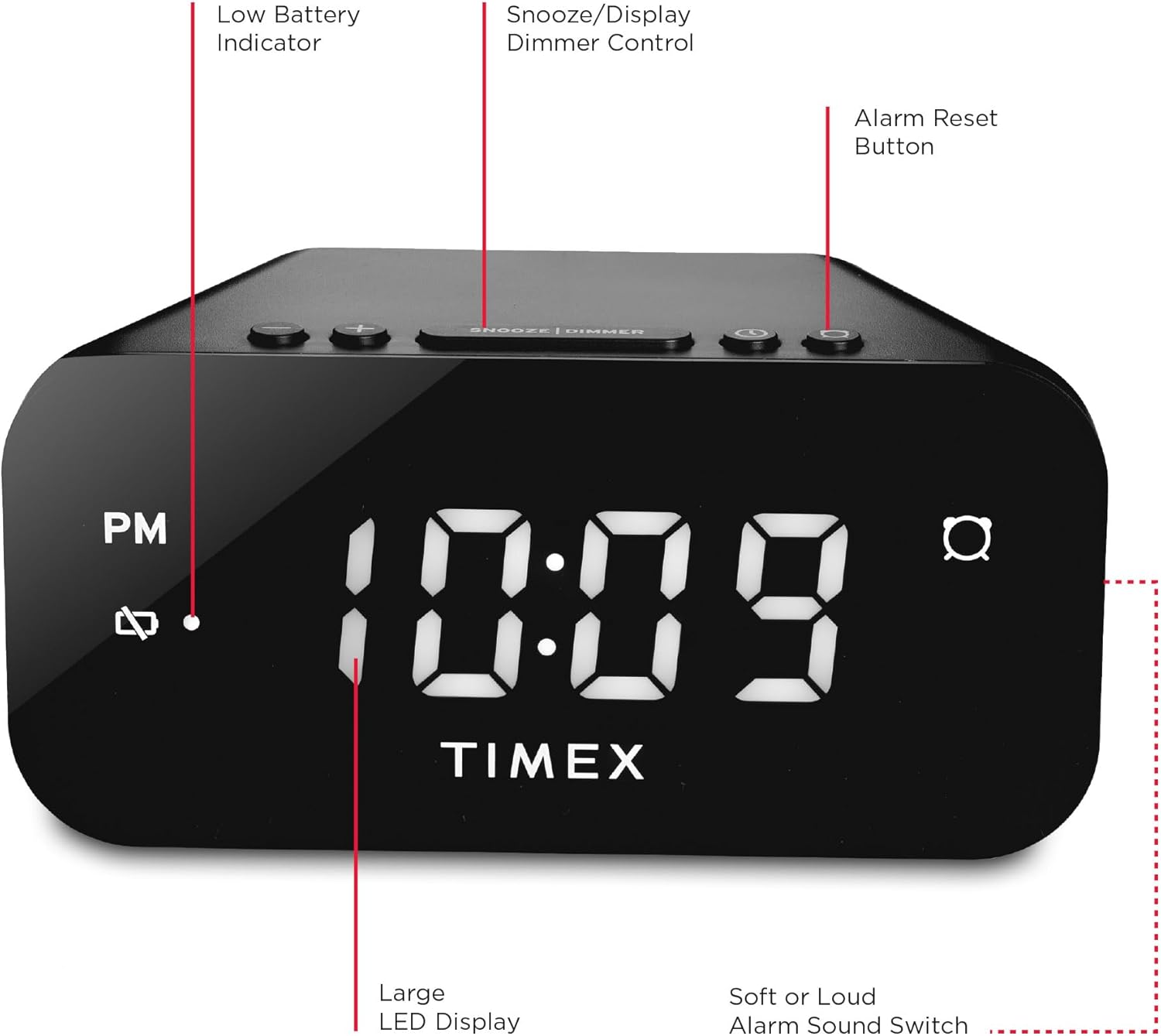
جڏهن الارم وڄي، وڏو دٻايو سنوائيز / ڊيمر bar located on the top of the clock. This will temporarily silence the alarm for approximately 9 minutes. The alarm will sound again after the snooze period ends.
4.4 Alarm Reset (Set and Forget)
To turn off the alarm for the current day and automatically reset it for the next day at the same time, press the الارم ري سيٽ button (often labeled with a bell icon). This feature is part of the 24-hour "set and forget" functionality.
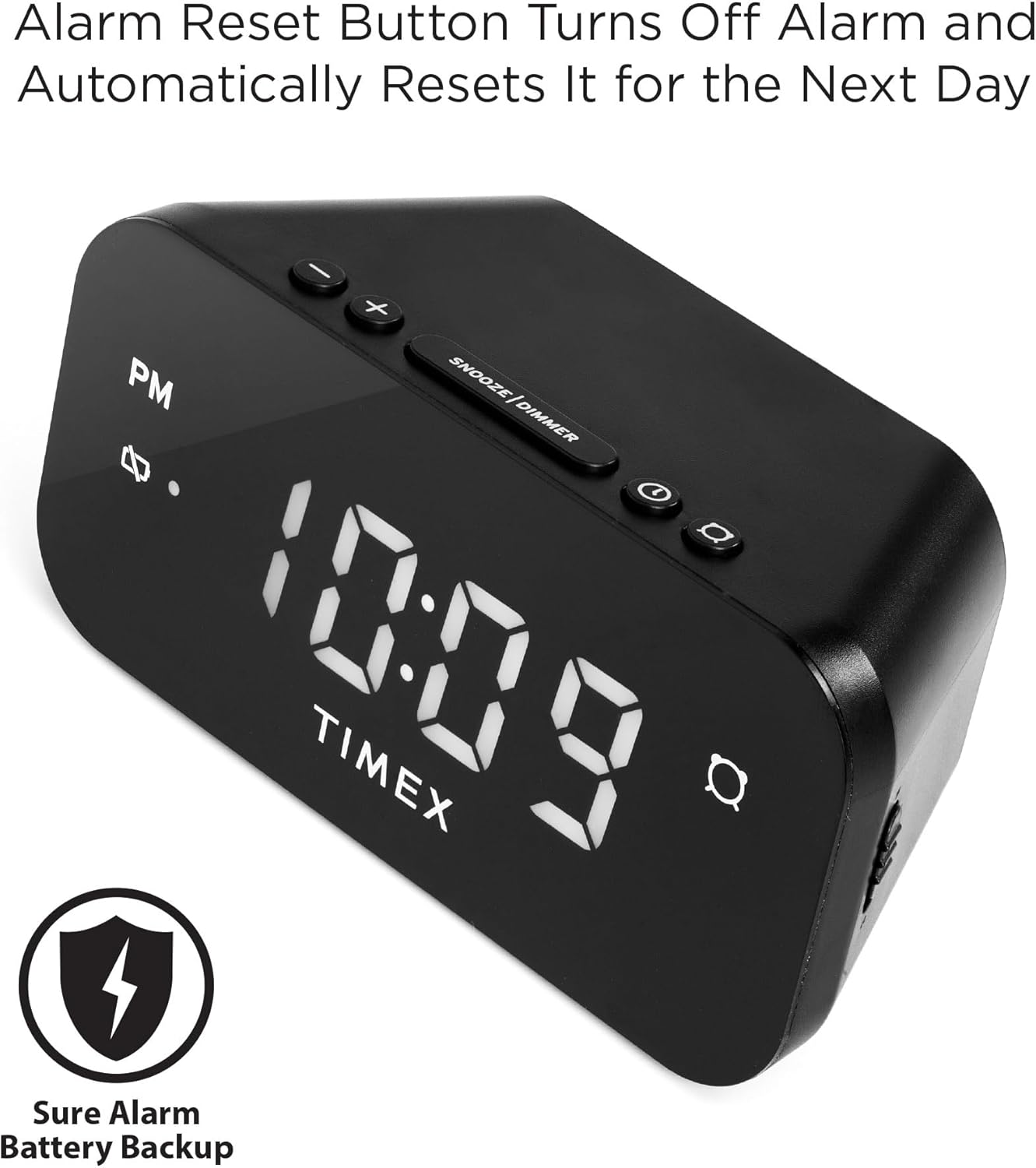
Image: The Timex T121B Digital Alarm Clock highlighting the Alarm Reset Button, which silences the alarm and prepares it for the next day.
4.5 Display Dimmer Control
To adjust the brightness of the LED display, repeatedly press the سنوائيز / ڊيمر bar (when the alarm is not sounding). This will cycle through different brightness levels to suit your preference.
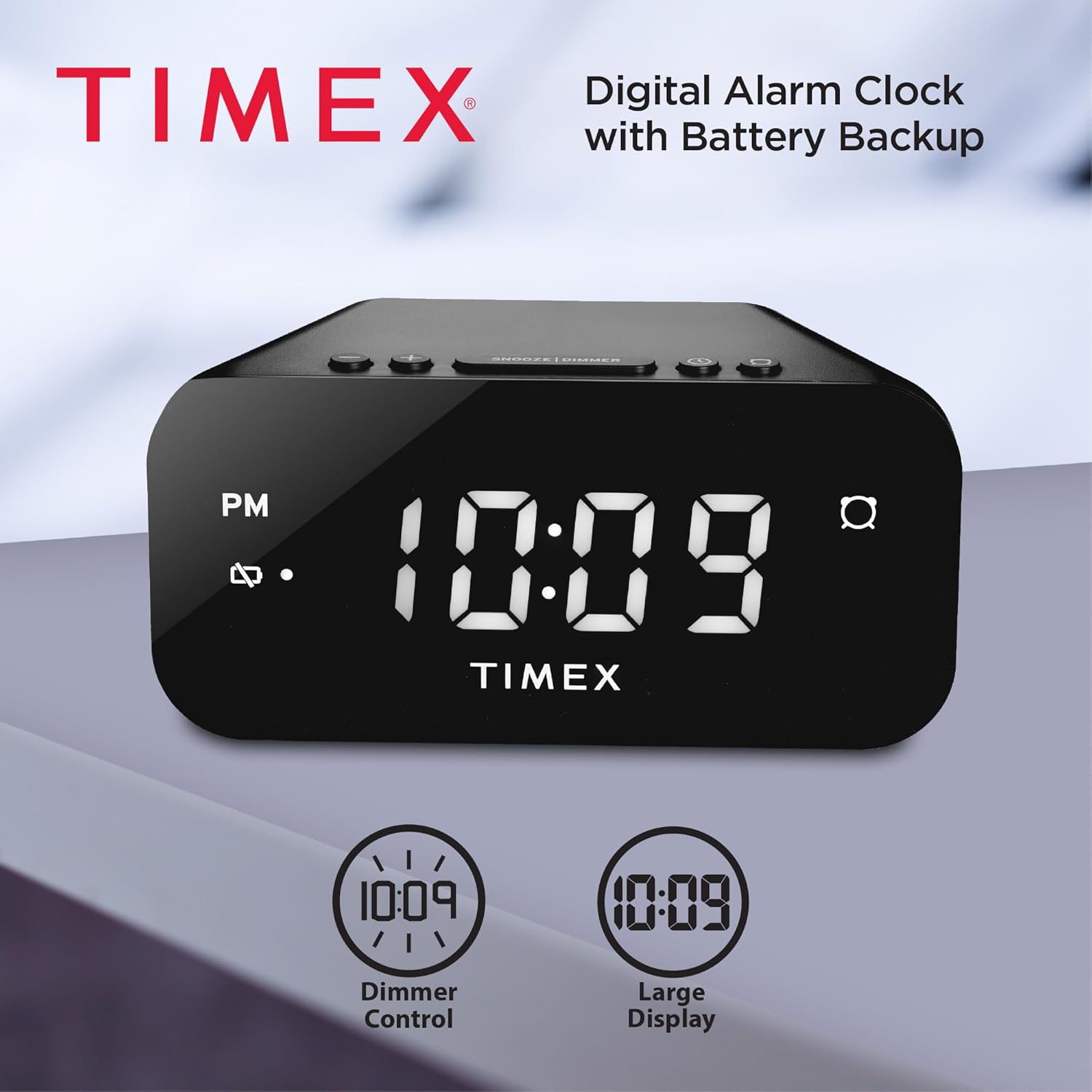
Image: The Timex T121B Digital Alarm Clock illustrating its dimmer control and large display features.
4.6 Alarm Sound Adjustment
The alarm features a graduated wake-up sound. It starts softly and gradually increases in volume to ensure you wake up. There is also a switch to select between soft or loud alarm buzzer settings, typically located on the side or back of the unit.

Image: The Timex T121B Digital Alarm Clock positioned on a nightstand next to a sleeping person, emphasizing its loud alarm capability.
5. سار سنڀال
5.1 صفائي
To clean the alarm clock, gently wipe the exterior surfaces with a soft, dry cloth. Do not use abrasive cleaners, waxes, or solvents as they may damage the finish. Avoid spraying liquids directly onto the unit.
5.2 بيٽري مٽائڻ
If the "BATT LOW" indicator appears on the display, it is time to replace the AAA backup batteries. Follow the instructions in Section 3.2 to replace them. Ensure the clock remains plugged into AC power during battery replacement to avoid losing time and alarm settings.
6. مسئلا حل ڪرڻ
| مسئلو | ممڪن سبب | حل |
|---|---|---|
| گھڙيال جو ڊسپلي خالي آهي. | AC پاور ناهي. | Ensure the power adapter is securely plugged into both the clock and a working wall outlet. Check the outlet with another device. |
| الارم نٿو وڄي. | الارم سيٽ نه ٿيو آهي يا غير فعال ٿيل آهي. | Verify the alarm indicator light is on. Re-set the alarm time following Section 4.2. |
| پاور آئوٽ ٿيڻ کان پوءِ وقت/الارم سيٽنگون گم ٿي ويون.tage. | بيڪ اپ بيٽريون ختم ٿي ويون آهن يا انسٽال ٿيل نه آهن. | Install or replace two fresh AAA batteries as per Section 3.2. |
| ڊسپلي تمام گهڻي روشن/گهٽ آهي. | ڊِمر سيٽنگ کي ترتيب ڏيڻ جي ضرورت آهي. | Press the SNOOZE/DIMMER bar repeatedly to cycle through brightness levels (Section 4.5). |
7. وضاحتون
- برانڊ: ٽائيمڪس
- ماڊل نمبر: ٽي 121 بي
- ڊسپلي جو قسم: Digital LED (0.7-inch Red Display)
- رنگ: ڪارو
- طاقت جو ذريعو: Corded Electric (120V Universal Power Adapter)
- بيٽري جو بيڪ اپ: 2 x AAA بيٽرين جي ضرورت آهي (شامل نه آهي)
- پيداوار جي ماپ: 5.52"W x 2.36"H
- شيء جو وزن: 6.7 اونس
- خاصيتون: 24-hour Set and Forget Alarm, Auto-Repeat, Auto-Shutoff, Graduated Wake-up Alarm Sound, Snooze Function, Display Dimmer Control, PM Indicator, Alarm Set Indicator, Low Battery Warning.
8. وارنٽي ۽ سپورٽ
This Timex T121B Digital Alarm Clock comes with a محدود وارنٽي. For specific details regarding warranty coverage, duration, and claims, please refer to the warranty information provided with your purchase or contact Timex customer support.
For additional support, you may refer to the official User Manual PDF: Timex T121B User Manual (PDF).
وڊيو: هڪ سرڪاري پراڊڪٽ وڊيو شوڪasing the features and design of the Timex T121B Digital Alarm Clock.


