1. تعارف
This user manual provides essential information for the proper setup, operation, and maintenance of your BLOW 78-295# Europe GPS 50V Car Gear Street Elite Navigation system. Please read this manual thoroughly before using the device to ensure safe and efficient operation.
2. حفاظت جي ڄاڻ
- Do not operate the device or input data while driving. Always pull over to a safe location before making adjustments.
- پڪ ڪريو ته ڊوائيس محفوظ طور تي لڳل آهي ۽ توهان جي ڪم ۾ رڪاوٽ نه بڻجي view روڊ کان هيٺ يا گاڏين جي ڪنٽرول ۾ مداخلت.
- ڊوائيس کي انتهائي گرمي پد، ڊگهي عرصي تائين سڌي سج جي روشني، يا گهڻي نمي جي سامهون رکڻ کان پاسو ڪريو.
- Use only the provided charging cables and adapters to prevent damage to the device and ensure safety.
- ڊوائيس ٻارن جي پهچ کان پري رکو.
3. پيڪيج مواد
پيڪنگ ڪرڻ وقت، مھرباني ڪري تصديق ڪريو ته ھيٺ ڏنل سڀ شيون موجود آھن:
- BLOW 78-295# GPS Navigation Device
- ڪار چارجر (12V)
- USB ڪيبل
- سکشن کپ مائونٽ
- استعمال ڪندڙ جو دستياب (ھي دستاويز)

Image: The BLOW GPS navigation system shown with its essential accessories, including the car charger, USB cable, and a suction cup mount for vehicle installation.
4. پراڊڪٽ ختمview
The BLOW 78-295# is a 5-inch GPS navigation system designed for automotive use, featuring a touch panel display and pre-loaded European maps.

تصوير: سامهون وارو view of the BLOW GPS navigation device, securely attached to a suction cup mount, with its screen actively displaying a detailed map interface.
4.1 ڊوائيس جا حصا

Image: This composite image displays various angles of the BLOW GPS device, including its front with the screen, the back panel, and both side profiles, highlighting its compact design.
- سامهون پينل: 5.0-inch TFT Touch Panel Display.
- پاسي بندرگاهن: Mini USB 2.0 port for charging and data transfer, TF/microSD card slot for external memory.
- پوئتي پينل: Power button, Reset button, Built-in speaker.

تصوير: هڪ تفصيلي view of the back of the BLOW GPS device, clearly showing the power button, reset button, and the various ports for connectivity and external memory.
5. سيٽ اپ
5.1 ڊوائيس چارج ڪرڻ
- Connect the provided car charger to your vehicle's 12V power outlet.
- Connect the mini USB end of the cable to the device's USB port.
- LED انڊيڪيٽر چارجنگ دوران ڳاڙهو ڏيکاريندو ۽ مڪمل چارج ٿيڻ تي نيرو ٿي ويندو.
5.2 ڊوائيس تي چڙهڻ
- Attach the suction cup mount to a clean, smooth surface on your windshield or dashboard, ensuring it does not obstruct your view.
- Secure the GPS device onto the mount until it clicks into place.
- ترتيب ڏيو viewing angle for optimal visibility without impeding driving.
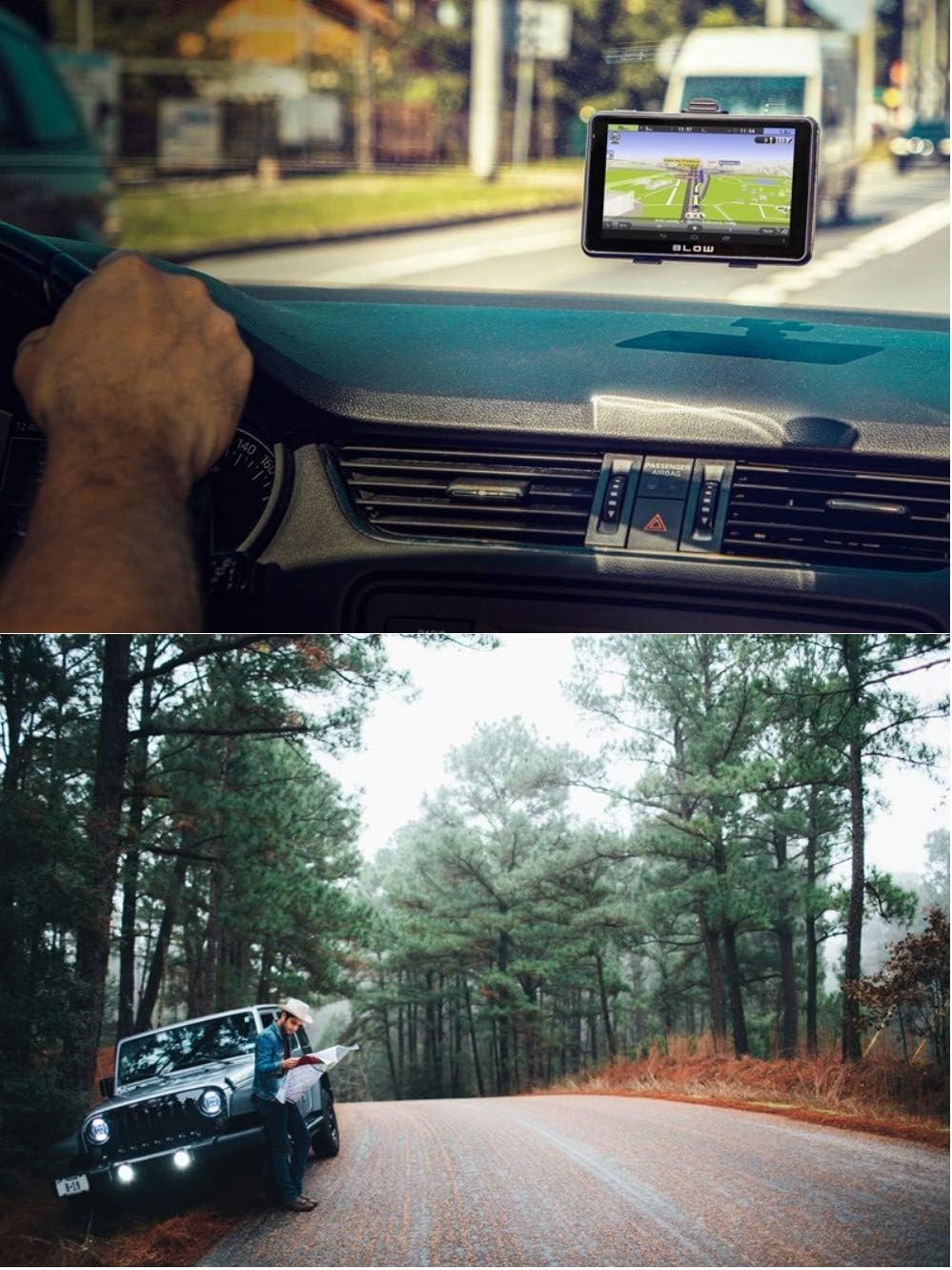
Image: The BLOW GPS device is shown mounted on the dashboard of a car, positioned for easy viewing by the driver, demonstrating a typical installation.
5.3 شروعاتي پاور آن
- Press and hold the power button on the back of the device until the screen illuminates.
- Follow the on-screen prompts to select your preferred language and region settings.
6. Operating the Navigation System
6.1 جي پي ايس سگنل حاصل ڪرڻ
Upon initial power-on or after a long period of disuse, the device may take longer to acquire a GPS signal. Ensure the device has a clear view of the sky for best performance. Cold start acquisition is typically less than 42 seconds, while hot start is less than 9 seconds in open areas.
6.2 بنيادي نيويگيشن
- From the main menu, tap 'Navigation' or the map icon.
- Select 'Find Destination' or 'Address'.
- Enter the desired address, point of interest (POI), or coordinates using the on-screen keyboard.
- Confirm your selection, and the device will calculate the route.
- Follow the voice prompts and on-screen directions to your destination.

Image: A collage of screenshots from the BLOW GPS device, illustrating different aspects of its navigation interface, such as the detailed map view, route information, and accessible menu options.
6.3 ميڊيا پلے بیک
The device supports various media formats for entertainment:
- وڊيو: WMV9, MPEG4, Divx 5.0, 3.11, Xvid, MPEG2, AVI
- موسيقي: WMA9, MP3, WAV
- ڦوٽو: GIF, JPEG, PNG, BMP
To play media, insert a TF/microSD card containing your media files into the card slot and select the corresponding media player application from the main menu.
7. سار سنڀال
7.1 ڊوائيس کي صاف ڪرڻ
Use a soft, dry, lint-free cloth to clean the screen and exterior of the device. Do not use abrasive cleaners or solvents, as they may damage the surface.
7.2 بيٽري جي سنڀال
The device is equipped with a 3.7V Lithium-ion battery. To prolong battery life:
- بيٽري کي بار بار مڪمل طور تي چارج ڪرڻ کان پاسو ڪريو.
- ڊوائيس کي انتهائي گرمي يا سردي کي ظاهر نه ڪريو.
- If storing the device for an extended period, charge it to approximately 50% before storage.
7.3 سافٽ ويئر اپڊيٽ
Periodically check the manufacturer's official website for available software or map updates. Follow the instructions provided with the update package carefully.
8. مسئلا حل ڪرڻ
| مسئلو | ممڪن سبب | حل |
|---|---|---|
| ڊوائيس آن نٿو ٿي. | بيٽري گهٽ آهي؛ ڊوائيس منجمد آهي. | Charge the device for at least 30 minutes. Press the reset button with a thin object. |
| ڪوبه GPS سگنل ناهي. | رڪاوٽ view of sky; device indoors. | صاف جاءِ سان کليل علائقي ڏانهن وڃو view of the sky. Wait for signal acquisition. |
| ٽچ اسڪرين غير جوابده. | Software glitch; screen dirty. | Restart the device. Clean the screen. If issue persists, perform a reset. |
| اسپيڪر مان ڪوبه آواز ناهي. | Volume too low; audio settings incorrect. | Check volume settings in the menu. Ensure mute is not enabled. |
9. وضاحتون
| خاصيت | تفصيل |
|---|---|
| سي پي يو | MStar, ARM Cortex A7 800MHz |
| SDRAM | 128 ايم بي |
| NandFlash | 4 جي بي |
| LCD ڊسپلي | Touch Panel TFT 5.0 inch, 800 x 480 pixels |
| USB پورٽ | Mini USB high speed 2.0 |
| خارجي ياداشت | TF/microSD Card slot |
| آڊيو سسٽم | Built-in speaker 1W 8ohm |
| GPS Cold Start | <42 seconds (open area) |
| GPS Hot Start | <9 seconds (open area) |
| بيٽري | Lithium ion 3.7V (included) |
| آپريٽنگ جي درجه حرارت | 0°C ~ 60°C |
| اسٽوريج جي درجه حرارت | -20°C ~ 70°C |
| آپريٽنگ سسٽم | Microsoft Windows CE 6.0 |
| ويڊيو پلے بیک | WMV9, MPEG4, Divx 5.0, 3.11, Xvid, MPEG2, AVI |
| موسيقي پلے بیک | WMA9, MP3, WAV |
| ڦوٽو فارميٽ | GIF, JPEG, PNG, BMP |
| طول و عرض (W x H x T) | 133.7mm x 84.3mm x 10.7mm |
| وزن | 450 جي |
10. وارنٽي ۽ سپورٽ
For warranty information, please refer to the documentation provided at the time of purchase or contact your retailer. For technical support, please visit the official Blow webسائيٽ يا انهن جي ڪسٽمر سروس کاتي سان رابطو ڪريو.


