1. تعارف
Welcome to the Bloody B930 TKL Tenkeyless Optical Switch Gaming Keyboard. This manual provides essential information for setting up, operating, maintaining, and troubleshooting your new keyboard. Please read thoroughly to ensure optimal performance and longevity of your device.

Figure 1: Bloody B930 TKL Tenkeyless Optical Switch Gaming Keyboard
2. حفاظت جي ڄاڻ
عام حفاظتي ھدايتون
- ڪيبورڊ کي مائع ۽ گهڻي نمي کان پري رکو.
- انتهائي گرمي پد کان بچاء.
- ڪيبورڊ کي ڌار ڪرڻ يا تبديل ڪرڻ جي ڪوشش نه ڪريو.
- ڪنيڪشن لاءِ صرف مهيا ڪيل USB ڪيبل استعمال ڪريو.
3. پيڪيج مواد
دٻي ۾ ڇا آهي
- Bloody B930 TKL Tenkeyless Optical Switch Gaming Keyboard
- USB ڪيبل
4. سيٽ اپ
پنھنجي ڪي بورڊ کي نڻ
- Connect the provided USB cable to an available USB-A port on your computer.
- Connect the other end of the USB cable to the corresponding port on the Bloody B930 keyboard.
- توهان جي آپريٽنگ سسٽم کي خودڪار طريقي سان ضروري ڊرائيور ڳولڻ ۽ انسٽال ڪرڻ گهرجي.
- For advanced customization, download the exclusive software from the official Bloody webسائيٽ.
شروعاتي تشڪيل
The keyboard features plug-and-play functionality. Upon initial connection, the default RGB LED backlighting animation will activate.
5. آپريٽنگ هدايتون
اهم خاصيتون
- آپٽيڪل سوئچز: Experience lightning-fast response times with optical detection technology, offering a 0.2ms response.
- Tenkeyless Design: The compact form factor provides an ergonomic setup, reducing shoulder strain and optimizing mouse positioning.
- استحڪام: Constructed with weapons-grade anodized aluminum and engineered to withstand over 100 million keystrokes per switch.
- پاڻي جي مزاحمت: Features nanocoating and drainage channels to protect against accidental spills and corrosion.
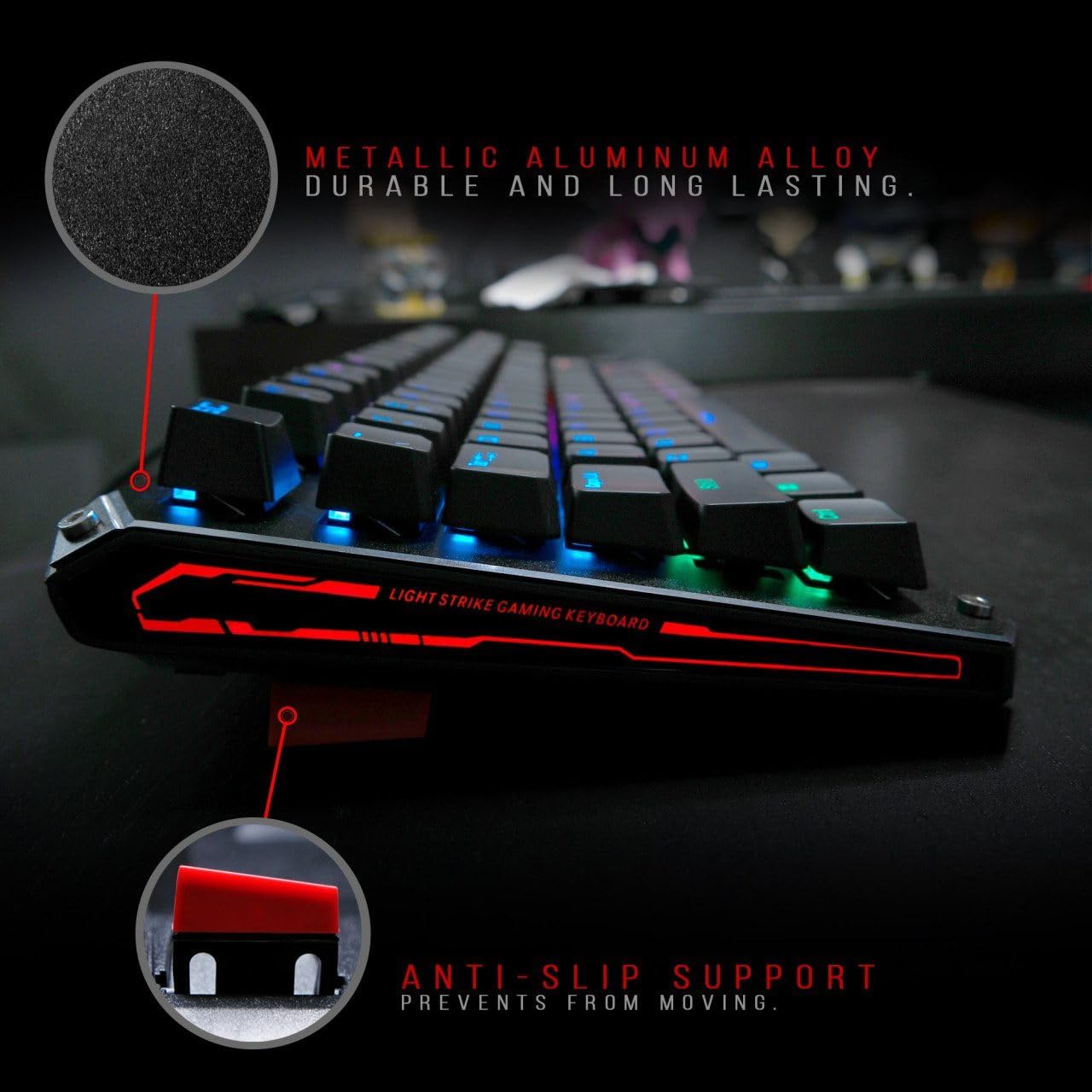
Figure 2: Metallic aluminum alloy construction with anti-slip support.
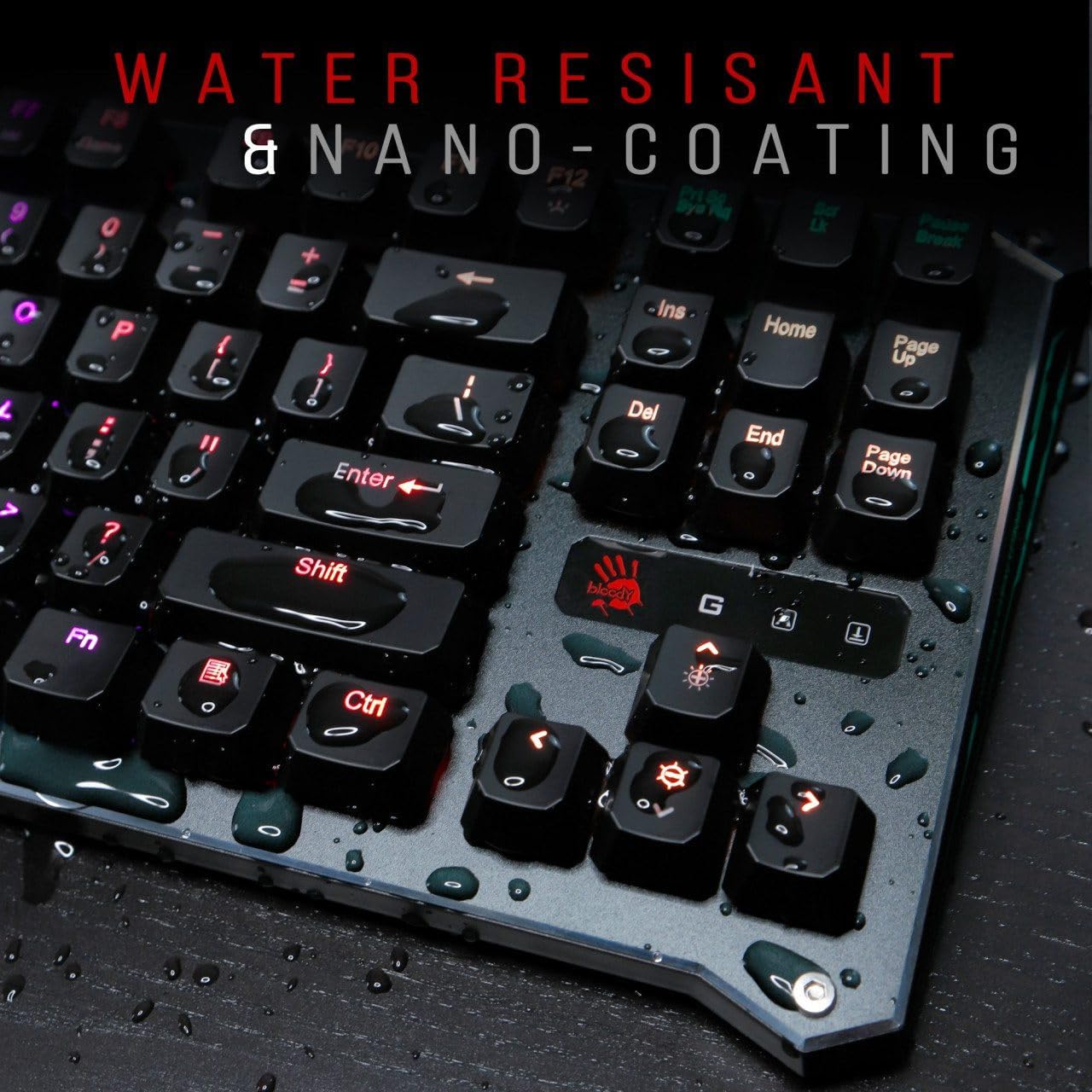
Figure 3: Water resistant and nano-coating features.
آر جي بي بيڪ لائيٽنگ ڪنٽرول
The Bloody B930 offers customizable RGB backlighting.
- Default Animations: Switch between 6 pre-programmed RGB LED backlighting animations.
- حسب ضرورت: Utilize the exclusive software to access 16.8 million customizable color options and schemes.
- روشني جي ترتيب: Adjust the brightness levels to suit your environment.

Figure 4: Dynamic RGB LED backlighting.
ميڪرو پروگرامنگ
The keyboard supports macro programming for enhanced functionality. Refer to the exclusive software for detailed instructions on creating and assigning macros.
پراڊڪٽ وڊيو ختمview
وڊيو 1: سرڪاري پراڊڪٽ وڊيو شوڪasing the Bloody B930 TKL "Tournament Edition" keyboard features and design.
6. سار سنڀال
صفائي
- صفائي ڪرڻ کان اڳ ڪيبورڊ کي ڪمپيوٽر کان ڌار ڪريو.
- ڪيبورڊ جي مٿاڇري کي صاف ڪرڻ لاءِ نرم، سڪل ڪپڙو استعمال ڪريو.
- چاٻين جي وچ ۾ مٽي ۽ ملبي لاءِ، دٻيل هوا استعمال ڪريو.
- سخت ڪيميائي يا ٻرندڙ مواد استعمال ڪرڻ کان پاسو ڪريو.
ذخيرو
ڪيبورڊ کي سڌي سج جي روشني ۽ انتهائي گرمي پد کان پري ٿڌي، سڪل جاءِ تي رکو.
7. مسئلا حل ڪرڻ
عام مسئلا ۽ حل
- ڪي بورڊ جواب نه ڏئي رهيو آهي: پڪ ڪريو ته USB ڪيبل ڪيبورڊ ۽ ڪمپيوٽر ٻنهي سان محفوظ طور تي ڳنڍيل آهي. هڪ مختلف USB پورٽ آزمايو.
- بيڪ لائيٽنگ ڪم نه ڪري رهي آهي: Check the brightness settings. Ensure the software is correctly installed and configured if using custom profiles.
- ڪيز رجسٽر نه ٿي رهيون آهن: Clean around the affected keys. If the issue persists, contact customer support.
8. وضاحتون
ٽيڪنيڪل تفصيل
| خاصيت | تفصيل |
|---|---|
| پيداوار جي ماپ | 25.2 x 25.2 x 7.6 انچ |
| شيءِ جو وزن | 2.2 پائونڊ |
| ٺاهيندڙ | اي فور ٽيڪ |
| ماڊل نمبر | بي 930 |
| برانڊ | خوني |
| مطابقت رکندڙ ڊوائيسز | گيمنگ ڪنسول |
| رابطي ٽيڪنالاجي | USB-A |
| ڪي بورڊ جي وضاحت | گيمنگ |
| تجويز ڪيل استعمال | گيمنگ |
| خاص خصوصيت | هلڪو وزن |
| رنگ | B930 - Orange Switch (Tactile & Clicky) |
| انداز | جديد |
| مواد | المونيم، ڌاتو |
9. وارنٽي ۽ سپورٽ
مصنوعات جي وارنٽي
For warranty information and customer support, please refer to the official Bloody webسائيٽ تي وڃو يا پنهنجي مقامي پرچون ڪندڙ سان رابطو ڪريو.
رابطي جي معلومات
Visit the official Bloody webجديد ڊرائيورن، سافٽ ويئر، ۽ سپورٽ وسيلن لاءِ سائيٽ.


