تعارف
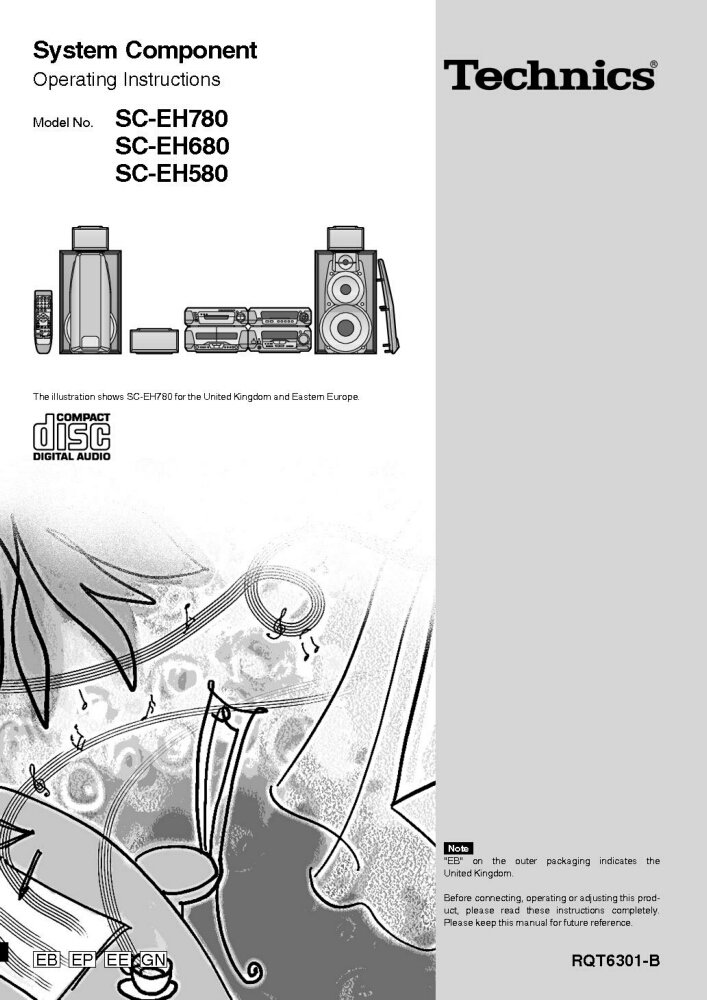
This manual provides comprehensive operating instructions for the Technics System Components, including models SC-EH780, SC-EH680, SC-EH580, SA-EH580, SL-EH680, and RS-DV280. To ensure proper connection, operation, and adjustment of your product, please read these instructions completely before use. Keep this manual for future reference.
نوٽ: The designation "EB" on the outer packaging indicates that the product is intended for the United Kingdom market.
سيٽ اپ ۽ تنصيب
بهترين ڪارڪردگي لاءِ صحيح سيٽ اپ انتهائي اهم آهي. انهن قدمن تي احتياط سان عمل ڪريو:
- پيڪنگ کولڻ: پيڪنگ مان سڀئي حصا احتياط سان هٽايو. تصديق ڪريو ته پيڪنگ لسٽ ۾ درج ٿيل سڀئي حصا موجود آهن.
- لڳائڻ: Position the main unit, speakers, and other components on a stable, level surface. Ensure adequate ventilation around all units to prevent overheating. Avoid direct sunlight, heat sources, and areas with high humidity.
- اسپيڪر ڪنيڪشن: اسپيڪر جي تارن کي لاڳاپيل ٽرمينل سان ڳنڍيو amplifier and speakers. Ensure correct polarity (+ to + and - to -) for proper sound reproduction. Refer to the wiring diagram in the original manual for specific connections.
- Component Interconnection: Connect the various system components (CD player, cassette deck, tuner) to the main amplifier unit using the provided audio cables. Match input and output jacks correctly.
- پاور ڪنيڪشن: Once all audio connections are made, plug the power cord into a suitable AC outlet.
For detailed diagrams and specific connection types, please consult the original Technics manual.
آپريٽنگ هدايتون
This section covers the basic operation of your Technics System Component.
پاور آن / آف
- کي دٻايو پاور سسٽم کي آن يا آف ڪرڻ لاءِ مين يونٽ يا ريموٽ ڪنٽرول تي بٽڻ.
ذريعو چونڊ
- استعمال ڪريو فنڪشن or چونڊيندڙ buttons on the unit or remote to switch between CD, Tuner, Tape, and other available inputs.
سي ڊي پليئر آپريشن
- کي دٻايو کوليو/ بند ڪريو ڊسڪ ٽري کولڻ لاءِ بٽڻ.
- Place a CD with the label side up on the tray.
- دٻايو کوليو/ بند ڪريو ٻيهر ٽري کي بند ڪرڻ لاء.
- دٻايو راند ڪريو پلے بیک شروع ڪرڻ لاء.
- استعمال ڪريو SKIP ٽريڪ کي نيويگيٽ ڪرڻ لاءِ بٽڻ ۽ اسٽاپ پلے بیک ختم ڪرڻ لاء.
ٽونر آپريشن
- منتخب ڪريو ٽيونر فنڪشن.
- استعمال ڪريو ٽيوننگ buttons to manually tune to a station or اڳواٽ buttons to select a stored station.
ڪيسٽ ڊيڪ آپريشن
- Insert a cassette tape into the deck.
- استعمال ڪريو راند ڪريو, REWIND, فاسٽ فارورڊ، ۽ اسٽاپ ٽيپ ڪنٽرول لاءِ بٽڻ.
- دٻايو رڪارڊ to begin recording (ensure appropriate input is selected).
سار سنڀال ۽ سنڀال
To ensure the longevity and optimal performance of your Technics system, follow these maintenance guidelines:
- صفائي: Use a soft, dry cloth to wipe down the exterior surfaces of the components. For stubborn dirt, slightly dampen the cloth with water and a mild detergent, then wipe dry. Avoid abrasive cleaners or solvents.
- ڊسڪ ٽري: Keep the CD disc tray clean and free of dust. Do not force the tray open or closed.
- Cassette Deck Heads: Periodically clean the cassette deck heads and pinch rollers using a specialized tape head cleaner. This prevents sound degradation.
- وينٽيليشن: پڪ ڪريو ته سڀني يونٽن تي وينٽيليشن جا سوراخ بند نه آهن. مناسب هوا جي وهڪري کي وڌيڪ گرم ٿيڻ کان روڪي ٿو.
- پاور ڪنڊ: Regularly inspect the power cord for any damage. If damaged, discontinue use and contact a qualified service technician.
مشڪلاتون
If you encounter issues with your Technics system, refer to the following common problems and solutions:
| مسئلو | ممڪن سبب | حل |
|---|---|---|
| ڪابه طاقت | Power cord unplugged; Power outlet faulty; System in standby mode. | Check power cord connection; Try a different outlet; Press the POWER button. |
| ڪو آواز | Volume too low; Incorrect input selected; Speaker wires disconnected/incorrectly connected. | Increase volume; Select correct input (CD, Tuner, etc.); Check speaker connections and polarity. |
| CD Does Not Play | Disc inserted incorrectly; Disc dirty or scratched; Disc tray not closed. | Insert disc label-side up; Clean disc with a soft cloth; Ensure disc tray is fully closed. |
| ناقص ريڊيو استقبال | Antenna not connected or poorly positioned; Interference from other electronics. | Connect antenna securely and adjust its position; Move system away from other electronic devices. |
جيڪڏهن انهن حلن جي ڪوشش ڪرڻ کان پوءِ به مسئلو برقرار رهي، مهرباني ڪري ڪسٽمر سپورٽ سان رابطو ڪريو.
وضاحتون
While specific detailed specifications vary by model (SC-EH780, SC-EH680, SC-EH580, SA-EH580, SL-EH680, RS-DV280), the Technics System Components typically feature:
- Ampجاندار سيڪشن: Stereo integrated amplifier with various input/output terminals.
- سي ڊي پليئر: Single or multi-disc CD changer, compatible with standard audio CDs.
- ٽيونر سيڪشن: AM/FM digital tuner with preset memory.
- ڪيسٽ ڊيڪ: Auto-reverse cassette deck (single or dual).
- ڳالهائيندڙ: Multi-way speaker system designed for balanced audio reproduction.
- پاور گهرجون: AC 220-240V, 50/60Hz (specifics may vary by region).
- طول و عرض (تقريبن): Varies per component and model.
- وزن (تقريبن): Varies per component and model.
For precise technical specifications for your specific model, please refer to the original product documentation or the label on the rear of the unit.
وارنٽي ۽ سپورٽ
This manual is a reprint and does not include specific warranty information. For details regarding warranty coverage, technical support, or service for your Technics System Component, please refer to the original purchase documentation or contact Technics customer service directly.
You may also visit the official Technics website for updated support information, FAQs, and service center locations.
- آن لائن سپورٽ: www.technics.com/support (نوٽ: هي هڪ پلیس هولڊر لنڪ آهي، مهرباني ڪري اصل سپورٽ جي تصديق ڪريو. URL for Technics.)
- سروس سينٽر: Consult the Technics website or your local dealer for authorized service centers.


