1. تعارف
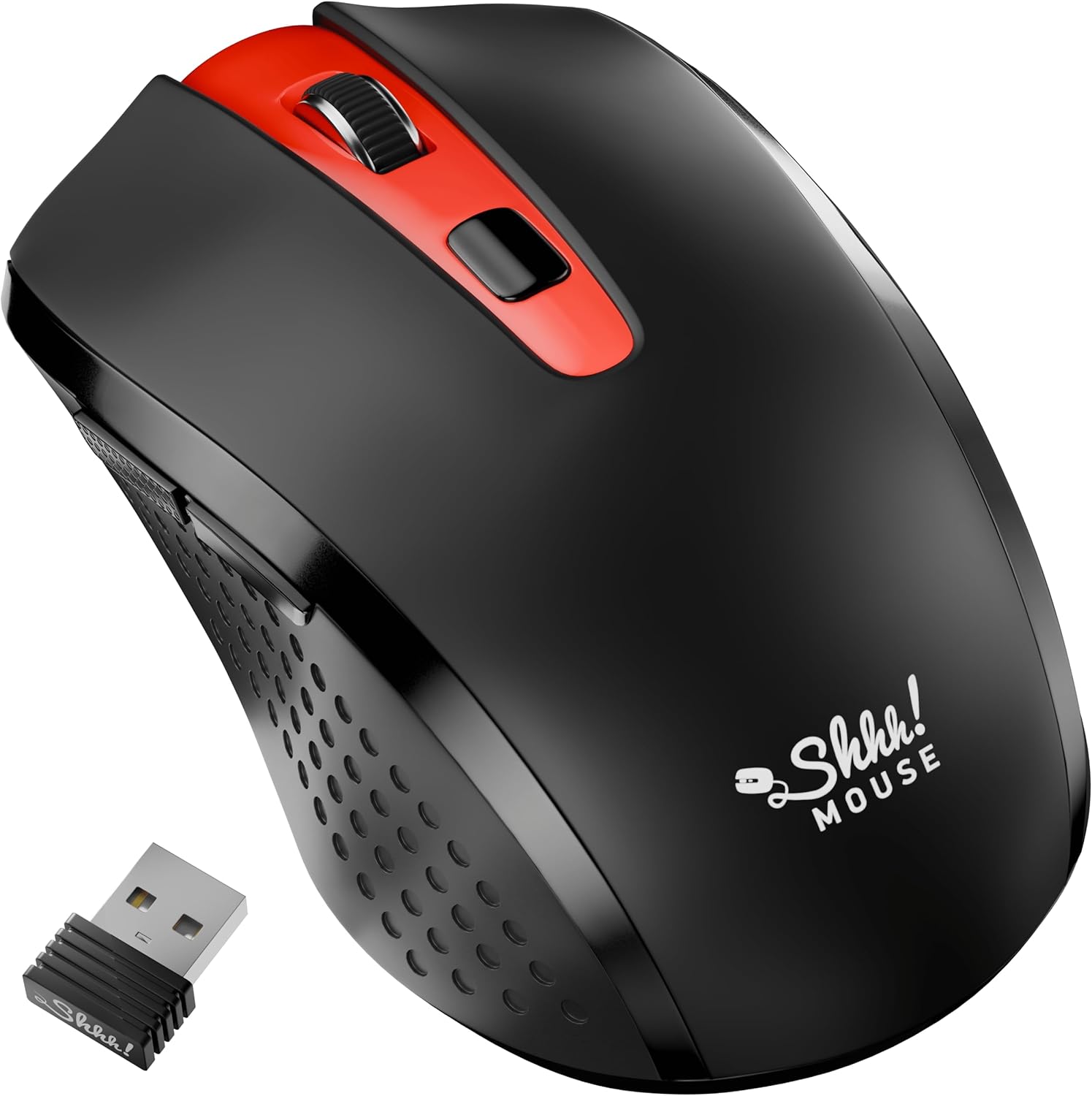
Thank you for choosing the SHHHMOUSE Silent Wireless Mouse. This manual provides essential information for setting up, operating, and maintaining your new mouse. Designed for quiet operation and ergonomic comfort, this mouse enhances your productivity without disturbing those around you.
اهم خاصيتون:
- Quiet Mouse Wireless: Enjoy silent clicks with a noiseless clicking mechanism for a peaceful working environment.
- Ergonomic آرام: Experience a comfortable grip that reduces strain during extended work sessions.
- Precision Elevated: Advanced optical sensor for high-precision cursor control.
- پلگ ۽ راند: Seamless connection via USB receiver, no extra software or drivers required.
- وڌايل استعمال جو وقت: Up to 18 months of battery life for prolonged use.
2. دٻي ۾ ڇا آهي
پڪ ڪريو ته سڀئي شيون پيڪيج ۾ موجود آهن:
- 1 x SHHHMOUSE Silent Wireless Mouse
- 1 x USB رسيور
- 1 x AA بيٽري
3. سيٽ اپ گائيڊ
Follow these steps to set up your SHHHMOUSE Silent Wireless Mouse:
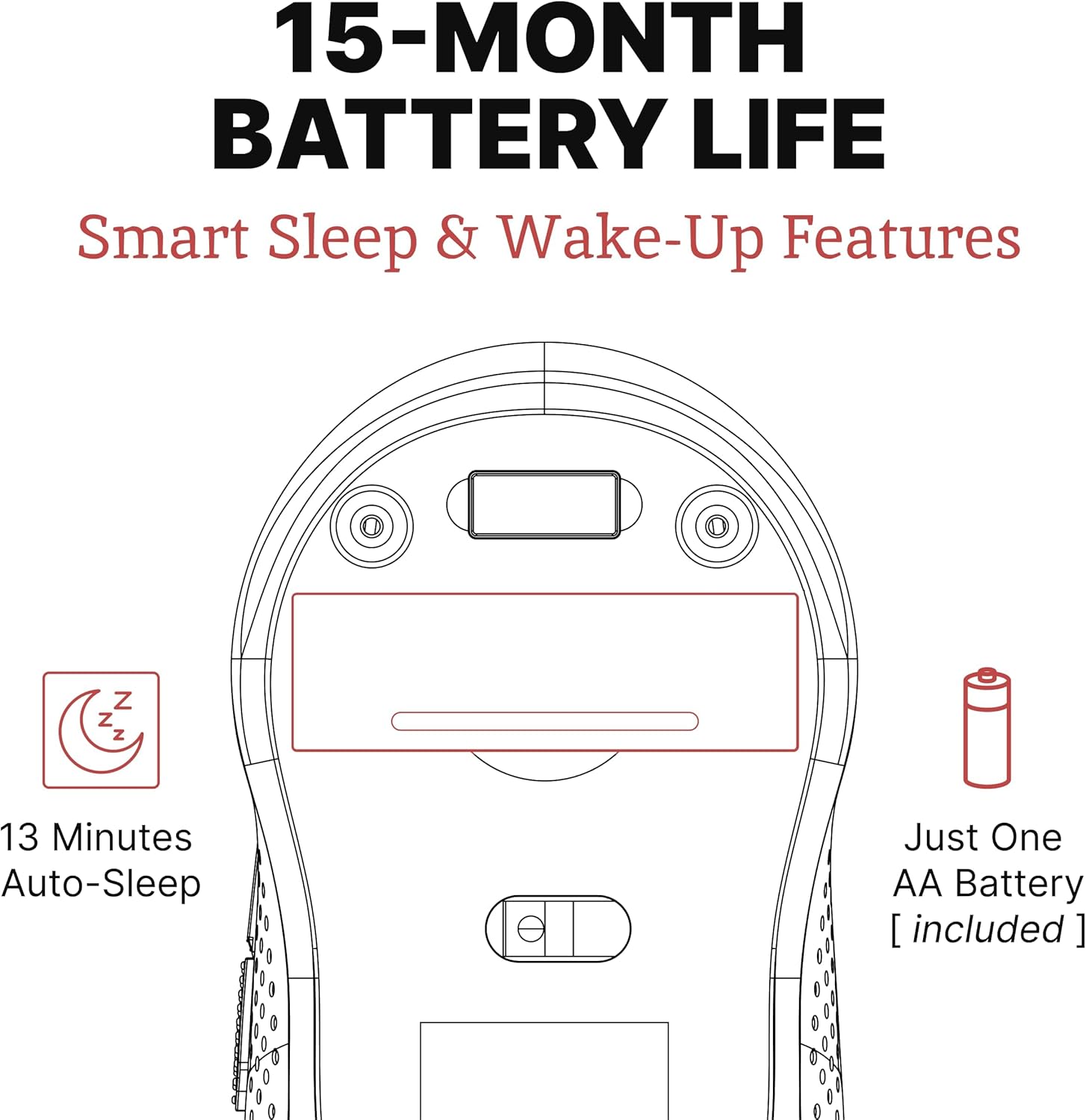
- بيٽري داخل ڪريو: Open the battery compartment on the underside of the mouse. Insert the provided AA battery, ensuring correct polarity.
- USB رسيور ڳوليو: The tiny USB receiver is typically stored inside the battery compartment for safe keeping during transport. Remove it.
- رسيور ڳنڍيو: Plug the USB receiver into an available USB port on your laptop, desktop, or Chromebook.
- پاور آن: هيٺئين پاسي واقع پاور سوئچ استعمال ڪندي ماؤس کي آن ڪريو.
- خودڪار ڪنيڪشن: The mouse should automatically connect to your device. No additional drivers are typically required.


سيٽ اپ وڊيو:
Video 1: "New Silent Portable Wireless Shhhmouse i440" - This video demonstrates the unboxing and initial setup of the mouse, including battery insertion and USB receiver connection.
4. پنهنجي مائوس کي هلائڻ
بٽڻ افعال:
- کاٻي / ساڄي ڪلڪ ڪريو: Standard mouse functions for selection and context menus. These are ultra-silent buttons.
- اسڪرول ويل: Used for vertical scrolling. Also functions as a middle click button. Features an anti-slip design.
- DPI سوئچ: Located near the scroll wheel, this button allows you to adjust the mouse sensitivity (DPI).
- پاسي جا بٽڻ: Typically configured for 'Page Up' and 'Page Down' functions, useful for web برائوزنگ ۽ دستاويز نيويگيشن.

ڊي پي آءِ (حساسيت) کي ترتيب ڏيڻ:
Press the DPI switch button to cycle through different sensitivity levels (e.g., 800, 1200, 1600 DPI). Choose the setting that best suits your task and preference for cursor speed.

Smart Sleep & Wake-Up Features:
To conserve battery life, the mouse will enter a smart sleep mode after 13 minutes of inactivity. To wake it up, simply click any button or move the mouse.
5. سار سنڀال
بيٽري مٽائڻ:
When the mouse's performance degrades or the low power indicator (if present) illuminates, it's time to replace the battery. Open the battery compartment on the underside, remove the old AA battery, and insert a new one, observing polarity.
صفائي:
To maintain optimal performance, regularly clean your mouse. Use a soft, dry cloth to wipe the exterior. For the optical sensor, use a cotton swab lightly dampened with rubbing alcohol, ensuring no liquid enters the mouse's interior.
6. مسئلا حل ڪرڻ
| مسئلو | ممڪن سبب | حل |
|---|---|---|
| مائوس جواب نه ڏئي رهيو آهي | Low battery; USB receiver disconnected; Mouse power off. | Replace battery; Re-insert USB receiver; Turn on mouse power switch. |
| بي ترتيب ڪرسر تحريڪ | گندو آپٽيڪل سينسر؛ غير مناسب مٿاڇري؛ مداخلت. | Clean optical sensor; Use on a smooth, opaque surface; Move mouse closer to receiver or away from other wireless devices. |
| مختصر بيٽري جي زندگي | Frequent use; Battery type. | Ensure mouse enters sleep mode when idle; Use high-quality alkaline batteries. |
7. وضاحتون
| خاصيت | تفصيل |
|---|---|
| برانڊ | SHHHMOUSE |
| ماڊل نمبر | SHHH2659Black |
| رابطي ٽيڪنالاجي | USB Wireless (2.4G) |
| تحريڪ جي سڃاڻپ ٽيڪنالاجي | بصري |
| خاص خصوصيت | Soundless Clicks |
| ڊي پي آئي جي سطح | Adjustable (e.g., 800, 1200, 1600) |
| بيٽري جو قسم | 1 x AA بيٽري (شامل) |
| سراسري بيٽري جي زندگي | 15 مهينن تائين |
| شيءِ جو وزن | 2.29 اونس |
| پيداوار جي ماپ (LxWxH) | 4.22 x 2.5 x 0.04 انچ |
| هارڊويئر پليٽ فارم مطابقت | Windows XP/Vista/Win7, Mac 10.x, Chromebook, PC, Laptop |
| رنگ | ڪارو ۽ ڳاڙهو |
8. وارنٽي ۽ سپورٽ
SHHHMOUSE products are designed for durability and reliability. For specific warranty information, please refer to the warranty card included with your product or visit the official SHHHMOUSE webسائيٽ.
For further assistance or technical support, please contact SHHHMOUSE customer service through the contact information provided on the product packaging or the brand's official webسائيٽ.
هڪ تفصيلي يوزر گائيڊ (PDF) پڻ ڊائون لوڊ لاءِ موجود آهي: ڊائون لوڊ ڪريو يوزر گائيڊ