DALI IO-6 پريميئم وائرليس اوور-دي-ايئر ANC هيڊفون استعمال ڪندڙ دستياب
Model: IO-6
تعارف
Welcome to the user manual for your DALI IO-6 Premium Wireless Over-The-Ear ANC Headphones. These headphones are designed to deliver exceptional audio quality with the convenience of wireless connectivity and advanced Active Noise Cancellation (ANC) technology. This manual provides essential information on setup, operation, maintenance, and troubleshooting to ensure you get the most out of your DALI IO-6 headphones.
پيڪيج مواد
شروع ڪرڻ کان اڳ، مھرباني ڪري پڪ ڪريو ته سڀئي شيون پيڪيج ۾ موجود آھن:
- DALI IO-6 هيڊفون
- USB چارجنگ ڪيبل
- 3.5mm آڊيو ڪيبل
- Travel Case (if included)
- تڪڙو شروع ھدايت
- ڪن کشن
Note: The specific contents may vary slightly based on regional packaging.
سيٽ اپ ڪريو
1. هيڊفون چارج ڪرڻ
Before first use, fully charge your DALI IO-6 headphones. A full charge provides approximately 30 hours of battery life with ANC enabled.
- Connect the supplied USB charging cable to the USB-C port on the headphones.
- Connect the other end of the cable to a USB power adapter (not supplied) or a powered USB port on a computer.
- The LED indicator on the headphones will show charging status. It typically takes about 2 hours for a full charge.

Figure 1: DALI IO-6 headphones, Army Green color, showing the overall design. The USB-C port is located on one of the earcups.
2. بلوٽوٽ جوئر
Pair your DALI IO-6 headphones with your Bluetooth-enabled device (smartphone, tablet, laptop, etc.).
- پڪ ڪريو ته هيڊفون بند ٿيل آهن.
- Press and hold the Power/Bluetooth button on the headphones for approximately 5 seconds until the LED indicator flashes blue and red, indicating pairing mode.
- پنهنجي ڊوائيس تي، بلوٽوٿ سيٽنگز ڏانهن وڃو ۽ بلوٽوٿ کي فعال ڪريو.
- Select "DALI IO-6" from the list of available devices.
- Once paired, the LED indicator on the headphones will turn solid blue.

شڪل 2: سامهون view of the DALI IO-6 headphones, showcasing the earcups and headband. The control buttons are located on the right earcup.
3. وائرڊ ڪنيڪشن
For a wired connection, use the supplied 3.5mm audio cable.
- Connect one end of the 3.5mm audio cable to the audio input jack on the headphones.
- Connect the other end to the 3.5mm audio output jack on your device.
- هيڊفون پاڻمرادو وائرڊ موڊ ۾ تبديل ٿي ويندا.
آپريٽنگ هدايتون
پاور آن / آف
- To power on: Press and hold the Power button for 2 seconds.
- پاور آف ڪرڻ لاءِ: پاور بٽڻ کي 3 سيڪنڊن لاءِ دٻايو ۽ رکو.
Music Playback and Call Control
| فنڪشن | عمل |
|---|---|
| راند/روڪ | ملائي واري فنڪشن جي بڪ کي هڪ ڀيرو دٻايو. |
| ايندڙ ٽريڪ | ملٽي فنڪشن بٽڻ کي ٻه ڀيرا دٻايو. |
| اڳيون ٽريڪ | ملٽي فنڪشن بٽڻ کي ٽي ڀيرا دٻايو. |
| حجم مٿي | حجم + بٽڻ کي دايو. |
| حجم ھيٺ | واليوم - بٽڻ دٻايو. |
| جواب ڏيو / ڪال ختم ڪريو | ملائي واري فنڪشن جي بڪ کي هڪ ڀيرو دٻايو. |
| ڪال رد ڪريو | 2 سيڪنڊن لاءِ ملٽي فنڪشن بٽڻ کي دٻايو ۽ رکو. |
| وائيس اسسٽنٽ کي فعال ڪريو | ملٽي فنڪشن بٽڻ کي 2 سيڪنڊن لاءِ دٻايو ۽ رکو (جڏهن ڪال تي نه آهيو). |
فعال شور منسوخي (ANC) ۽ شفافيت موڊ
The DALI IO-6 features Active Noise Cancellation to reduce ambient noise and a Transparency Mode to allow external sounds to pass through.
- To cycle through ANC modes (ANC On, Transparency Mode, ANC Off): Press the ANC button located on the earcup.
- The LED indicator will change color to indicate the current ANC mode.
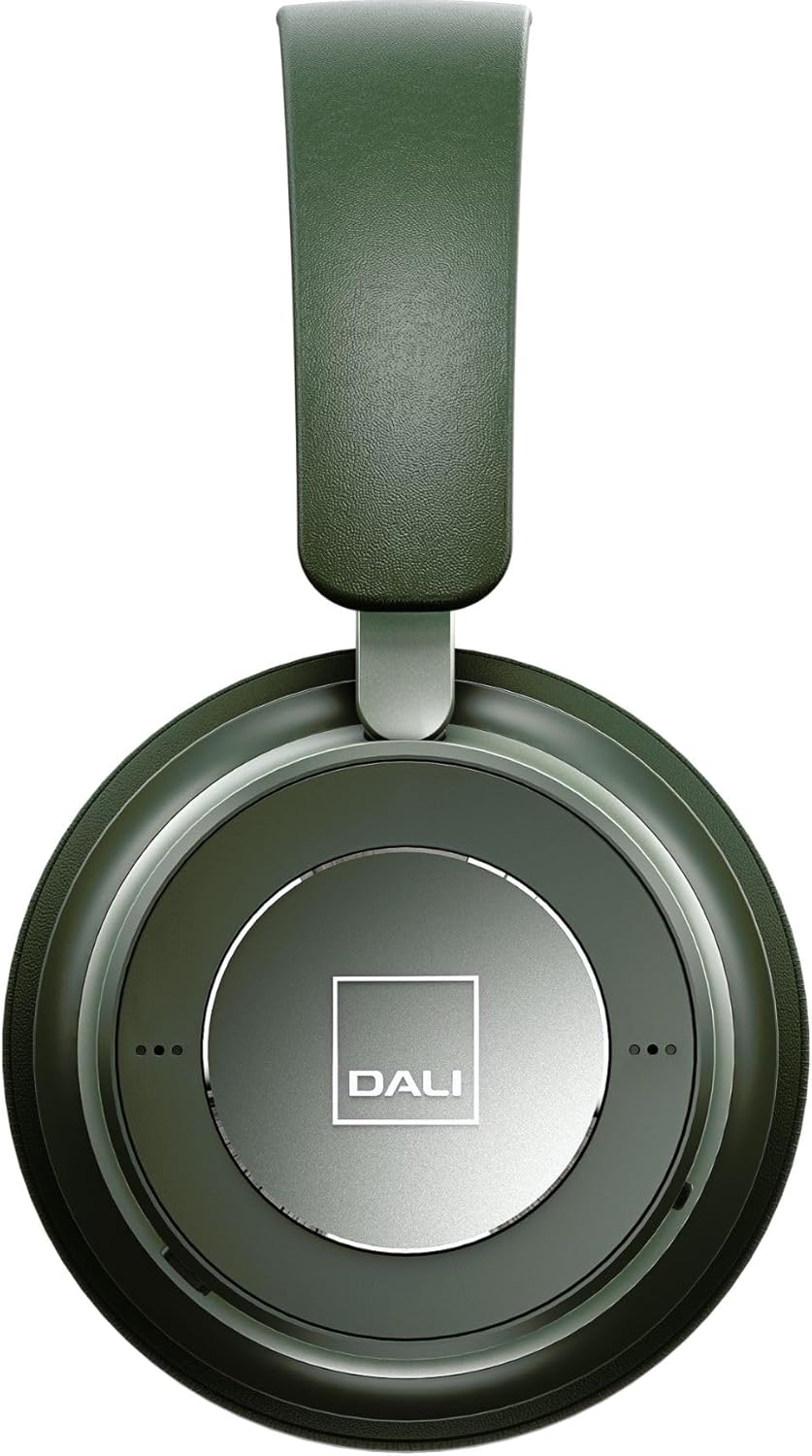
شڪل 3: بند اپ view of the DALI IO-6 earcup, highlighting the DALI logo and the subtle design details. The control buttons are integrated into the earcup design.
سار سنڀال ۽ سنڀال
Proper care will extend the life and performance of your DALI IO-6 headphones.
- صفائي: هيڊفون صاف ڪرڻ لاءِ نرم، سڪل ڪپڙو استعمال ڪريو. رگڙيندڙ ڪلينر، سالوينٽس، يا مضبوط ڪيميڪل استعمال نه ڪريو.
- اسٽوريج: When not in use, store the headphones in their protective travel case to prevent damage.
- گرمي پد: هيڊفونز کي انتهائي گرمي پد (گرم يا ٿڌو) يا وڌيڪ نمي جي سامهون رکڻ کان پاسو ڪريو.
- مائع جي نمائش: Keep the headphones away from water and other liquids. They are not waterproof.
- ڪن کشن: The ear cushions are designed for comfort and can be replaced if worn. Refer to DALI's official webمتبادل حصن لاء سائيٽ.

Figure 4: DALI IO-6 headphones resting on a concrete surface, demonstrating their robust build and design. This image highlights the durable materials used.
مشڪلاتون
If you encounter issues with your DALI IO-6 headphones, try the following solutions:
| مسئلو | ممڪن حل |
|---|---|
| ڪابه طاقت | پڪ ڪريو ته هيڊفون مڪمل طور تي چارج ٿيل آهن. پاور سورس سان ڳنڍيو ۽ چارجنگ انڊيڪيٽر چيڪ ڪريو. |
| بلوٽوٿ ذريعي جوڙو نه ٿو ٺاهي سگهجي |
|
| ڪو آواز |
|
| ANC اثرائتي ڪم نه ڪري رهيو آهي |
|
وضاحتون
| خاصيت | تفصيل |
|---|---|
| ماڊل نالو | IO-6 |
| رابطي ٽيڪنالاجي | وائرليس (بلوٽوٿ 5.0) |
| شور ڪنٽرول | فعال شور جي منسوخي (ANC) |
| هيڊ فون جيڪ | 3.5 مليڪ جيڪ |
| بيٽري جي زندگي | 30 ڪلاڪن تائين (ANC سان) |
| چارج ڪرڻ وقت | لڳ ڀڳ. 2 ڪلاڪ |
| تعدد جي حد | 10 - 20000 هز |
| رڪاوٽ | 25 اوم |
| آڊيو ڊرائيور جي ماپ | 50 ملي ميٽر |
| مواد | پلاسٽڪ، ميموري فوم |
| پيداوار جي ماپ | 3.11 x 8.86 x 9.65 انچ |
| شيءِ جو وزن | 2.4 پائونڊ |
وارنٽي ۽ سپورٽ
DALI products are built to high standards and come with a limited warranty. For specific warranty terms and conditions, please refer to the warranty card included with your product or visit the official DALI webسائيٽ.
For technical support, service, or replacement parts, please contact DALI customer support through their official website or authorized service centers. You can find more information and contact details at: www.dali-speakers.com


