تعارف
Thank you for choosing the QCY A1 Bluetooth 5.0 Headset. This manual will guide you through the setup, operation, and maintenance of your new wireless headset. Please read these instructions carefully before use to ensure optimal performance and longevity of your device.
پيداوار ختمview
پيڪيج مواد
- QCY A1 Bluetooth Headset
- ڪن کشن
- چارج ڪيبل
- استعمال ڪندڙ دستي
هيڊٽ ڊيوگرام

Image: The QCY A1 Bluetooth Headset, showing the earbud, ear hook, and main body with control buttons.
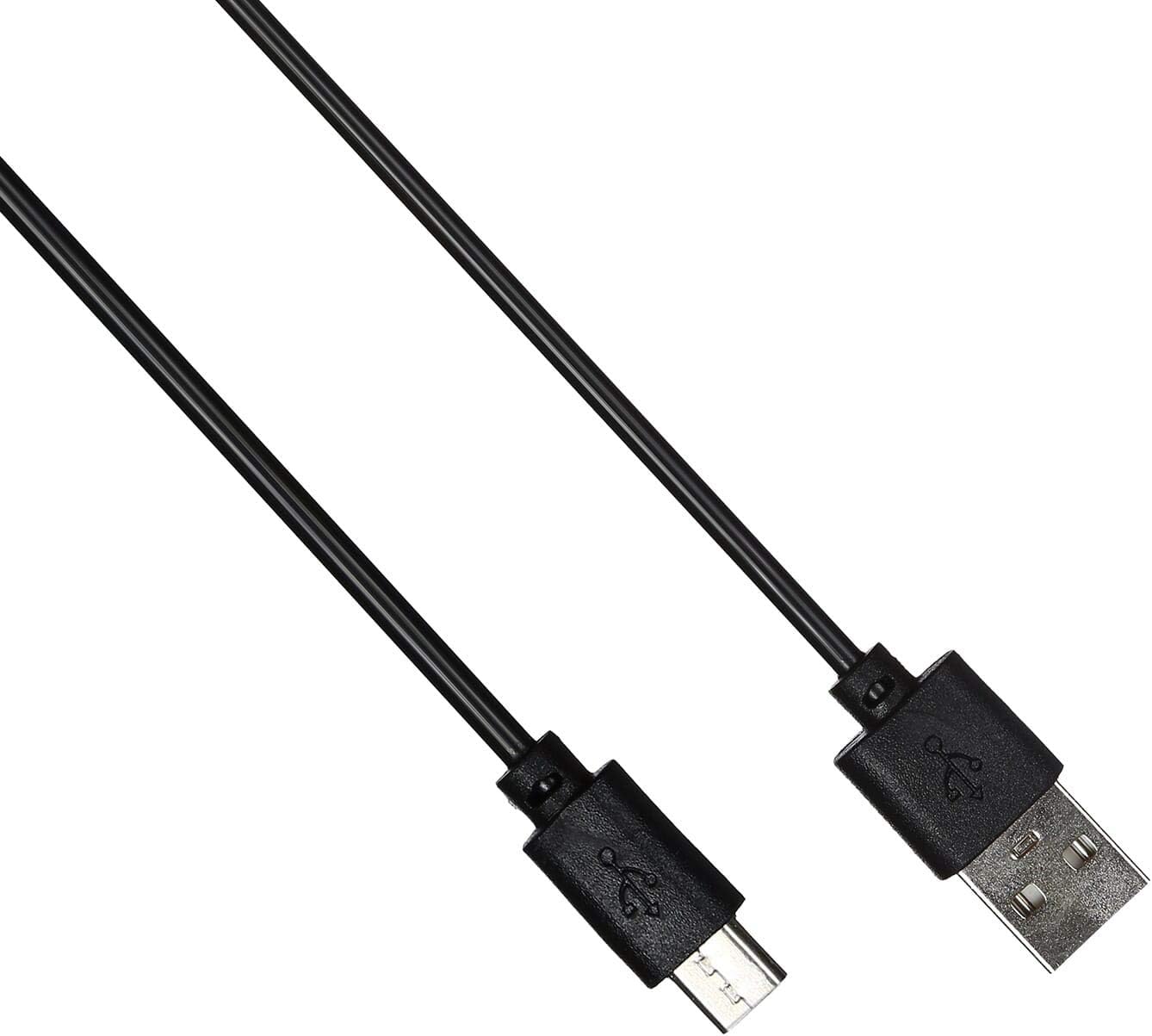
Image: The USB charging cable for the QCY A1 headset.
سيٽ اپ ڪريو
1. هيڊ سيٽ کي چارج ڪرڻ
- چارجنگ ڪيبل کي هيڊ سيٽ جي چارجنگ پورٽ سان ڳنڍيو.
- Plug the other end of the cable into a USB power source (e.g., computer, wall adapter).
- The indicator light will show charging status. A full charge typically takes approximately 1-2 hours.
- مڪمل طور تي چارج ٿيڻ کان پوء، چارجنگ ڪيبل کي ختم ڪريو.
2. هڪ ڊوائيس سان جوڙڻ
- پڪ ڪيو ته هيڊٽ بند ٿيل آهي.
- Press and hold the Multi-function button until the indicator light flashes red and blue alternately, indicating pairing mode.
- On your mobile phone or Bluetooth-enabled device, enable Bluetooth and search for available devices.
- Select "QCY A1" from the list of found devices.
- Once connected, the indicator light will flash blue slowly, and you will hear a confirmation tone.
- If pairing fails, turn off the headset and repeat the steps.
آپريٽنگ هدايتون
پاور آن / آف
- پاور آن: Press and hold the Multi-function button for 3 seconds. The blue indicator light will flash.
- بجلي بند: Press and hold the Multi-function button for 5 seconds. The red indicator light will flash briefly before turning off.
ڪال انتظام
- جواب ڏيو ڪال: ملٽي فنڪشن بٽڻ کي مختصر دٻايو.
- ڪال ختم ڪريو: Short press the Multi-function button during a call.
- ڪال رد ڪريو: 2 سيڪنڊن لاءِ ملٽي فنڪشن بٽڻ کي دٻايو ۽ رکو.
- ريڊل آخري نمبر: جڏهن ڪال تي نه هجو ته ملٽي فنڪشن بٽڻ کي ٻٽي دٻايو.
موسيقي پلے بیک
- راند/روڪ: ملٽي فنڪشن بٽڻ کي مختصر دٻايو.
- اڳيون ٽريڪ: واليوم اپ بٽڻ کي دٻايو ۽ رکو.
- پويون ٽريڪ: حجم ھيٺ بٽڻ کي دٻايو ۽ رکو.
- حجم مٿي واليوم اپ بٽڻ کي مختصر دٻايو.
- حجم ھيٺ واليوم ڊائون بٽڻ کي مختصر دٻايو.
وائس اسسٽنٽ
- وائس اسسٽنٽ کي فعال ڪريو. Triple-press the Multi-function button (functionality depends on your connected device).
سار سنڀال
- هيڊ سيٽ کي باقاعدي طور تي نرم، سڪل ڪپڙي سان صاف ڪريو.
- سخت ڪيميائي يا ٻرندڙ مواد استعمال ڪرڻ کان پاسو ڪريو.
- هيڊ سيٽ کي سڌي سج جي روشني ۽ انتهائي گرمي پد کان پري ٿڌي، سڪل جاءِ تي رکو.
- Do not immerse the headset in water or expose it to excessive moisture.
- ٻارن جي پهچ کان پري رکو.
مشڪلاتون
| مسئلو | حل |
|---|---|
| هيڊ سيٽ آن نٿو ٿئي. | پڪ ڪريو ته هيڊ سيٽ مڪمل طور تي چارج ٿيل آهي. |
| ڊوائيس سان جوڙو نه ٿو ٺاهي سگهجي. | Ensure the headset is in pairing mode (red and blue lights flashing). Turn off and on your device's Bluetooth. Try pairing again. |
| ڪابه آواز يا خراب آواز جي معيار ناهي. | Check the volume levels on both the headset and your connected device. Ensure the headset is within the 10-meter operating range of your device. |
| هيڊ سيٽ بار بار ڪٽجي ويندو آهي. | Ensure there are no obstacles between the headset and your device. Move closer to your device. |
وضاحتون
| خاصيت | تفصيل |
|---|---|
| ماڊل | A1 |
| برانڊ | QCY |
| رابطي ٽيڪنالاجي | وائرليس (بلوٽوٿ 5.0) |
| بلوٽوٽ پروfiles جي حمايت ڪئي وئي | HFP, A2DP, HSP |
| وائرلیس رينج | 10 ميٽر تائين |
| ڪنٽرول جو طريقو | ٽچ/بٽڻ |
| هيڊ فون فارم فيڪٽر | ڪن ۾ |
| مطابقت رکندڙ ڊوائيسز | موبائل فون |
| رنگ | اڇو |
| شيءِ جو وزن | 80 گرام |
| شامل اجزاء | ڪن کشن |
حفاظت جي ڄاڻ
- هيڊ سيٽ کي ڌار يا تبديل نه ڪريو.
- هيڊسيٽ کي انتهائي گرمي پد يا نمي کي بي نقاب ڪرڻ کان پاسو ڪريو.
- صرف مهيا ڪيل چارجنگ ڪيبل يا تصديق ٿيل برابر استعمال ڪريو.
- Do not use the headset at high volume for extended periods to prevent hearing damage.
- Be aware of your surroundings when using the headset, especially in traffic or other potentially dangerous situations.