تعارف
This manual provides essential information for the proper use and maintenance of your Amazon Basics LCD 8-Digit Desktop Calculator. Please read this manual thoroughly before using the product to ensure optimal performance and longevity.
The Amazon Basics LCD 8-Digit Desktop Calculator is designed for portability and ease of use, featuring an 8-digit LCD display for clear output and user-friendly buttons. It supports basic arithmetic operations, percentages, and square roots, making it suitable for various daily calculation needs.
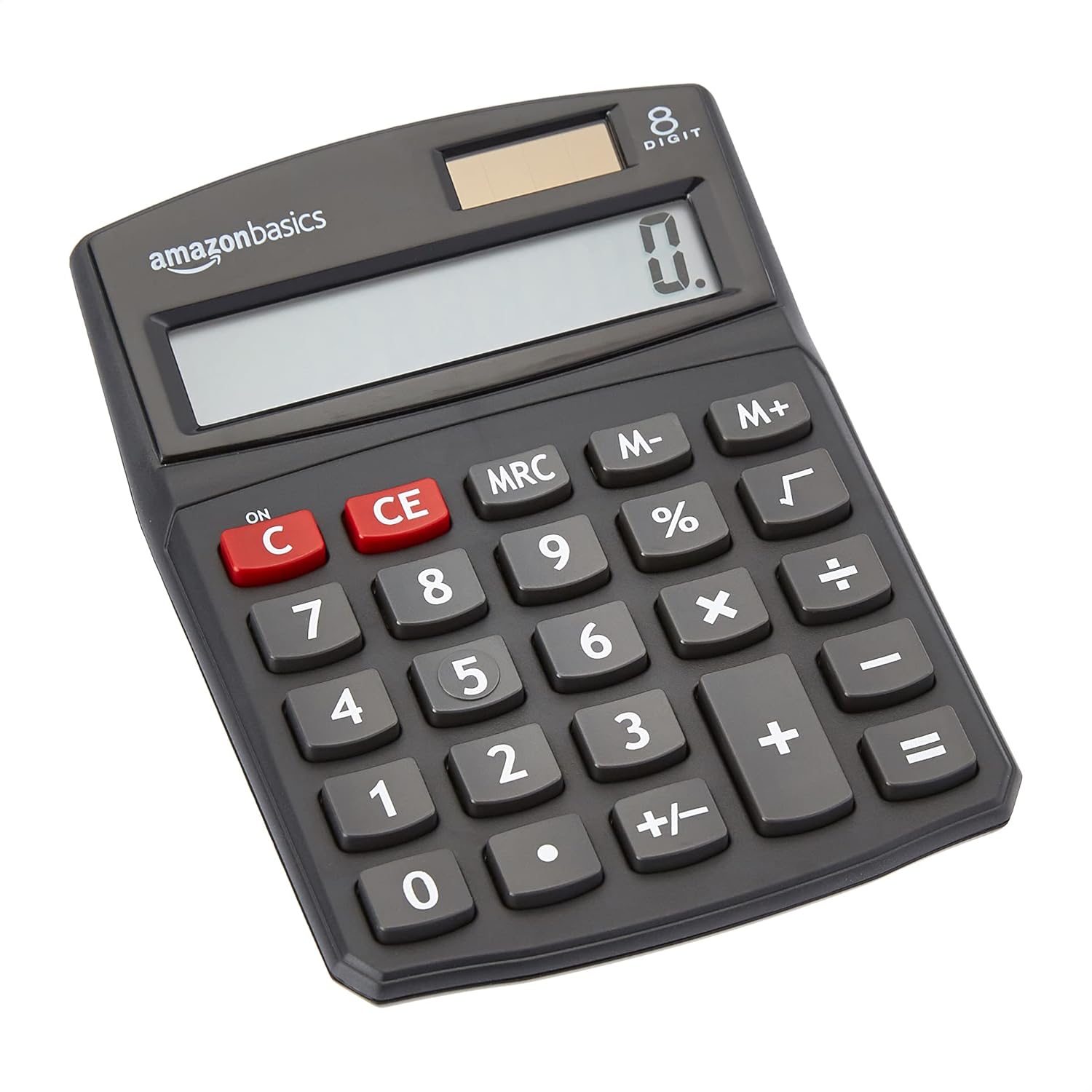
سامهون view of the Amazon Basics 8-Digit Desktop Calculator, showcasing ان جي ڪمپيڪٽ ڊيزائن ۽ صاف ڊسپلي.
سيٽ اپ ڪريو
Your Amazon Basics calculator is ready for use right out of the box. It operates on both solar power and a backup battery, ensuring continuous functionality in various lighting conditions.
طاقت جو ذريعو:
- شمسي توانائي: The calculator primarily uses solar energy. Ensure the solar panel, located above the display, is exposed to sufficient light for operation.
- بيٽري جو بيڪ اپ: An internal battery provides power when light is insufficient or for extended use. No user intervention is required for battery installation or replacement under normal conditions.
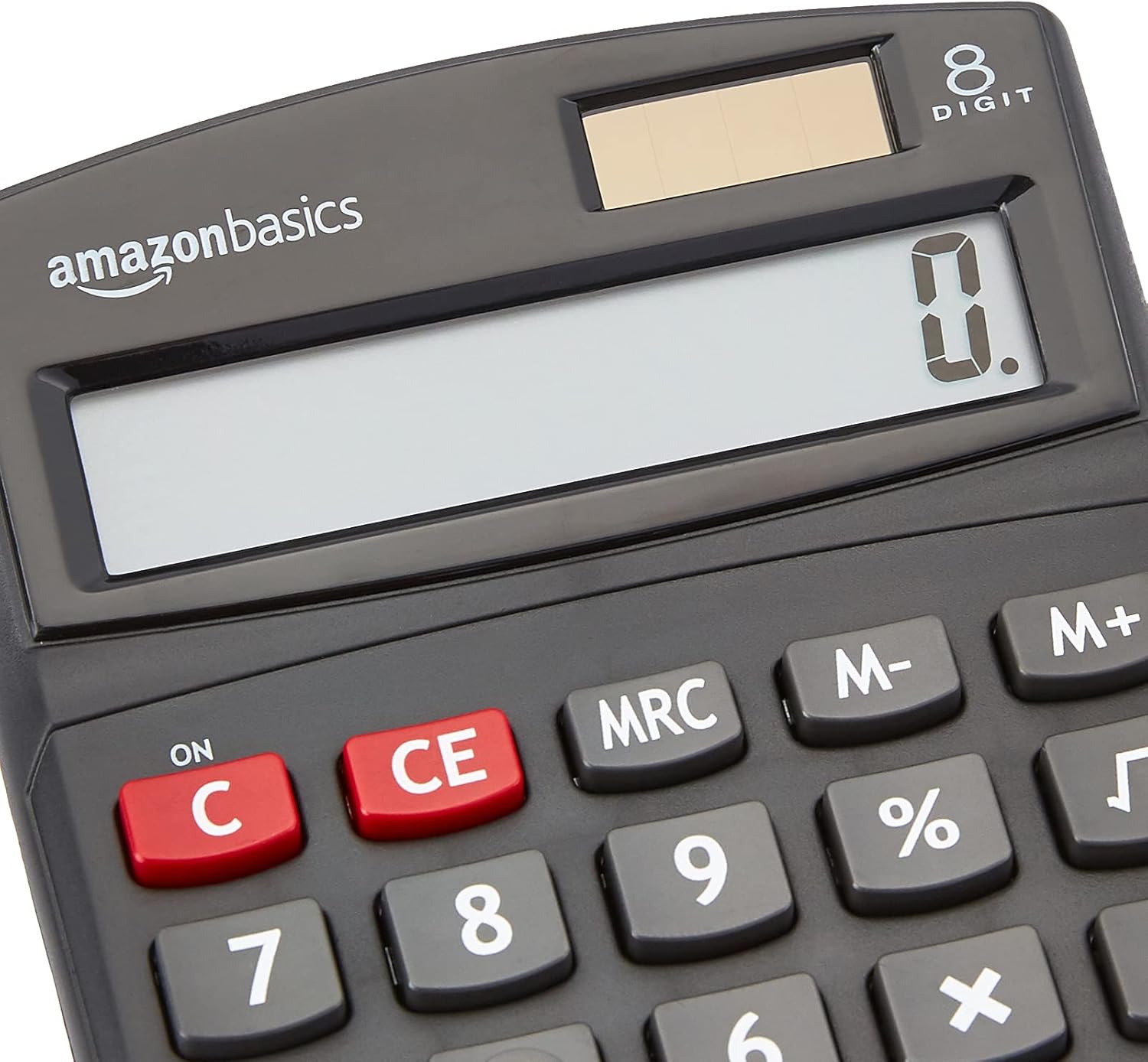
بند ڪرڻ view of the calculator's LCD display and the integrated solar panel, highlighting the dual power source.
آپريٽنگ هدايتون
The calculator features a standard layout for intuitive operation. Familiarize yourself with the key functions:

تفصيلي view of the calculator's keypad, showing the layout of numerical and function buttons.
بنيادي آپريشن:
- ON/C (Clear): Press to turn on the calculator or clear the current entry.
- CE (صاف داخلا): Clears the last entered number without affecting previous calculations.
- نمبر ڪيز (0-9): Used to input numerical values.
- Decimal Point (.): Used for decimal numbers.
- Arithmetic Operators (+, -, ×, ÷): Perform addition, subtraction, multiplication, and division.
- Equals (=): Displays the result of the calculation.
ترقي يافته افعال:
- ٪ ( سيڪڙوtage): سيڪڙو حساب ڪري ٿوtages. مثال طورample, to find 10% of 200, enter 200 × 10 %.
- √ (اسڪوائر روٽ): ڏيکاريل نمبر جي چورس روٽ جي حساب سان.
- M+, M-, MRC (Memory Functions):
- M+: Adds the displayed number to memory.
- م-: Subtracts the displayed number from memory.
- MRC: Recalls the memory content. Pressing twice clears the memory.
- +/- (سائن جي تبديلي): Changes the sign of the displayed number (positive to negative, or negative to positive).

The 8-digit LCD display showing a full numerical entry, demonstrating its capacity.
سار سنڀال
To ensure the longevity and proper functioning of your calculator, follow these simple maintenance guidelines:
- صفائي: Wipe the calculator with a soft, dry cloth. Do not use liquid cleaners, abrasive pads, or chemical solvents, as these may damage the surface or internal components.
- اسٽوريج: Store the calculator in a cool, dry place away from direct sunlight and extreme temperatures.
- اثر کان بچڻ: Protect the calculator from drops and impacts, which can damage the display or internal circuitry.
- شمسي پينل جي سنڀال: Keep the solar panel clean and unobstructed to ensure efficient power generation.
مشڪلاتون
جيڪڏهن توهان کي پنهنجي ڪيلڪيوليٽر سان مسئلا درپيش اچن ٿا، ته هيٺ ڏنل عام مسئلن ۽ حلن جو حوالو ڏيو:
| مسئلو | ممڪن سبب | حل |
|---|---|---|
| ڊسپلي خالي يا مدھم آهي. | Insufficient light for solar panel, or low battery. | Move the calculator to a brighter area. If the problem persists, the internal battery may be depleted. |
| چاٻيون غير جوابده آهن. | Dust or debris under keys, or internal malfunction. | Gently clean around the keys. Press the ON/C button to reset. If unresponsive, contact support. |
| غلط حساب جا نتيجا. | Incorrect input sequence, or display overflow. | Press ON/C to clear and re-enter the calculation carefully. Ensure numbers do not exceed 8 digits. |
وضاحتون
- پيداوار جي ماپ: 5 x 3.72 x 0.1 انچ
- شيء جو وزن: 2.72 اونس
- ماڊل نمبر: KC-760-8
- برانڊ: Amazon بنياديات
- رنگ: ڪارو
- حساب ڪتاب جو قسم: معياري فنڪشن
- طاقت جو ذريعو: شمسي ۽ بيٽري
- ڏيکاريو: 8 عدد LCD

Visual representation of the calculator's dimensions.
وارنٽي ۽ سپورٽ
For detailed warranty information and customer support, please refer to the official documents provided with your product or visit the Amazon Basics support page.


