تعارف
This manual provides comprehensive instructions for the beyerdynamic FOX Professional USB Studio Microphone and its accompanying Microphone Suspension Boom Scissor Arm. It covers essential information regarding product setup, operation, maintenance, and troubleshooting to ensure optimal performance and longevity of your equipment. Please read this manual thoroughly before using the product.
حفاظت جي ڄاڻ
Please observe the following safety instructions to prevent damage to the device, injury to yourself, or damage to other property:
- Do not expose the microphone to moisture, rain, or extreme temperatures.
- مائڪروفون کي ڇڏڻ يا ان کي مضبوط اثرن جي تابع ڪرڻ کان پاسو ڪريو.
- مائڪروفون کي ڌار ڪرڻ يا تبديل ڪرڻ جي ڪوشش نه ڪريو. سڀني سروسنگ کي قابل اهلڪارن جي حوالي ڪريو.
- Keep the microphone and boom arm away from strong magnetic fields.
- Ensure the boom arm is securely clamped to a stable surface to prevent accidental falls.
- Use only the specified power source (USB connection) for the microphone.
پيڪيج مواد
پڪ ڪريو ته هيٺ ڏنل سڀئي شيون توهان جي پيڪيج ۾ موجود آهن:
- beyerdynamic FOX Professional USB Studio Microphone
- Microphone Suspension Boom Scissor Arm with 3/8-Inch-16 Threading (Black)
- USB ڪيبل
- Desk Stand (for microphone)
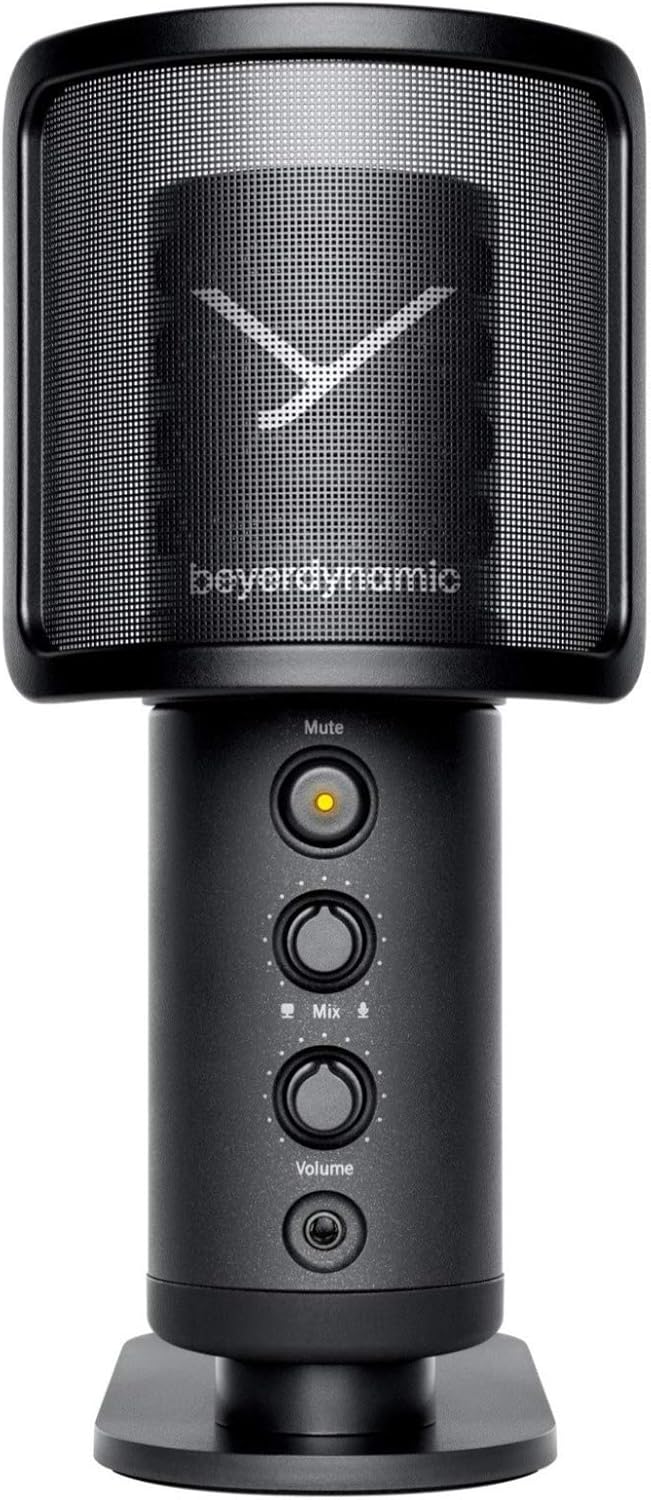
Image: The beyerdynamic FOX USB Studio Microphone and the included boom arm, showcasinمڪمل بنڊل.
پيداوار ختمview
اهم خاصيتون:
- هاء ريزوليوشن آڊيو: 24-bit / 96 kHz studio-grade quality for professional recordings.
- Large Condenser Capsule: Ensures accurate signal conversion and low inherent noise.
- ڪارڊيوڊ پولر نمونو: Focuses on sound directly in front of the microphone, reducing unwanted background noise.
- زيرو ليٽيسي مانيٽرنگ: Integrated headphone output allows real-time monitoring of your audio.
- گونگا بٽڻ: Instantly mutes the microphone for privacy or to prevent unwanted sounds from being recorded.
- Gain Switch: Adjustable gain for recording various sound sources, including loud instruments.
- USB ڪنيڪشن: Simple plug-and-play connection to PC, Mac, or compatible smartphones/tablets.
Microphone Components:
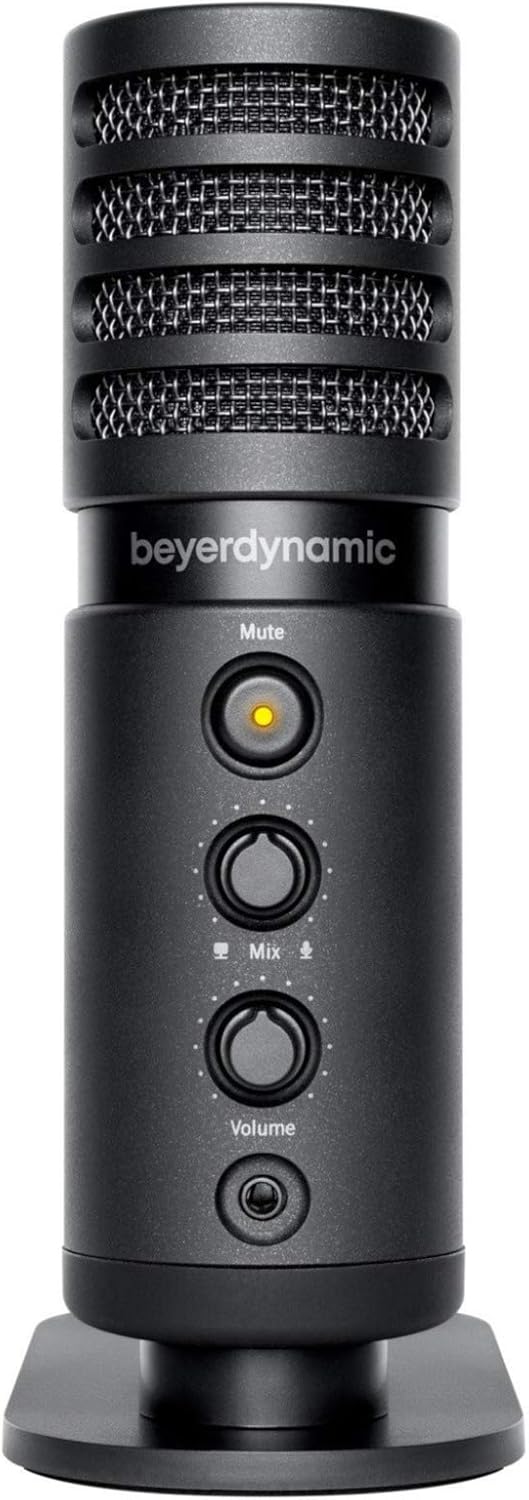
تصوير: سامهون view of the beyerdynamic FOX microphone, highlighting the mute button, mix control, and volume knob.
- مائڪروفون گريل: Protects the condenser capsule.
- گونگا بٽڻ: Press to mute/unmute the microphone. An indicator light will show status.
- مڪس ڪنٽرول: Adjusts the balance between microphone input and computer playback in your headphones.
- حجم نوب: Controls the headphone output volume.
- هيڊ فون جڪ (3.5mm): For connecting monitoring headphones.
- USB-C پورٽ: For connecting the microphone to your computer or mobile device.
- ٿريڊڊ جبل: For attaching to the desk stand or boom arm.
سيٽ اپ ڪريو
1. Assembling the Boom Arm:
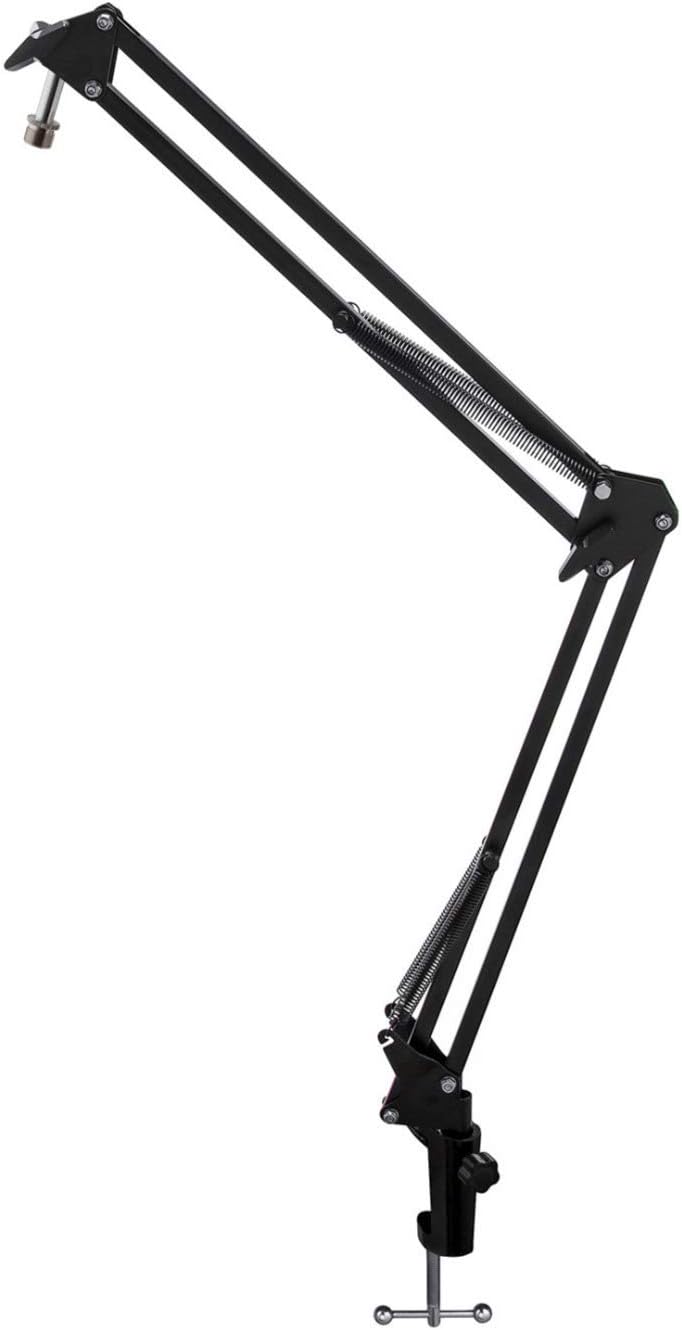
Image: The Microphone Suspension Boom Scissor Arm, showing its adjustable joints and desk clamp.
- ڊيسڪ ڪلو اٽيچ ڪريوamp: Securely fasten the desk clamp to the edge of a sturdy desk or table. Ensure it is tight to prevent movement.
- بوم آرم داخل ڪريو: بوم بازو جي بنياد کي ڊيسڪ ڪلهي تي سوراخ ۾ داخل ڪريوamp. Tighten the locking screw on the clamp to hold the arm in place.
- پوزيشن کي ترتيب ڏيو: Adjust the boom arm to your desired height and reach. The springs will help balance the microphone's weight.
2. Attaching the Microphone:
- To Boom Arm: Screw the beyerdynamic FOX microphone onto the 3/8-inch-16 threaded mount at the end of the boom arm. Ensure it is finger-tight.
- Using Desk Stand (Optional): If not using the boom arm, screw the microphone onto its included desk stand.
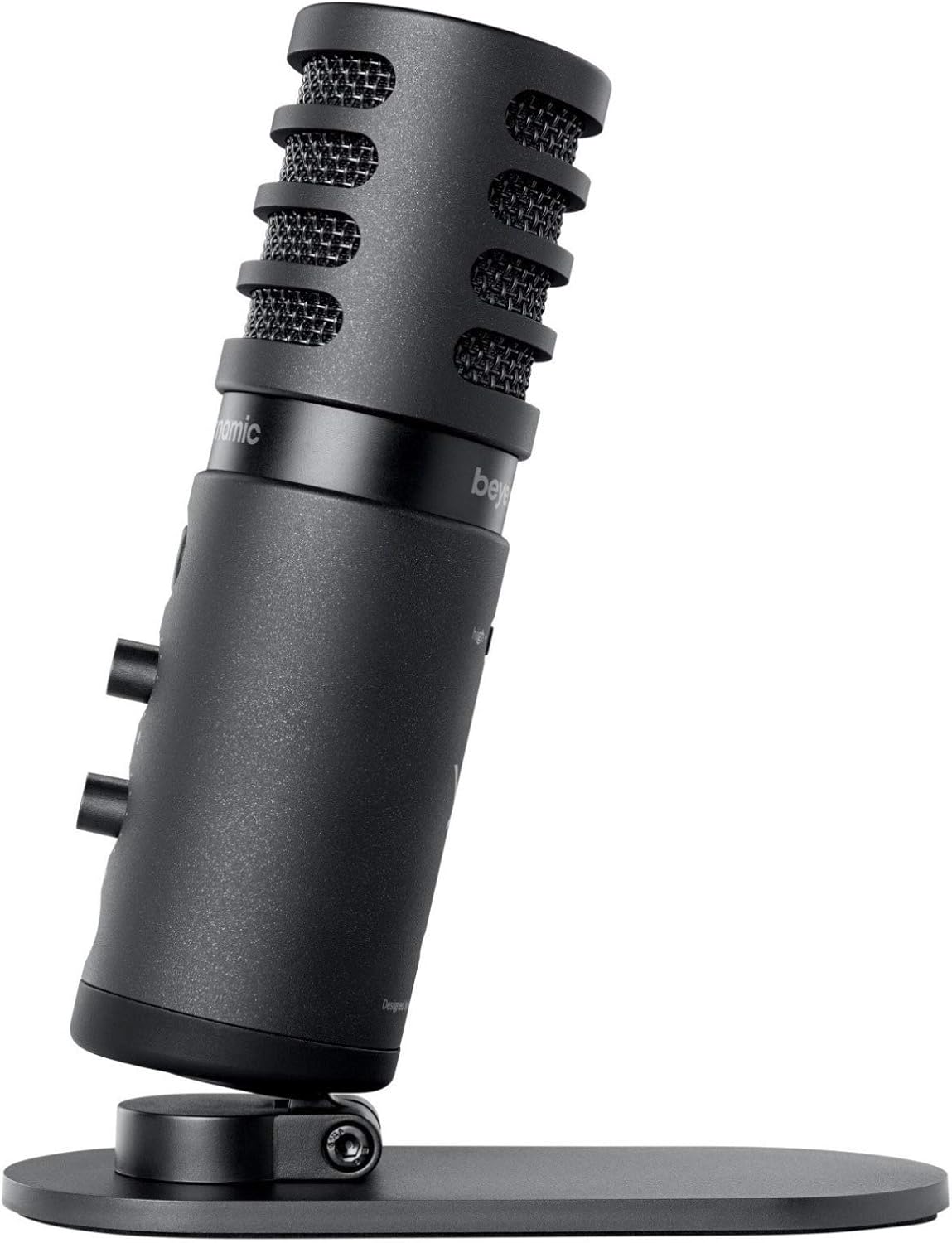
Image: The beyerdynamic FOX microphone mounted on its compact desk stand, ready for use.
3. توهان جي ڊوائيس سان ڳنڍڻ:
- Connect the supplied USB cable to the USB-C port on the microphone.
- Connect the other end of the USB cable to an available USB port on your computer (PC/Mac) or compatible smartphone/tablet (adapter may be required for some mobile devices).
- مائڪروفون پلگ اينڊ پلي آهي ۽ توهان جي آپريٽنگ سسٽم طرفان خودڪار طريقي سان سڃاڻي سگهجي ٿو.
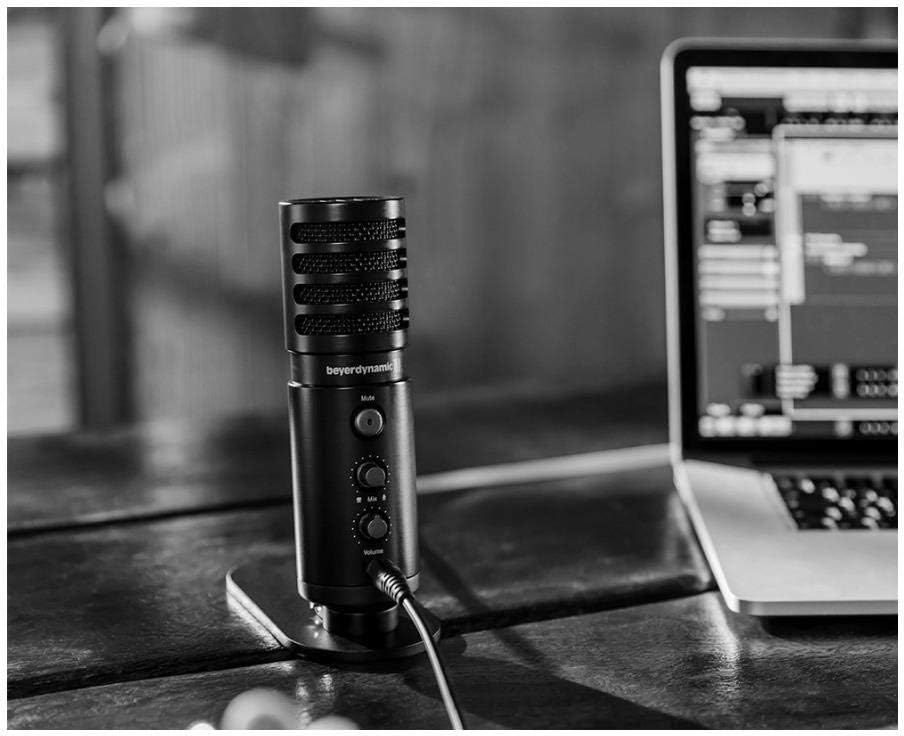
Image: The beyerdynamic FOX microphone in use, connected via USB to a laptop on a wooden desk.
آپريٽنگ هدايتون
1. System Recognition:
- Once connected, your operating system (Windows, macOS, Android, iOS) should automatically detect the beyerdynamic FOX as an audio input and output device.
- You may need to select "beyerdynamic FOX" as your default input/output device in your system's sound settings or within your recording software.
2. Using the Mute Button:
- کي دٻايو گونگا button on the front of the microphone to toggle between active and muted states.
- An indicator light will typically show the microphone's status (e.g., green for active, red/orange for muted).
3. Adjusting Gain (Input Level):
- The FOX microphone features a gain switch (often labeled "Gain" or represented by a symbol like a microphone with a "+" or "-").
- Use this switch to adjust the microphone's sensitivity. For quiet sources (e.g., soft vocals), use a higher gain setting. For loud sources (e.g., instruments, loud speaking), use a lower gain setting to prevent distortion.
- Monitor your recording software's input levels to ensure they are not peaking (clipping).
4. Zero-Latency Monitoring:
- Connect headphones to the 3.5mm headphone jack on the microphone.
- استعمال ڪريو حجم knob to adjust the headphone listening level.
- جي ملائڻ control allows you to blend the microphone's direct input with the audio playback from your computer. Turn towards the microphone icon to hear more of your live input, and towards the speaker icon to hear more of your computer's audio.
- This feature allows you to hear your voice or instrument in real-time without delay, which is crucial for accurate performance.
سار سنڀال
- صفائي: مائڪروفون جي ٻاهرين حصي کي صاف ڪرڻ لاءِ نرم، سڪل ڪپڙو استعمال ڪريو. مائع صاف ڪندڙ يا سالوينٽس استعمال نه ڪريو.
- اسٽوريج: جڏهن استعمال ۾ نه هجي، مائڪروفون کي خشڪ، مٽيءَ کان پاڪ ماحول ۾ ذخيرو ڪريو.
- بوم آرم: Periodically check the boom arm's clamps and joints for tightness. Lubricate moving parts if necessary with a small amount of silicone-based lubricant.
- ڪيبل جي سنڀال: Avoid sharp bends or kinks in the USB cable. Store it neatly to prevent damage.
مشڪلاتون
| مسئلو | ممڪن سبب | حل |
|---|---|---|
| مائڪروفون مان ڪو آواز ناهي |
|
|
| Distorted or clipping sound |
|
|
| هيڊفون ۾ ڪو آواز ناهي |
|
|
| Boom arm is unstable |
|
|
وضاحتون
| خاصيت | تفصيل |
|---|---|
| ماڊل نمبر | FOXUSBMIC_K5 |
| مائڪروفون فارم فيڪٽر | Table Array (with included desk stand) |
| رابطي ٽيڪنالاجي | USB |
| ڪنيڪٽر جو قسم | USB |
| پولر نمونو | اڻ سڌي رستي (ڪارڊيو) |
| قرارداد | 24-bit / 96 kHz |
| سگنل کان شور جي نسبت | 78 ڊي بي |
| هارڊويئر پليٽ فارم | پي سي، اسمارٽ فون |
| مطابقت رکندڙ ڊوائيسز | Headphone, Personal Computer, Smartphone |
| طاقت جو ذريعو | ڪيورڊڊ اليڪٽرڪ (USB سان هلندڙ) |
| Item Weight (Microphone) | 16 آون (1 پائونڊ) |
| پيداوار جي ماپ | 16.2 x 8.3 x 6.8 inches (overall bundle dimensions) |
| رنگ | ڪارو |
| يو پي سي | 040962932483 |
وارنٽي ۽ سپورٽ
For warranty information and technical support, please refer to the official beyerdynamic webسائيٽ تي وڃو يا سڌو سنئون انهن جي ڪسٽمر سروس سان رابطو ڪريو. وارنٽي دعوائن لاءِ خريداري جو ثبوت رکو.
سرڪاري Webسائيٽ: www.beyerdynamic.com


