1. تعارف
The Looki I3 Cam is an intelligent indoor security camera designed to provide real-time monitoring of your home. It is ideal for keeping an eye on your property when you are away, or for observing pets and children. The camera offers convenient features such as motion detection and two-way audio communication, all controllable via a dedicated mobile application. The package includes a free 32GB microSD card for secure storage of recordings.
2. حفاظت جي ڄاڻ
- پڪ ڪريو ته ڪئميرا هڪ مستحڪم جڳهه تي نصب ٿيل آهي ته جيئن گرڻ کان بچي سگهجي.
- ڪئميرا کي انتهائي گرمي پد، نمي، يا سڌي سج جي روشني ۾ نه لڳايو.
- صرف مهيا ڪيل پاور اڊاپٽر ۽ USB ڪيبل استعمال ڪريو.
- Keep the camera away from water, despite its stated water resistance, as it is designed for indoor use.
- Do not attempt to disassemble or repair the camera yourself. Contact technical support for assistance.
- ٻارن ۽ پالتو جانورن جي پهچ کان پري رکو.
3. پيڪيج مواد
پڪ ڪريو ته سڀئي شيون توهان جي پيڪيج ۾ موجود آهن:
- Looki I3 Cam Indoor Security Camera
- 32GB مائڪرو ايس ڊي ڪارڊ (اڳ ۾ نصب ٿيل يا الڳ)
- USB پاور ايڊاپٽر
- USB ڪيبل
- Ceiling/Wall Mount Bracket
- چڙهڻ اسڪرو
- استعمال ڪندڙ جو دستياب (ھي دستاويز)
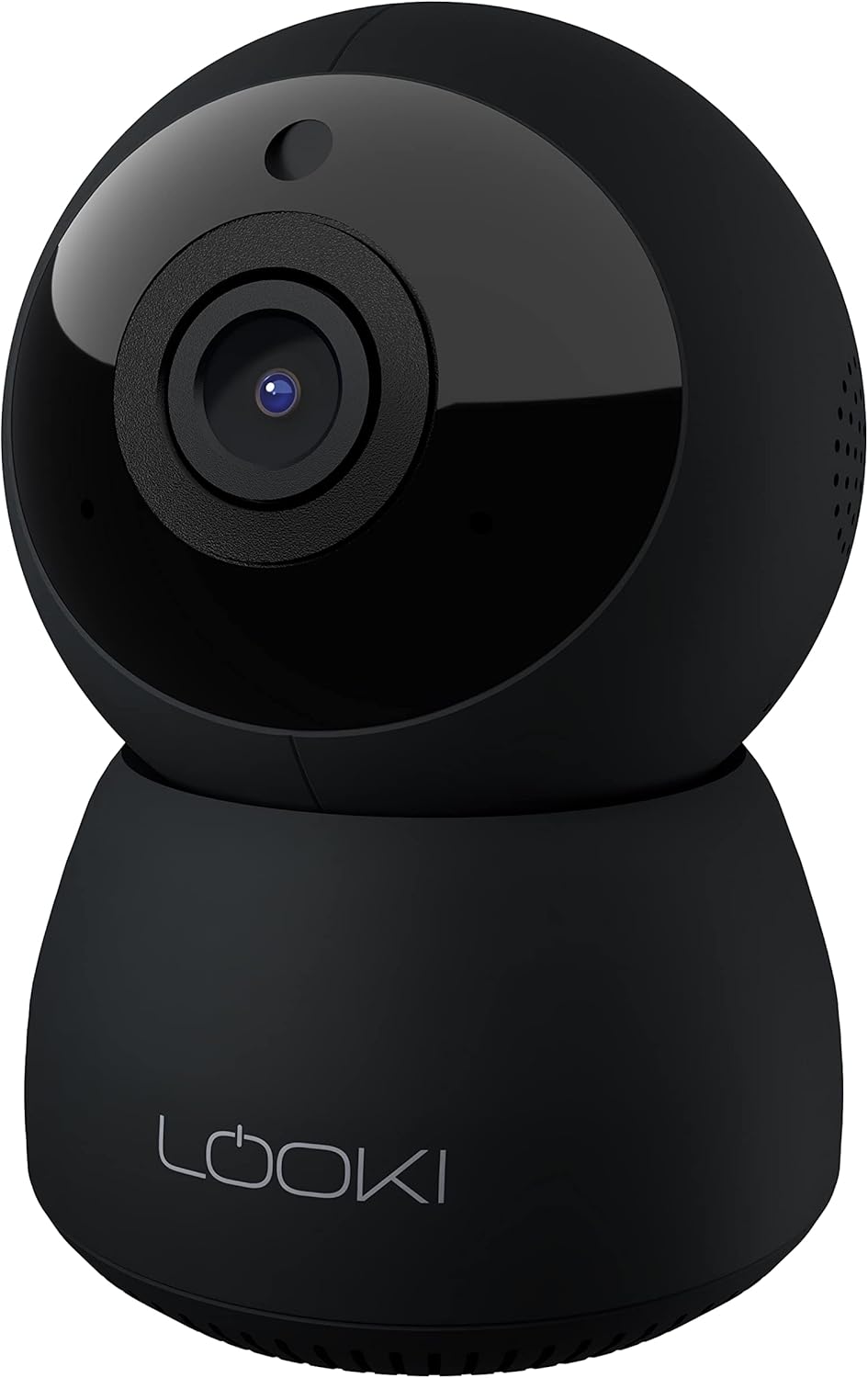
Figure 3.1: The Looki I3 Cam and its included accessories, such as the 32GB SD card, USB adapter, USB cable, and mounting hardware.
4. پراڊڪٽ ختمview
Familiarize yourself with the main components of your Looki I3 Cam.
شڪل 4.1: سامهون view of the Looki I3 Cam, showing the camera lens and indicator light.

شڪل 4.2: پاسي view of the Looki I3 Cam, highlighting the sleek design.

شڪل 4.3: پوئتي view of the Looki I3 Cam, showing the speaker grille and power port.
5. سيٽ اپ
Follow these steps to set up your Looki I3 Cam:
- پاور آن: Connect the USB cable to the camera's power port and the USB adapter. Plug the adapter into a power outlet. The camera will power on and an indicator light will illuminate.
- ايپ ڊائون لوڊ ڪريو Download the official Looki app from your mobile device's app store (available for iOS).
- اڪائونٽ ٺاهيو: ايپ کوليو ۽ هڪ نئون صارف اڪائونٽ ٺاهيو يا جيڪڏهن توهان وٽ اڳ ۾ ئي آهي ته لاگ ان ٿيو.
- ڊوائيس شامل ڪريو: Follow the in-app instructions to add your new Looki I3 Cam. This typically involves scanning a QR code on the camera or connecting to its temporary Wi-Fi network.
- وائي فائي سان ڳنڍيو: Select your home Wi-Fi network and enter the password when prompted. Ensure your camera is within range of your Wi-Fi router.
- چڙهڻ (اختياري): If desired, use the included mount and screws to install the camera on a wall or ceiling. Ensure the mounting surface is sturdy enough to support the camera's weight.

Figure 5.1: The Looki I3 Cam connected to a smartphone, demonstrating live view capabilities and the inclusion of a 32GB SD card for storage.
6. آپريٽنگ
Once set up, you can utilize the various features of your Looki I3 Cam through the mobile application.
6.1 زنده View
Access the live video feed from your camera anytime, anywhere, directly from the app. The camera provides 1080p Full HD resolution for clear images.

Figure 6.1: A visual comparison demonstrating the superior clarity of 1080p Full HD resolution provided by the Looki I3 Cam compared to 720p.
6.2 ٻه طرفي آڊيو
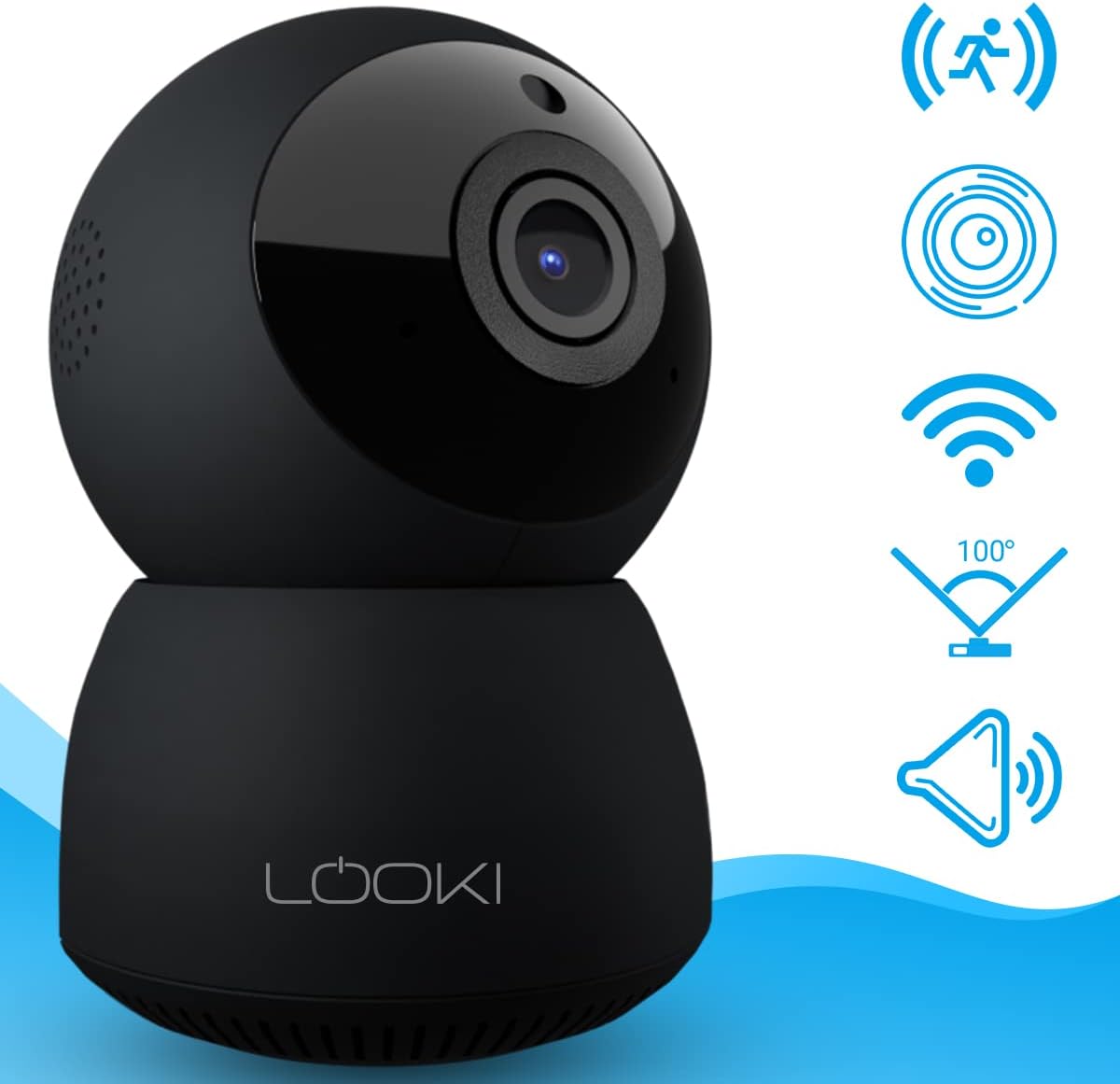
The camera is equipped with a built-in speaker and microphone, allowing for two-way communication. You can speak through the camera and hear audio from its surroundings via the app.
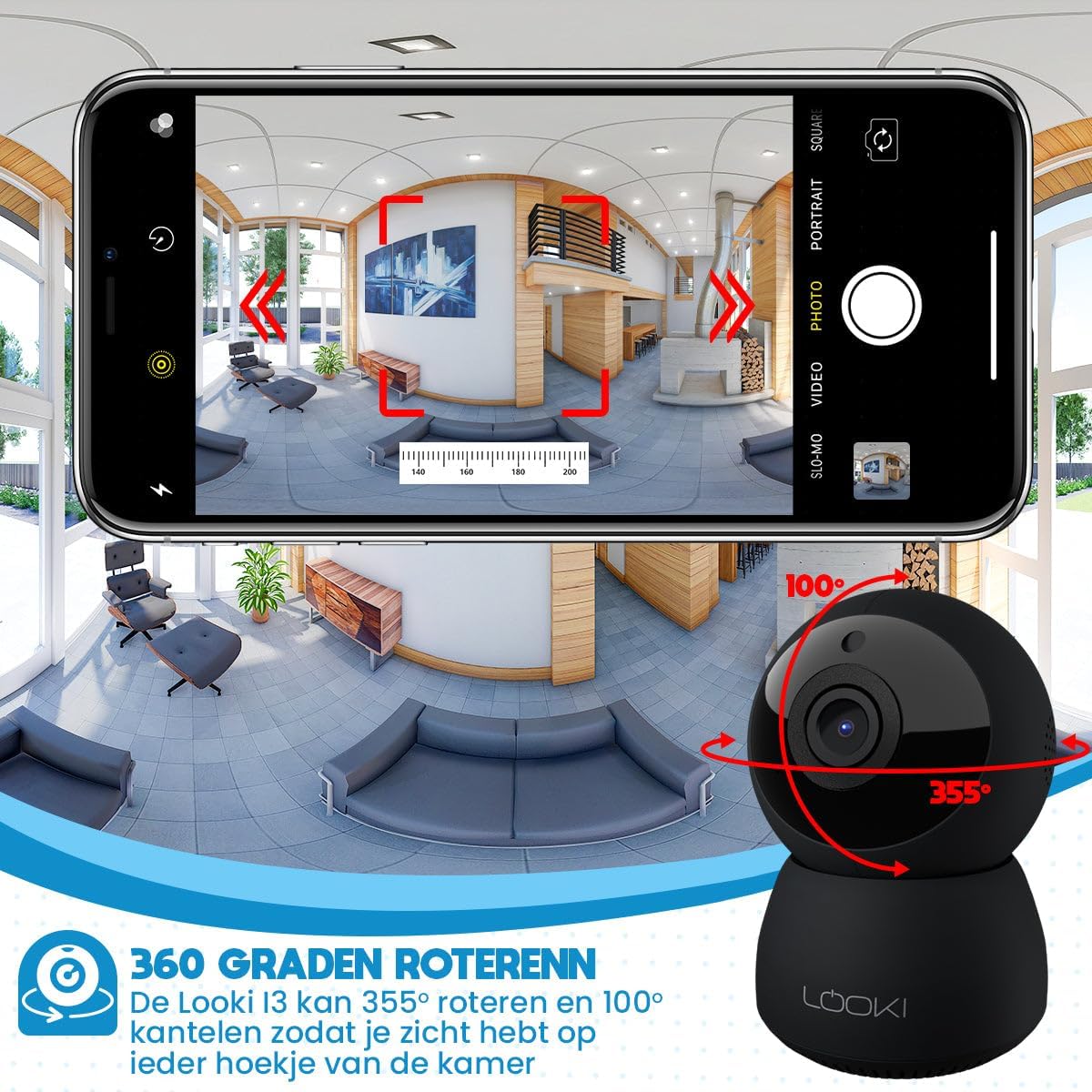
Figure 6.2: Illustration of the two-way audio feature, enabling communication through the camera from your mobile device.
6.3 حرڪت جي چڪاس
The Looki I3 Cam features smart motion detection. When motion is detected, you will receive a push notification on your mobile device, and the camera will begin recording.
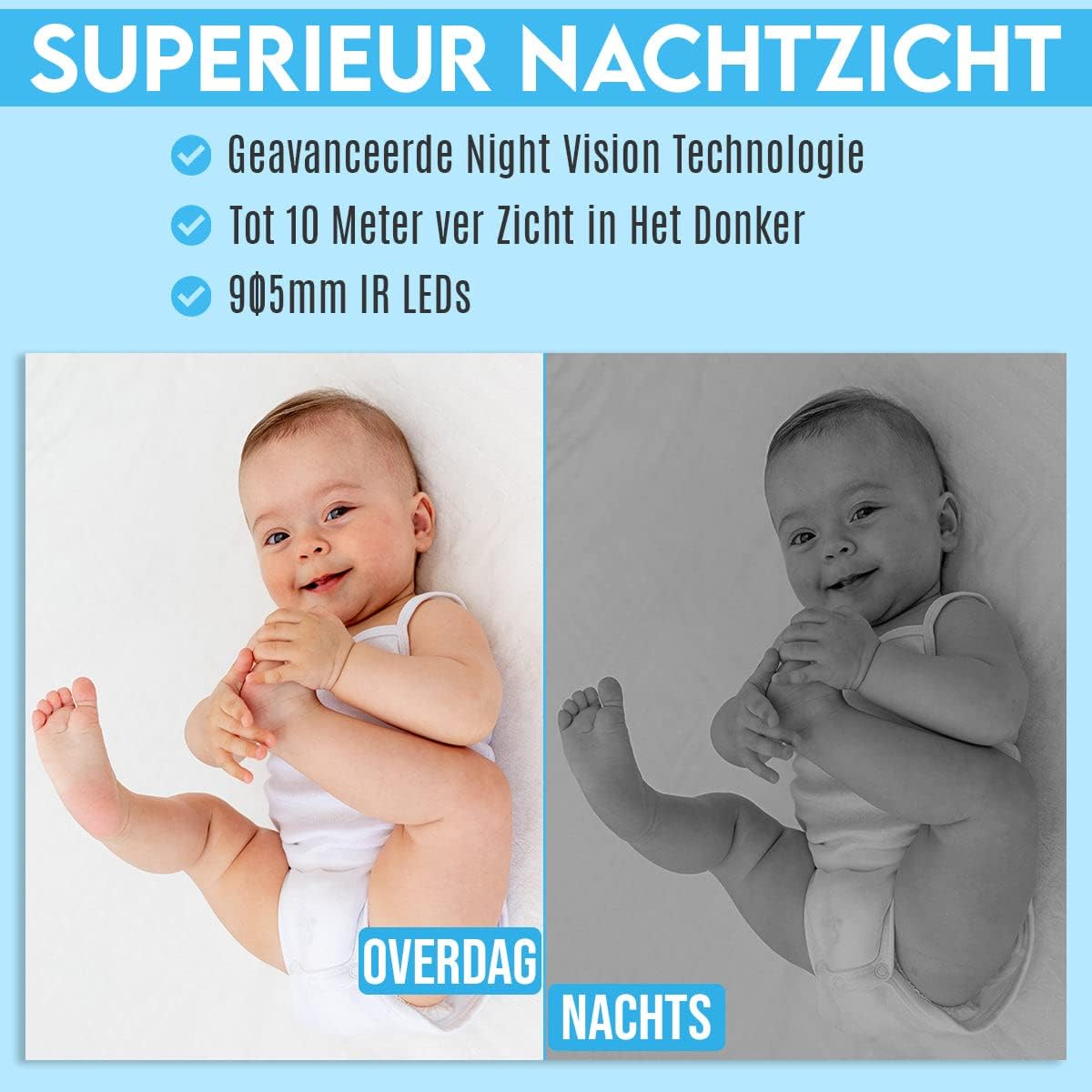
Figure 6.3: Depiction of the smart motion detection system, which alerts you to activity and initiates recording.
6.4 رات جو خواب
The camera is equipped with advanced night vision technology, allowing it to capture clear images in low-light conditions up to 10 meters away using 905mm IR LEDs.

شڪل 6.4: هڪ سابقample illustrating the camera's superior night vision, showing clear images in complete darkness.
6.5 پين ۽ ٽائل
The Looki I3 Cam offers a 355-degree horizontal rotation (pan) and 100-degree vertical tilt, allowing you to remotely adjust the viewing angle to cover a wide area of your room.

Figure 6.5: Diagram showing the camera's 355-degree horizontal rotation and 100-degree vertical tilt capabilities for comprehensive room coverage.
7. سار سنڀال
- صفائي: ڪئميرا لينس ۽ باڊي صاف ڪرڻ لاءِ نرم، سڪل ڪپڙو استعمال ڪريو. مائع صاف ڪندڙ يا ايروسول استعمال نه ڪريو.
- اسٽوريج: جيڪڏهن ڪئميرا کي گهڻي عرصي تائين ذخيرو ڪري رهيا آهيو، ته ان کي بجلي کان ڌار ڪريو ۽ ان کي ٿڌي، سڪل جاءِ تي ذخيرو ڪريو.
- فرم ويئر اپڊيٽس: Periodically check the app for available firmware updates to ensure optimal performance and security.
8. مسئلا حل ڪرڻ
If you encounter issues with your Looki I3 Cam, refer to the following common solutions:
- ڪئميرا آف لائن: Check your Wi-Fi connection and ensure the camera is powered on. Restart the camera and your router.
- ايپ سان ڳنڍي نه ٿو سگهجي: Ensure you have the latest version of the app. Try resetting the camera (refer to app instructions for reset procedure) and re-adding it.
- خراب وڊيو معيار: Check your internet speed. Ensure the camera lens is clean and free from obstructions.
- حرڪت جي چڪاس ڪم نه ڪندي: Verify that motion detection is enabled in the app settings. Adjust sensitivity if necessary.
- نه آڊيو: Check the volume settings on your phone and within the app. Ensure the camera's microphone is not obstructed.
For further assistance, please contact Looki technical support.
9. وضاحتون
| خاصيت | تفصيل |
|---|---|
| ماڊل نالو | I3 Cam incl. 32GB SD Card (Black) |
| شيون ماڊل نمبر | i3 |
| رنگ | ڪارو |
| مواد | پلاسٽڪ |
| وزن | 341 گرام |
| اندروني / ٻاهران استعمال | اندريون |
| وڊيو رڪارڊنگ جي قرارداد | 1080 ص |
| Viewزاويه | 355 degrees (Pan), 100 degrees (Tilt) |
| فريم جي شرح | 60fps |
| وائرليس ڪميونيڪيشن ٽيڪنالاجي | وائي فائي |
| رابطي ٽيڪنالاجي | وائرڊ ، وائرليس |
| خاص خاصيتون | Night Vision, Motion Detector, HD Resolution, Two-Way Audio |
| طاقت جو ذريعو | اليڪٽرڪ ڪيبل |
| چڙهڻ جو قسم | Standing, Wall Mount, Ceiling Mount |
| ڪنٽرولر جو قسم | iOS (via Application) |
| شامل اجزاء | Camera, 32GB SD Card, USB Adapter, USB Cable, Mount, Screws |
| تجويز ڪيل استعمال | Pet Monitoring, Indoor Security |
10. وارنٽي ۽ سپورٽ
Looki provides lifetime technical support for the I3 Cam. If you have any questions, require assistance with setup, or encounter any issues not covered in this manual, please contact Looki customer service. Refer to the product packaging or the official Looki webرابطي جي معلومات لاء سائيٽ.


