1. پراڊڪٽ ختمview
The Cable Matters 8K DisplayPort 1.4 to HDMI 2.1 Adapter is designed to connect a DisplayPort-enabled source device to an HDMI 2.1 compatible display. This adapter supports high resolutions and refresh rates, making it suitable for demanding visual applications such as gaming and professional multimedia editing.

Image 1: The Cable Matters 8K DisplayPort 1.4 to HDMI 2.1 Adapter, showcasing its compact design and braided cable.
2. سيٽ اپ جون هدايتون
Follow these steps to correctly set up your Cable Matters DisplayPort to HDMI adapter:
- بندرگاهن جي سڃاڻپ ڪريو: Locate the DisplayPort output on your source device (e.g., computer, laptop, graphics card) and an available HDMI input on your display (e.g., TV, monitor, projector).
- Connect DisplayPort: Plug the DisplayPort (male) end of the adapter into the DisplayPort output on your source device. Ensure it clicks securely into place.
- HDMI ڪيبل ڳنڍيو: Connect a Certified HDMI 2.1 cable (sold separately) to the HDMI (female) port of the adapter.
- ڊسپلي سان ڳنڍيو: Plug the other end of the HDMI 2.1 cable into an HDMI input on your display.
- پاور آن: Power on both your source device and your display. Select the correct HDMI input on your display.
اهم نوٽ:
- This adapter is غير سڌي رستي and only works from a DisplayPort source to an HDMI display. It will not convert HDMI to DisplayPort.
- Not compatible with PS5 or Xbox consoles.
- A Certified HDMI 2.1 cable is required to achieve optimal performance and supported resolutions.

Image 2: Diagram illustrating the uni-directional connection from DisplayPort sources (Desktop, Mini PC) to HDMI targets (Monitor, TV, Projector), explicitly noting PS5 and Xbox are not supported.
Video 1: An official Cable Matters video demonstrating the connection of a DisplayPort to HDMI adapter to a computer and display.
3. آپريٽنگ هدايتون
The adapter supports advanced video and audio features:
- هاء ريزوليوشن سپورٽ: Enjoy video resolutions up to 8K@60Hz, 4K@120Hz, and 4K@240Hz.
- Immersive HDR: Supports High Dynamic Range (HDR) for vibrant visuals and enhanced contrast.
- آڊيو تجربو: Supports surround sound for a complete audio-visual experience.
- Optimized for Gaming: Ideal for connecting high-end graphics cards (e.g., NVIDIA RTX 4090/4080/4070, AMD RX 7900/6900) to 8K or 4K Smart TVs and 120Hz/240Hz gaming monitors.
حدون:
- Variable Refresh Rate (VRR), G-Sync, or FreeSync technologies are حمايت نه ڪئي by this adapter.

Image 3: A skier on a snowy mountain, illustrating a smooth 8K video experience with the adapter.
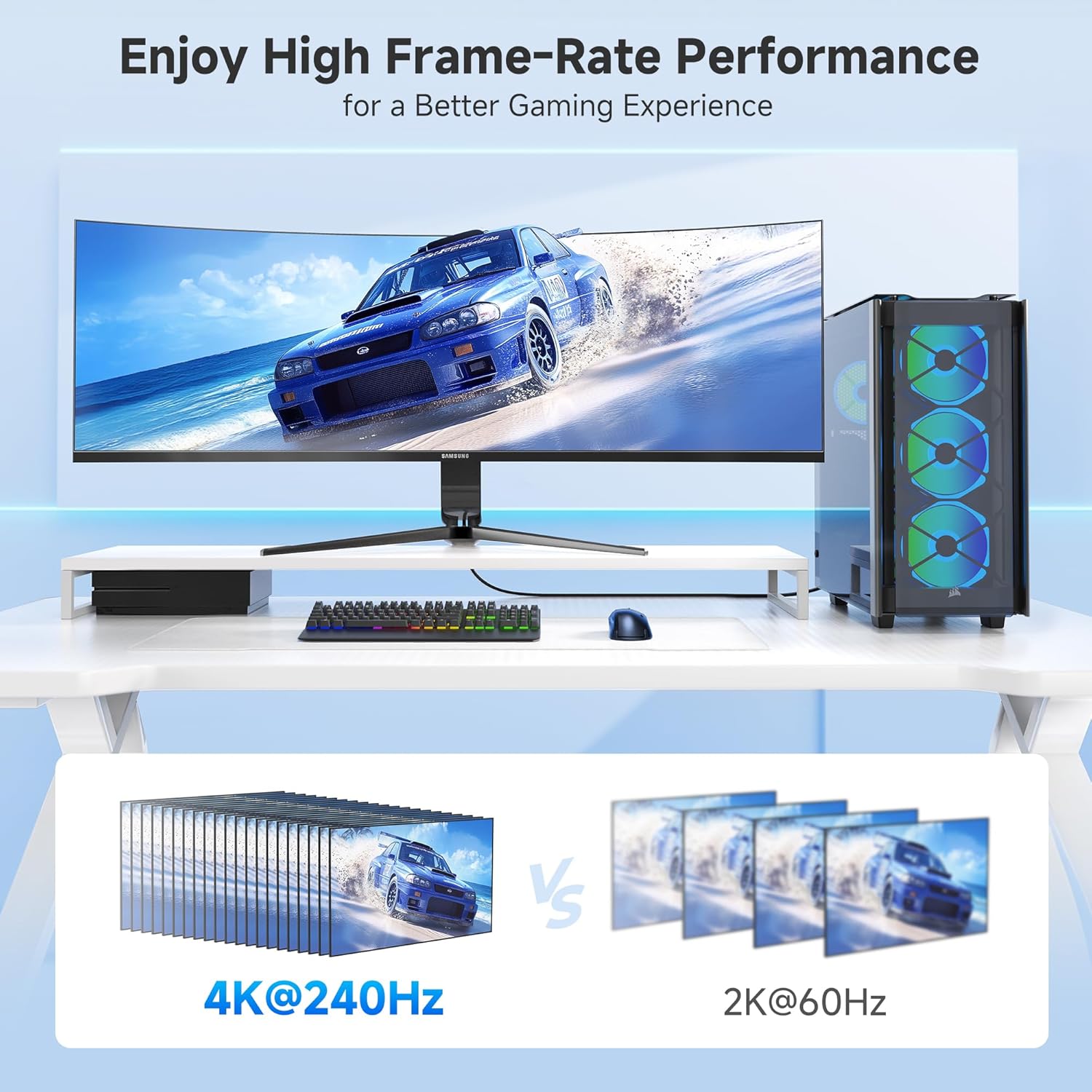
Image 4: A gaming setup featuring a monitor displaying a racing game, highlighting high frame-rate performance at 4K@240Hz compared to 2K@60Hz.
4. سار سنڀال
To ensure the longevity and optimal performance of your adapter, consider the following maintenance tips:
- سنڀال سان سنڀال: Avoid excessive bending or pulling on the cable, especially near the connectors. The braided cable jacket and molded strain relief are designed for durability, but proper handling extends product life.
- ڪنيڪٽرن کي صاف رکو: Periodically inspect the DisplayPort and HDMI connectors for dust or debris. Use a soft, dry cloth or compressed air to clean them if necessary.
- اسٽوريج: When not in use, store the adapter in a cool, dry place away from direct sunlight and extreme temperatures. Use the included Velcro straps for tidy storage.
- LED اشارو: The integrated LED indicator confirms an active connection. If the LED is not lit, check all connections and ensure both source and display devices are powered on.

تصوير 5: ويجهو تصوير view of the adapter highlighting the Power LED and the premium nylon braided cable for enhanced durability.
5. مسئلا حل ڪرڻ
If you encounter issues with your adapter, try the following troubleshooting steps:
- ڪوبه ڊسپلي/سگنل ناهي:
- پڪ ڪريو ته سڀئي ڪنيڪشن محفوظ آهن.
- Verify that your source device's DisplayPort output, HDMI display, and HDMI cable all support the desired resolution and refresh rate.
- Confirm the display is set to the correct HDMI input.
- Check the adapter's LED indicator for an active connection.
- ٽمٽار يا وقفي وقفي سان سگنل:
- Ensure you are using a high-quality, Certified HDMI 2.1 cable.
- Reduce the resolution or refresh rate in your source device's display settings to see if stability improves.
- پنھنجي گرافڪس ڪارڊ ڊرائيورن کي تازه ترين ورزن ۾ تازه ڪاري ڪريو.
- نه آڊيو:
- Check your computer's sound settings to ensure the HDMI output is selected as the default audio device.
- Verify that your display's audio is not muted or set to a very low volume.
- ريزوليوشن/ريفريش ريٽ توقع مطابق نه آهي:
- Confirm that your source device's DisplayPort version (1.4 required for 8K/4K high refresh rates), graphics card, HDMI cable, and display all support the desired specifications.
- Some 8K TVs or monitors may require manual enabling of 4K@120Hz or 8K support in their settings.
6. وضاحتون
| خاصيت | تفصيل |
|---|---|
| پيداوار جي ماپ | 4.17 x 2.76 x 0.59 انچ |
| شيءِ جو وزن | 2.11 اونس |
| ماڊل نمبر | 102101-BLK |
| ڪنيڪٽر جو قسم | DisplayPort Male to HDMI Female |
| رنگ | ڪارو |
| وڌ ۾ وڌ ريڪارڊ | 8K@60Hz، 4K@240Hz |
| HDR سپورٽ | ها |
| VRR/G-Sync/FreeSync | سپورٽ نه ڪئي وئي |
| اڻ سڌي | Yes (DP Source to HDMI Display) |
| ڪيبل جيڪٽ | لٽيل |
| LED اشارو | ها |
7. وارنٽي ۽ سپورٽ
For warranty information and technical support, please refer to the official Cable Matters webسائيٽ تي وڃو يا سڌو سنئون انهن جي ڪسٽمر سروس سان رابطو ڪريو. وارنٽي دعوائن لاءِ پنهنجي خريداري جي رسيد رکو.
وڌيڪ مدد لاءِ، توهان دورو ڪري سگهو ٿا Amazon تي ڪيبل ميٽرز اسٽور.


