1. تعارف
The Pro-Ject Debut RecordMaster II is a high-fidelity turntable designed for an enhanced vinyl listening experience and digital conversion. This model features a pre-mounted OM5e cartridge, a built-in switchable phono preamplifier, and a USB output for direct connection to a PC or Mac. It incorporates a belt drive system with a low-noise AC motor, TPE decoupling, and a DC-driven AC generator for stable speed. Electronic speed change allows for playback at 33, 45, and 78 RPM, with a simple stylus exchange (OM78, not included) and drive belt adjustment required for 78 RPM.
This manual provides essential information for the proper setup, operation, and maintenance of your turntable to ensure optimal performance and longevity.
2. حفاظتي هدايتون
- استعمال ڪرڻ کان پهريان سڀ هدايتون احتياط سان پڙهو.
- Keep the turntable away from water, moisture, and direct sunlight.
- Do not place the turntable near heat sources such as radiators, heat registers, stoves, or other apparatus that produce heat.
- ٺاهيندڙ طرفان بيان ڪيل صرف منسلڪ / لوازمات استعمال ڪريو.
- Unplug the turntable during lightning storms or when unused for long periods.
- سڀني خدمتن جو حوالو ڏيو قابل خدمت اهلڪارن ڏانهن.
- يونٽ جي چوڌاري مناسب وائيٽليشن کي يقيني بڻائي.
3. پيڪيج مواد
پڪ ڪريو ته هيٺ ڏنل سڀئي شيون توهان جي پيڪيج ۾ شامل آهن:
- Pro-Ject Debut RecordMaster II Turntable with pre-mounted OM5e cartridge
- Connect it RCA Cable
- مٽي ڍڪڻ
- 7 انچ سنگلز لاءِ اڊاپٽر
- بجلي جي فراهمي
4. سيٽ اپ گائيڊ
Follow these steps to set up your Pro-Ject Debut RecordMaster II turntable:
4.1 Unpacking ۽ لڳائڻ
Carefully remove all components from the packaging. Place the turntable on a stable, level surface away from vibrations and direct heat sources. Ensure adequate space for the dustcover to open fully.
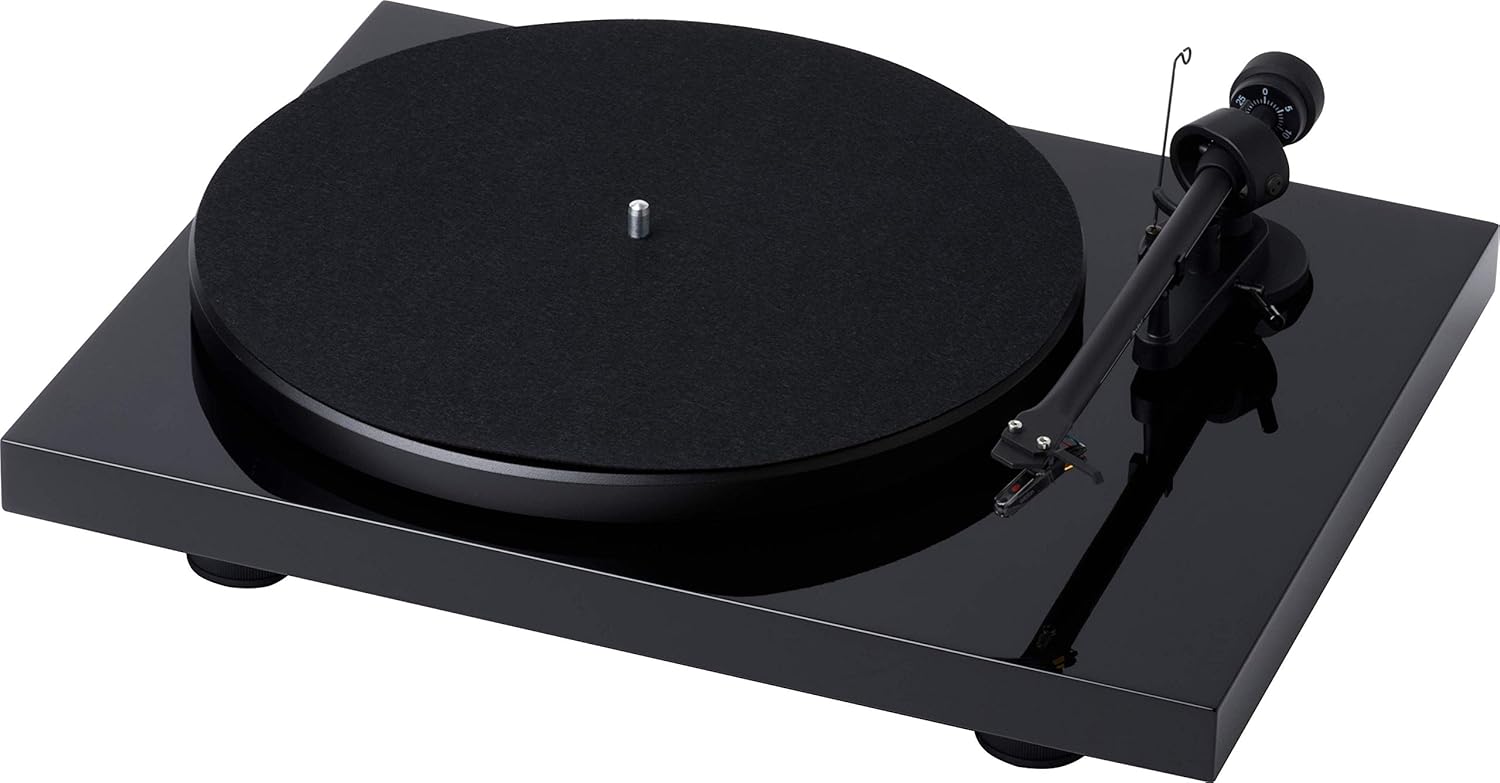
شڪل 1: مٿي کان هيٺ view of the Pro-Ject Debut RecordMaster II Turntable.
4.2 پليٽر ۽ بيلٽ جي انسٽاليشن
- پليٽ کي اسپنڊل تي رکو.
- Carefully loop the drive belt around the motor pulley and the inner rim of the platter.
4.3 Tonearm Balance and Tracking Force
The turntable comes with a pre-mounted OM5e cartridge. Refer to the cartridge manufacturer's instructions for precise tracking force and anti-skating settings. Generally, balance the tonearm until it floats freely, then set the tracking force using the counterweight.
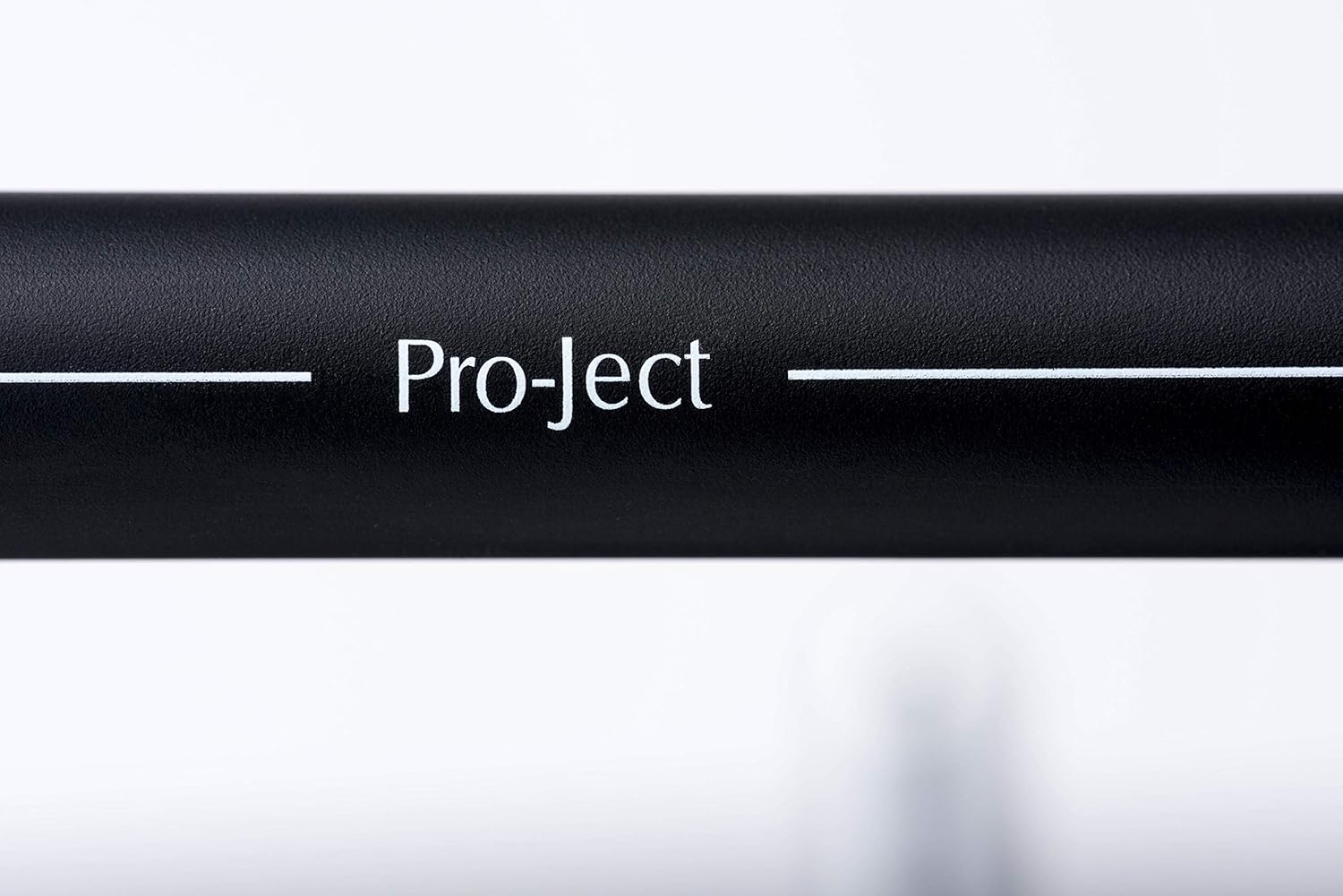
Figure 2: Close-up of the tonearm, showing the Pro-Ject branding.
4.4 آڊيو سسٽم سان ڳنڍڻ
The Debut RecordMaster II features a built-in switchable phono preamplifier and USB output. You can connect it to a line-level input on your hi-fi system or directly to a PC/Mac via USB.
- RCA ڪنيڪشن: Use the supplied RCA cable to connect the turntable's output to an available line-level input (e.g., AUX, CD) on your amplifier or receiver. Ensure the phono preamplifier switch on the turntable is set to 'Line Out' if connecting to a line-level input, or 'Phono Out' if connecting to an ampهڪ وقف ٿيل فونو ان پٽ سان لائفائر.
- USB ڪنيڪشن: Connect the turntable to your computer using a USB cable (not included). This allows for digital recording of your vinyl.
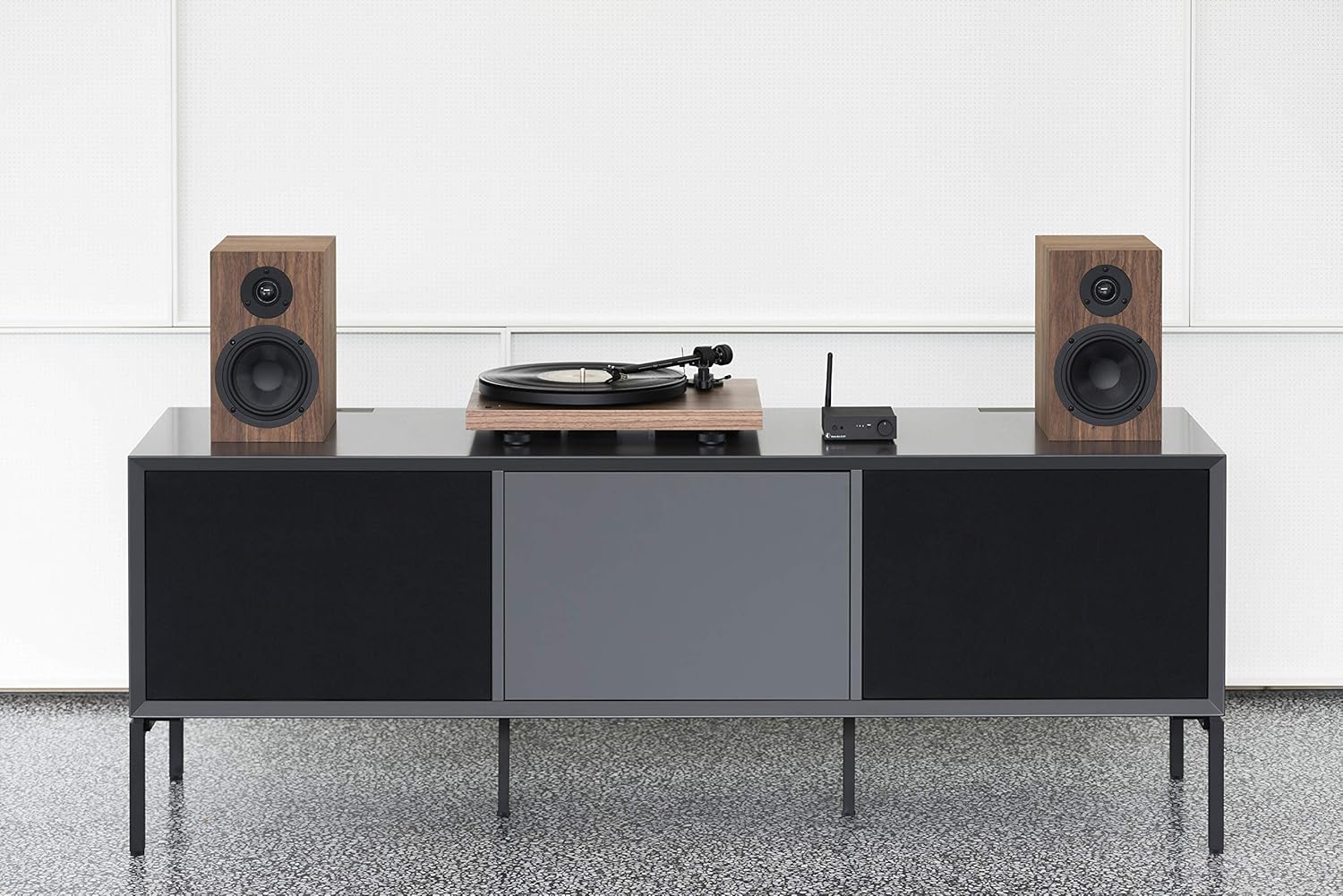
Figure 3: Turntable integrated into a home audio setup with speakers.

Figure 4: Turntable connected to a laptop, demonstrating USB recording capability.
4.5 Dustcover Installation
Attach the dustcover hinges to the designated slots on the rear of the turntable. The dustcover protects the turntable from dust and debris when not in use.
5. آپريٽنگ هدايتون
5.1 پاور آن/آف
Locate the power switch, typically on the underside or rear of the plinth. Turn the switch to the 'On' position to power the turntable. Turn it 'Off' when not in use.

Figure 5: Detail of the power switch for the turntable.
5.2 رفتار جي چونڊ
The turntable supports 33, 45, and 78 RPM playback. Use the electronic speed change function to select the appropriate speed for your record. For 78 RPM records, a specific OM78 stylus (not included) and a drive belt turnover to a larger diameter of the pulley are required.
5.3 رڪارڊ هلائڻ
- پليٽ تي رڪارڊ رکو.
- Ensure the correct playback speed is selected.
- Raise the tonearm using the tonearm lift lever.
- رڪارڊ جي گهربل شروعاتي نالي تي ٽوني آرم کي نرميءَ سان هلايو.
- Slowly lower the tonearm using the lift lever. The stylus will descend onto the record and playback will begin.
5.4 پلے بیک کي روڪڻ
- Raise the tonearm using the tonearm lift lever.
- Move the tonearm back to its rest position.
- Lower the tonearm onto its rest using the lift lever.
- Turn off the turntable.
5.5 USB رڪارڊنگ
To record vinyl to your PC/Mac, connect the turntable via USB. Use appropriate audio recording software (not included) on your computer to capture the audio signal. Ensure the turntable's phono preamplifier is set to 'Line Out' for USB recording.
6. سار سنڀال
6.1 اسٽائلس کي صاف ڪرڻ
Regularly clean the stylus using a soft brush or a dedicated stylus cleaning fluid. Brush gently from back to front to remove dust and debris.
6.2 Cleaning Records
Use a carbon fiber brush or a record cleaning solution to keep your vinyl records free of dust and static. Clean records before each play to minimize wear on the stylus and improve sound quality.
6.3 Dustcover Care
Clean the dustcover with a soft, damp ڪپڙو. گھڻائي صاف ڪندڙ کان پاسو ڪريو جيڪي مٿاڇري کي ڇڪي سگھن ٿا.
7. مسئلا حل ڪرڻ
If you encounter issues with your turntable, consult the following common problems and solutions:
| مسئلو | ممڪن سبب | حل |
|---|---|---|
| ڪوبه آواز يا تمام گهٽ حجم | غلط ان پٽ چونڊ تي amplifier; Phono preamp switch incorrect; Loose cables. | Select correct input; Adjust phono preamp switch; Check all cable connections. |
| بگڙيل آواز | Dirty stylus; Incorrect tracking force or anti-skating; Damaged stylus. | Clean stylus; Re-adjust tracking force/anti-skating; Replace stylus if damaged. |
| غلط پلے بیک اسپيڊ | غلط رفتار چونڊيل؛ ڊرائيو بيلٽ جو مسئلو. | Select correct speed (33/45/78 RPM); Check drive belt for proper placement or wear. |
| گونجندڙ شور | زميني تار ڳنڍيل نه آهي؛ ٻين اليڪٽرانڪس کان مداخلت. | Ensure ground wire is securely connected; Move turntable away from other electronic devices. |
8. وضاحتون
| خاصيت | تفصيل |
|---|---|
| برانڊ | پرو-جيڪٽ |
| ماڊل نالو | Recordmaster II |
| شيون ماڊل نمبر | RM II Om5e |
| موٽر جو قسم | AC موٽر |
| وڌ ۾ وڌ گھمڻ واري رفتار | 78 RPM |
| خاص خاصيتون | USB Output, Built-in Phono Preamplifier, Electronic Speed Change |
| مطابقت رکندڙ ڊوائيسز | پرسنل ڪمپيوٽر |
| ڪنيڪٽر جو قسم | USB |
| مواد | پلاسٽڪ |
| پيداوار جي ماپ | 32 x 41.5 x 11.8 سينٽي ميٽر؛ 7.7 ڪلوگرام |
| پاور ماخذ جو قسم | تار ٿيل برقي |
| بيٽريون شامل آهن | نه |
| بيٽرين جي ضرورت آهي | نه |
9. وارنٽي ۽ سپورٽ
For detailed warranty information, please refer to the documentation included with your product or visit the official Pro-Ject Audio Systems website. For technical support or service inquiries, please contact Pro-Ject customer service through their official channels.


