اي ايل ڊي ايويٽر وال ڪلاڪ هدايت نامو
ماڊل: 9858822518316
تعارف
This manual provides detailed instructions for the setup, operation, and maintenance of your ELD Aviator Wall Clock. Please read this manual thoroughly before use and retain it for future reference.

تصوير: سامهون view of the ELD Aviator Wall Clock, showcasing its unique turbine-inspired face and analog hands.
حفاظت جي ڄاڻ
- Keep the clock away from direct sunlight and extreme temperatures to prevent damage.
- Do not expose the clock to water or high humidity.
- Use only the specified battery type (1 AA battery).
- بيٽرين کي ٻارن جي پهچ کان پري رکو.
- Do not attempt to disassemble or repair the clock yourself. Contact qualified personnel for service.
- Ensure the clock is securely mounted to prevent it from falling.
پيڪيج مواد
پڪ ڪريو ته سڀئي شيون پيڪيج ۾ موجود آهن:
- 1 x ELD Aviator Wall Clock
- 1 x پراڊڪٽ باڪس
- (AA battery not included)
سيٽ اپ ڪريو
1. بيٽري لڳائڻ
- گھڙي جي پٺي تي بيٽري جي خاني کي ڳولھيو.
- هڪ (1) AA بيٽري داخل ڪريو، پڪ ڪريو ته مثبت (+) ۽ منفي (-) ٽرمينل صحيح طرح سان ڪمري جي اندر نشانن سان ترتيب ڏين.
- بيٽري جي ڪمري واري ڍڪ کي بند ڪريو.
2. گھڙي تي چڙهڻ
The clock is designed for wall mounting. Choose a suitable location on a stable wall.

تصوير: سائڊ پروfile of the ELD Aviator Wall Clock, illustrating its depth and how it appears when mounted on a wall.
- Identify a secure spot on the wall where you wish to hang the clock.
- Use a nail or screw (not included) appropriate for your wall type. Ensure it is strong enough to support the clock's weight (approximately 450g).
- Hang the clock securely using the hanging slot on the back.
آپريٽنگ
وقت مقرر ڪرڻ
- Locate the time-setting knob on the back of the clock, usually near the battery compartment.
- Gently rotate the knob in either direction until the hour and minute hands display the correct time.
- The quartz movement ensures accurate timekeeping once set.
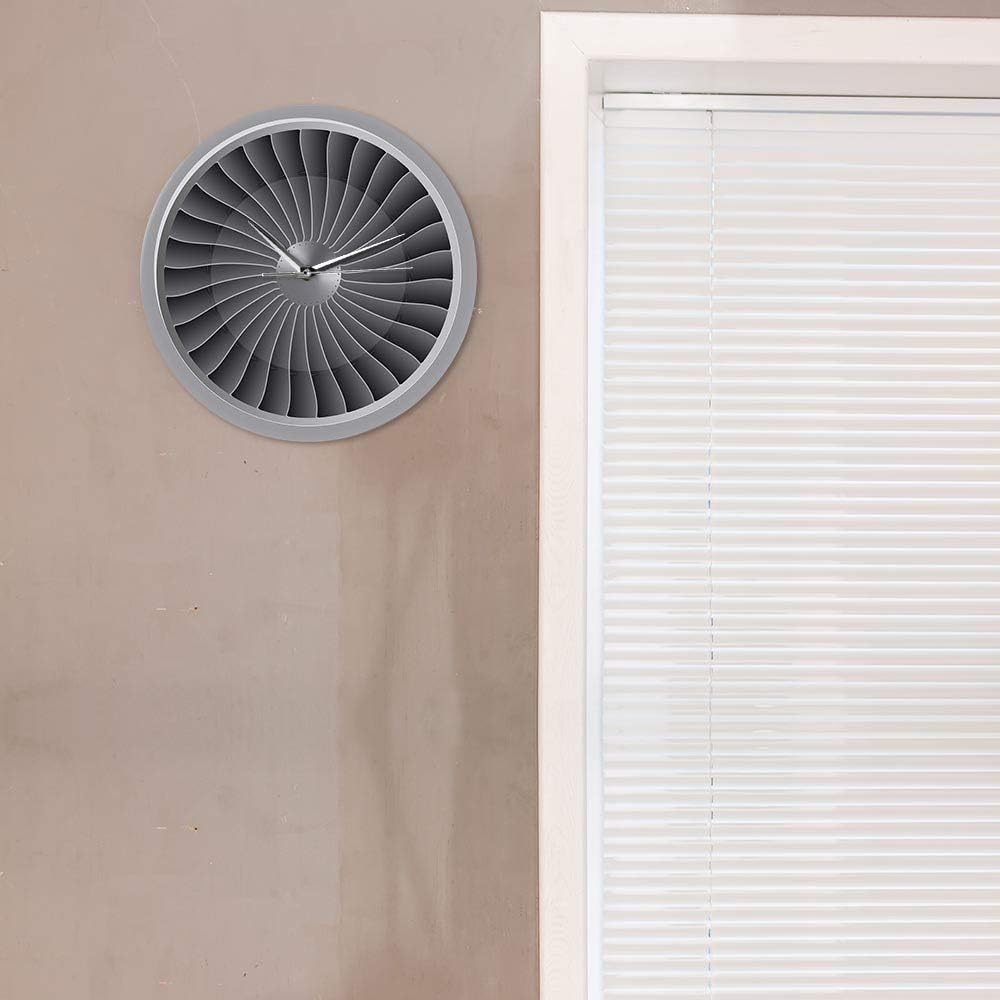
Image: The ELD Aviator Wall Clock displayed in a room setting, demonstrating its aesthetic appeal as a decorative piece.
سار سنڀال
- صفائي: Wipe the clock surface gently with a soft, dry cloth. Do not use abrasive cleaners or solvents.
- بيٽري مٽائڻ: Replace the AA battery annually or when the clock starts losing time.
- اسٽوريج: جيڪڏهن گھڙي کي گهڻي عرصي تائين ذخيرو ڪري رهيا آهيو، ته پوءِ ليڪيج کي روڪڻ لاءِ بيٽري ڪڍي ڇڏيو.
مشڪلاتون
| مسئلو | ممڪن سبب | حل |
|---|---|---|
| Clock not working / Hands not moving | بيٽري ختم ٿي وئي آهي يا غلط طور تي نصب ٿيل آهي. | Replace the AA battery with a new one, ensuring correct polarity (+/-). |
| Clock losing time | بيٽري گهٽ آهي. | AA بيٽري تبديل ڪريو. |
| زوردار ٽِڪ ٽِڪ آواز | Not applicable. The clock features a silent movement. | No action required. This clock is designed for silent operation. |
وضاحتون
| پيداوار جو نالو | Aviator Wall Clock |
| برانڊ | اي ايل ڊي |
| ماڊل نمبر | 9858822518316 |
| مواد | اکري |
| طول و عرض | 30.5 سينٽي ميٽر (12 انچ) قطر |
| وزن | 450 جي |
| طاقت جو ذريعو | 1 x AA بيٽري (شامل نه آهي) |
| حرڪت جو قسم | Quartz, Silent Movement |
| ڊسپلي جو قسم | اينالاگ |
| چڙهڻ جو قسم | ڀت جبل |
وارنٽي ۽ سپورٽ
For any questions or issues not covered in this manual, please contact your retailer or the manufacturer directly. Information regarding specific warranty terms may be provided at the point of purchase or on the product packaging.
This product is designed for long-term use with proper care and maintenance.


