1. تعارف
Thank you for choosing the Techly 362794 Mini USB Wired Numeric Keypad. This compact and portable keypad is designed to enhance your data entry experience, offering convenience and efficiency. Its plug-and-play functionality ensures easy setup, while its asynchronous operation allows for independent use from your main keyboard's numeric pad. This manual provides detailed instructions for setup, operation, maintenance, and troubleshooting to ensure optimal performance of your device.
اهم خاصيتون:
- ڪمپيڪٽ ۽ پورٽبل ڊيزائن.
- 18 keys with comfortable tactile response and low noise level.
- Plug & Play technology for simple installation.
- Asynchronous function for independent numeric input.
- الٽرا سلم پروfile.
- Ideal for notebooks, banking, and data entry applications.
2. پيڪيج مواد
مھرباني ڪري پيڪيج جي مواد کي احتياط سان چيڪ ڪريو. جيڪڏھن ڪا به شيءِ غائب يا خراب آھي، پنھنجي پرچون ڪندڙ سان رابطو ڪريو.
- 1x Techly 362794 Mini USB Wired Numeric Keypad
- 1x استعمال ڪندڙ دستياب (هي دستاويز)
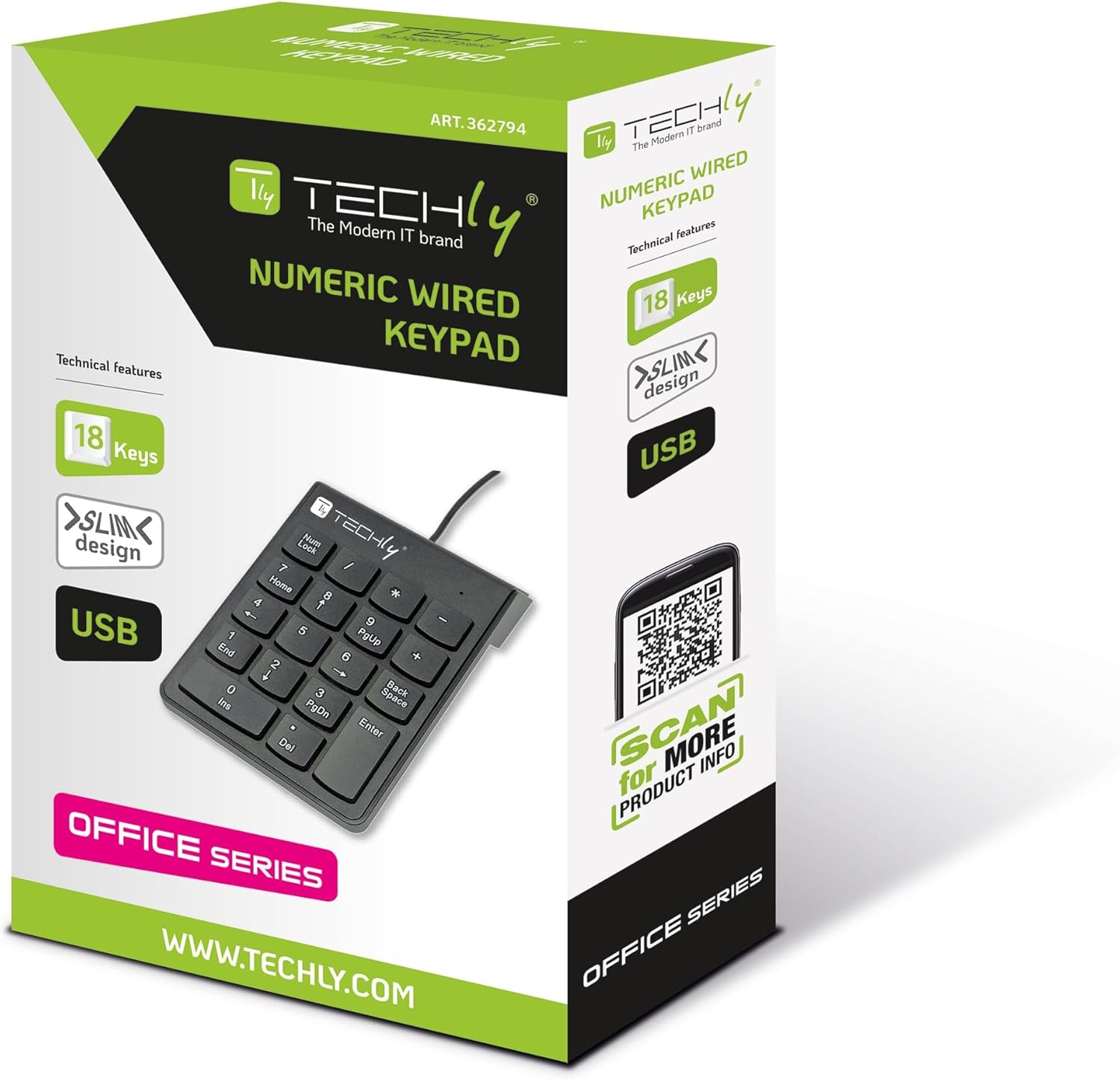
Image: The Techly 362794 Mini USB Wired Numeric Keypad in its retail packaging, highlighting its features and design.
3. پراڊڪٽ ختمview
The Techly 362794 numeric keypad features a standard 18-key layout, including numeric digits, arithmetic operators, and essential function keys. Its ergonomic design ensures comfortable use over extended periods.

Image: A detailed close-up of the numeric keypad, showing the layout of its 18 keys, including 'Num Lock', 'Home', 'PgUp', 'PgDn', 'End', 'Ins', 'Del', 'Backspace', and 'Enter'.

تصوير: پاسي view of the numeric keypad, illustrating its slim and ergonomic profile with a slight incline for comfortable typing.
4. سيٽ اپ
The Techly 362794 numeric keypad is designed for simple plug-and-play installation, requiring no additional drivers for most operating systems.
- USB ڪيبل ڳنڍيو: Locate an available USB port on your computer (PC or notebook).
- Plug In the Keypad: Insert the USB connector of the numeric keypad into the USB port.
- خودڪار سڃاڻپ: Your operating system will automatically detect and install the necessary drivers. This process usually takes a few seconds.
- استعمال لاء تيار: Once recognized, the keypad is ready for immediate use.
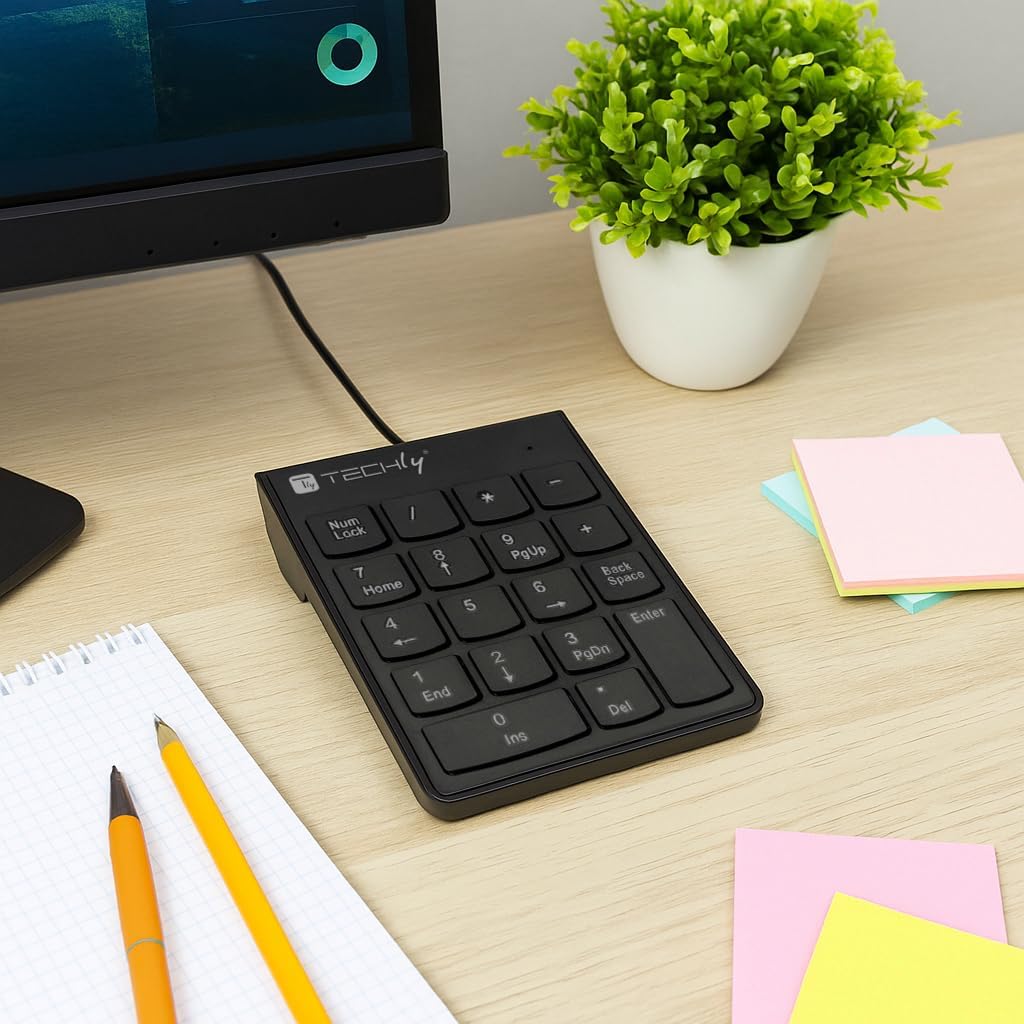
Image: The numeric keypad positioned on a desk next to a computer monitor, demonstrating its compact size and wired connection.
5. آپريٽنگ هدايتون
Basic Numeric Input:
Simply press the desired numeric keys (0-9) and arithmetic operators (+, -, *, /) to input data into your applications. The داخل ڪريو key functions as a standard return key.
Num Lock Function:
جي نمبر تالا key toggles the numeric function of the keys. When Num Lock is active (indicated by an LED light, if present), the keys function as numbers. When Num Lock is off, some keys may function as navigation keys (e.g., Home, End, PgUp, PgDn, Ins, Del).
Asynchronous Operation:
This keypad operates asynchronously, meaning its Num Lock status is independent of your main keyboard's Num Lock. This allows you to use the numeric keypad for numbers while your main keyboard's numeric section (if applicable) can be used for navigation, or vice-versa, providing greater flexibility for data entry.
خاص ڪنجيون:
- Home / 7: Moves the cursor to the beginning of a line or document when Num Lock is off.
- PgUp / 9: Scrolls up one page when Num Lock is off.
- End / 1: Moves the cursor to the end of a line or document when Num Lock is off.
- Ins / 0: Toggles insert mode when Num Lock is off.
- Del / .: Deletes characters when Num Lock is off.
- پس منظر: Deletes the character to the left of the cursor.
- داخل ڪريو: ان پٽ جي تصديق ڪري ٿو يا ايندڙ لائن ڏانهن هلي ٿو.
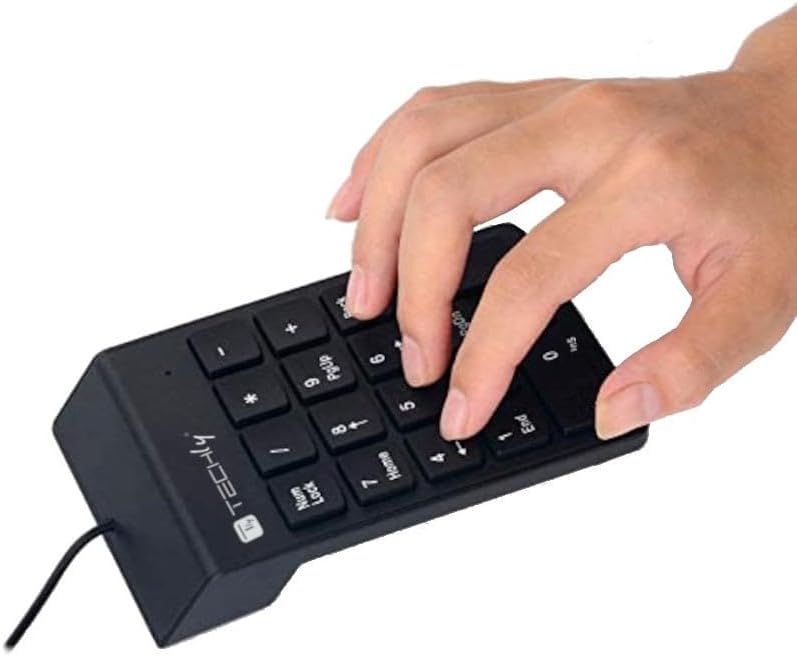
Image: A hand demonstrating the use of the numeric keypad, showing the natural placement for data entry.
6. سار سنڀال
Proper care and maintenance will ensure the longevity of your numeric keypad.
- صفائي: Use a soft, dry cloth to wipe the surface of the keypad. For stubborn dirt, slightly dampen the cloth with water or a mild, non-abrasive cleaner. Avoid using harsh chemicals, solvents, or abrasive materials.
- مٽي هٽائڻ: چاٻين جي وچ مان مٽي ۽ ملبہ هٽائڻ لاءِ دٻيل هوا استعمال ڪريو.
- اسٽوريج: When not in use, store the keypad in a clean, dry environment away from direct sunlight and extreme temperatures.
- مائع کان بچاء: Do not expose the keypad to liquids. In case of accidental spills, immediately disconnect the keypad from your computer and allow it to dry completely before reconnecting.
7. مسئلا حل ڪرڻ
If you encounter issues with your Techly 362794 numeric keypad, please refer to the following common solutions:
| مسئلو | ممڪن حل |
|---|---|
| Keypad is not recognized by the computer. |
|
| ڪيز جواب نه ڏئي رهيون آهن يا غلط اکر ٽائيپ ڪري رهيون آهن. |
|
| Keypad works intermittently. |
|
8. وضاحتون
| برانڊ | ٽيڪنيڪلي |
| ماڊل نمبر | 362794 |
| رابطي ٽيڪنالاجي | USB (وائرڊ) |
| ڪنجي جو تعداد | 18 |
| مواد | پلاسٽڪ |
| رنگ | ڪارو |
| مطابقت رکندڙ ڊوائيسز | PC |
| مطابقت رکندڙ آپريٽنگ سسٽم | Linux (and generally Windows/macOS via Plug & Play) |
| خاص خصوصيت | پورٽبل |
| طاقت جو ذريعو | Wired Electric (USB powered) |
| هٿ جو رخ | وچڙندڙ |
9. وارنٽي ۽ سپورٽ
Techly products are designed for reliability and performance. For warranty information, technical support, or further assistance, please visit the official Techly webسائيٽ تي وڃو يا پنهنجي مقامي پرچون ڪندڙ سان رابطو ڪريو.
سرڪاري Webسائيٽ: www.techly.com
پيداوار جو صفحو Techly 362794 Product Information


