1. پراڊڪٽ ختمview
The DIZO GoPods are advanced True Wireless Stereo (TWS) earbuds designed for an immersive audio experience. They feature Active Noise Cancellation (ANC), a Transparency Mode, and Super Low Latency for gaming. Equipped with a 10mm Hi-Fi Bass Boost Driver, these earbuds deliver rich sound quality. The included charging case provides extended battery life, and the earbuds are IPX5 water-resistant.

Image: DIZO GoPods earbuds resting in their open charging case, showcasing the design and fit.

Image: Key features of the DIZO GoPods, including Active Noise Cancellation and 25 hours of total playback.
2. سيٽ اپ ۽ جوڙو ٺاهڻ
2.1 شروعاتي چارج
Before first use, ensure both earbuds and the charging case are fully charged. Connect the charging case to a power source using the provided USB cable. The indicator light on the case will show charging status.
2.2 بلوٽوٽ جوڙي
- چارجنگ ڪيس کوليو. ائربڊس پاڻمرادو پيئرنگ موڊ ۾ داخل ٿي ويندا.
- پنهنجي ڊوائيس (اسمارٽ فون، ٽيبليٽ، وغيره) تي، بلوٽوٿ کي فعال ڪريو.
- ڳولھيو "DIZO GoPods" in the list of available Bluetooth devices.
- Select "DIZO GoPods" to connect. A voice prompt will confirm successful pairing.
هڪ ڀيرو جوڙيو ويندو، ائربڊس ڪيس مان هٽائڻ تي پاڻمرادو آخري جوڙيل ڊوائيس سان ڳنڍجي ويندا.
3. آپريٽنگ هدايتون
3.1 ٽچ ڪنٽرول
The DIZO GoPods feature intuitive touch controls on each earbud. Functions can be customized via the realme Link App.
- ٻٽي ٽيپ: موسيقي هلايو/روڪيو، ڪال جو جواب ڏيو/ختم ڪريو.
- ٽرپل ٽيپ: اڳيون گانو.
- Touch and Hold (one earbud): Switch between Noise Cancellation, Transparency Mode, and Normal Mode.
- Touch and Hold (both earbuds simultaneously): Enter/Exit Gaming Mode.

Image: The realme Link App allows customization of touch controls and sound settings.
3.2 فعال شور منسوخي (ANC)
ANC technology reduces ambient noise by up to 25dB, providing a focused listening experience. Activate or deactivate ANC using the touch controls or the realme Link App.

Image: Active Noise Cancellation in action, muting surrounding noise.
3.3 شفافيت جو طريقو
Transparency Mode allows you to hear your surroundings without removing the earbuds. This is useful for conversations or being aware of your environment. Toggle this mode via touch controls or the app.
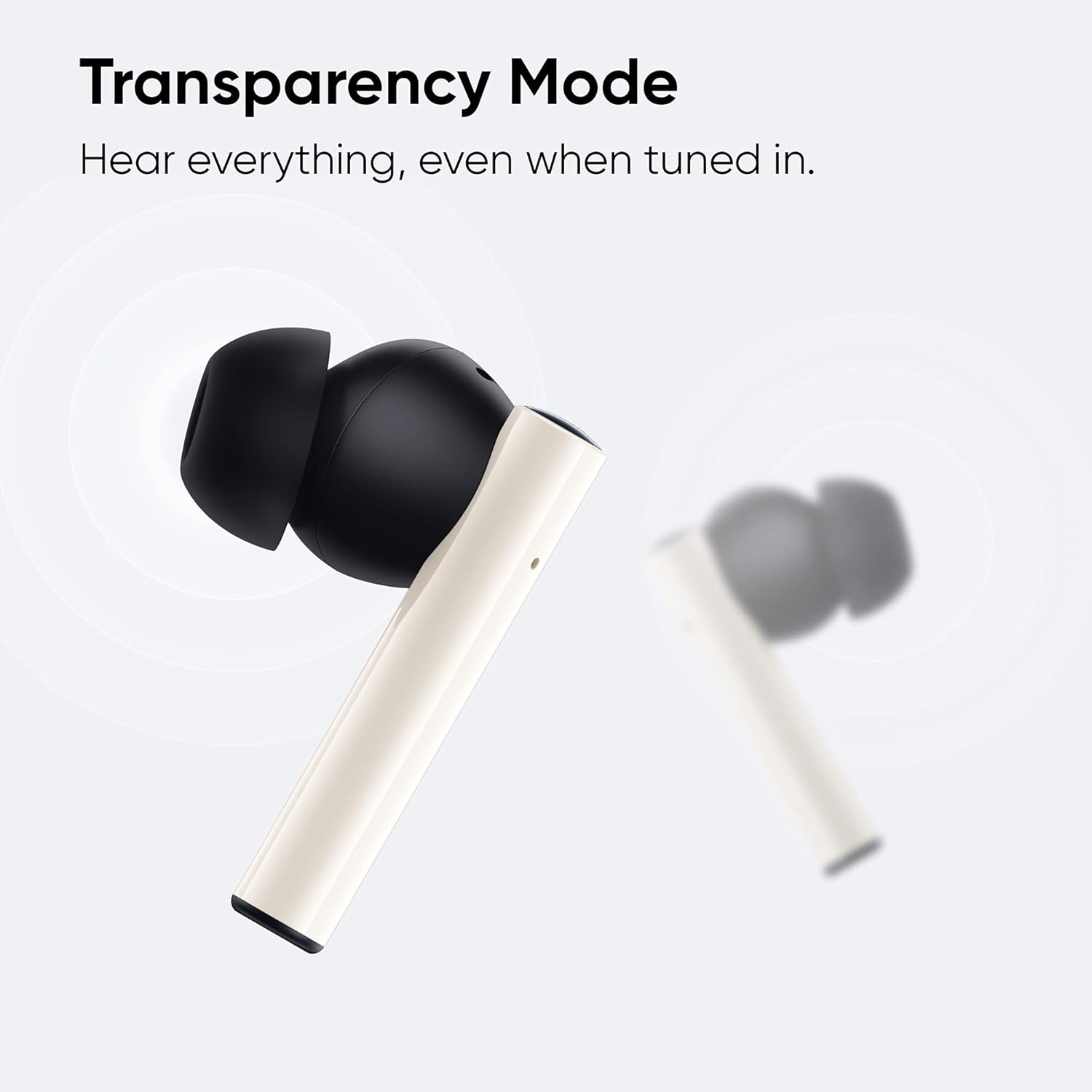
Image: Transparency Mode allows you to hear everything around you while listening to audio.
3.4 Gaming Mode (Super Low Latency)
For an optimized gaming and video experience, activate Gaming Mode. This reduces audio latency to as low as 88ms, ensuring synchronized sound with on-screen action. Activate by touching and holding both earbuds simultaneously.

Image: DIZO GoPods equipped for gaming with super low latency.
3.5 Call Features
The earbuds feature Dual Mic Noise Cancellation, utilizing an ENC algorithm to significantly reduce surrounding noise during calls, ensuring clearer communication.

Image: Dual Mic Environmental Noise Cancellation for clear calls.
3.6 بيٽري جي زندگي
The DIZO GoPods offer up to 25 hours of total playback time with the charging case. A single charge provides approximately 5 hours of playback with ANC off. Fast charging allows for 120 minutes of playback with just 10 minutes of charge.

Image: 25 hours total playback for music, round the clock.
4. سار سنڀال ۽ سنڀال
4.1 پاڻي جي مزاحمت
The DIZO GoPods are IPX5 water-resistant, meaning they can withstand splashes and sweat. They are suitable for workouts and light rain. Do not submerge the earbuds in water or expose them to strong jets of water.
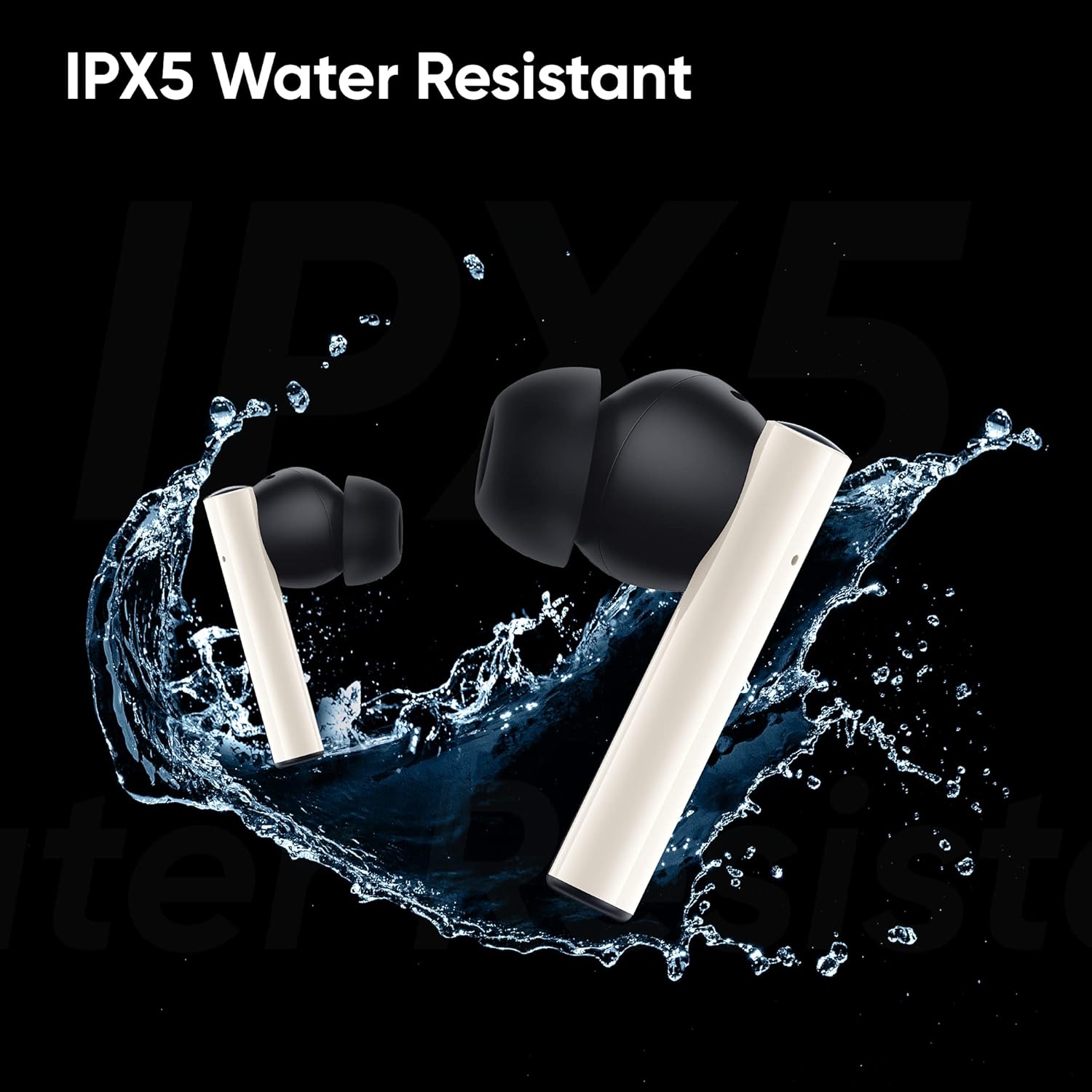
Image: IPX5 Water Resistant feature of the DIZO GoPods.
4.2 صفائي
Regularly clean the earbuds and charging case with a soft, dry, lint-free cloth. Avoid using abrasive materials or harsh chemicals. Ensure charging contacts are free of debris.
4.3 اسٽوريج
جڏهن استعمال ۾ نه هجي، ته ائربڊس کي انهن جي چارجنگ ڪيس ۾ محفوظ ڪريو ته جيئن انهن جي حفاظت ٿئي ۽ پڪ ٿئي ته اهي چارج ٿيل رهن.
5. مسئلا حل ڪرڻ
- ائربڊس جوڙو نه پيا لڳن: Ensure both earbuds are in the charging case and have sufficient charge. Open the case to initiate pairing mode. If issues persist, try forgetting the device on your Bluetooth settings and re-pairing.
- هڪ ائربڊ ڪم نه ڪري رهيو آهي: Place both earbuds back into the charging case, close the lid, wait a few seconds, then open it again. Check if both earbuds light up or show activity. Ensure both are charged.
- Low volume during calls: Adjust the volume on your connected device. Ensure the earbuds are properly seated in your ears. If the issue persists, check for firmware updates via the realme Link App.
- آواز ڪونهي: Check if the earbuds are connected to your device. Ensure the volume on both the earbuds and your device is turned up. Try playing different audio sources.
- چارج ڪرڻ جا مسئلا: پڪ ڪريو ته چارجنگ ڪيبل ڪيس ۽ پاور سورس ٻنهي سان محفوظ طور تي ڳنڍيل آهي. چيڪ ڪريو ته چارجنگ پورٽ صاف ۽ ملبي کان خالي آهي.
6. وضاحتون
| برانڊ | ڊيزو |
| ماڊل | GoPods |
| رابطي ٽيڪنالاجي | وائرليس (بلوٽوٿ 5.2) |
| شور ڪنٽرول | فعال شور منسوخي |
| ڊرائيور جي ماپ | 10mm Hi-Fi Bass Boost Driver |
| دير | 88ms (Super Low Latency Gaming Mode) |
| ڪُل پلے بیک وقت | 25 ڪلاڪن تائين (چارجنگ ڪيس سان) |
| پاڻي جي مزاحمت | IPX5 (پنروڪ) |
| ڪنٽرول جو طريقو | ائپ ، ٽچ |
| شامل اجزاء | Charging Case, USB Cable, Ear Cushions |
| رنگ | اڇو |
| مواد | پلاسٽڪ |
| شيءِ جو وزن | 48 Grams (earbuds) |
| پيداوار جي ماپ | 1.39 x 0.93 x 0.72 انچ |
7. سرڪاري پراڊڪٽ وڊيو
Video: "Meet the Quiet and Powerful DIZO GoPods" - An official product video showcasing the features and design of the DIZO GoPods earbuds.
8. وارنٽي ۽ سپورٽ
For warranty information and customer support, please refer to the official DIZO webسائيٽ تي وڃو يا سڌو سنئون انهن جي ڪسٽمر سروس سان رابطو ڪريو. وارنٽي دعوائن لاءِ پنهنجي خريداري جي رسيد رکو.
DIZO is dedicated to developing better smart devices and audio products. All products undergo strict testing to ensure quality and durability.


