تعارف
خريد ڪرڻ لاءِ مهربانيasing the AZATOM A2 Portable DAB/DAB+ Digital Radio. This compact and versatile device is designed to provide high-quality digital and FM radio reception, offering a superior listening experience on the go. Please read this manual carefully to understand the features and operation of your new radio.

The AZATOM A2 radio, showcasing its stylish and compact design, perfect for portability.
دٻي ۾ ڇا آهي
- AZATOM A2 Portable DAB/DAB+ Digital Radio
- USB-سي ڪيبل
- راندين جا ائڊفون
- استعمال ڪندڙ جو دستياب (ھي دستاويز)
- وارنٽي ڪارڊ
پيداوار ختمview
Familiarize yourself with the buttons and ports on your AZATOM A2 radio:

سامهون view of the AZATOM A2 radio, highlighting the display and control buttons.
- پاور بٽڻ: ريڊيو کي آن / بند ڪري ٿو.
- مينيو بٽڻ: مينيو اختيارن تائين رسائي.
- VOL+ / VOL- بٽڻ: حجم جي سطح کي ترتيب ڏئي ٿو.
- ENTER/SCAN Button: Confirms selections or initiates station scanning.
- PRESET Buttons (1/2, 3/4): Recalls stored preset stations.
- موڊ بٽڻ: Switches between DAB/DAB+ and FM modes.
- ائرفون جڪ: Connects the included earphones, which also function as the antenna.
- USB-C پورٽ: ڊوائيس چارج ڪرڻ لاء.
سيٽ اپ ڪريو
1. بيٽري کي چارج ڪرڻ
Before first use, fully charge the radio. Connect the supplied USB-C cable to the radio's USB-C port and the other end to a USB power adapter (not included) or a computer's USB port. The display will indicate charging status. A full charge provides up to 24 hours of playtime.

The AZATOM A2 features a long-lasting rechargeable battery for extended use.
2. Connecting Earphones (Antenna)
The included earphones serve as the radio's antenna for both DAB/DAB+ and FM reception. It is essential to connect the earphones to the 3.5mm jack before operating the radio to ensure proper signal reception.
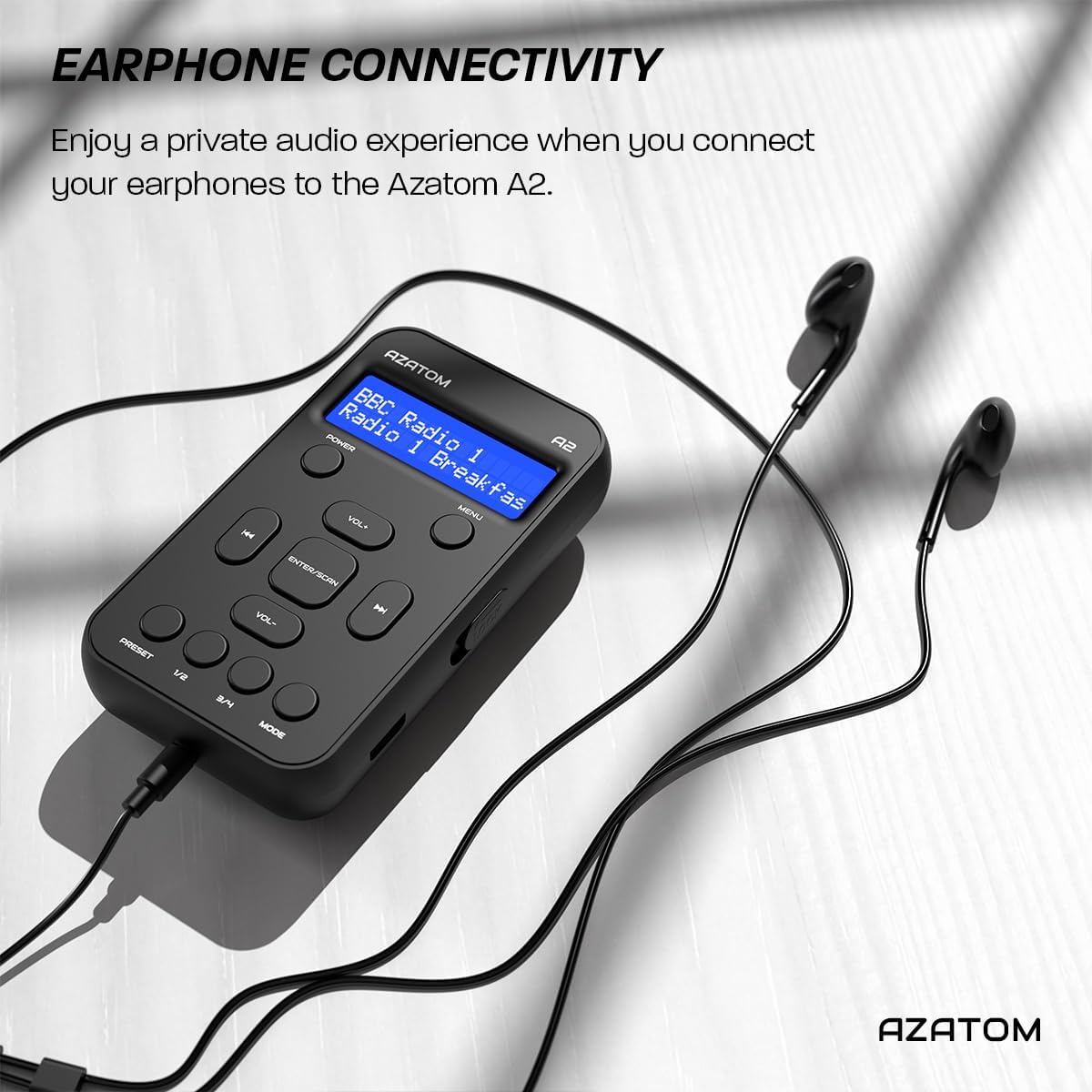
Connect the supplied earphones to the radio for optimal reception and a private listening experience.
آپريٽنگ هدايتون
پاور آن / آف
- کي دٻايو ۽ رکو پاور ريڊيو کي آن يا آف ڪرڻ لاءِ بٽڻ.
DAB / DAB + ريڊيو آپريشن

The AZATOM A2 supports both DAB/DAB+ and FM radio technologies.
- Ensure the earphones are connected.
- کي دٻايو موڊ button until 'DAB' or 'DAB+' is displayed.
- The radio will automatically perform a full scan for available DAB/DAB+ stations upon first use or if no stations are found. To manually scan, press and hold the داخل ڪريو / اسڪين بٽڻ
- استعمال ڪريو VOL+ or Vol- buttons to navigate through the list of found stations.
- دٻايو داخل ڪريو / اسڪين اسٽيشن چونڊڻ.
ايف ايم ريڊيو آپريشن
- Ensure the earphones are connected.
- کي دٻايو موڊ بٽڻ دٻايو جيستائين 'FM' ظاهر نه ٿئي.
- To auto-scan for FM stations, press and hold the داخل ڪريو / اسڪين button. The radio will scan and save available stations.
- To manually tune, briefly press the VOL+ or Vol- buttons to adjust the frequency in small increments.
سيٽنگ ۽ ياد رکڻ جي جاءِ
The AZATOM A2 allows you to store up to 40 DAB+ and 40 FM favorite stations.

The AZATOM A2 allows for easy recall of your favorite preset stations.
پري سيٽ اسٽور ڪرڻ لاءِ:
- گهربل اسٽيشن تي ٽيون.
- ھڪڙي کي دٻايو ۽ رکو اڳواٽ buttons (1/2 or 3/4) until the display shows 'Preset Store'.
- استعمال ڪريو VOL+ or Vol- buttons to select the desired preset number (1-40).
- دٻايو داخل ڪريو / اسڪين to confirm and save the station.
اڳواٽ ياد ڪرڻ لاءِ:
- مختصر طور تي ھڪڙي کي دٻايو اڳواٽ buttons (1/2 or 3/4).
- استعمال ڪريو VOL+ or Vol- buttons to navigate through your stored presets.
- دٻايو داخل ڪريو / اسڪين to select and play the desired preset station.
حجم ڪنٽرول
- دٻايو VOL+ حجم وڌائڻ لاء.
- دٻايو Vol- حجم گھٽائڻ لاء.
روشني ڏيکاريو
The XL digital display's brightness can be adjusted to your preference. Access this setting through the MENU options.

هڪ بند اپ view of the AZATOM A2's clear digital display.
سار سنڀال
- صفائي: ريڊيو جي مٿاڇري کي صاف ڪرڻ لاءِ نرم، سڪل ڪپڙو استعمال ڪريو. رگڙيندڙ ڪلينر يا محلول استعمال نه ڪريو.
- بيٽري جي سنڀال: بيٽري جي زندگي کي وڌائڻ لاءِ، بيٽري کي بار بار مڪمل طور تي چارج ڪرڻ کان پاسو ڪريو. ريڊيو کي باقاعدي چارج ڪريو، جيتوڻيڪ گهڻي عرصي تائين استعمال ۾ نه هجي.
- اسٽوريج: ريڊيو کي سڌي سج جي روشني ۽ انتهائي گرمي پد کان پري ٿڌي، سڪل جاءِ تي ذخيرو ڪريو.
مشڪلاتون
| مسئلو | ممڪن سبب | حل |
|---|---|---|
| No power/Radio won't turn on. | بيٽري ختم ٿي وئي آهي. | Charge the radio using the supplied USB-C cable. |
| خراب ريڊيو رسيپشن (DAB/FM). | Earphones not connected or not fully inserted. Weak signal area. | Ensure earphones are securely connected. Try moving to an open area or near a window. Perform a new scan. |
| آواز ڪونهي. | Volume is too low or muted. Earphones not connected. | Increase the volume using VOL+. Ensure earphones are connected. |
| Radio freezes or becomes unresponsive. | عارضي سافٽ ويئر جي خرابي. | Press and hold the POWER button to force a restart. If issue persists, allow battery to fully discharge then recharge. |
وضاحتون

Dimensions of the AZATOM A2 radio.
| خاصيت | تفصيل |
|---|---|
| ماڊل | A2 |
| طول و عرض (L x W x H) | 9 x 4 x 11 سينٽي ميٽر (تقريبن 90 ملي ميٽر x 50 ملي ميٽر x 24 ملي ميٽر) |
| وزن | 90 جي |
| ريڊيو بينڊ جي حمايت ڪئي وئي | ڊي اي بي، ڊي اي بي+، ايف ايم |
| اڳواٽ | 40 DAB+، 40 FM |
| بيٽري جو قسم | Rechargeable Lithium Ion (1800mAh) |
| راند جو وقت | 24 ڪلاڪ تائين |
| ڊسپلي جو قسم | ايل سي ڊي |
| رابطي | USB-C (for charging), 3.5mm Earphone Jack |
| مواد | پلاسٽڪ |
وارنٽي ۽ سپورٽ
AZATOM products are designed and engineered in the UK. The AZATOM A2 comes with a premium 3-year warranty (registration required). For any questions or support, please contact our dedicated customer service team. Lifetime customer support is provided to assist you with any queries.
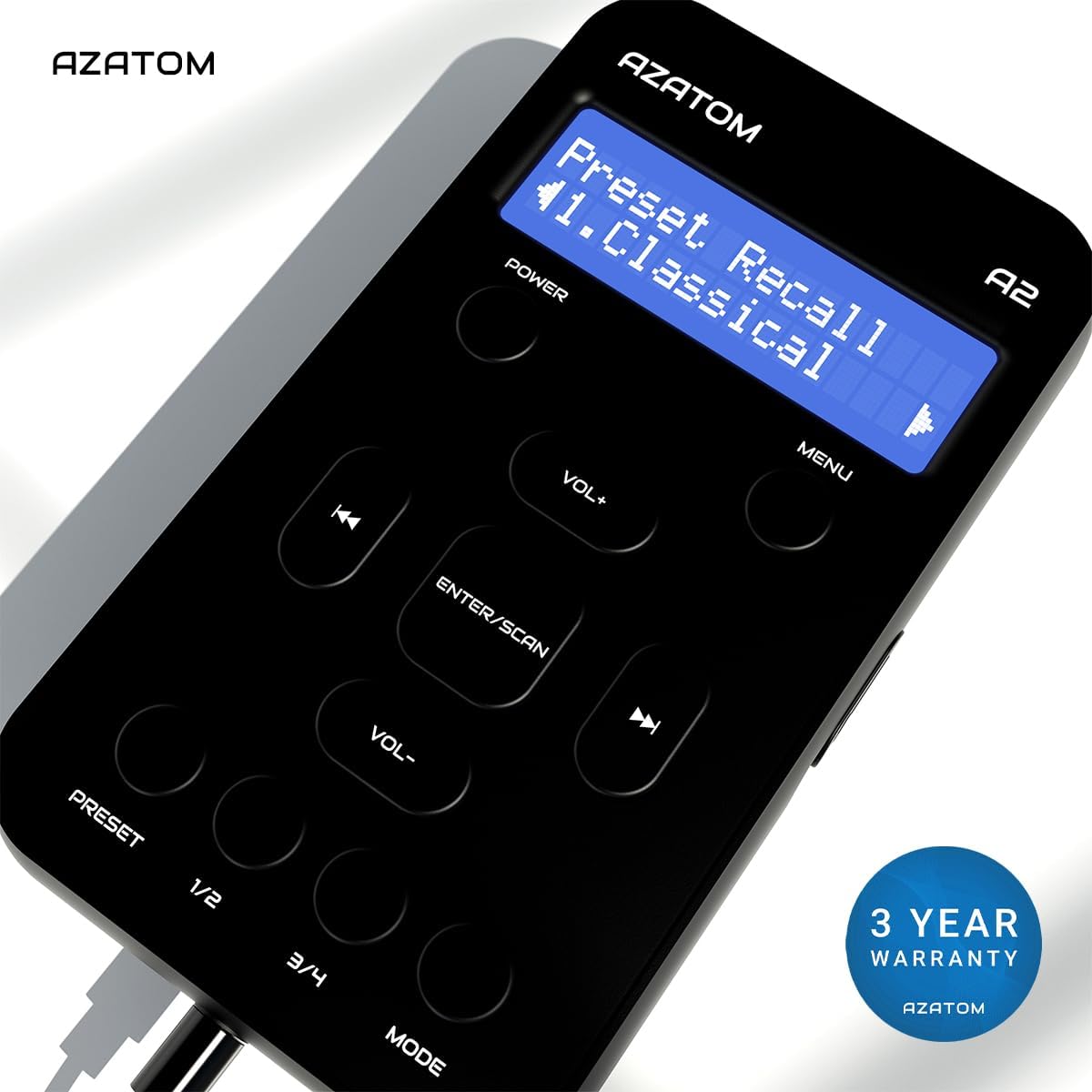
The AZATOM A2 is backed by a 3-year warranty.


