تعارف
Thank you for choosing the realme Techlife Robot 2-in-1 Vacuum Cleaner with Mopping. This device is designed to provide efficient and convenient floor cleaning with advanced features. This manual provides essential information for safe operation, setup, maintenance, and troubleshooting to ensure optimal performance of your robot vacuum cleaner.

The realme Techlife Robot 2-in-1 Vacuum Cleaner, showcasing ان جي سهڻي ڊيزائن ۽ ڪمپيڪٽ فارم فيڪٽر جي ڪري.
حفاظت جي ڄاڻ
Before using the appliance, please read this user manual carefully and keep it for future reference. This device is intended for indoor use only. Do not use it in commercial or industrial environments. Ensure the charging dock is placed on a flat surface against a wall, with no obstacles within 1 meter in front and 0.5 meters on either side. Keep the device away from water and moisture. Do not allow children or pets to play with the device. Always supervise children when the device is in operation. Do not use the device to clean liquids, burning objects, or sharp objects. Regularly check the brushes and wheels for tangled hair or debris.
پيڪيج مواد
پيڪنگ کولڻ وقت پڪ ڪريو ته سڀئي شيون موجود آهن ۽ سٺي حالت ۾ آهن.
- realme Techlife Robot Vacuum Cleaner
- چارجنگ ڊاک
- پاور اڊاپٽر
- پاڻي جي ٽانڪي
- ريموٽ ڪنٽرول
- پاسي وارا برش (2 جوڙا)
- مين برش
- صفائي جو اوزار
- استعمال ڪندڙ دستي
پيداوار ختمview
مٿو View
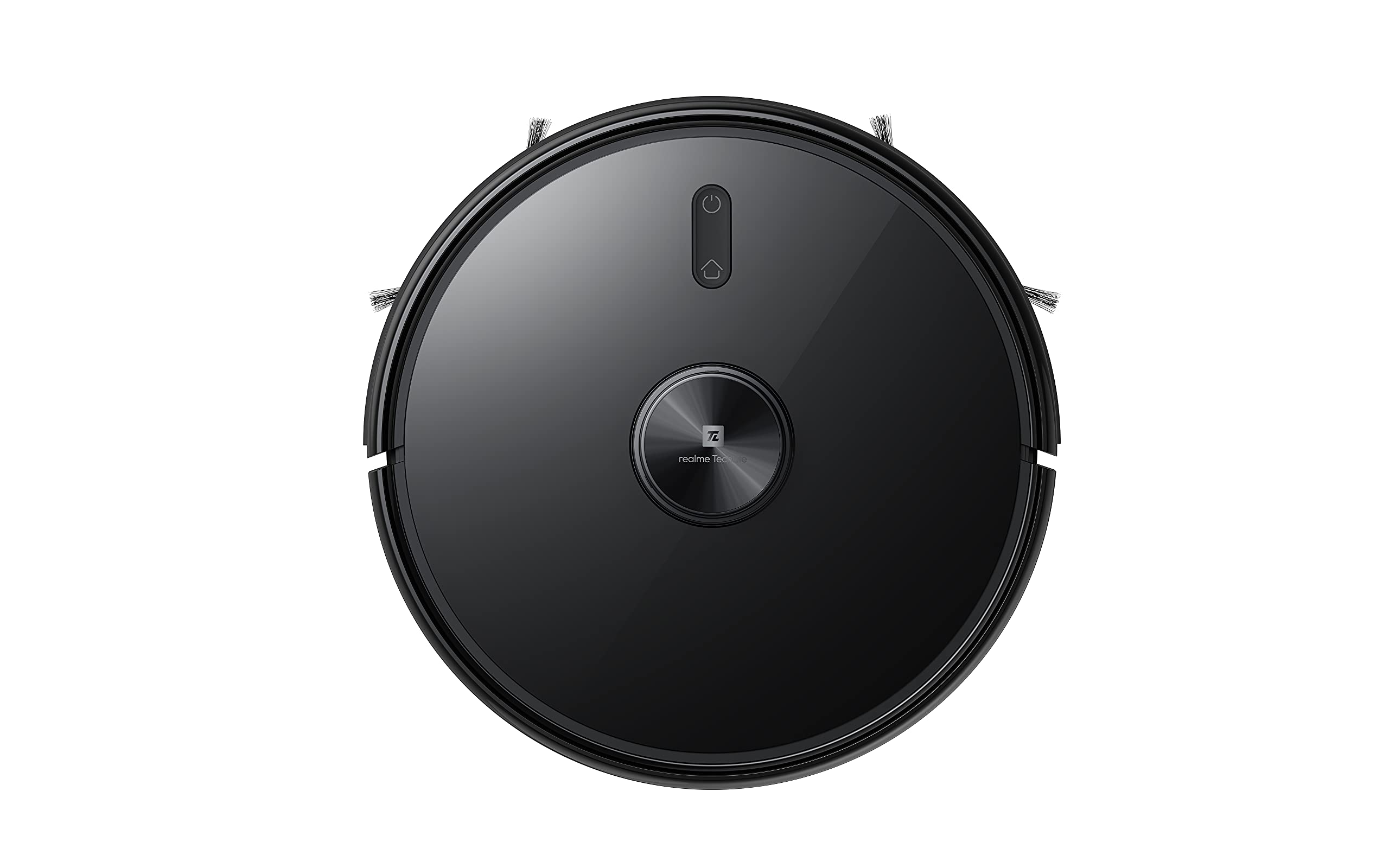
مٿو view of the robot vacuum, showing the power button and LiDAR sensor housing.
The top of the robot features the LiDAR navigation sensor for accurate mapping and navigation, along with control buttons for starting/pausing cleaning and returning to the charging dock.
هيٺيون View
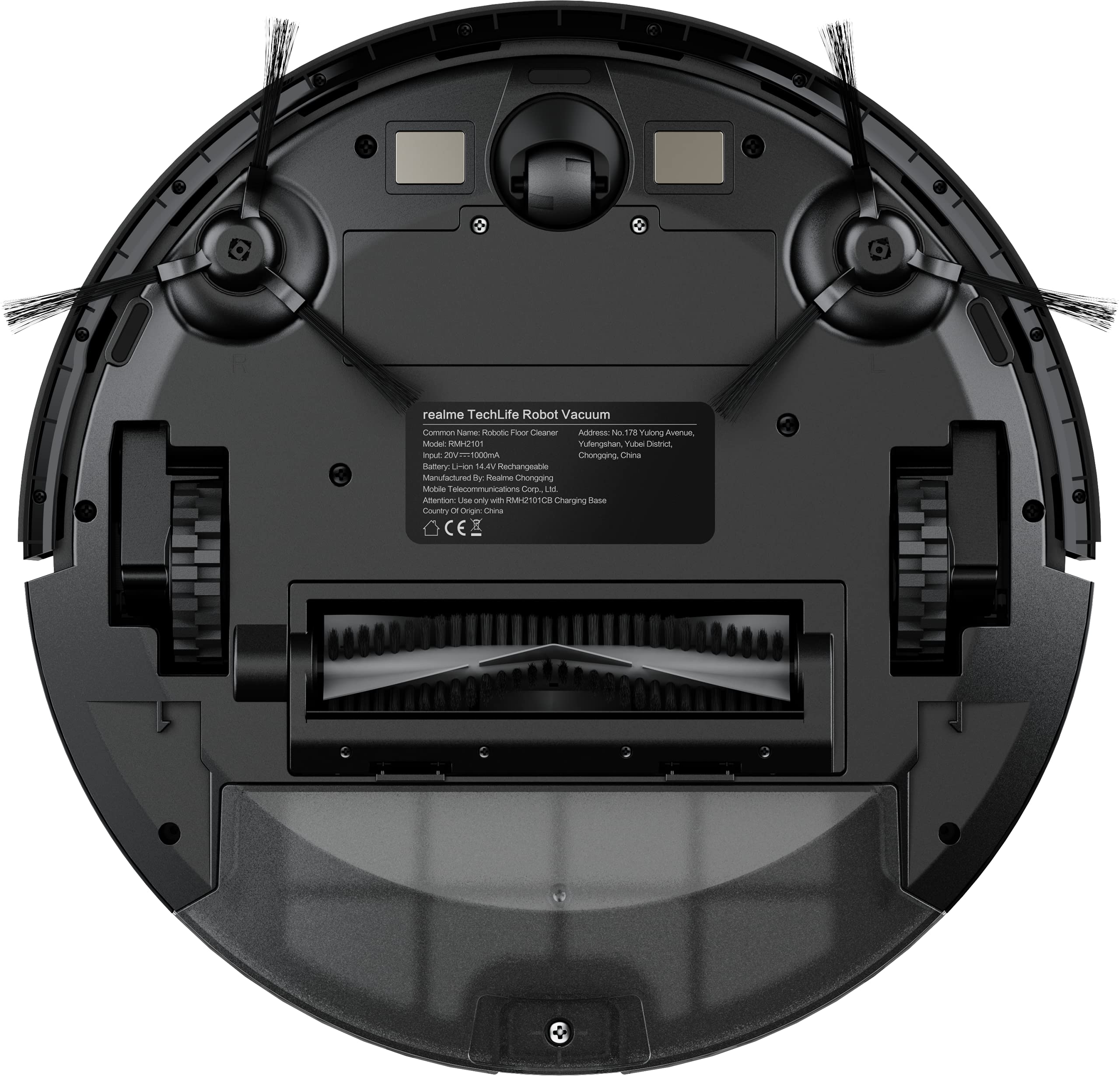
The underside of the robot vacuum, displaying the main brush, side brushes, and wheels.
The bottom of the robot includes the main rolling brush, two side brushes for edge cleaning, driving wheels, and cliff sensors to prevent falls.
سيٽ اپ ڪريو
1. چارجنگ ڊاک پليسمينٽ
Place the charging dock against a wall on a hard, level surface. Ensure there are no obstacles within 1 meter (3 feet) in front of the dock and 0.5 meters (1.5 feet) on either side to allow the robot to easily dock and undock.
2. شروعاتي چارجنگ
Connect the power adapter to the charging dock and plug it into a wall outlet. Place the robot onto the charging dock. The robot will automatically begin charging. For first-time use, ensure the robot is fully charged (approximately 6 hours) before its initial cleaning cycle. The 5200mAh battery provides up to 300 minutes of cleaning time on a full charge.
3. App Connection (realme Link App)
- ڊائون لوڊ ڪريو حقيقي لنڪ توهان جي اسمارٽ فون جي ايپ اسٽور تان ايپ.
- اڪائونٽ ٺاهيو يا لاگ ان ٿيو.
- Follow the in-app instructions to add your realme Techlife Robot Vacuum Cleaner. This typically involves turning on the robot, resetting its Wi-Fi, and connecting to your home Wi-Fi network.
- هڪ ڀيرو ڳنڍيل، توهان روبوٽ کي ڪنٽرول ڪري سگهو ٿا، view cleaning maps, set schedules, and adjust cleaning modes remotely.
آپريٽنگ هدايتون
1. صفائي جو چڪر شروع ڪرڻ
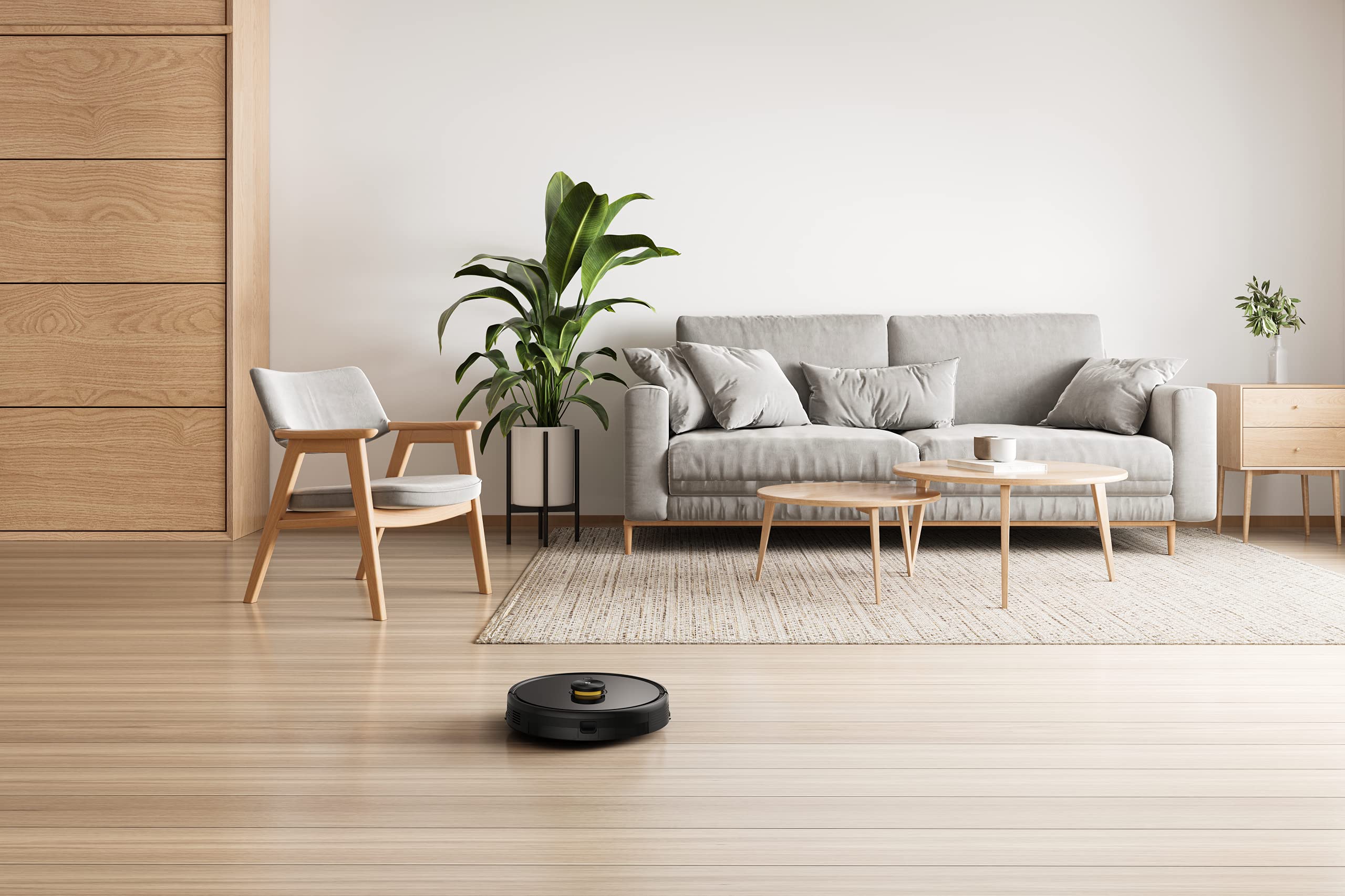
Press the power button on the robot or use the realme Link app to start a cleaning cycle. The robot will use its advanced LiDAR navigation technology to map your home and plan an efficient cleaning path.
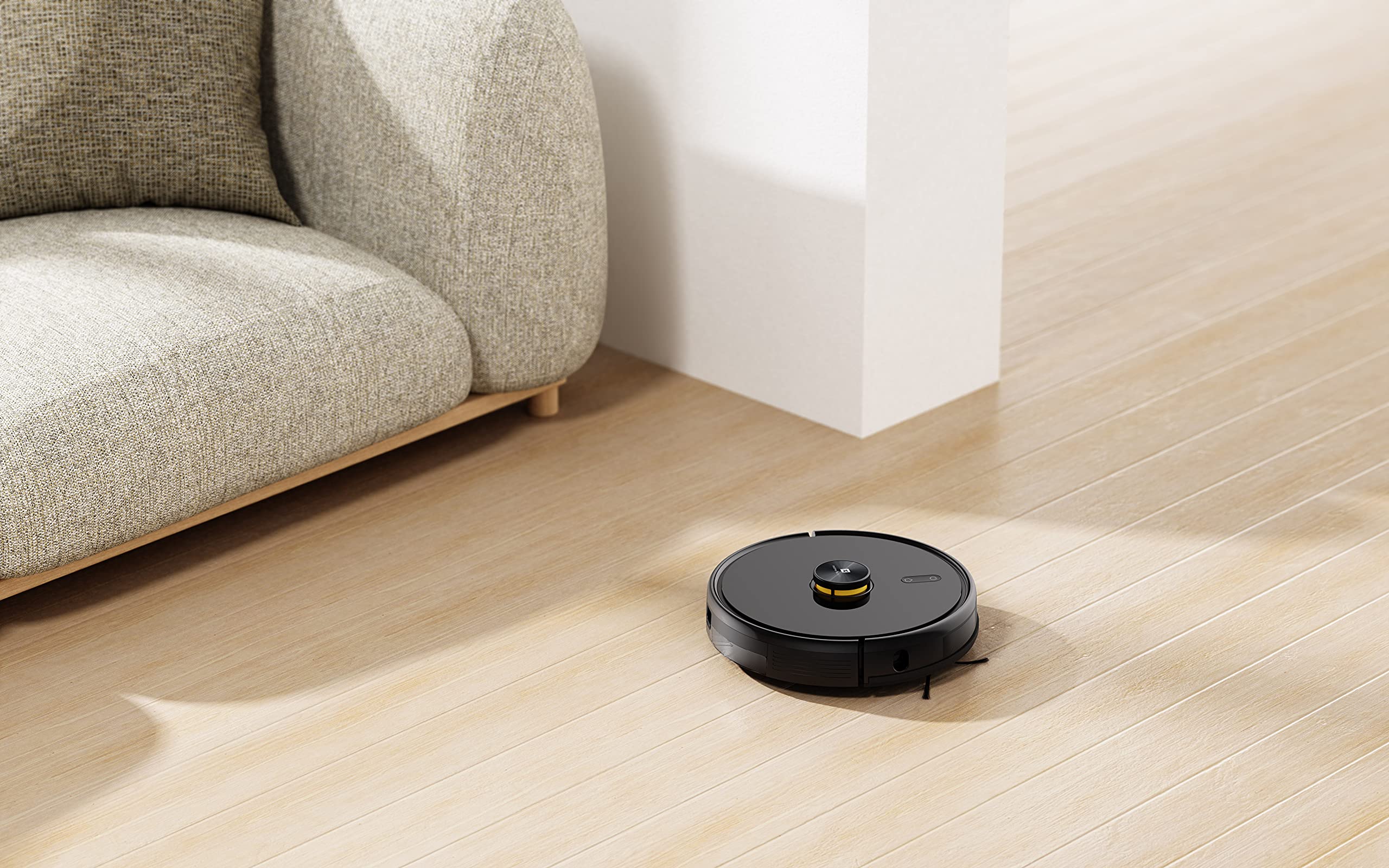
The robot vacuum actively cleaning a hard floor surface in a modern living space.
2. صفائي جا طريقا
The robot offers 4 cleaning modes, which can be selected via the app or remote control:
- خودڪار صفائي: روبوٽ هوشياري سان سڄي علائقي کي صاف ڪري ٿو.
- جڳھ صاف ڪرڻ: Cleans a specific area more intensely.
- ڪنڊ صاف ڪرڻ: ڀتين ۽ فرنيچر جي ڪنارن سان صفائي تي ڌيان ڏئي ٿو.
- شيڊول ٿيل صفائي: روبوٽ کي خودڪار طريقي سان صاف ڪرڻ لاءِ مخصوص وقت مقرر ڪريو.
The 3000Pa strong suction power ensures effective removal of dust and debris across various floor types.
3. صفائي جو ڪم
To use the mopping function, fill the intelligent water tank with clean water and attach it to the robot. The robot features 4 water output modes, allowing you to adjust water flow based on floor surface and cleaning requirements. The Y-shape cleaning path is specifically designed for effective mopping.
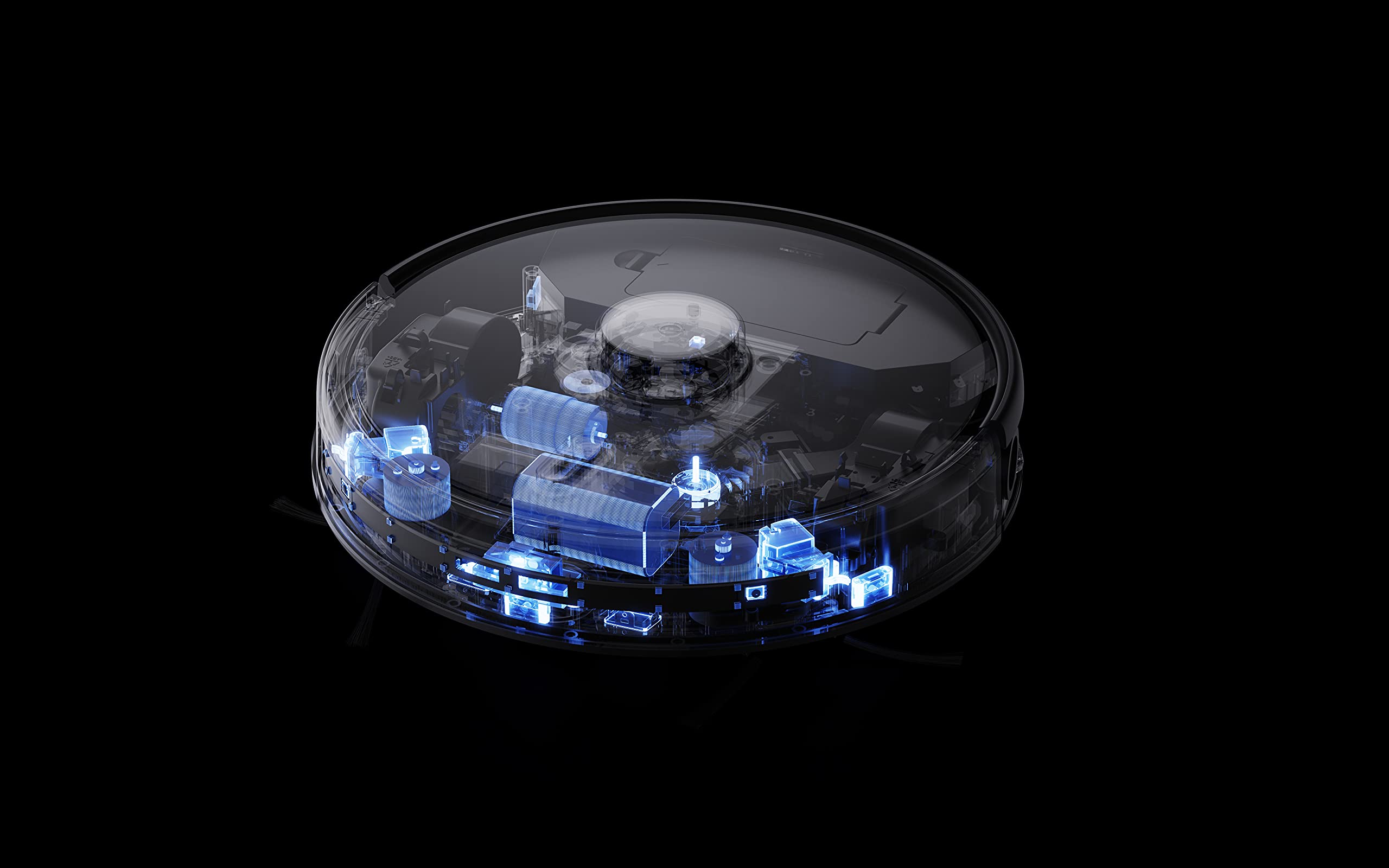
The robot vacuum performing its mopping function on a hard floor, demonstrating its 2-in-1 capability.
4. سمارٽ خاصيتون
- realme Link App Control: Control cleaning force, schedule tasks, and monitor progress in real-time.
- گھڻ-منزل نقشو: The robot can build and memorize maps for multiple floors, improving cleaning efficiency.
- وائس اسسٽنٽ مطابقت: Supports Google Assistant and Alexa for convenient voice control.
The robot vacuum navigating and cleaning under furniture, highlighting its low-profile ڊيزائن.
سار سنڀال
Regular maintenance ensures the longevity and optimal performance of your robot vacuum cleaner.
1. ڊسٽ باڪس خالي ڪرڻ
Open the top cover of the robot and remove the dust box. Empty its contents into a trash bin. Clean the filter regularly by tapping it gently to remove dust. Rinse the dust box with water if necessary, ensuring it is completely dry before reinserting.
2. مکيه برش کي صاف ڪرڻ
Remove the main brush cover and lift out the main brush. Use the provided cleaning tool to cut and remove any tangled hair or debris. Reinstall the main brush and cover.
3. پاسي واري برش کي صاف ڪرڻ
Periodically check the side brushes for wear or entanglement. Remove any hair or debris. If brushes are damaged, replace them with new ones.
4. Cleaning the Water Tank and Mopping Pad
After each mopping session, empty any remaining water from the tank. Remove and clean the mopping pad. Wash the mopping pad thoroughly and allow it to air dry completely before reuse.
5. سينسر ۽ چارجنگ رابطن جي صفائي
Wipe the cliff sensors, wall sensors, and charging contacts on both the robot and the charging dock with a clean, dry cloth to ensure proper function.
مشڪلاتون
جيڪڏهن توهان کي پنهنجي روبوٽ ويڪيوم سان مسئلا درپيش اچن ٿا، ته هيٺ ڏنل عام حلن جو حوالو ڏيو:
- روبوٽ چارج نه ٿي رهيو آهي: پڪ ڪريو ته چارجنگ ڊاک آن آهي ۽ روبوٽ جا چارجنگ رابطا صاف ۽ ڊاک سان صحيح طرح سان ڳنڍيل آهن.
- Robot stuck or navigating erratically: Clear any obstacles, loose cables, or rugs that may be impeding movement. Clean the sensors.
- خراب سکشن: ڊسٽ باڪس خالي ڪريو، فلٽر صاف ڪريو، ۽ مکيه برش کي بلاڪن لاءِ چيڪ ڪريو.
- Mopping not working: Ensure the water tank is filled, properly installed, and the mopping pad is attached. Check water output settings in the app.
- ايپ ڪنيڪٽوٽي جا مسئلا: Ensure your robot and smartphone are connected to the same 2.4GHz Wi-Fi network. Restart the robot and your router if necessary.
- غير معمولي شور: Check the main brush, side brushes, and wheels for any foreign objects or debris.
For persistent issues, consult the realme Link app for further diagnostics or contact customer support.
وضاحتون
| خاصيت | تفصيل |
|---|---|
| برانڊ | حقيقي |
| ماڊل نالو | 6941399050860 |
| خاص خصوصيت | LiDAR Navigation, Smart |
| رنگ | ڪارو |
| پيداوار جي ماپ | 33L x 33W x 7H سينٽي ميٽر |
| بيٽري جي زندگي | 100 Minutes (Mopping), 300+ Minutes (Vacuuming) |
| بيٽري جي گنجائش | 5200mAh |
| سکشن پاور | 3000Pa |
| ڇڪ باڪس جي ظرفيت | 0.3 ليٽر |
| ڪنٽرول جو طريقو | Remote, App (realme Link), Voice (Google Home, Alexa) |
| شور جي سطح | گھٽ ۾ گھٽ 55 ڊي بي |
| ٺاهيندڙ | Realme |
وارنٽي ۽ سپورٽ
Your realme Techlife Robot 2-in-1 Vacuum Cleaner is covered by a limited warranty. Please refer to the warranty card included in your package for specific terms and conditions. For technical support, service, or inquiries, please visit the official realme support webسائيٽ تي وڃو يا انهن جي ڪسٽمر سروس هاٽ لائن سان رابطو ڪريو. وارنٽي دعوائن لاءِ خريداري جي ثبوت طور پنهنجي خريداري جي رسيد رکو.