تعارف
The Amazon Echo Dot (5th Generation) is a compact smart speaker designed to deliver enhanced audio and seamless integration with Alexa. This device allows you to control your smart home, play music, get information, and much more, all through voice commands. Its improved speaker offers clearer vocals and deeper bass, providing a richer audio experience for its size. The Echo Dot also incorporates privacy features and is built with sustainability in mind.
سيٽ اپ ڪريو
Setting up your Echo Dot (5th Generation) is a straightforward process. The device is designed for easy connection to your Wi-Fi network using Amazon's simple setup technology.
دٻي ۾ ڇا آهي:
- ايڪو ڊٽ (چوٿين نسل)
- White power adapter (15 W)
- تڪڙو شروع ھدايت
شروعاتي سيٽ اپ قدم:
- ڊوائيس کوليو: Carefully remove the Echo Dot and its accessories from the packaging.
- پاور Connectنيو: Plug the included power adapter into the Echo Dot and then into a wall outlet. The light ring on the Echo Dot will turn blue, then orange, indicating it's ready for setup.
- Alexa ايپ ڊائون لوڊ ڪريو: On your smartphone or tablet, download the Amazon Alexa app. It is compatible with Fire OS, iOS, and Android devices. You can also access it via a web توهان جي ڪمپيوٽر تي برائوزر.
- ايپ اندر ڏنل هدايتن تي عمل ڪريو: Open the Alexa app and follow the on-screen prompts to connect your Echo Dot to your Wi-Fi network and link it to your Amazon account.
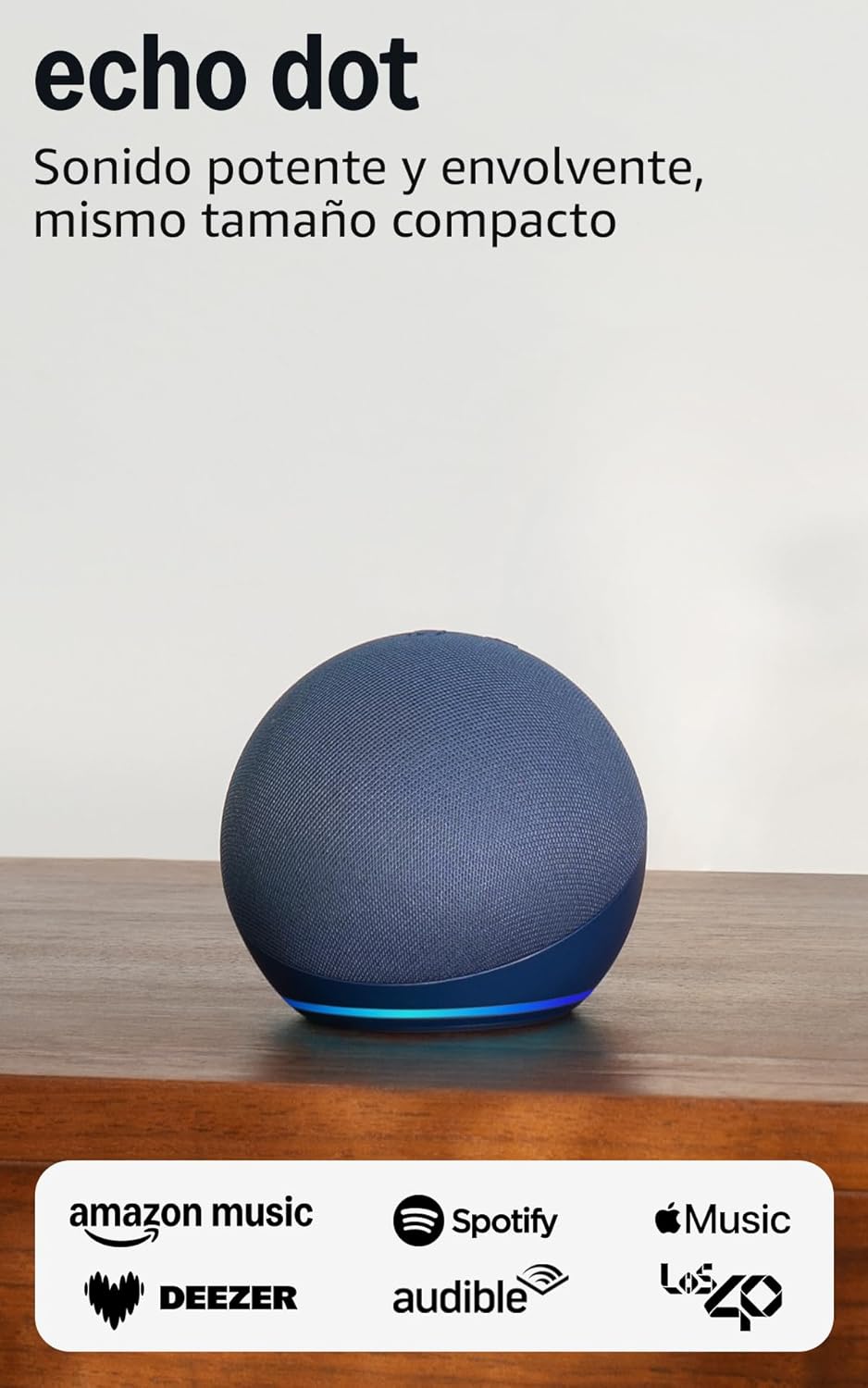
Image: The Echo Dot (5th Generation) in blue, showcasing its compact design and illuminated base, ready for setup.
توهان جي ايڪو ڊاٽ کي هلائڻ
The Echo Dot (5th Generation) is primarily controlled using your voice with Alexa. It also features physical buttons and touch controls for convenience.
Voice Commands with Alexa:
Simply say "Alexa" followed by your command or question. Alexa can assist with a wide range of tasks:
- موسيقي ۽ پوڊ ڪاسٽ: Play music, audiobooks, and podcasts from services like Amazon Music, Audible, Apple Music, and Spotify. You can also stream via Bluetooth or Wi-Fi.
- ڄاڻ: Ask about the weather, news, set timers, ask questions, and more.
- سمارٽ گهر ڪنٽرول: Control compatible smart home devices with your voice or set up routines based on temperature sensors.
- ڪميونيڪيشن: Make calls to other Echo devices or contacts who have enabled the communication option.
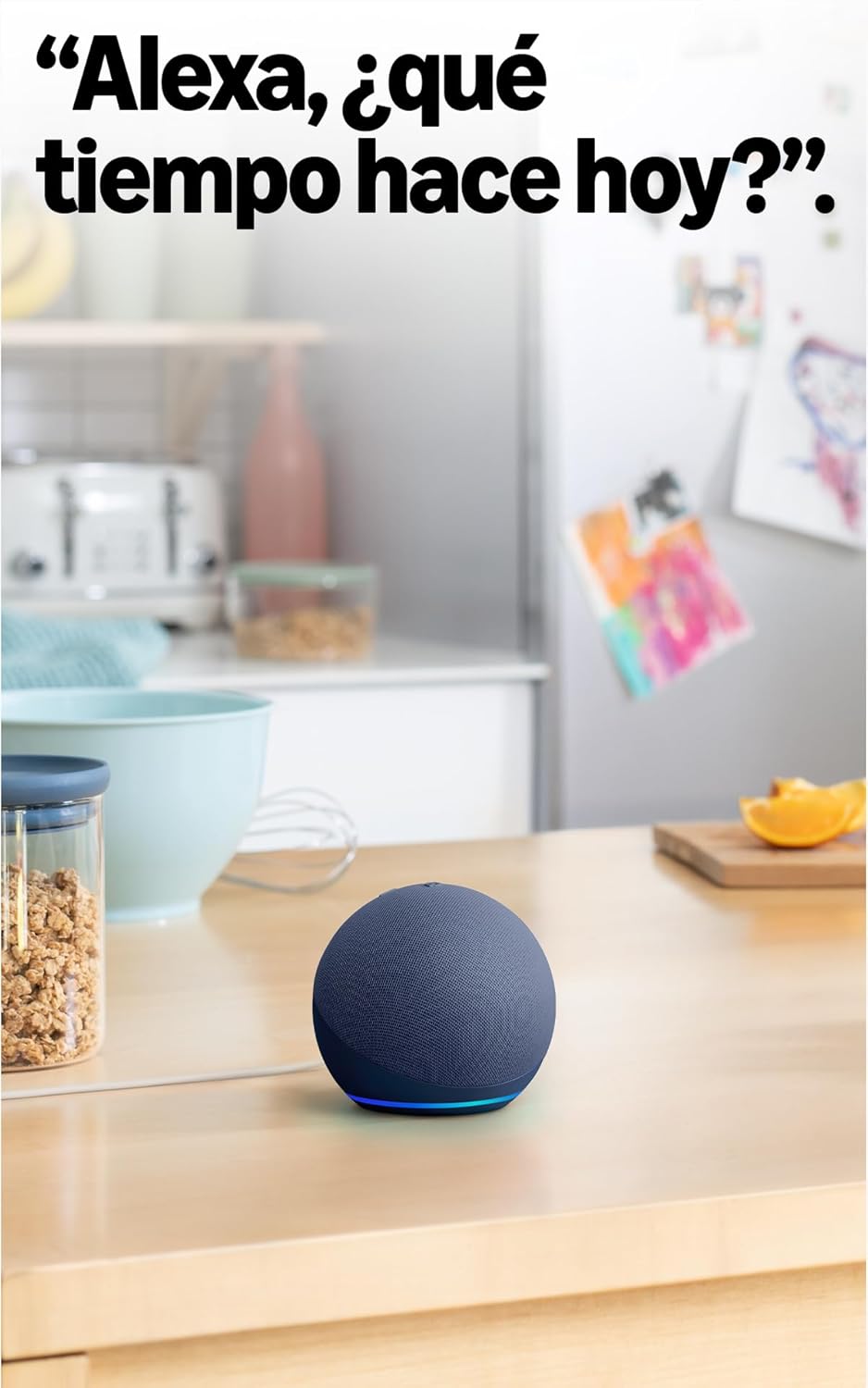
Image: The Echo Dot (5th Generation) in a kitchen, demonstrating its use for asking Alexa about the weather.
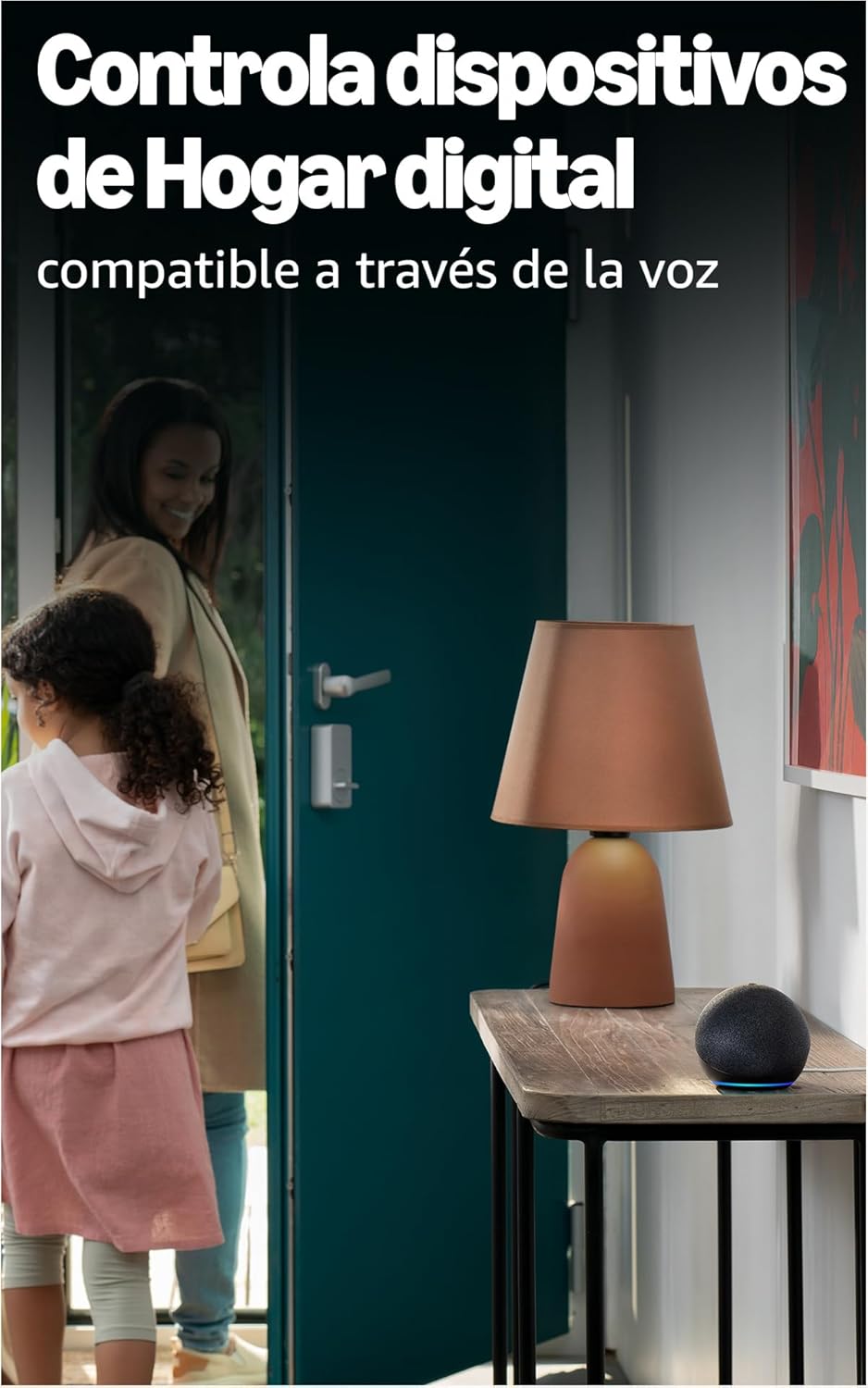
Image: The Echo Dot (5th Generation) positioned to control smart home devices, such as a lamp, via voice commands.
جسماني ڪنٽرول:
The top of your Echo Dot features several buttons:
- مائڪروفون آن/آف بٽڻ: Press this button to electronically disconnect the microphones, indicated by a red light ring. This ensures your privacy.
- حجم اپ / ھيٺ بٽڻون اسپيڪر جي مقدار کي ترتيب ڏيو.
- ايڪشن بٽڻ: Activates Alexa without using the wake word, or can be used to dismiss alarms.

Image: The Echo Dot (5th Generation) with its microphone mute button activated, showing the red indicator for privacy.
ٽچ ڪنٽرول:
The Echo Dot (5th Generation) also supports simple touch gestures:
- روڪڻ/اسنوز ڪرڻ لاءِ ٽيپ ڪريو: A simple tap on the top of the device can pause music or snooze an alarm.
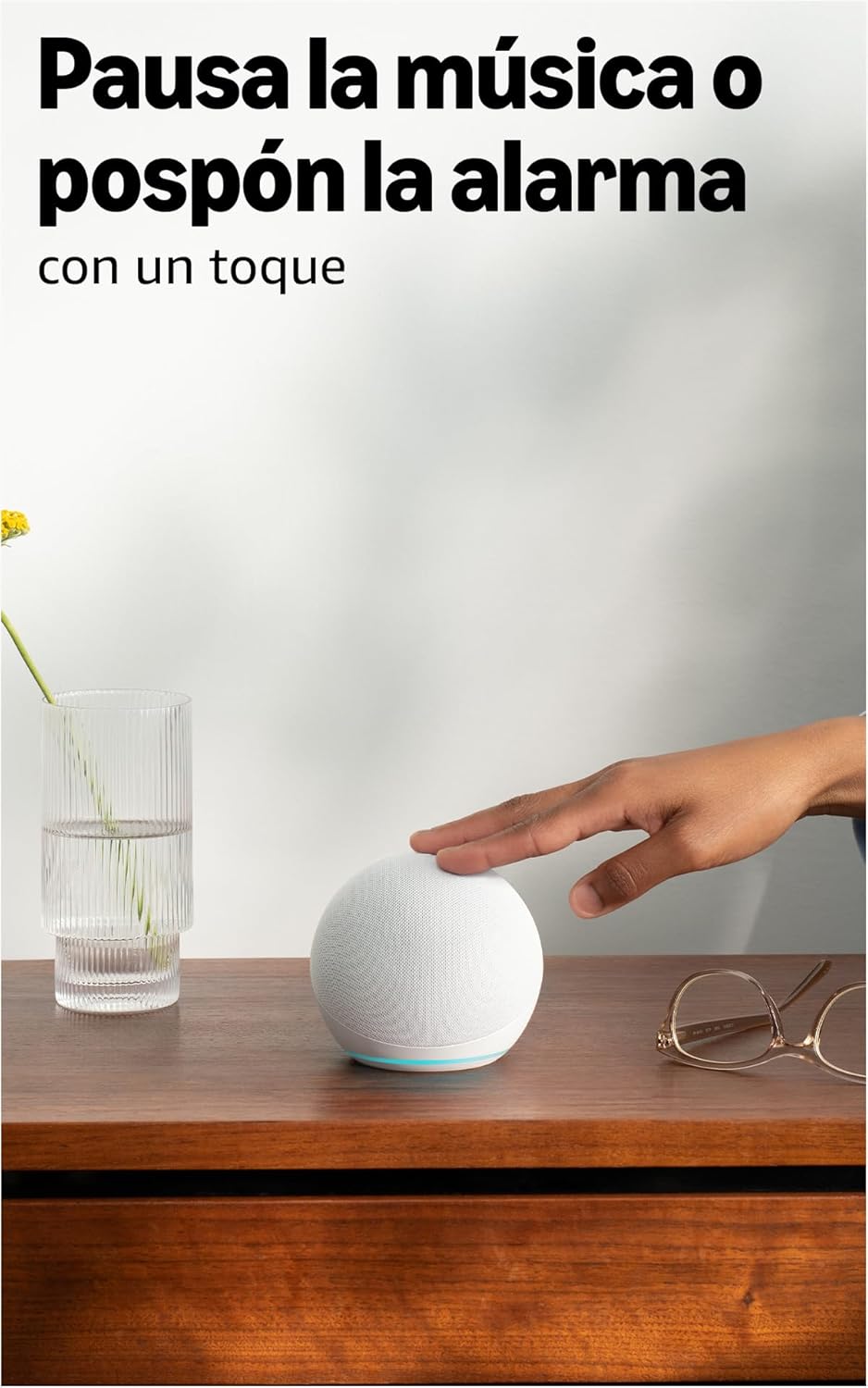
Image: A user interacting with the Echo Dot (5th Generation) by tapping its top surface to pause music or snooze an alarm.
بهتر ڪيل آڊيو:
The 5th Generation Echo Dot features a 44 mm (1.73") front-firing speaker, providing a more powerful and immersive sound experience with clearer vocals and deeper bass compared to previous generations.

تصوير: هڪ اندروني view of the Echo Dot (5th Generation) highlighting its speaker, illustrating the enhanced audio design.
سار سنڀال
To ensure the longevity and optimal performance of your Echo Dot, follow these simple maintenance guidelines:
- صفائي: Gently wipe the exterior of the device with a soft, dry, lint-free cloth. Avoid using abrasive cleaners, solvents, or aerosol sprays.
- لڳائڻ: Place your Echo Dot on a stable, flat surface away from direct sunlight, heat sources, and moisture. Ensure it has adequate ventilation.
- سافٽ ويئر اپڊيٽ: Your Echo Dot receives automatic software updates to improve performance and add new features. Ensure your device is connected to Wi-Fi for these updates to occur.
مشڪلاتون
If you encounter issues with your Echo Dot, refer to the following common solutions:
ڪابه طاقت / ڊوائيس جواب نه ڏئي رهيو آهي:
- Ensure the power adapter is securely plugged into both the Echo Dot and a working wall outlet. The Echo Dot requires continuous power and does not have an internal battery.
- ڪوشش ڪريو اڊاپٽر کي مختلف آئوٽليٽ ۾ پلگ ان ڪرڻ.
وائي فائي ڪنيڪشن ناهي:
- Verify your Wi-Fi network is active and working.
- پنهنجو وائي فائي روٽر ۽ موڊيم ٻيهر شروع ڪريو.
- پڪ ڪريو ته توهان جو ايڪو ڊاٽ توهان جي وائي فائي روٽر جي حد اندر آهي.
- Use the Alexa app to reconfigure Wi-Fi settings if necessary.
- Note: The Echo Dot requires Wi-Fi for most functions, including providing time and alarms. It does not support wired internet connections.
Alexa Not Responding to Voice Commands:
- Check if the microphone is muted (red light ring). Press the microphone on/off button to unmute.
- Ensure you are speaking clearly and are within range of the device.
- Try saying "Alexa, are you there?" to check if the device is active.
خراب آواز جي معيار:
- Adjust the volume using voice commands or the physical buttons.
- Ensure the device is not obstructed and is placed on a stable surface.
- If connecting to external speakers or a TV: You can connect via Bluetooth if your TV is compatible, or using a 3.5mm audio cable (if available on your model, though the 5th Gen primarily uses Bluetooth for external audio).
وضاحتون
| خاصيت | تفصيل |
|---|---|
| طول و عرض | 100 x 100 x 89 ملي ميٽر |
| وزن | 340 گرام (اصل سائيز ۽ وزن پيداوار جي عمل جي لحاظ کان مختلف ٿي سگهن ٿا) |
| آڊيو | 44 mm (1.73") front-firing speaker |
| وائي فائي ڪنيڪشن | Dual-band Wi-Fi supports 802.11a/b/g/n/ac (2.4 and 5 GHz). Not compatible with ad-hoc (peer-to-peer) Wi-Fi networks. |
| سمارٽ گهر مطابقت | وائي فائي، بلوٽوٿ لو انرجي ميش، ۽ ميٽر |
| بلوٽوت ڪنيڪشن | ترقي يافته آڊيو تقسيم پروfile (A2DP) for audio streaming from your mobile device to Echo Dot and from Echo Dot to your Bluetooth speakers. Audio/Video Remote Control Profile (AVRCP) ڳنڍيل موبائل ڊوائيسز جي آواز ڪنٽرول لاءِ. Mac OS X ڊوائيسز لاءِ هٿ-مفت آواز ڪنٽرول جي سهولت نه آهي. بلوٽوٿ اسپيڪر سان مطابقت نه آهي جن کي پن ڪوڊ جي ضرورت آهي. |
| سسٽم گهرجون | ايڪو ڊاٽ توهان جي وائي فائي نيٽ ورڪ سان ڳنڍڻ لاءِ تيار آهي. Alexa ايپ فائر او ايس، iOS، ۽ اينڊرائيڊ ڊوائيسز سان مطابقت رکي ٿي. توهان جي ڪمپيوٽر جي ذريعي پڻ دستياب آهي. web برائوزر. ڪجهه خدمتن ۽ صلاحيتن لاءِ اضافي سبسڪرپشن يا فيس جي ضرورت ٿي سگھي ٿي. |
| سيٽ اپ ٽيڪنالاجي | Amazon's simple setup Wi-Fi standard allows you to connect your smart devices to the Wi-Fi network in just a few steps. |
| رسائي جون خاصيتون | The Alexa app and Alexa-enabled devices include various functionalities for users with accessibility needs related to sight, hearing, mobility, and speech. |
| نسل | ايڪو ڊاٽ (پنجين نسل، 2022 ماڊل) |
| رازداري خاصيتون | جاڳڻ جو لفظ ٽيڪنالاجي، آواز جي منتقلي جا اشارا، مائڪروفون بند بٽڻ، ٻيهر ڪرڻ جو اختيارview ۽ آواز جي رڪارڊنگ کي ختم ڪريو، ۽ وڌيڪ. |
| ٻولي | اليڪسا اسپيني، انگريزي، فرينچ، اطالوي ۽ جرمن ڳالهائي ٿي. |
| سافٽ ويئر سيڪيورٽي اپڊيٽ | Software security updates for this device are guaranteed for at least four years after new units are no longer available for purchase on our webسائيٽون. |
وارنٽي ۽ سپورٽ
محدود وارنٽي:
Amazon Echo Dot (5th Generation) ٺاهيندڙ پاران مهيا ڪيل هڪ سال جي محدود وارنٽي سان گڏ اچي ٿو. هي محدود وارنٽي توهان جي صارفين جي حقن جي اضافي آهي ۽ انهن کي نقصان نه پهچائيندي آهي. ان جو مطلب آهي ته محدود وارنٽي ختم ٿيڻ کان پوءِ به توهان کي لاڳو قانون تحت اضافي حق حاصل ٿي سگهن ٿا.
استعمال جون شرطون:
The use of the Echo Dot is subject to the terms described in the official documentation provided by Amazon. Please refer to the Amazon webتفصيلي شرطن ۽ شرطن لاء سائيٽ.
ڪسٽمر سپورٽ:
وڌيڪ مدد، ٽيڪنيڪل سپورٽ، يا وارنٽي دعوائن لاءِ، مھرباني ڪري سرڪاري Amazon سپورٽ جو دورو ڪريو. website or contact Amazon customer service directly. You can find more information regarding your consumer rights and device-specific details by managing your content and devices on your Amazon account.


