Logitech C930s پرو HD Webڪيم استعمال ڪندڙ دستياب
ماڊل: 960-001403
برانڊ: Logitech
1. سيٽ اپ گائيڊ
1.1 دٻي ۾ ڇا آهي
- Webا attached سان attachedنيل 5 فوٽ (1.5 ميٽر) USB-A ڪيبل
- منسلڪ رازداري شٽر
- استعمال ڪندڙ دستاويز

Image: The Logitech C930s Pro HD Webcam, its attached USB-A cable, the detachable privacy shutter, and user documentation are neatly arranged, showing all included components.
1.2 Connecting Your Webڪئميرا
The Logitech C930s Pro HD Webcam is designed for easy plug-and-play setup. Follow these steps to connect your webڪيمرا:
- Unfold the universal mounting clip on the webڪيم.
- جاءِ webcam on your monitor, laptop, or a tripod. Ensure the clip is securely resting on the top edge of your display, with the front lip flush with the screen.
- Plug the USB-A cable from the webcam into an available USB port on your computer (PC or Mac).
- جي webcam should be automatically recognized by your operating system (Windows, macOS, ChromeOS) and ready for use with most video conferencing applications.

تصوير: هڪ صاف محاذ view of the Logitech C930s Pro HD Webcam, highlighting its lens and sleek design, ready for mounting.
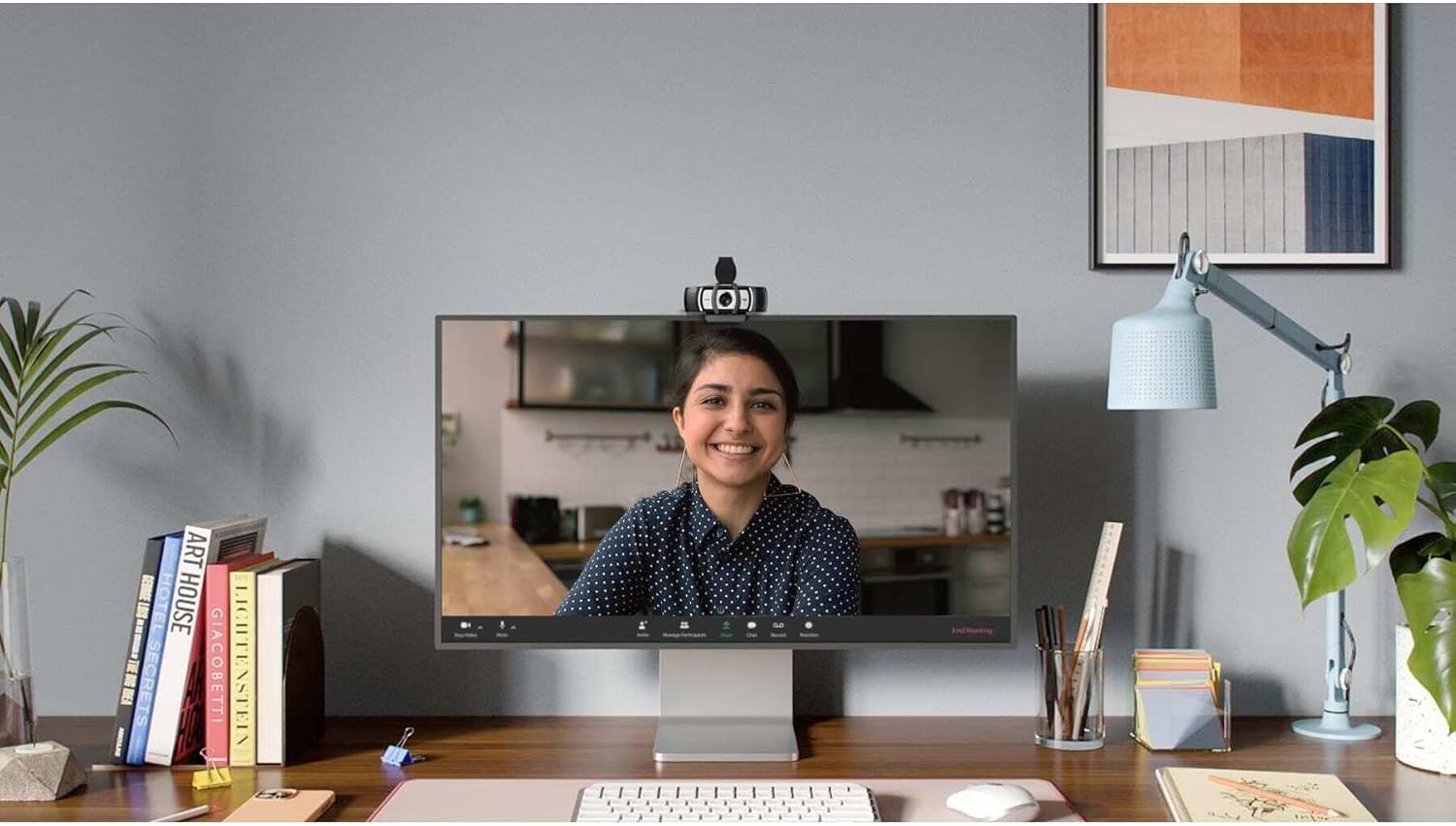
Image: The Logitech C930s Pro HD Webcam is shown mounted securely on top of a computer monitor, demonstrating its typical placement for video calls.
1.3 Installing Software (Optional)
For advanced features and customization, download and install the Logi Tune or G HUB software from the official Logitech webسائيٽ. هي سافٽ ويئر توهان کي اجازت ڏئي ٿو:
- Adjust camera settings such as brightness, contrast, and white balance.
- Utilize 4x HD zoom, pan, and tilt capabilities.
- Receive automated firmware updates.
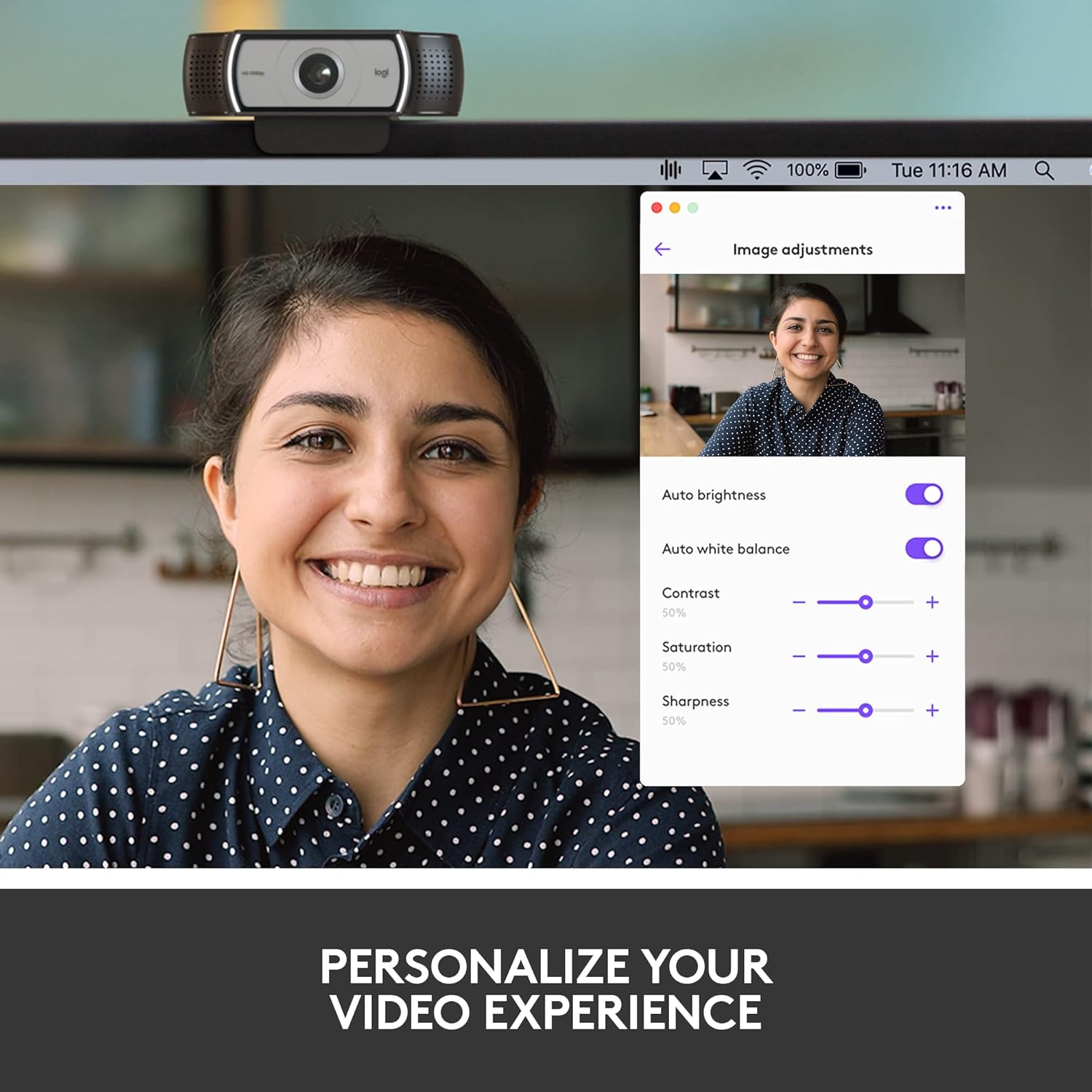
Image: A screenshot of the Logi Tune software interface, showing various image adjustment options like auto brightness, white balance, contrast, saturation, and sharpness, allowing users to personalize their video experience.
2. Operating Your Webڪئميرا
2.1 Video Quality Features
The C930s Pro HD Webcam is equipped with features to ensure high-quality video output:
- مڪمل HD 1080p وڊيو: Delivers crystal-clear video calls at 1080p resolution.
- RightLight 2 Technology: Automatically adjusts lighting to compensate for low light or backlighting, ensuring you look your best.
- Wide 90° Field of View: Allows you to include more of your surroundings or multiple participants in the frame.
- Up to 60 Frames Per Second (fps): Provides smooth and vivid recordings, ideal for dynamic presentations or streaming.

Image: A person smiling during a video call, with text overlay stating "1080P LETS YOU LOOK YOUR BEST ON VIDEO CALLS", illustrating the high-definition video capability.
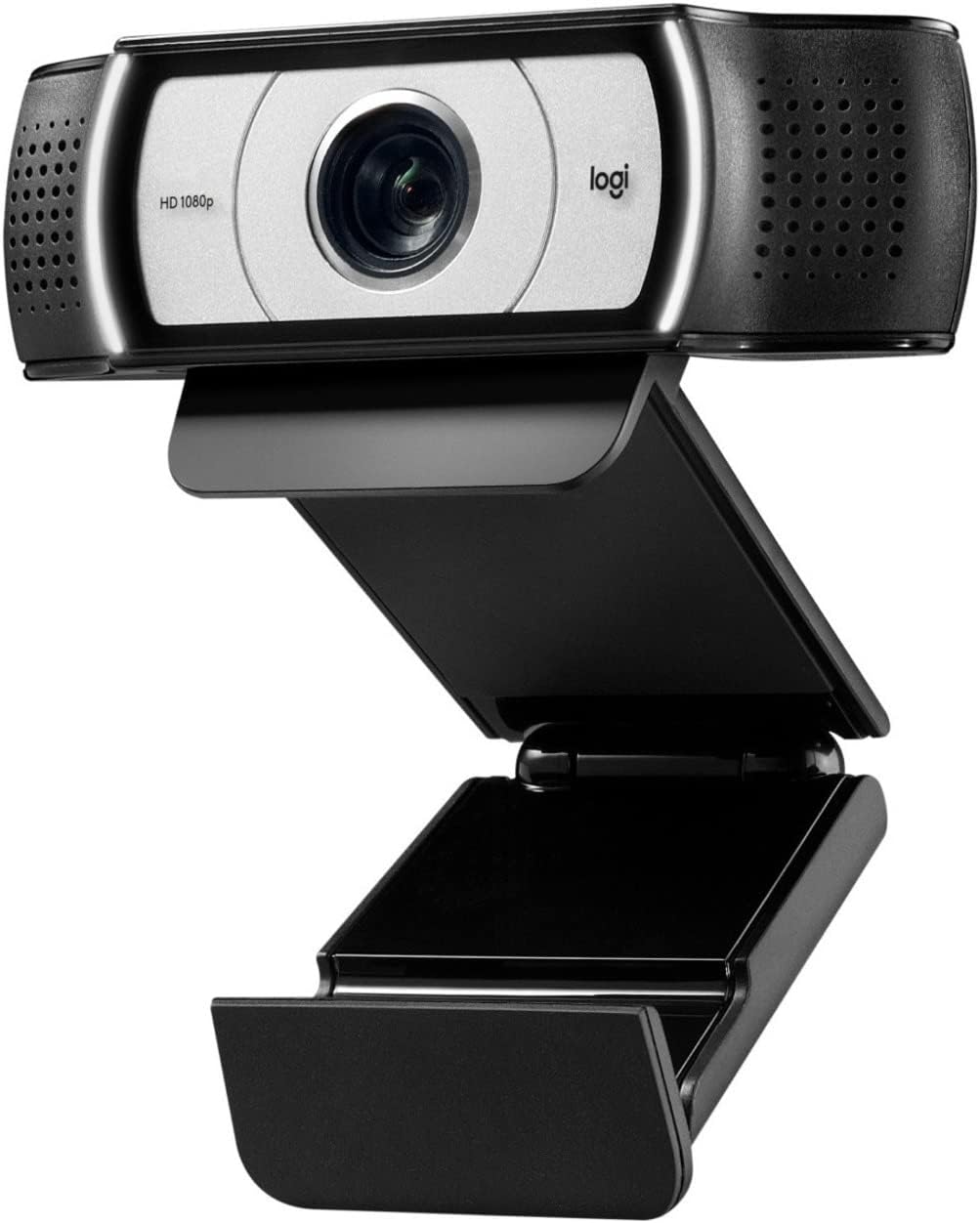
Image: A side-by-side comparison showing a person's face, with one side appearing darker and the other brighter, accompanied by text "HD RESOLUTION WITH AUTO LIGHT CORRECTION", demonstrating the webcam's ability to improve image quality in various lighting conditions.

Image: A person's face with white bracket lines around it, indicating the ability to "FRAME YOURSELF PERFECTLY" using the webcam's field of view and zoom features.

Image: A computer screen displaying a business graph, with text overlay "UP TO 60 FPS HIGH FRAME RATE", indicating the webcam's capability for smooth video capture.
2.2 آڊيو خاصيتون
The C930s Pro HD Webcam ensures clear audio capture:
- Dual Omnidirectional Mics: Capture your voice clearly from up to one meter away, making conversations natural and easy to hear.

Image: The Logitech C930s Pro HD Webcam with stylized sound waves emanating from its sides, accompanied by the text "COMMUNICATE WITH EXCEPTIONAL CLARITY", highlighting its dual microphone capability.
2.3 Using the Privacy Shutter
The attachable privacy shutter provides physical security for your webڪيمرا:
- To cover the lens, simply flip the shutter down.
- To expose the lens for use, flip the shutter up.

Image: A detailed diagram of the Logitech C930s Pro HD Webcam, pointing out key features such as the attachable privacy shade, ultra-wide 90° dFOV, dual mics, auto light correction, and versatile mounting options.
3. سار سنڀال
To ensure the longevity and optimal performance of your Logitech C930s Pro HD Webڪيم، انهن سار سنڀال جي هدايتن تي عمل ڪريو:
- لينس جي صفائي: Gently wipe the lens with a soft, lint-free cloth. Avoid using abrasive cleaners or solvents that could damage the lens coating.
- جسم جي صفائي: نرم استعمال ڪريو، ڊيamp ڪپڙي جي ٻاهرئين حصي کي صاف ڪرڻ لاء webcam. Do not submerge the webڪيم کي پاڻي ۾ وجھو يا وڌيڪ نمي استعمال ڪريو.
- اسٽوريج: When not in use, especially during transport, use the privacy shutter to protect the lens from dust and scratches. Store the webڪيم کي ٿڌي، سڪل جاءِ تي رکو.
- ڪيبل جي سنڀال: اندروني نقصان کي روڪڻ لاءِ USB ڪيبل ۾ تيز موڙ يا ڪنڪ کان پاسو ڪريو.
4. مسئلا حل ڪرڻ
If you encounter issues with your Logitech C930s Pro HD Webcam, try the following solutions:
| مسئلو | ممڪن حل |
|---|---|
| No video or image |
|
| Poor image quality (blurry, dark, grainy) |
|
| ڪابه آڊيو ناهي يا خراب آڊيو معيار |
|
| Webcam not recognized by computer |
|
وڌيڪ تفصيلي مسئلو حل ڪرڻ لاءِ، مھرباني ڪري سرڪاري ويب سائيٽ ڏسو يوزر مينوئل (PDF).
5. وضاحتون
| خاصيت | تفصيل |
|---|---|
| برانڊ | Logitech |
| سلسلو | Logitech C930s پرو HD Webڪئميرا |
| شيون ماڊل نمبر | 960-001403 |
| وڌ ۾ وڌ اسڪرين ريزوليوشن | FHD (1080p) |
| وڊيو ڪيپچر ريزوليوشن | 1080 ص |
| هارڊويئر پليٽ فارم | Mac, PC, Laptop |
| شيءِ جو وزن | 5.7 اونس |
| پيداوار جي ماپ (LxWxH) | 2.8 x 3.7 x 1.69 انچ |
| رنگ | ڪارو / چاندي |
| ريڙهه Webڪئميرا جي قرارداد | 2 ايم پي |
| فوٽو سينسر ٽيڪنالاجي | ٻيو |
| وڌ ۾ وڌ فوڪل ڊگھائي | 1 |
| وڌ ۾ وڌ ايپرچر | 2 ف |
| فليش ميموري جو قسم | SD |
| وڊيو ڪيپچر فارميٽ | ايم پي 4 |
| سپورٽ آڊيو فارميٽ | ايم پي 3، اي اي سي |
| اسڪرين جي ماپ | 2.4 انچ |
| رابطي ٽيڪنالاجي | USB |
6. وارنٽي ۽ سپورٽ
6.1 پروڊڪٽ وارنٽي
The Logitech C930s Pro HD Webڪيم سان گڏ اچي ٿو 1 سال محدود هارڊويئر وارنٽي خريداري جي تاريخ کان. هي وارنٽي عام استعمال هيٺ مواد ۽ ڪاريگري ۾ خرابين کي ڍڪيندي آهي.
For full terms and conditions of the warranty, please refer to the documentation included with your product or visit the official Logitech support webسائيٽ.
6.2 ڪسٽمر سپورٽ
For technical assistance, product registration, or to access the latest drivers and software, please visit the official Logitech support webسائيٽ. توهان اتي اڪثر پڇيا ويندڙ سوال ۽ ڪميونٽي فورم پڻ ڳولي سگهو ٿا.
هڪ جامع يوزر مينوئل PDF فارميٽ ۾ ڊائون لوڊ لاءِ موجود آهي: Logitech C930s پرو HD Webcam User Manual (PDF).


