1. تعارف ۽ اوورview
The Alienware X17 R2 is a high-performance VR Ready Gaming Laptop designed for demanding tasks such as gaming, video editing, and graphic design. It features a 17.3-inch Full HD display with a 360Hz refresh rate and 1ms response time, powered by a 12th Gen Intel Core i7-12700H processor and NVIDIA GeForce RTX 3070 Ti graphics with 8GB GDDR6 memory. This manual provides essential information for setting up, operating, maintaining, and troubleshooting your device.
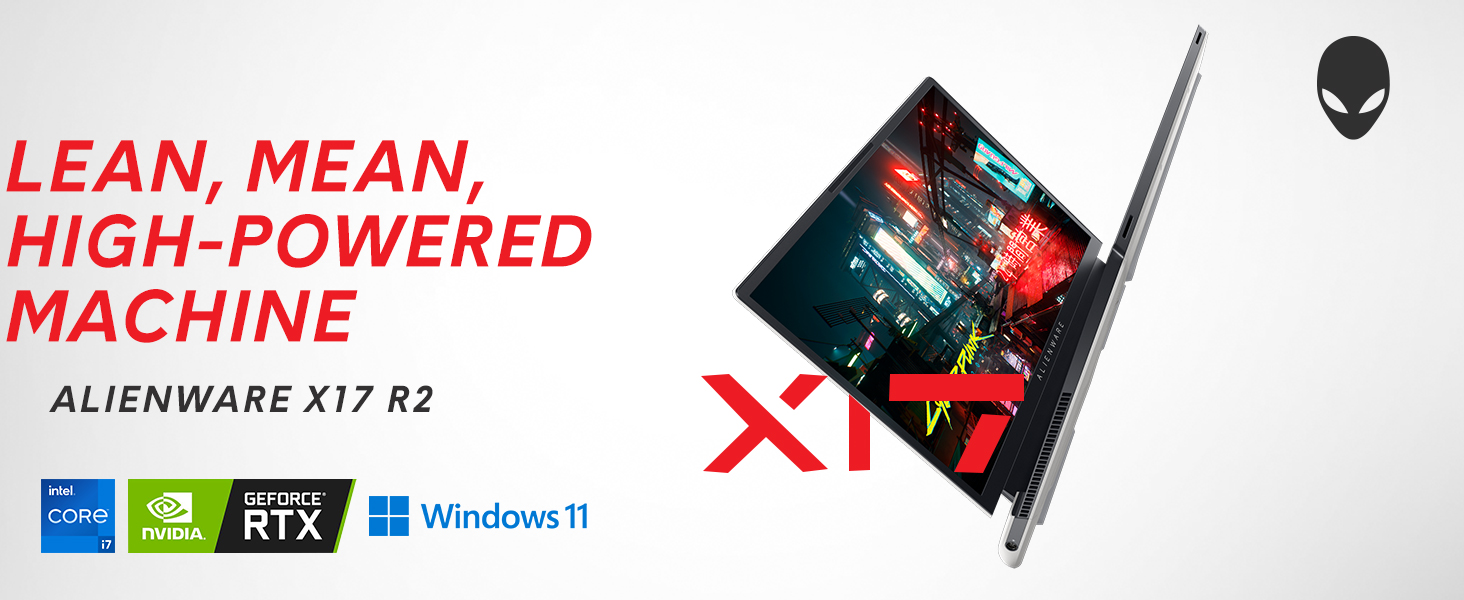
Image: Alienware X17 R2 showcasing its powerful components and sleek design.
2. دٻي ۾ ڇا آهي
Upon unboxing your Alienware X17 R2, ensure all the following components are present:
- Alienware X17 R2 Notebook
- Power Adapter (240W Small Form Factor)
- پاور ڪنڊ
- دستاويز (هن دستور سميت)
3. سيٽ اپ
3.1 شروعاتي پاور آن
- Connect the power adapter to the laptop's power/DC-in port and then to a power outlet.
- ليپ ٽاپ جي لڪير کي کوليو.
- Press the Alienware head power button located on the keyboard deck to turn on the laptop.
- ونڊوز 11 هوم سيٽ اپ مڪمل ڪرڻ لاءِ اسڪرين تي ڏنل هدايتن تي عمل ڪريو.
3.2 پردي کي ڳنڍڻ
Utilize the various ports available for connecting external devices:
- USB 3.2 Gen 1 ٽائپ-اي: معياري USB ڊوائيسز لاءِ.
- USB 3.2 Gen 2 Type-C with Power Delivery: For high-speed data transfer and charging compatible devices.
- Thunderbolt 4 / USB 3.2 Gen 2 Type-C with Power Delivery: For ultra-fast data transfer, display output, and power delivery.
- HDMI2.1: ٻاهرين ڊسپلي يا ٽي وي سان ڳنڍيو.
- Mini Display Port 1.4: ٻاهرين ڊسپلي سان ڳنڍيو.
- Killer E3100 RJ-45 2.5G Ethernet: وائرڊ نيٽ ورڪ ڪنيڪشن لاءِ.
- Global Headset Jack: آڊيو ان پٽ/آئوٽ پٽ لاءِ.
- مائڪرو ايس ڊي ڪارڊ سلاٽ: اسٽوريج وڌائڻ يا منتقل ڪرڻ لاءِ files.
تصوير: تفصيلي view of the Alienware X17 R2's rear and side ports.
4. توهان جي ليپ ٽاپ کي هلائڻ
4.1 ڏيکاريو خاصيتون
The 17.3-inch Full HD display offers a 360Hz refresh rate and 1ms response time for smooth visuals. It also features ComfortView Plus technology to reduce blue light emissions, enhancing viewing comfort during extended use. Dolby Vision support provides an authentic visual experience with enhanced color profiles.
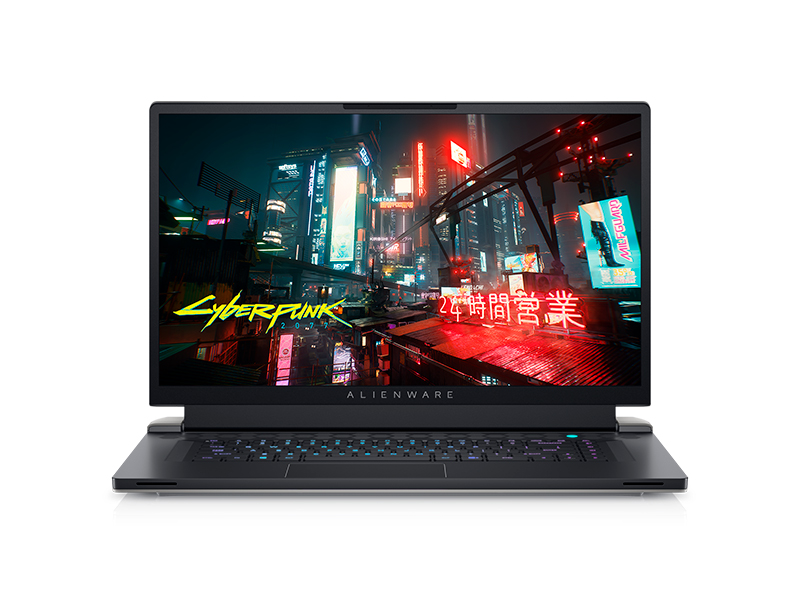
Image: Laptop screen showing vibrant game graphics with Dolby Vision and Atmos branding.
4.2 Keyboard and Lighting
The Alienware X17 R2 features an AlienFX keyboard with customizable backlighting, supporting 16.8 million colors. You can personalize the lighting effects, including wave patterns or solid colors, through the Alienware Command Center software. The power button, shaped like the Alienware head, also illuminates and can be customized.
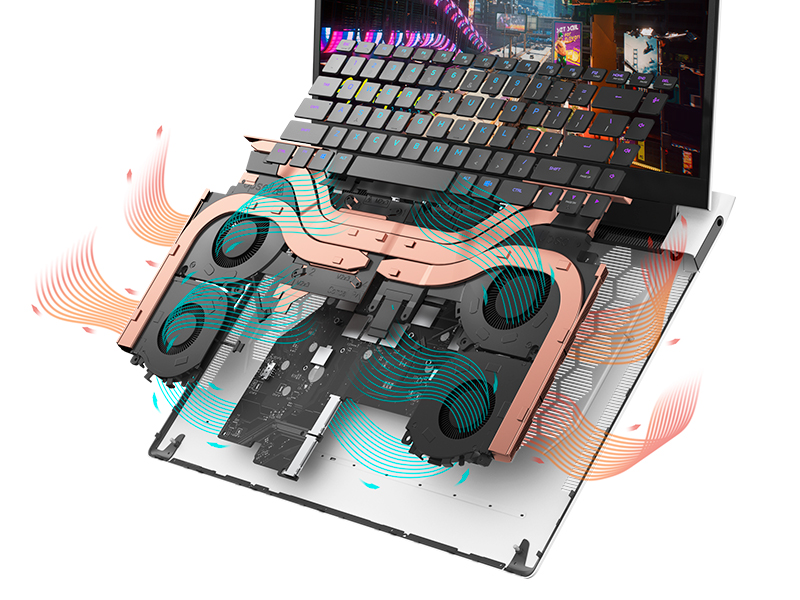
Image: The Alienware X17 R2 keyboard with customizable RGB lighting.
4.3 آڊيو سسٽم
The laptop is equipped with stereo speakers, including two 2W tweeters and two 2W woofers, totaling 8W for rich audio output. Dolby Atmos support further enhances the immersive sound experience.
4.4 ڪنيڪشن
Enjoy high-speed wireless connectivity with Wi-Fi 6 (802.11ax) and Bluetooth. The USB 3.2 Gen 2 Type-C ports offer data transfer speeds up to 40Gbps, ensuring rapid file transfers and peripheral performance.

تصوير: پوئين پاسي view of the Alienware X17 R2 showing connectivity options and lighting.
5. سار سنڀال
5.1 حرارتي انتظام
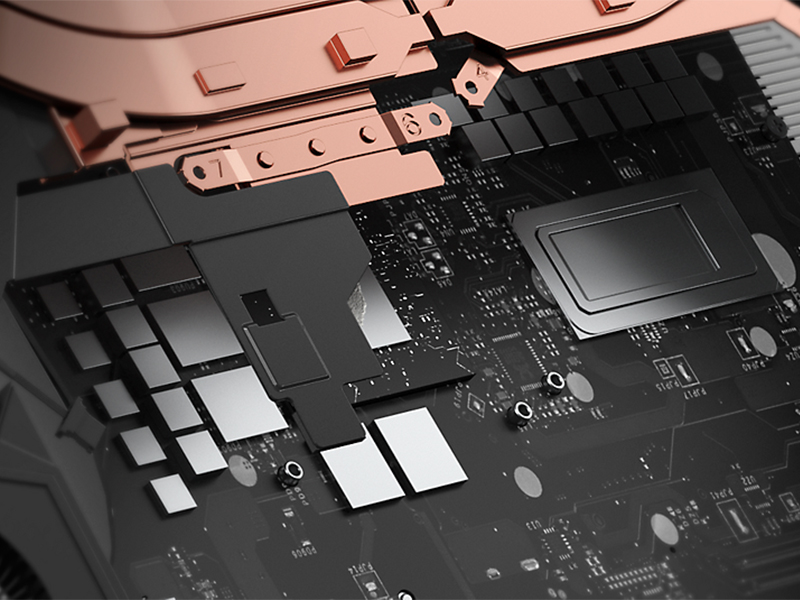
The Alienware X17 R2 features an advanced thermal design utilizing Element 31, an encapsulated gallium-silicone thermal interface material. This system maximizes airflow by expelling warm air through side vents and drawing in cooler air from the top of the keyboard, helping to keep the laptop cool during intensive use.
تصوير: اندروني view of the Alienware X17 R2's cooling technology.
5.2 صفائي ۽ سنال
- اسڪرين کي باقاعدي طور تي نرم، لِنٽ فري ڪپڙي ۽ اسڪرين محفوظ صفائي واري محلول سان صاف ڪريو.
- Use compressed air to clear dust from the keyboard and ventilation ports.
- Avoid placing heavy objects on the laptop or exposing it to extreme temperatures.
6. مسئلا حل ڪرڻ
If you encounter issues with your Alienware X17 R2, consider the following general troubleshooting steps:
- طاقت ناهي: Ensure the power adapter is securely connected to both the laptop and the power outlet. Try a different outlet if necessary.
- ڊسپلي مسئلا: If the screen is black, try connecting an external monitor to determine if the issue is with the laptop's display or graphics card. Restart the laptop.
- ڪارڪردگي ۾ سستي: Close unnecessary applications, check for background processes, and ensure your system drivers are up to date. Overheating can also cause slowdowns; ensure vents are clear.
- رابطي جا مسئلا: For Wi-Fi issues, restart your router and the laptop. For Bluetooth, ensure the device is discoverable and within range.
- سافٽ ويئر جي خرابي: Restart the laptop. If problems persist, check for Windows updates or consider reinstalling problematic software.
For more detailed troubleshooting or persistent issues, refer to the official Alienware support webسائيٽ يا ڪسٽمر سروس سان رابطو ڪريو.
7. وضاحتون
| خاصيت | تفصيل |
|---|---|
| اسٽينڊنگ اسڪرين ڊسپلي سائيز | 17.3 انچ |
| اسڪرين جي قرارداد | 1920 x 1080 پکسلز |
| وڌ ۾ وڌ اسڪرين ريزوليوشن | 1920x1080 پڪسلز |
| پروسيسر | 4.7 GHz core_i7_family (Intel Core i7-12700H) |
| رام | 16 جي بي ڊي ڊي آر 5 (4800 ميگا هرٽز) |
| هارڊ ڊرائيو | 1 TB SSD (M.2 PCIe NVMe) |
| گرافڪس ڪوپروسيسر | NVIDIA GeForce RTX 3070 Ti |
| گرافڪس ڪارڊ رام سائيز | 8 GB GDDR6 |
| وائرليس جو قسم | 802.11ax (وائي فائي 6)، بلوٽوٿ |
| USB 3.0 بندرگاهن جو تعداد | 3 |
| آپريٽنگ سسٽم | ونڊوز 11 گهر |
| شيءِ جو وزن | 6.82 پائونڊ |
| پيداوار جي ماپ | 11.79 x 15.72 x 0.82 انچ |
| رنگ | Lunar Light |
| طاقت جو ذريعو | بيٽري سان هلندڙ |
| بيٽريون | 1 Lithium Ion بيٽريون گھربل (شامل) |
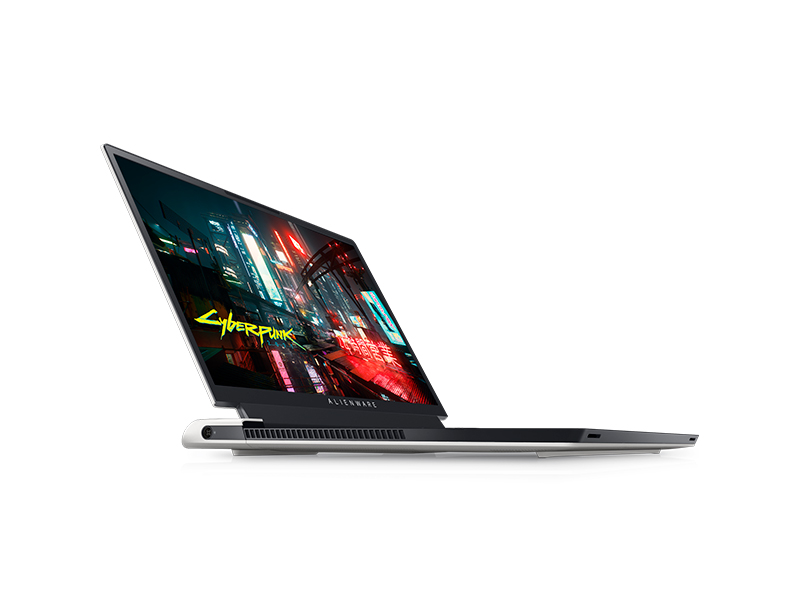
Image: Key specifications of the Alienware X17 R2.
8. وارنٽي ۽ سپورٽ
Your Alienware X17 R2 laptop comes with a manufacturer's warranty. Please refer to the included warranty documentation for details on coverage, terms, and conditions. For technical support, driver downloads, or service requests, visit the official Alienware support webسائيٽ يا انهن جي ڪسٽمر سروس کاتي سان رابطو ڪريو.