1. تعارف
This manual provides detailed instructions for the safe and efficient operation of your NIIMBOT D101 Label Maker Machine. Please read this manual thoroughly before using the device and retain it for future reference.
The NIIMBOT D101 is a portable, wireless label printer designed for various labeling needs in home and office environments. It utilizes thermal printing technology, eliminating the need for ink or toner.

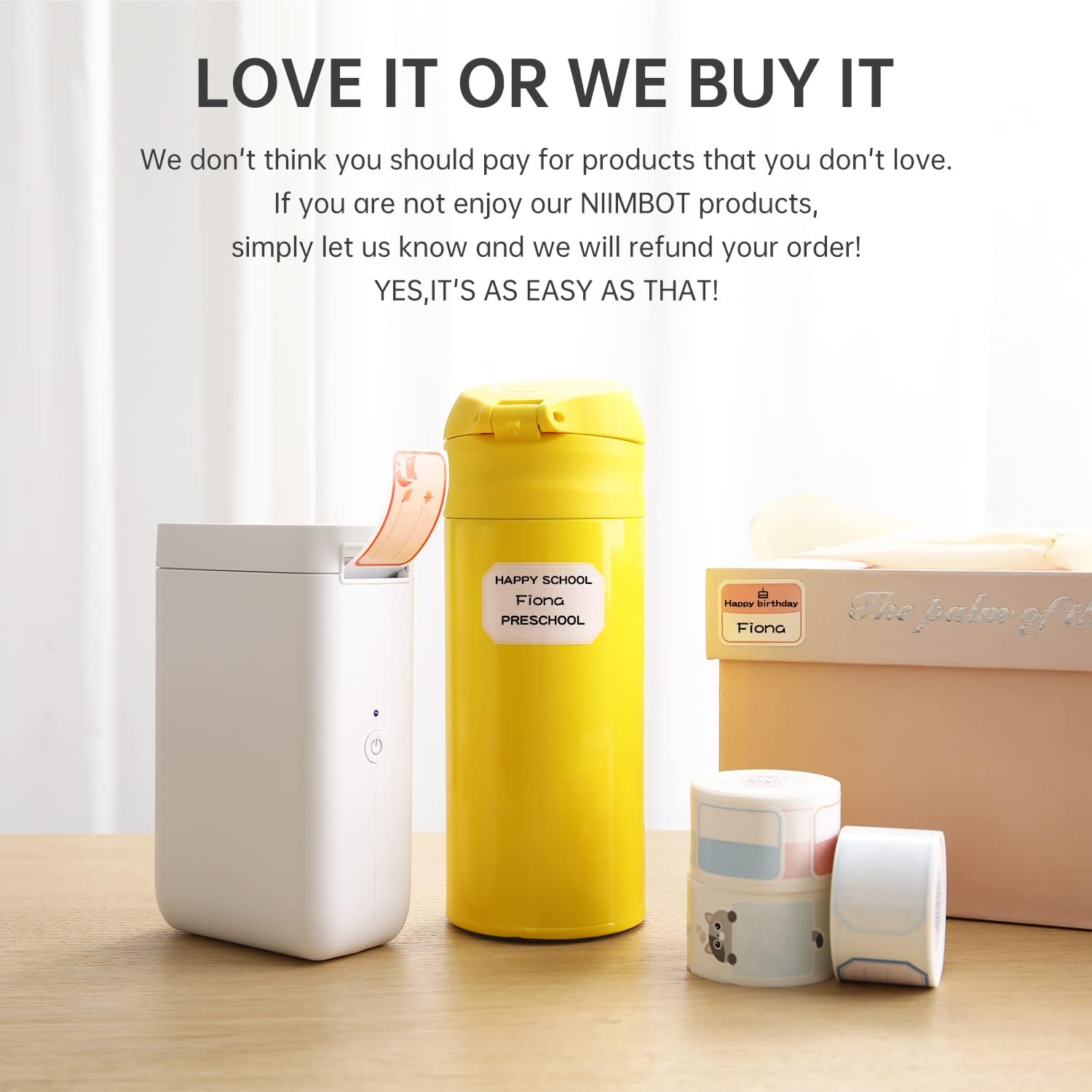
Figure 1: NIIMBOT D101 Label Maker Machine
2. پيڪيج مواد
پڪ ڪريو ته سڀئي شيون پيڪيج ۾ موجود آهن:
- 1x NIIMBOT D101 Label Maker Machine
- 1x استعمال ڪندڙ دستياب
- 1x USB ڪيبل
- 1x Roll of 0.6*1.6 inch (160pcs) Label Tape (pre-installed or included separately)
شڪل 2: پيڪيج مواد
3. سيٽ اپ
3.1 ڊوائيس چارج ڪرڻ
The NIIMBOT D101 is equipped with a rechargeable battery. Before first use, fully charge the device using the provided USB cable. Connect the USB cable to the charging port on the label maker and to a standard USB power adapter (not included) or computer USB port.
- مڪمل چارج ٿيڻ ۾ عام طور تي 2-3 ڪلاڪ لڳن ٿا.
- The indicator light will show charging status (e.g., red for charging, green for fully charged).
3.2 ليبل پيپر لڳائڻ
- Open the label compartment cover.
- Insert the label roll with the printing surface facing upwards, ensuring it aligns correctly within the compartment.
- Pull a small portion of the label paper out through the printing slot.
- ليبل ڪمپارٽمينٽ جي ڍڪ کي محفوظ طور تي بند ڪريو.

Figure 3: Installing Label Paper
The D101 supports both 0.5-inch and 1-inch label tapes. For 0.5-inch labels, keep the separator in place. For 1-inch labels, the separator can be removed flexibly.

Figure 4: Label Width Adjustment
3.3 ايپ جي انسٽاليشن ۽ ڪنيڪشن
- Download the "NIIMBOT" app from your device's app store (App Store for iOS, Google Play for Android).
- پڪ ڪريو ته توهان جي اسمارٽ فون تي بلوٽوت فعال آهي.
- Turn on the NIIMBOT D101 label maker by pressing and holding the power button. The indicator light will illuminate.
- Open the NIIMBOT app. The app will automatically search for nearby devices. Select your D101 from the list to connect. The device ID is typically found on the product packaging or device itself (e.g., D101-QC0300908).

Figure 5: NIIMBOT App Download

Figure 6: Connecting via Bluetooth
4. آپريٽنگ هدايتون
4.1 ليبل ٺاهڻ ۽ ايڊٽ ڪرڻ
Once connected, use the NIIMBOT app to design your labels. The app offers various features:
- ٽيڪسٽ ان پٽ: Enter text, numbers, and symbols.
- سانچو: Utilize pre-designed templates for common labeling tasks.
- فونٽ ۽ انداز: Choose from multiple fonts, sizes, and styles.
- Graphics & Icons: Add various graphics, logos, barcodes, and QR codes.
- Voice & Picture Recognition: The app supports intelligent recognition for easier input.

Figure 7: Label Editing Interface
4.2 پرنٽنگ ليبل
After designing your label in the app:
- Review the label design on your smartphone screen.
- Tap the "Print" button within the app.
- The label maker will print the label.
- احتياط سان ڇپيل ليبل کي داڻا واري ڪنڊ سان ڦاڙي ڇڏيو.

Figure 8: Printing a Label
5. سار سنڀال
5.1 پرنٽ هيڊ کي صاف ڪرڻ
To ensure optimal print quality, regularly clean the print head. Use a soft, lint-free cloth lightly dampened with isopropyl alcohol. Gently wipe the print head surface. Do not use abrasive materials or sharp objects.
5.2 بيٽري جي سنڀال
- بيٽري جي صحت کي برقرار رکڻ لاءِ، ڊوائيس کي باقاعدي چارج ڪريو، جيتوڻيڪ بار بار استعمال ۾ نه هجي.
- ڊوائيس کي انتهائي گرمي پد تي ظاهر ڪرڻ کان بچاء.
- If the device will not be used for an extended period, charge it to approximately 50% before storage.
6. مسئلا حل ڪرڻ
| مسئلو | ممڪن سبب | حل |
|---|---|---|
| ڊوائيس آن نٿو ٿي. | گھٽ بيٽري. | USB ڪيبل استعمال ڪندي ڊوائيس کي چارج ڪريو. |
| بلوٽوٿ ذريعي ڳنڍي نه ٿو سگهجي. | Bluetooth is off on phone; device is out of range; app issue. | Ensure Bluetooth is enabled. Move phone closer to device. Restart the app and device. |
| خراب پرنٽ معيار. | Print head dirty; incorrect label roll installation; low battery. | Clean the print head. Reinstall the label roll correctly. Charge the device. |
| ليبل صحيح طرح سان نه پيا کائين. | Label roll jammed or improperly installed. | Open the compartment, clear any jams, and reinstall the label roll. |
7. وضاحتون
| خاصيت | تفصيل |
|---|---|
| ماڊل | ڊي 101 |
| طول و عرض | 1.8"ڊي x 2.1"ڊي x 4.6"ايڇ |
| وزن | 8.3 اونس (0.24 ڪلوگرام) |
| رابطي | بلوٽوٿ، يو ايس بي |
| ڇپائي ٽيڪنالاجي | حرارتي |
| پرنٽ ريزوليوشن | 203 ڊي پي آءِ (203 x 203 ڊي پي آءِ) |
| وڌ ۾ وڌ پرنٽ اسپيڊ (مونوڪروم) | 20 پي پي ايم |
| مطابقت رکندڙ ليبل ويڪر | 0.5" and 1" (12-25mm) |
| بيٽري | 1 ليٿيم آئن بيٽري (1200 mAh) |
| مطابقت رکندڙ ڊوائيسز | اسمارٽ فونز (اينڊرائيڊ، آئي او ايس) |
8. وارنٽي ڄاڻ
The NIIMBOT D101 Label Maker Machine comes with a limited warranty. For specific terms and conditions, please refer to the warranty card included in your package or visit the official NIIMBOT webسائيٽ. وارنٽي دعوائن لاءِ خريداري جي ثبوت طور پنهنجي خريداري جي رسيد رکو.
وارنٽي جو قسم: محدود وارنٽي
9. ڪسٽمر سپورٽ
For further assistance, technical support, or inquiries regarding your NIIMBOT D101 Label Maker Machine, please contact NIIMBOT customer service. Contact information can typically be found on the official NIIMBOT webسائيٽ تي يا پراڊڪٽ پيڪنگنگ تي.
You can also visit the official NIIMBOT store on Amazon for product information and support: NIIMBOT Amazon Store


