تعارف
This manual provides comprehensive instructions for the Lexar Professional USB 3.2 Type-C Dual-Slot Reader (Model: LRW470U-RNHNU). It covers product overview, setup, operation, maintenance, troubleshooting, and technical specifications. Please read this manual thoroughly before using the device to ensure proper functionality and longevity.
پيداوار ختمview
The Lexar Professional USB 3.2 Type-C Dual-Slot Reader is designed to facilitate fast data transfer from SD and microSD UHS-II memory cards to your computer. It features a compact design and a USB-C connector for broad compatibility.
اهم خاصيتون
- تيز رفتار ڊيٽا جي منتقلي: Achieves read speeds up to 312MB/s for efficient workflow.
- Dual-Slot Design: Supports both SD and microSD UHS-II cards simultaneously.
- USB 3.2 Gen1 Type-C Connectivity: Ensures compatibility with modern USB-C equipped computers.
- پسمانده مطابقت: Fully compatible with UHS-I cards (up to 170MB/s) and USB 2.0/3.1 ports.
- LED Activity Light: Indicates data transfer status.
پيڪيج مواد
- Lexar Professional USB 3.2 Type-C Dual-Slot Reader (LRW470U-RNHNU)
- استعمال ڪندڙ جو دستياب (ھي دستاويز)

Image: The Lexar Professional USB 3.2 Type-C Dual-Slot Reader, showcasinان جي ڪمپيڪٽ ڊيزائن ۽ USB-C ڪنيڪٽر جي ڪري.

Image: Lexar Quality Labs logo with text indicating rigorous testing for performance, quality, compatibility, and reliability.
سيٽ اپ ڪريو
- Connect the Reader: Plug the USB-C connector of the Lexar Dual-Slot Reader into an available USB-C port on your computer. The reader is designed for plug-and-play functionality and does not require additional drivers for most operating systems (Mac OS X 10.8+, Windows 10/8/7/Vista/XP).
- ميموري ڪارڊ داخل ڪريو:
- For SD cards, insert the card into the larger slot labeled "SD" until it clicks into place.
- For microSD cards, insert the card into the smaller slot labeled "microSD" until it clicks into place.
Note: Ensure the card is inserted in the correct orientation to avoid damage.
- ڪنيڪشن جي تصديق ڪريو: The LED activity light on the reader will illuminate when connected and flash during data transfer, indicating active operation.

Image: The Lexar Dual-Slot Reader connected to a laptop's USB-C port, demonstrating its plug-and-play setup.
آپريٽنگ هدايتون
- ڊيٽا تائين رسائي: Once a memory card is inserted and the reader is connected to your computer, the card will appear as a removable drive in your operating system's file ڳولا ڪندڙ (مثال طور، File Explorer on Windows, Finder on macOS).
- منتقلي Files:
- نقل ڪرڻ files کان the card to your computer: Drag and drop files or folders from the card's drive to your desired location on your computer.
- نقل ڪرڻ files جي طرف the card from your computer: Drag and drop files or folders from your computer to the card's drive.
The LED activity light will flash during data transfer.
- Ejecting the Card: Before removing the memory card or disconnecting the reader, always safely eject the drive from your operating system. This prevents data corruption.
- ونڊوز: Right-click on the drive icon in File Explorer and select "Eject."
- macOS: Drag the drive icon to the Trash or click the Eject button next to the drive in Finder.
- ڪارڊ هٽائڻ: After safely ejecting, gently pull the memory card out of its slot.

Image: The Lexar Dual-Slot Reader connected to a laptop, with a microSD card inserted, illustrating high-speed data transfer.

Image: The Lexar Dual-Slot Reader with its LED activity light illuminated, indicating active operation or data transfer.
سار سنڀال
- صفائي: Use a soft, dry, lint-free cloth to clean the exterior of the reader. Avoid using liquid cleaners or solvents.
- اسٽوريج: ريڊر کي سڌي سج جي روشني ۽ انتهائي گرمي پد کان پري ٿڌي، سڪل جاءِ تي رکو.
- سنڀالڻ: Avoid dropping the reader or subjecting it to strong impacts. Do not force memory cards into the slots.
- فرم ويئر اپڊيٽس: Periodically check the official Lexar website for any available firmware updates for your reader model.
مشڪلاتون
| مسئلو | ممڪن سبب | حل |
|---|---|---|
| Reader not recognized by computer. |
|
|
| ميموري ڪارڊ نه مليو. |
|
|
| سست ڊيٽا منتقلي جي رفتار. |
|
|
| LED activity light not working. |
|
|
وضاحتون
| خاصيت | تفصيل |
|---|---|
| برانڊ | ليڪسار |
| ماڊل نمبر | LRW470U-RNHNU |
| سلسلو | LXLRW470U |
| رابطي | USB 3.2 Gen1 Type-C (backward compatible with USB 3.1, 3.0, 2.0) |
| سپورٽ ميڊيا | SD (UHS-II, UHS-I), microSD (UHS-II, UHS-I) |
| وڌ ۾ وڌ پڙهڻ جي رفتار | Up to 312MB/s (with UHS-II cards) |
| آپريٽنگ سسٽم مطابقت | Mac OS X 10.8+, Windows 10/8/7/Vista/XP |
| طول و عرض (LxWxH) | 4.74 x 3.9 x 1.02 انچ |
| وزن | 0.96 اونس |
| رنگ | ڪارو |
| خاص خاصيتون | High-speed data transfer, Dual-slot design, LED activity light |
وارنٽي ڄاڻ
The Lexar Professional USB 3.2 Type-C Dual-Slot Reader (LRW470U-RNHNU) comes with a ٻن سالن جي محدود وارنٽي from the date of purchase. This warranty covers defects in materials and workmanship under normal use. It does not cover damage caused by misuse, accident, modification, unauthorized repair, or external causes such as drops or liquid exposure.
For detailed warranty terms and conditions, please refer to the official Lexar warranty documentation available on their website or contact Lexar customer support.
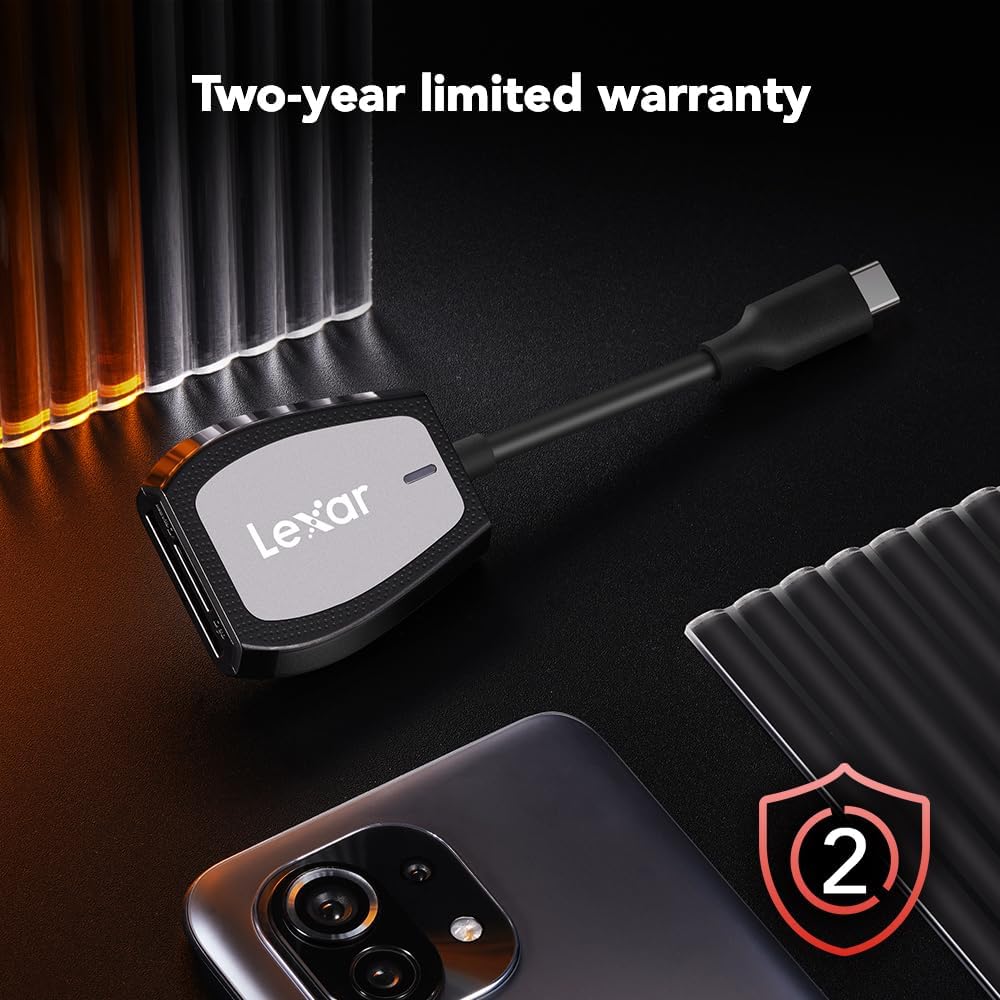
Image: The Lexar Dual-Slot Reader accompanied by a graphic indicating a two-year limited warranty.
حمايت
If you encounter any issues or have questions not addressed in this manual, please contact Lexar customer support. You can find contact information and additional resources on the official Lexar webسائيٽ:
Please have your product model number (LRW470U-RNHNU) and purchase information ready when contacting support.


