1. تعارف
خريد ڪرڻ لاءِ مهربانيasing the Finlux FLU5535ANDROID 55-inch 4K Ultra HD Android Smart TV. This manual provides essential information for setting up, operating, and maintaining your new television. Please read this manual thoroughly before using the product and keep it for future reference.
اهم حفاظتي ڄاڻ
Always follow basic safety precautions when using this television to reduce the risk of fire, electric shock, and injury to persons. Do not expose the TV to rain or moisture. Do not open the cabinet. Refer all servicing to qualified personnel.
- ٽي وي جي چوڌاري مناسب وائيٽليشن کي يقيني بڻائي.
- Do not block ventilation openings with items such as newspapers, table-cloths, or curtains.
- ٽي وي کي غير مستحڪم ڪارٽ، اسٽينڊ، ٽرپائيڊ، بریکٹ، يا ٽيبل تي نه رکو.
- بجلي جي طوفان دوران يا ڊگهي عرصي تائين استعمال نه ٿيڻ تي ٽي وي کي ان پلگ ڪريو.
- Keep small components and batteries out of reach of children.
2. دٻي ۾ ڇا آهي
Upon unpacking your Finlux FLU5535ANDROID TV, please ensure all the following items are present:
- Finlux FLU5535ANDROID 55-inch 4K Ultra HD Android Smart TV
- بيٽرين سان ريموٽ ڪنٽرول
- پاور ڪيبل
- Stand (if applicable, for tabletop placement)
- استعمال ڪندڙ جو دستياب (ھي دستاويز)
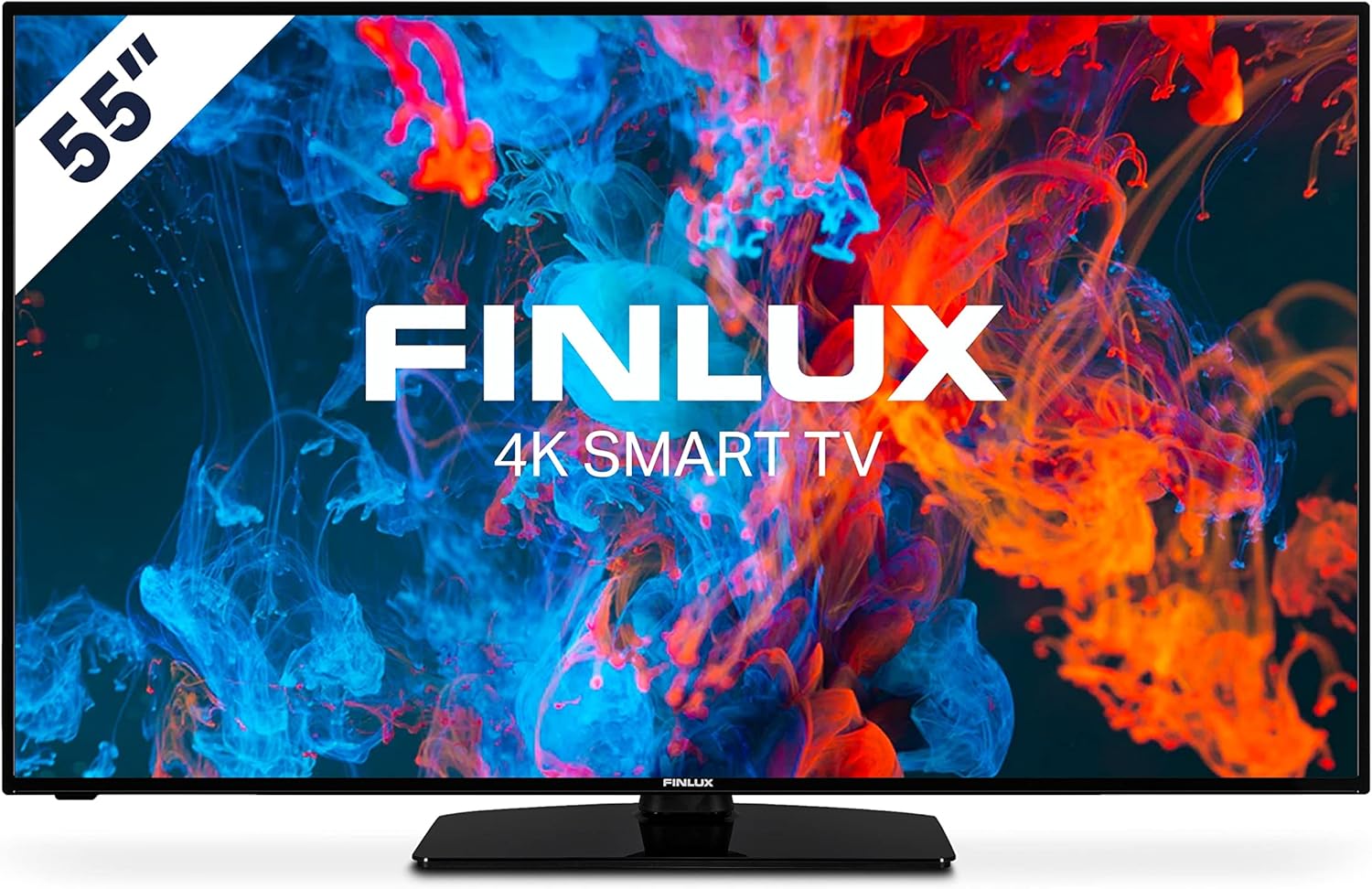
تصوير: سامهون view of the Finlux FLU5535ANDROID 55-inch 4K Ultra HD Android Smart TV, showcasing its slim bezel and central stand.
3. سيٽ اپ
3.1 جسماني جڳهه
The Finlux FLU5535ANDROID TV features a practical size and a slim screen, making it easy to place in various rooms. Its flat back and thin screen design allow for easy wall mounting or placement against a wall.
- ٽيبل ٽاپ جي جڳھ: Attach the provided stand securely to the TV following the instructions in the separate quick start guide. Place the TV on a stable, level surface.
- ڀت لڳائڻ: If you plan to wall mount the TV, ensure you use a VESA-compatible wall mount (not included) and follow the wall mount manufacturer's instructions.
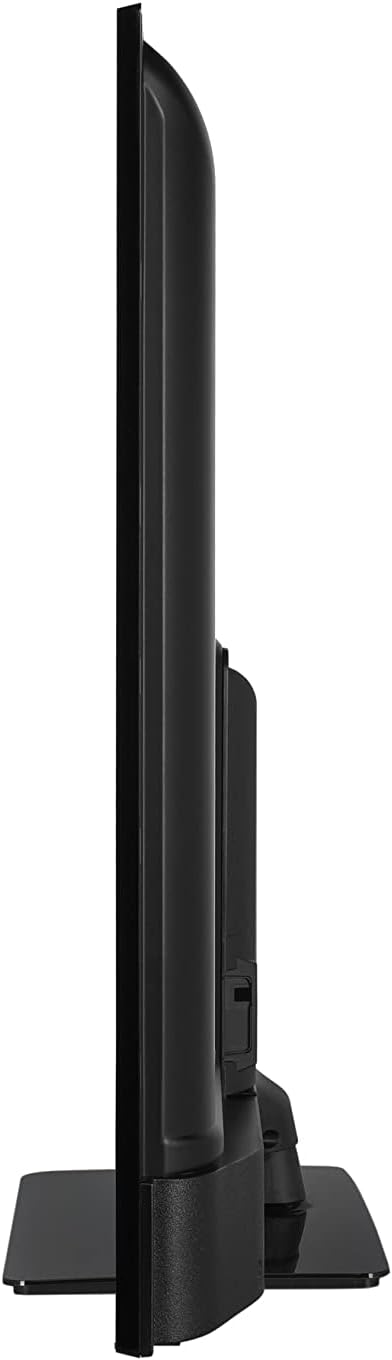
تصوير: سائڊ پروfile view of the Finlux FLU5535ANDROID TV, highlighting its slim design.
3.2 ڳنڍيندڙ ڪيبل
Connect the power cable to the TV's power input and then to a wall outlet. Connect your external devices such as set-top boxes, gaming consoles, or Blu-ray players to the appropriate ports on the TV.

تصوير: پوئين پاسي view of the Finlux FLU5535ANDROID TV, displaying the arrangement of its input ports including HDMI and USB.
- HDMI: Connect high-definition devices using HDMI cables. This TV features 4 HDMI ports.
- USB: Connect USB storage devices for media playback or PVR functionality. This TV has 2 USB ports.
- اينٽينا / ڪيبل: براڊڪاسٽ چينلز لاءِ پنهنجو اينٽينا يا ڪيبل ٽي وي ان پٽ ڳنڍيو.
- Ethernet: هڪ مستحڪم وائرڊ انٽرنيٽ ڪنيڪشن لاءِ.
3.3 شروعاتي پاور آن ۽ سيٽ اپ مددگار
After connecting all necessary cables, plug the TV into a power outlet and press the power button on the remote control or the TV itself. The TV will guide you through the initial setup process, including language selection, network connection, and channel scanning.
4. پنهنجو ٽي وي هلائڻ
4.1 ريموٽ ڪنٽرول اوورview
The provided remote control allows you to navigate the TV's features and menus. Insert the included batteries into the remote control before use.

Image: The Finlux TV remote control, featuring dedicated buttons for quick access to popular streaming services like Netflix and YouTube, along with standard navigation and number keys.
- پاور بٽڻ: ٽي وي کي آن يا بند ڪري ٿو.
- نمبر بٽڻ: سڌي چينل جي چونڊ لاءِ.
- نيويگيشن پيڊ (مٿي/هيٺ/کاٻي/ساڄي/ٺيڪ): To navigate menus and confirm selections.
- حجم مٿي / ھيٺ: حجم جي سطح کي ترتيب ڏئي ٿو.
- چينل مٿي / هيٺ: ٽي وي چينلز بدلائي ٿو.
- نيٽ فلڪس/يوٽيوب بٽڻ: انهن اسٽريمنگ ايپليڪيشنن تائين سڌو رسائي.
- مينيو بٽڻ: مکيه سيٽنگون مينيو کوليندو آهي.
- نڪرڻ جو بٽڻ: موجوده مينيو يا ايپليڪيشن مان نڪرندو آهي.
4.2 Android Smart TV Features
This TV runs on the Android operating system, providing access to a wide range of applications and smart features. Popular applications like Netflix, YouTube, and Prime Video are pre-configured for your convenience.
- اسٽريمنگ خدمتون: Enjoy movies and series in high quality from Netflix, YouTube, Prime Video, and Spotify.
- گوگل پلي اسٽور: Download additional apps, games, and content from the Google Play Store.
- Chromecast بلٽ ان: Easily cast content from your smartphone or other compatible devices directly to your TV.
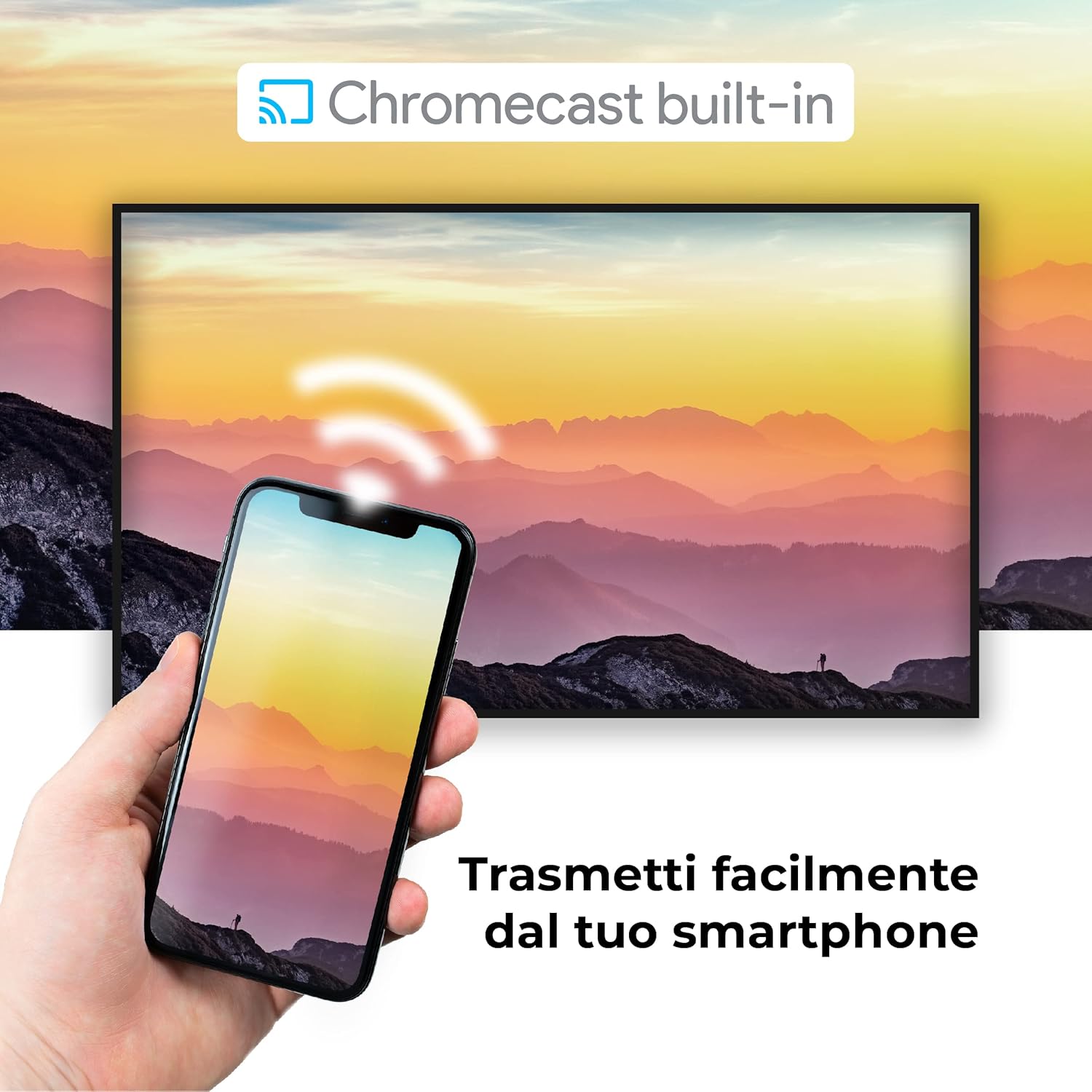
Image: A visual representation of the Chromecast built-in feature, demonstrating how content can be easily streamed from a smartphone to the Finlux TV.
4.3 USB Media Player and PVR
The TV supports USB multimedia playback, allowing you to view photos, play music, or watch videos directly from a USB storage device. It also features PVR (Personal Video Recorder) readiness, enabling you to record TV programs to a connected USB drive.
5. ڪنيڪشن
Your Finlux TV offers a variety of connection options for external devices:
- HDMI پورٽس (x4): بلو ري پليئرز، گيم ڪنسولز، ۽ سيٽ ٽاپ باڪس جهڙن هاءِ ڊيفينيشن ڊوائيسز کي ڳنڍڻ لاءِ.
- USB پورٽس (x2): For connecting USB storage devices (e.g., flash drives, external hard drives) for media playback or PVR functionality.
- بلوٽوٿ: For wireless connection to compatible audio devices like headphones or soundbars.
- وائي فائي: Built-in Wi-Fi for wireless internet access and Smart TV features.
- Ethernet (LAN): هڪ مستحڪم وائرڊ انٽرنيٽ ڪنيڪشن لاءِ.
- اينٽينا ان پٽ: For connecting an aerial for digital terrestrial television (DVB-T, DVB-T2).
- سيٽلائيٽ ان پٽ: For connecting a satellite dish (DVB-S, DVB-S2).
- آپٽيڪل ڊجيٽل آڊيو آئوٽ: For connecting to a soundbar or home theater system for high-quality audio.
6. سار سنڀال
6.1 ٽي وي صاف ڪرڻ
To ensure the longevity and optimal performance of your TV, regular cleaning is recommended:
- اسڪرين: نرم، لِنٽ فري ڪپڙي سان اسڪرين کي نرميءَ سان صاف ڪريو. ضدي نشانن لاءِ، ڊيampڪپڙي کي پاڻي يا خاص اسڪرين ڪلينر سان ٿورو صاف ڪريو. ڪڏهن به اسڪرين تي سڌو سنئون ڪلينر اسپري نه ڪريو.
- ڪيبينيٽ: ٽي وي ڪيبنٽ کي صاف ڪرڻ لاءِ نرم، سڪل ڪپڙو استعمال ڪريو. رگڙيندڙ ڪلينر يا محلول استعمال ڪرڻ کان پاسو ڪريو.
- صفائي کان اڳ: صفائي ڪرڻ کان اڳ هميشه ٽي وي کي پاور آئوٽليٽ مان ڪڍي ڇڏيو.
6.2 عام سنڀال
- ٽي وي کي سڌي سج جي روشني ۾ يا گرمي جي ذريعن جي ويجهو رکڻ کان پاسو ڪريو.
- Do not expose the TV to extreme temperatures or humidity.
- Protect the TV from dust by regularly dusting its surface.
- ٽي وي جي مٿان ڳري شيون نه رکو.
7. مسئلا حل ڪرڻ
If you encounter issues with your TV, refer to the following common problems and solutions before contacting support:
| مسئلو | ممڪن سبب / حل |
|---|---|
| ڪابه طاقت | Ensure the power cable is securely plugged into the TV and the wall outlet. Check if the power outlet is working. Try pressing the power button on the TV itself. |
| ڪابه تصوير / ڪابه آواز ناهي | Check the input source (HDMI, AV, TV) is correctly selected. Ensure external devices are powered on and connected properly. For sound, check volume levels and mute settings. |
| خراب تصويري معيار | Check antenna/cable connection. Adjust picture settings (brightness, contrast, sharpness) in the TV menu. Ensure the source content is high quality. |
| ريموٽ ڪنٽرول ڪم نه ڪري رهيو آهي | بيٽريون چيڪ ڪريو ۽ تبديل ڪريو. پڪ ڪريو ته ريموٽ ۽ ٽي وي جي IR سينسر جي وچ ۾ ڪا به رڪاوٽ نه آهي. |
| وائي فائي سان ڳنڍجي نٿو سگهي | Ensure Wi-Fi is enabled on the TV. Check your router is working and within range. Re-enter the Wi-Fi password. Try restarting both the TV and the router. |
| سمارٽ ٽي وي ايپس لوڊ نه ٿي رهيون آهن | Check your internet connection. Try restarting the TV. Ensure the app is updated to the latest version. Clear app cache if available in settings. |
8. وضاحتون
Below are the key technical specifications for the Finlux FLU5535ANDROID TV:
| خاصيت | تفصيل |
|---|---|
| برانڊ | فلاڪسڪس |
| ماڊل نمبر | FLU5535ANDROID |
| اسڪرين جي ماپ | 55 انچ (140 سينٽي) |
| ڊسپلي ٽيڪنالاجي | ايل اي ڊي |
| قرارداد | 4K الٽرا HD (3840 x 2160) |
| ريفريش جي شرح | 100 Hz (with integrated technology, base 50 Hz) |
| آپريٽنگ سسٽم | Android |
| رابطي | Bluetooth, HDMI, USB, Wi-Fi, Ethernet |
| HDMI بندرگاهن | 4 |
| USB بندرگاهن | 2 |
| خاص خاصيتون | Flat Design, Android Smart TV, Chromecast Built-in, PVR Ready |
| سپورٽ انٽرنيٽ سروسز | Netflix, YouTube, Prime Video, Spotify |
| شامل اجزاء | Power cable, Standard, TV |

Image: EU Energy Label for the Finlux FLU5535ANDROID TV, indicating its energy efficiency class G and power consumption details. For more details, visit the official EPREL database: EPREL پراڊڪٽ جي معلومات
9. وارنٽي ۽ سپورٽ
Finlux products are designed for reliability and performance. This product comes with a standard manufacturer's warranty. Please refer to the warranty card included with your product for specific terms and conditions.
For technical support, troubleshooting assistance beyond this manual, or warranty claims, please contact Finlux customer service. Contact information can typically be found on the manufacturer's official webسائيٽ تي يا پراڊڪٽ پيڪنگنگ تي.
Note: Information regarding spare parts availability is not provided. Software updates are not guaranteed beyond a certain period.


