1. تعارف
The Logitech Brio 300 is a Full HD webcam designed to enhance your video meeting experience. It features 1080p resolution for natural image quality, RightLight 2 auto light correction to adapt to various lighting conditions, and a noise-reducing microphone for clear audio. The integrated privacy shutter provides instant control over your camera's visibility. This webcam is certified for popular video conferencing platforms such as Zoom, Microsoft Teams, and Google Meet, ensuring seamless integration and hassle-free meetings.
2. دٻي ۾ ڇا آهي
- لاجيٽيڪ بريو 300 Webcam (Off-White)
- Integrated USB-C Cable (5 ft / 1.5 m)
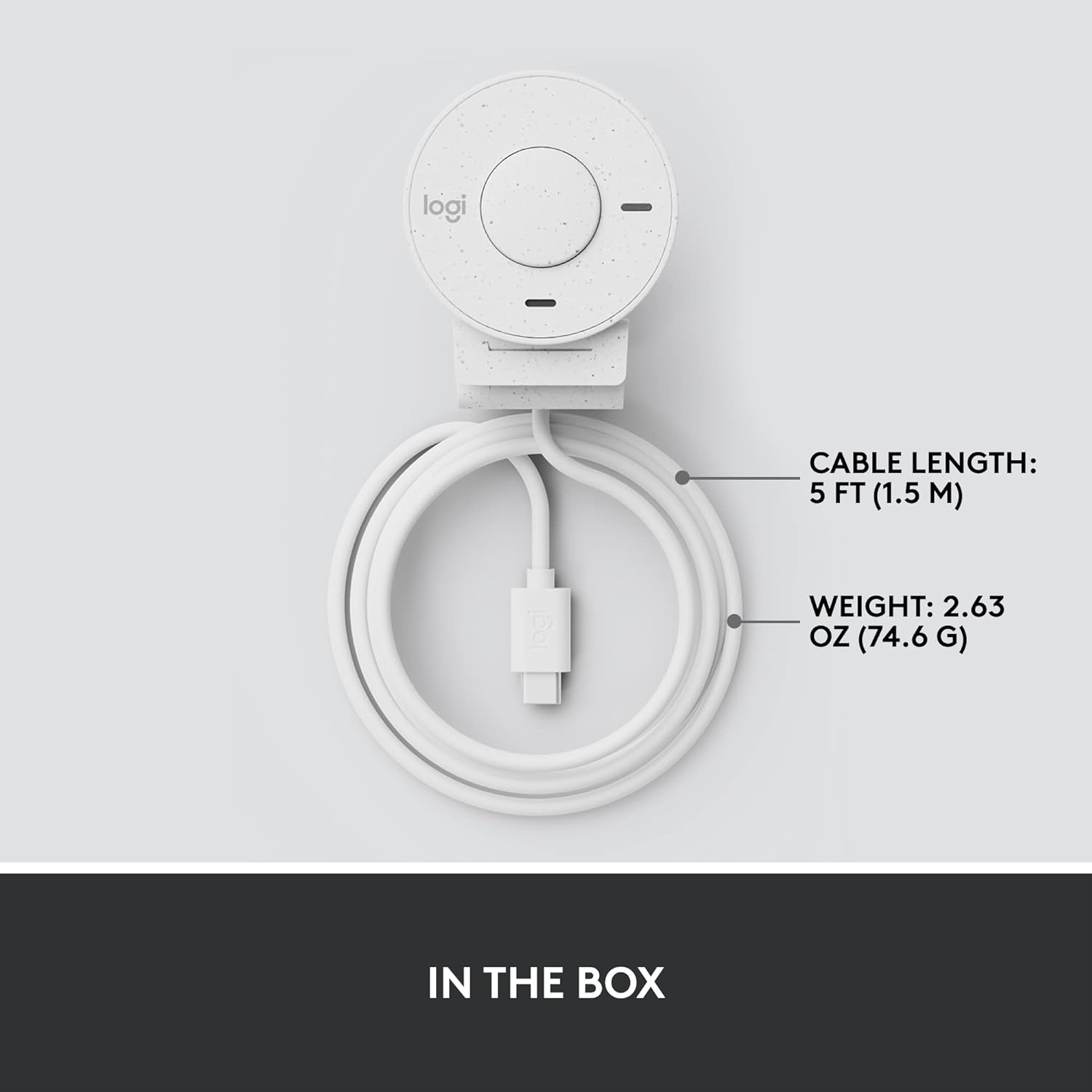
Figure 2.1: Logitech Brio 300 webcam with its integrated USB-C cable, showing the compact design and cable length.
3. سيٽ اپ
3.1. رکڻ
Position the Logitech Brio 300 webcam on your monitor or laptop screen. The integrated mounting clip is designed to securely fit various screen thicknesses without scratching, thanks to its rubberized pads.

Figure 3.1: The Logitech Brio 300 webcam, showing its design and how it sits on a monitor.
3.2. ڪنيڪشن
Connect the integrated USB-C cable from the webcam directly to an available USB-C port on your computer. The webcam is plug-and-play, meaning it should be automatically recognized by your operating system (Windows, macOS, Chrome OS).
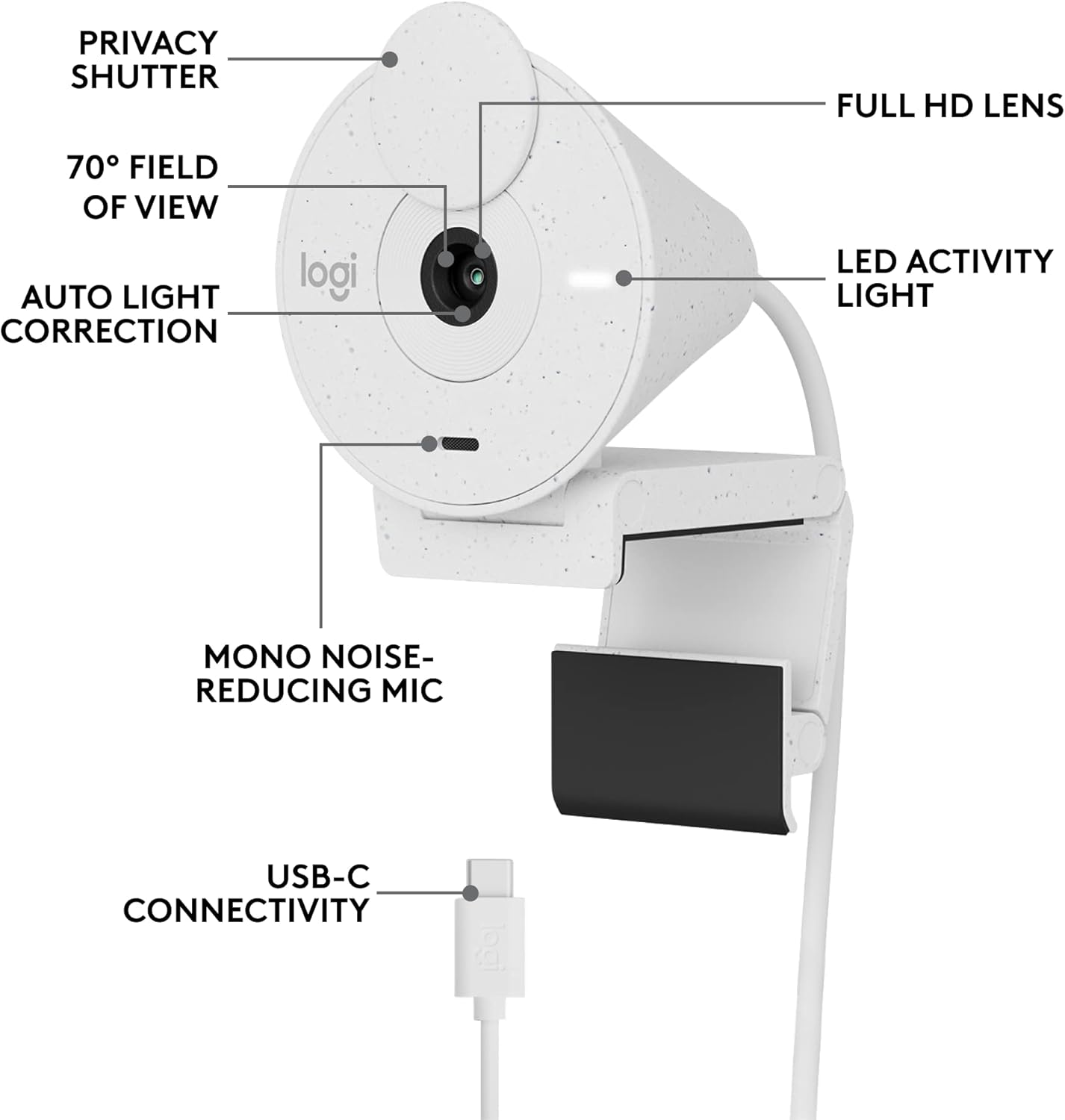
شڪل 3.2: تفصيلي view of the Logitech Brio 300, highlighting its USB-C connectivity and other key components.
3.3. Software Installation (Optional but Recommended)
For advanced customization and optimal performance, download and install the free Logi Tune application from the official Logitech website. Logi Tune allows you to adjust color, image quality, and other settings for your webڪيم.
گهمڻ Logitech Logi Tune سافٽ ويئر ڊائون لوڊ ڪرڻ لاء.
4. هلائڻ Webڪئميرا
4.1. رازداري شٽر
The Brio 300 features an integrated privacy shutter. To cover the lens and ensure privacy, simply spin the circular cover over the lens. Spin it back to uncover the lens when you are ready to use the camera.
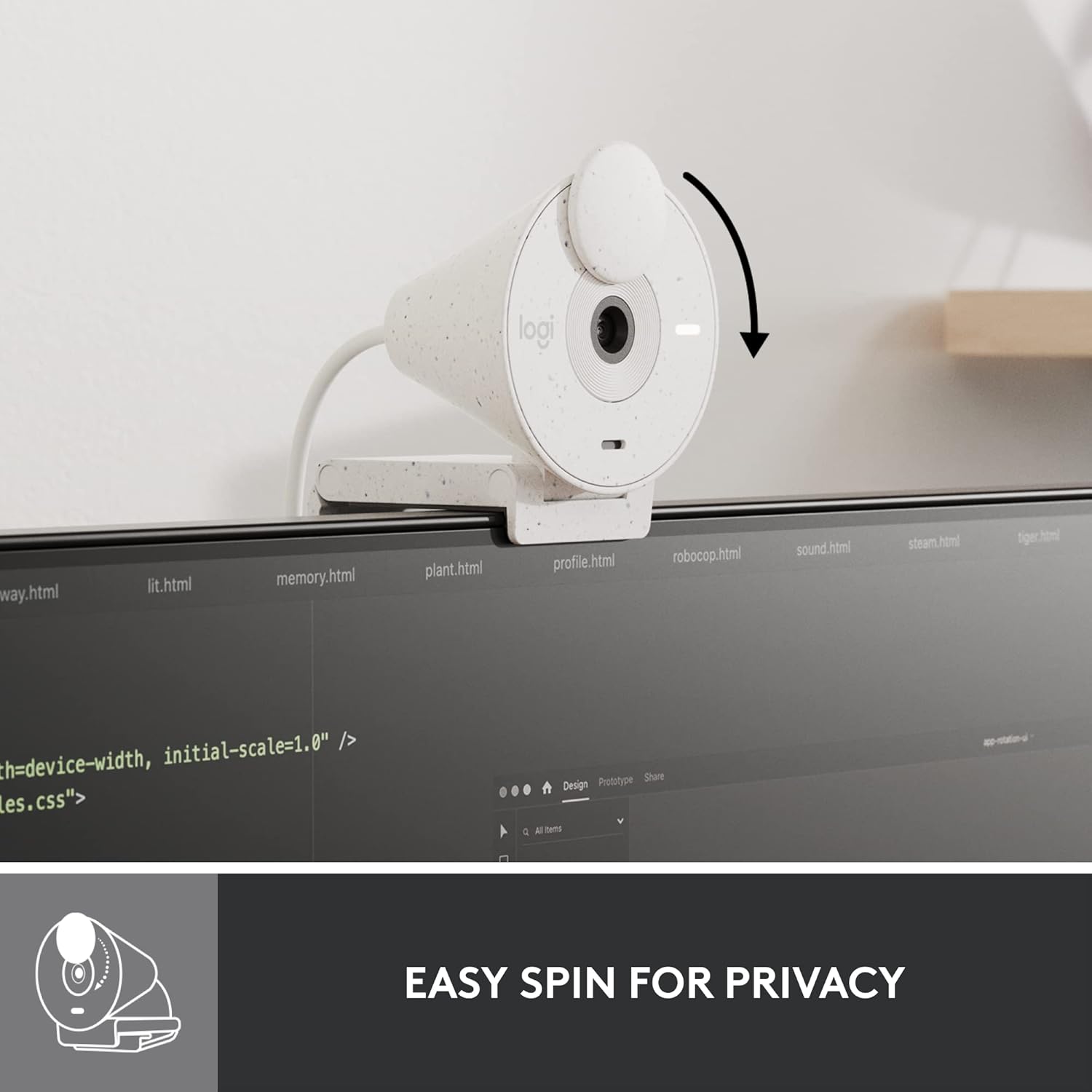
Figure 4.1: Demonstrating the easy-to-use spin privacy shutter on the Brio 300.
4.2. Auto Light Correction (RightLight 2)
جي webcam is equipped with RightLight 2 technology, which automatically adjusts to poor lighting conditions. This ensures you appear clear and well-lit, even in dim environments.

Figure 4.2: Visual representation of the Brio 300's auto light correction feature improving image quality in low light.
4.3. شور جي گھٽتائي مائڪروفون
The integrated mono microphone features noise reduction, suppressing background sounds to ensure your voice is heard clearly during calls.
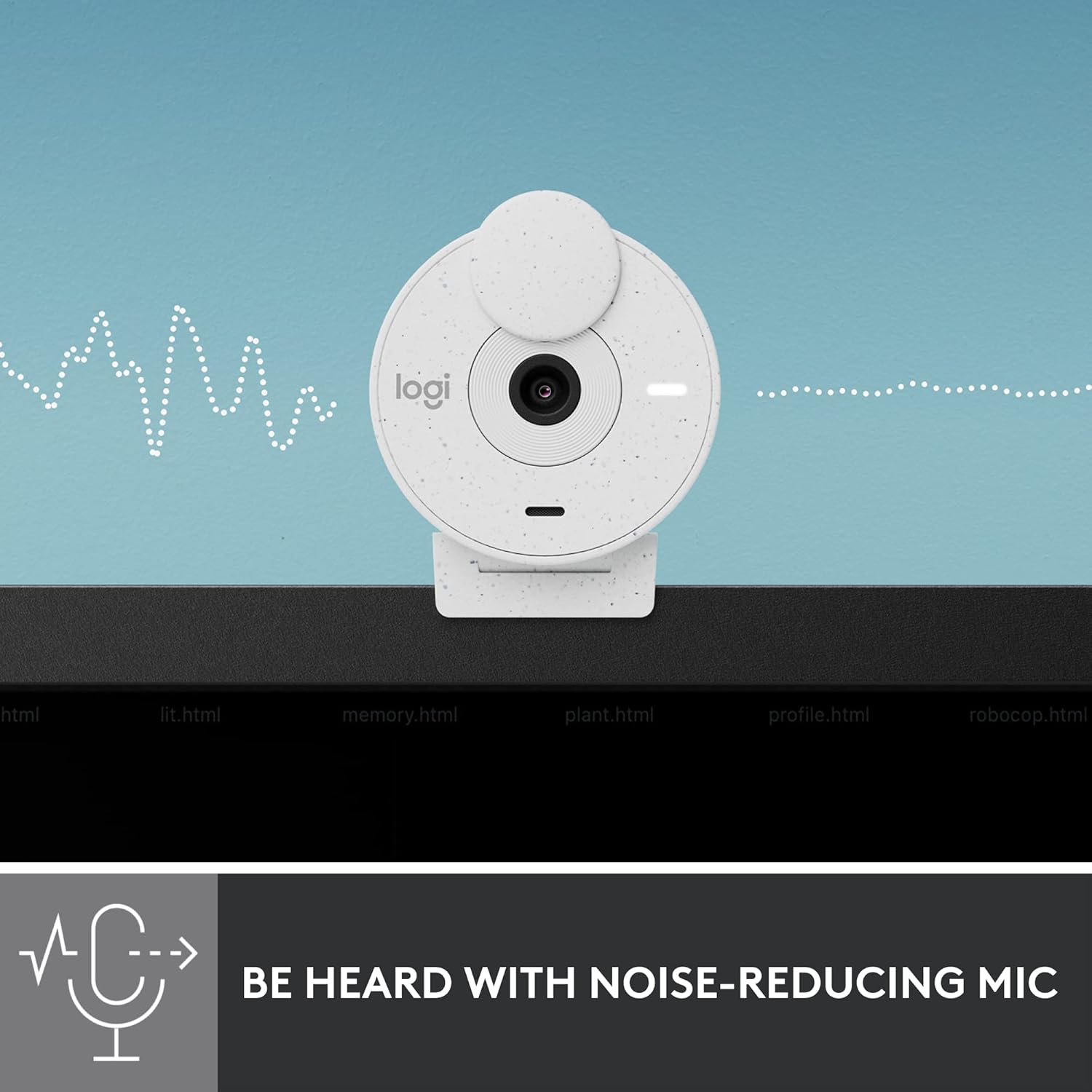
Figure 4.3: Illustration of the Brio 300's noise-reducing microphone capturing clear audio.
4.4. مطابقت
The Brio 300 is certified for Zoom, Microsoft Teams, and Google Meet, ensuring broad compatibility with most video conferencing platforms.

Figure 4.4: The Brio 300 is certified for major meeting platforms, including Zoom, Microsoft Teams, and Google Meet.
5. سار سنڀال
To ensure the longevity and optimal performance of your Logitech Brio 300 webڪيم، انهن سادي سار سنڀال جي هدايتن تي عمل ڪريو:
- لينس جي صفائي: Gently wipe the camera lens with a soft, lint-free cloth. For stubborn smudges, slightly dampen the cloth with a lens cleaning solution. Avoid abrasive materials or harsh chemicals.
- جسم جي صفائي: Use a soft, dry cloth to clean the body of the webcam. Do not use liquid cleaners directly on the device.
- اسٽوريج: When not in use, especially during travel, ensure the privacy shutter is closed to protect the lens. Store the webڪيم کي انتهائي گرمي پد کان پري صاف، سڪل جاءِ تي رکو.
6. مسئلا حل ڪرڻ
If you encounter issues with your Logitech Brio 300, try the following troubleshooting steps:
- ڪابه وڊيو/آڊيو ناهي:
- Ensure the USB-C cable is securely connected to both the webڪيم ۽ توهان جو ڪمپيوٽر.
- Check if the privacy shutter is open.
- تصديق ڪريو ته webcam is selected as the primary video and audio device in your video conferencing application settings (e.g., Zoom, Microsoft Teams, Google Meet).
- ڳنڍڻ جي ڪوشش ڪريو webcam to a different USB-C port or a different computer to rule out port or system issues.
- خراب وڊيو معيار:
- Ensure adequate lighting in your environment. While RightLight 2 helps, sufficient ambient light is crucial for optimal image quality.
- ڪئميرا لينس کي صاف ڪريو جيئن سار سنڀال واري حصي ۾ بيان ڪيو ويو آهي.
- اپڊيٽ ڪريو پنهنجو webcam drivers and the Logi Tune software to the latest version.
- Check your internet connection speed, as a slow connection can affect video streaming quality.
- خراب آڊيو معيار:
- پڪ ڪريو ته مائڪروفون رڪاوٽ نه آهي.
- پنهنجي ماحول ۾ پس منظر جي شور کي گھٽ ڪريو.
- Adjust microphone levels in your computer's sound settings or Logi Tune.
7. وضاحتون
| خاصيت | تفصيل |
|---|---|
| وڌ ۾ وڌ اسڪرين ريزوليوشن | FHD (1080p) |
| وڊيو ڪيپچر ريزوليوشن | 1080 ص |
| فوٽو سينسر ٽيڪنالاجي | CMOS |
| رابطي ٽيڪنالاجي | USB-C |
| خاص خصوصيت | Low Light Correction (RightLight 2) |
| مائڪروفون | Mono, Noise Reduction |
| رازداري جي خصوصيت | انٽيگريٽيڊ پرائيويسي شٽر |
| شيءِ جو وزن | 3.99 اونس |
| پيداوار جي ماپ | 4.6 x 3.5 x 2.7 انچ |
| مواد | Minimum 48% Post-Consumer Recycled Plastic |
8. وارنٽي ۽ سپورٽ
The Logitech Brio 300 webcam comes with a limited hardware warranty. For detailed warranty information, technical support, and frequently asked questions, please visit the official Logitech support website or refer to the full user manual available in PDF format.
سرڪاري استعمال ڪندڙ دستورالعمل (PDF): هتي ڊائون لوڊ ڪريو
For software support and customization, download the Logi Tune application.


