1. تعارف
The Dzees D3K Solar Security Camera is an advanced wireless outdoor surveillance solution designed for comprehensive home security. It features 2K resolution for clear imaging, 360° pan and 90° tilt capabilities for wide coverage, and is powered by an efficient solar panel for continuous operation. Equipped with intelligent AI detection, color night vision, and an IP66 weather-resistant design, the D3K provides reliable monitoring in various environmental conditions.
اهم خاصيتون:
- 2K PTZ Camera: Supports 355° horizontal and 90° vertical rotation with 4X digital zoom for comprehensive coverage.
- شمسي توانائي: High-efficiency solar panel ensures continuous power supply, reducing the need for manual charging.
- سمارٽ AI جي چڪاس: Accurately distinguishes between individuals, packages, vehicles, and animals, minimizing false alarms.
- الارم افعال: Features a loud siren, spotlight, and sound alerts to deter intruders.
- رنگين رات جو نظارو: گهٽ روشني واري حالتن ۾ به صاف، مڪمل رنگين وڊيو فراهم ڪري ٿو.
- IP66 موسم کان بچاءُ: Designed to withstand various weather conditions, ensuring year-round protection.
- لچڪدار اسٽوريج: Supports up to 128GB memory card (not included) and offers 2 years of free 3-day loop cloud storage.
2. پيڪيج مواد
مھرباني ڪري پيڪيج جي مواد کي انباڪس ڪرڻ وقت چيڪ ڪريو ته جيئن پڪ ڪري سگھجي ته سڀئي اجزا موجود آهن:
- Dzees Solar Security Camera
- شمسي پينل
- وڌندڙ خط
- چڙهڻ اسڪرو ۽ لنگر
- USB چارجنگ ڪيبل
- استعمال ڪندڙ جو دستياب (ھي دستاويز)
3. پراڊڪٽ ختمview
Familiarize yourself with the main components of your Dzees Solar Security Camera:

Figure 3.1: Dzees Solar Security Camera D3K and accompanying solar panel.
- ڪئميرا لينس: Captures 2K resolution video.
- اسپاٽ لائيٽ: Provide illumination for color night vision and deterrence.
- پير سينسر: Detects motion based on infrared heat signatures.
- مائڪروفون: ٻه طرفي رابطي لاءِ آڊيو کي پڪڙي ٿو.
- اسپيڪر: Outputs audio for two-way communication and siren.
- Solar Panel Port: Connects the solar panel for continuous charging.
- ري سيٽ بٽڻ: ڪئميرا کي فيڪٽري سيٽنگن تي ري سيٽ ڪرڻ لاءِ استعمال ڪيو ويندو هو.
- مائڪرو ايس ڊي ڪارڊ سلاٽ: مقامي وڊيو اسٽوريج لاءِ (128GB تائين سپورٽ ڪري ٿو، ڪارڊ شامل نه آهي).
- انتوننا: For stable Wi-Fi connectivity.
4. سيٽ اپ گائيڊ
4.1 شروعاتي چارجنگ
Before initial use, fully charge the camera using the provided USB cable. Connect the USB cable to the camera's charging port and a standard 5V/2A USB power adapter (not included). A full charge typically takes several hours.
4.2 ايپ جي انسٽاليشن
Download and install the "Dzees Home" app on your smartphone or tablet. The app is available on both the Apple App Store and Google Play Store.

Figure 4.1: The Dzees Home app interface, displaying multiple camera feeds and control options.
- ڳولھيو "Dzees Home" in your device's app store.
- ايپ ڊائون لوڊ ۽ انسٽال ڪريو.
- نئون اڪائونٽ رجسٽر ڪريو يا جيڪڏهن توهان وٽ اڳ ۾ ئي آهي ته لاگ ان ڪريو.
4.3 ڪئميرا جوڙڻ
Follow these steps to connect your camera to your Wi-Fi network and the Dzees Home app:
- Open the Dzees Home app and tap the "+" icon to add a new device.
- فهرست مان پنهنجي ڪئميرا ماڊل چونڊيو.
- Power on the camera. The camera will emit a voice prompt indicating it's ready for pairing.
- ڪئميرا کي پنهنجي 2.4GHz وائي فائي نيٽ ورڪ سان ڳنڍڻ لاءِ ايپ ۾ ڏنل هدايتن تي عمل ڪريو. Note: This camera only supports 2.4GHz Wi-Fi.
- Scan the QR code displayed on your phone screen with the camera lens.
- هڪ دفعو ڳنڍيل، ڪئميرا ڪامياب جوڙي جي تصديق ڪندو.

Figure 4.2: Illustration of the solar-powered, wire-free setup, emphasizing 2.4GHz WiFi connectivity and solar charging efficiency.
4.4 ڪئميرا لائڻ
Choose a suitable location for mounting your camera, ensuring it has a clear view of the area you wish to monitor and that the solar panel receives adequate direct sunlight throughout the day.
- Mark the drilling spots using the mounting bracket as a template.
- Drill holes and insert wall anchors if mounting on masonry or drywall.
- مهيا ڪيل اسڪرو استعمال ڪندي ڀت تي چڙهڻ واري بریکٹ کي محفوظ ڪريو.
- ڪئميرا کي ماؤنٽنگ بریکٹ سان ڳنڍيو.
- Connect the solar panel cable to the camera's solar panel port. Position the solar panel to maximize sun exposure.
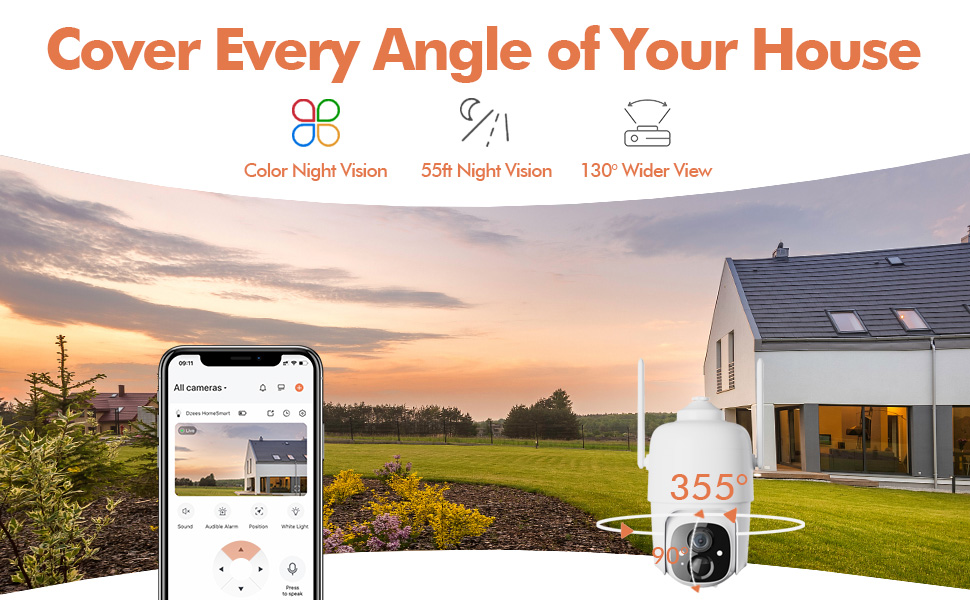
Figure 4.3: The Dzees camera mounted outdoors, showcasing its IP66 weather-resistant design, capable of operating in various weather conditions.

Figure 4.4: The camera's advanced PIR motion detection in action, highlighting its ability to detect movement within a specified zone.
5. ڪئميرا کي هلائڻ
5.1 زنده View ۽ پلے بیک
Access the live video feed and review recorded events through the Dzees Home app.
- From the app's home screen, tap on the camera's thumbnail to enter the live view انٽرفيس.
- Use the timeline or event list to navigate and play back recorded footage.

Figure 5.1: The Dzees Home app displaying live camera feed with controls for pan, tilt, digital zoom, and night vision settings.
5.2 Pan, Tilt, and Zoom (PTZ)
ڪئميرا ڪنٽرول ڪريو viewing angle directly from the app:
- جيئري ۾ view, use the directional controls to pan (355° horizontal) and tilt (90° vertical) the camera.
- Pinch to zoom in or out for 4X digital zoom. Note: This is digital zoom, not optical zoom.
- Set up to 5 preset points for quick navigation to frequently monitored areas.

Figure 5.2: Illustration of setting up and utilizing up to 5 preset positions for rapid camera view ترتيب ڏيڻ.
5.3 حرڪت جي ڳولا ۽ خبرداريون
Customize your detection settings to receive relevant alerts:
- ايپ ۾ ڪئميرا سيٽنگز ڏانهن وڃو.
- Enable AI detection to differentiate between people, packages, vehicles, and animals.
- Define custom activity zones to focus detection on specific areas and ignore others.
- Adjust detection sensitivity to reduce unwanted notifications.
- جڏهن حرڪت معلوم ٿئي ٿي ته پنهنجي فون تي فوري طور تي پش اطلاع حاصل ڪريو.
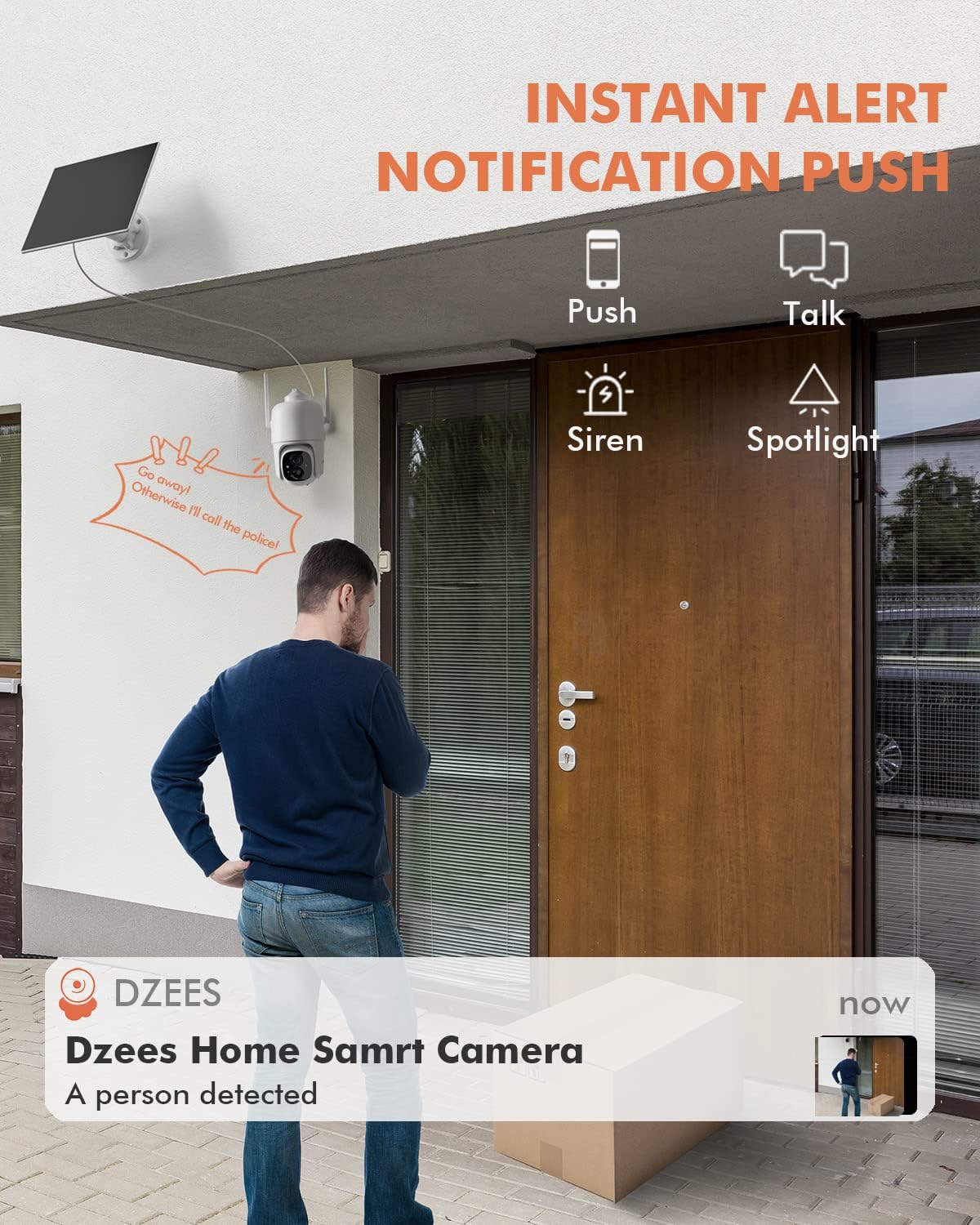
شڪل 5.3: مثالample of an instant push notification received on a smartphone when the camera detects a person.
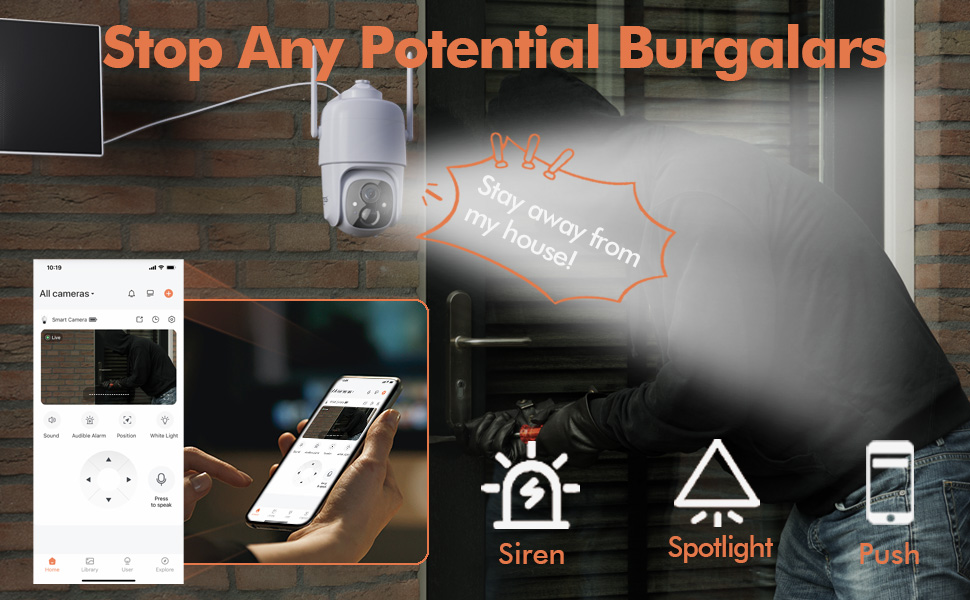
Figure 5.4: Detailed motion detection settings within the Dzees app, allowing for customization of detection zones and sensitivity.
5.4 ٻه طرفي آڊيو
Communicate with visitors or deter intruders using the camera's built-in microphone and speaker:
- جيئري ۾ view، ڪئميرا ذريعي ڳالهائڻ لاءِ مائڪروفون آئڪن تي ٽيپ ڪريو.
- ڪئميرا جي جڳھ تان آڊيو ٻڌڻ لاءِ اسپيڪر آئڪن تي ٽيپ ڪريو.
5.5 Spotlight and Siren
Enhance security with active deterrence features:
- Manually activate the spotlight or siren from the live view ايپ ۾ انٽرفيس.
- Configure automatic activation of the spotlight or siren upon motion detection in the camera settings.
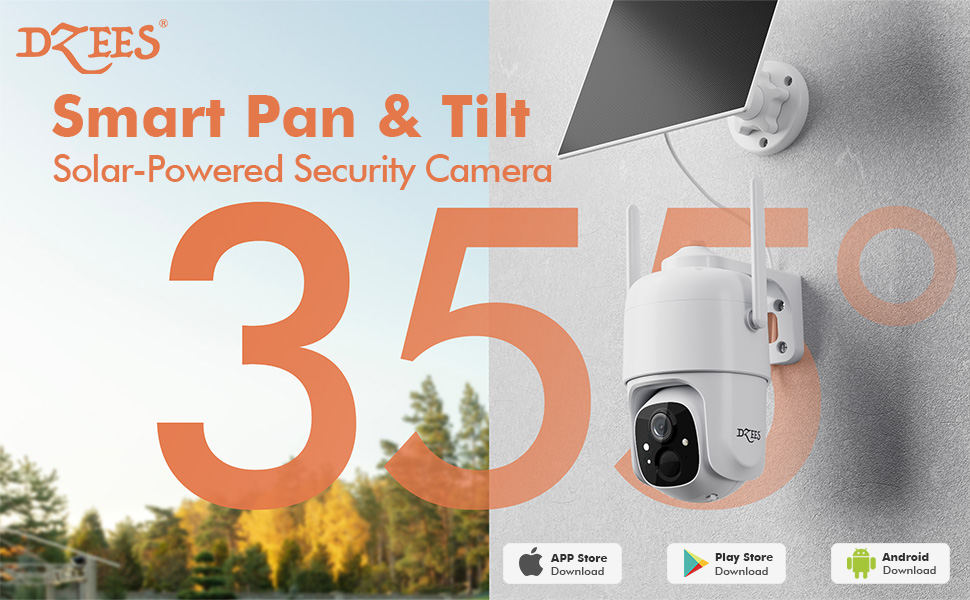
Figure 5.5: The camera's active deterrence features, including siren, spotlight, and instant push notifications, designed to deter potential intruders.
5.6 اسٽوريج جا آپشن
Your Dzees camera offers flexible storage solutions for your recordings:
- مقامي اسٽوريج: Insert a Micro SD card (up to 128GB, not included) into the camera's SD card slot for continuous or event-based recording.
- Cloud Storage: Enjoy 2 years of free 3-day loop cloud storage. A 30-day trial of the Plus Plan is available for new users, offering upgraded cloud storage and advanced AI features.

Figure 5.6: The camera's support for both local Micro SD card storage (up to 128GB) and free 3-day cloud storage.
6. سار سنڀال
Regular maintenance ensures the longevity and optimal performance of your Dzees Solar Security Camera:
- Cleaning the Lens and Solar Panel: وقتي طور تي ڪئميرا لينس ۽ سولر پينل کي نرم، ڊي سان صاف ڪريوamp cloth to remove dust, dirt, or debris. This ensures clear video quality and efficient solar charging.
- بيٽري جي حالت چيڪ ڪرڻ: Monitor the battery level in the Dzees Home app. Ensure the solar panel is receiving sufficient direct sunlight to maintain charge.
- فرم ويئر اپڊيٽس: The Dzees Home app will notify you of available firmware updates. It is recommended to update the camera's firmware to ensure you have the latest features and security enhancements. Follow the in-app instructions for updating.
7. مسئلا حل ڪرڻ
If you encounter issues with your Dzees Solar Security Camera, refer to the following common problems and solutions:
7.1 ڪئميرا وائي فائي سان ڳنڍيل نه آهي
- پڪ ڪريو ته توهان جو وائي فائي نيٽ ورڪ 2.4GHz آهي. ڪئميرا 5GHz وائي فائي کي سپورٽ نٿو ڪري.
- ڪئميرا جي جڳھ تي وائي فائي سگنل جي طاقت چيڪ ڪريو. جيڪڏهن سگنل ڪمزور آهي ته ڪئميرا کي روٽر جي ويجهو منتقل ڪريو.
- Verify that you have entered the correct Wi-Fi password.
- Try resetting the camera by pressing and holding the reset button for 5 seconds until you hear a prompt. Then, attempt pairing again.
7.2 بيٽري چارج نه ٿي رهي آهي يا جلدي ختم ٿي رهي آهي
- Ensure the solar panel is connected securely to the camera.
- Verify that the solar panel is positioned to receive direct sunlight for several hours daily, without any obstructions (e.g., trees, eaves).
- Clean the surface of the solar panel regularly to remove dirt or dust that may hinder charging efficiency.
- In prolonged cloudy or rainy weather, the battery may drain. Consider temporarily charging the camera via USB if needed.
7.3 تمام گهڻو غلط الارم
- Adjust the motion detection sensitivity in the Dzees Home app to a lower setting.
- Utilize the activity zone feature to exclude areas with frequent irrelevant motion (e.g., busy streets, swaying trees).
- Enable AI detection to filter out non-human movements.
7.4 خراب تصويري معيار
- ڪئميرا لينس کي نرم، لنٽ کان خالي ڪپڙي سان صاف ڪريو.
- Ensure a strong Wi-Fi connection for optimal streaming quality.
- Check for any physical obstructions in front of the lens.
7.5 No Night Vision
- Verify that night vision mode is enabled in the Dzees Home app settings.
- Ensure the camera's spotlights are not obstructed.
If the issue persists after trying these solutions, please contact Dzees customer support for further assistance.
8. ٽيڪنيڪل وضاحتون
| خاصيت | تفصيل |
|---|---|
| ماڊل نمبر | ڊي 3K |
| وڊيو قرارداد | 2K / 3MP |
| پان زاوي | 355° |
| جھڪندڙ زاويه | 90° |
| ڊجيٽل زوم | 4X |
| نائيٽ ويزن رينج | Up to 55 feet (Color Night Vision supported) |
| موسم جي مزاحمت | IP66 |
| طاقت جو ذريعو | Solar Powered (with built-in rechargeable battery) |
| رابطي | 2.4GHz وائي فائي، بلوٽوٿ |
| مقامي اسٽوريج | مائڪرو ايس ڊي ڪارڊ (128GB تائين، شامل نه آهي) |
| Cloud Storage | Free 3-day loop storage (2 years included) |
| طول و عرض (L x W x H) | 5.8 x 7 x 8 انچ |
| وزن | 1.06 پائونڊ (480 گرام) |
| مواد | Acrylonitrile Butadiene Styrene (ABS) |
9. وارنٽي ۽ سپورٽ
Dzees is committed to providing high-quality products and excellent customer service.
- وارنٽي: Your Dzees Solar Security Camera comes with 2 years of after-sales support, ensuring peace of mind.
- ٽيڪنيڪل سپورٽ: An experienced technical team is available for 24/7 lifetime support. For any inquiries or assistance, please contact Dzees customer service.
- آن لائين وسيلا: Visit the official Dzees Store for more product information, FAQs, and support resources: Dzees Store on Amazon.


