1. تعارف
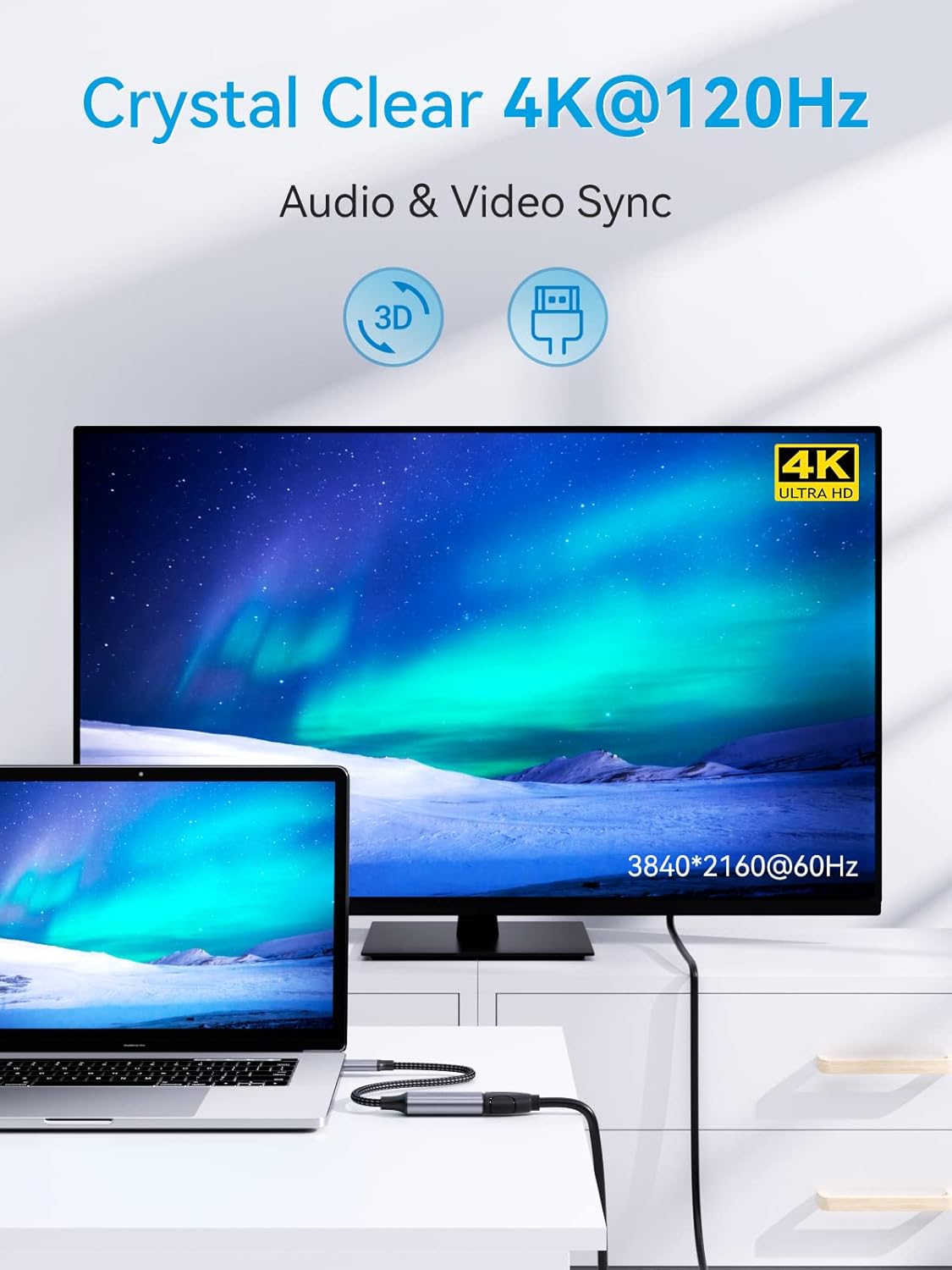
This manual provides instructions for the SOOMFON USB-C to HDMI 4K 120Hz Adapter (Model SF-VA002). This adapter allows you to connect a USB-C enabled device to an HDMI display, projector, or TV, enabling high-definition video and audio transmission. It supports resolutions up to 4K at 120Hz, 2K at 144Hz, and 1080p at 240Hz, offering a smooth visual experience for various applications.

2. اهم خاصيتون
- هاءِ ريزوليوشن آئوٽ پُٽ: Supports resolutions up to 3840 x 2160 @ 120Hz, including 4K @ 60Hz, 2K @ 144Hz, and 1080p @ 240Hz.
- Dynamic HDR and 3D Support: Enhances visual quality with dynamic HDR and 3D video capabilities.
- آڊيو ۽ وڊيو هم وقت سازي: Delivers synchronized high-definition audio and video.
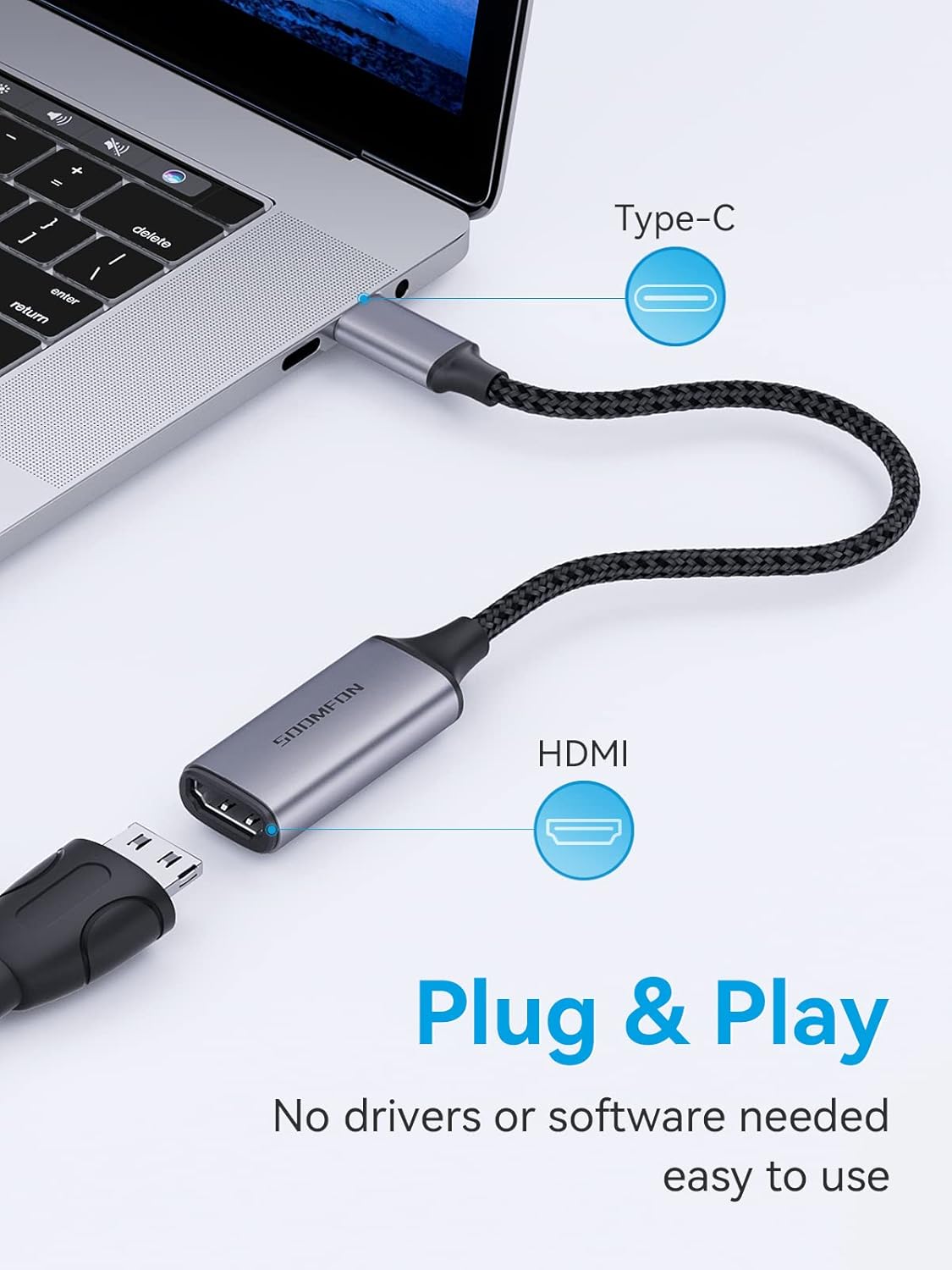
- پلگ ۽ راند: No drivers or additional software required for operation.
- ڊسپلي موڊس: Supports both mirror mode (duplicate screen) and extended mode (expand desktop).
- پائيدار تعمير: Features a premium aluminum alloy casing for heat dissipation and a reinforced braided nylon cable for enhanced durability.
- ڪمپيڪٽ ڊيزائن: Portable and easy to carry for on-the-go use.


3. مطابقت
The SOOMFON USB-C to HDMI adapter is designed for wide compatibility with various devices and operating systems that support USB-C video output (DisplayPort Alternate Mode).
3.1 Compatible Devices (USB-C Source)
- ليپ ٽاپ:
- Microsoft: Surface Book, Surface Pro X / Pro 7, Surface Go
- Huawei: Matebook Series
- گوگل: Chromebook Pixel
- Lenovo: Lenovo Yoga, Thinkpad T470 / T480
- HP: HP Spectre, HP ZBook, HP ENVY 13
- Dell: XPS 12/13/15, Precision 15, Inspiron 15 7000, 13 5390, Vostro 5390
- MacBook: MacBook 2015 or later, MacBook Pro 2016 or later, MacBook Air 2018 or later, iMac Pro, iMac (2017 or later), Mac Mini 2018 2020
- ٽيبلٽس:
- Apple: iPad Pro 2018 2020 2021, iPad Air 4th generation, iPad Mini 6
- Samsung: Samsung Galaxy Tab S4 / Tab S5e / Tab S6, Tab Pro S
- Fujitsu: ARROWS Tab Q509 / V, ARROWS Tab F-02
- اسمارٽ فونز:
- HTC: HTC 10 / U11 / U11+ / U12+
- Aqua: R5G (Note: Other Aqua models may not be compatible)
- LG: G5 / G7 / G7+ / G8S ThinQ / Q8 / V20 / V30 / V35 / V35+ / V40
- Samsung: Galaxy S9+ / S10 / S10+ / S20 / S20+ / S21 / S21 Ultra / S22 / S22+ / S22 Ultra / Note 9 / Note10+ (Note: Many Samsung models may not be compatible; please verify device support for DisplayPort Alternate Mode over USB-C.)
- Huawei: P20 / P20 Pro / P30 / P30 Pro / P40 / P40 Pro / Huawei Mate Series (Note: Lite versions are not supported.)
3.2 مطابقت رکندڙ آپريٽنگ سسٽم
- Mac OS X 10.6 يا بعد ۾
- Windows 10, 8, 7, Vista, XP
- ڪروم او ايس
- لينڪس 2.6.14 يا بعد ۾
- iPadOS
- اينڊرائيڊ (مطابقت رکندڙ ڊوائيسز لاءِ)

4. سيٽ اپ جون هدايتون
The SOOMFON USB-C to HDMI adapter is designed for simple plug-and-play operation. Follow these steps to connect your device to an HDMI display:
- ڊسپلي سان ڳنڍيو: Plug the HDMI end of the adapter into an available HDMI port on your monitor, projector, or TV.
- سورس ڊيوائس سان ڳنڍيو: Insert the USB-C connector of the adapter into the USB-C port of your compatible laptop, tablet, or smartphone. Ensure the USB-C port on your device supports video output (DisplayPort Alternate Mode).
- پاور آن ڊوائيسز: Ensure both your source device and the HDMI display are powered on.
- ان پٽ چونڊيو: On your HDMI display, select the correct HDMI input source that the adapter is connected to.
5. آپريٽنگ هدايتون
Once connected, your device should automatically detect the external display. You can configure the display settings on your operating system.
5.1 ڊسپلي موڊس
- Mirror Mode (Duplicate): The external display shows the same content as your primary screen. This is useful for presentations or sharing content.
- وڌايل موڊ: The external display acts as an extension of your primary screen, providing more desktop space. This is ideal for multitasking.
To switch between display modes:
- ونڊوز: دٻايو ونڊوز چاٻي + P and select your desired display option (Duplicate, Extend, Second screen only).
- macOS: Go to System Settings (or System Preferences) > Displays. You can arrange displays and choose mirroring options.

6. مسئلا حل ڪرڻ
If you encounter issues while using the SOOMFON USB-C to HDMI adapter, consider the following common solutions:
- ڪوبه ڊسپلي/سگنل ناهي:
- Ensure both the USB-C and HDMI connections are secure.
- Verify that your source device's USB-C port supports video output (DisplayPort Alternate Mode). Not all USB-C ports support this feature.
- Check the input source selection on your HDMI display.
- پنهنجي سورس ڊيوائس کي ٻيهر شروع ڪرڻ جي ڪوشش ڪريو.
- جيڪڏهن ممڪن هجي ته مختلف HDMI ڪيبل يا ڊسپلي سان ٽيسٽ ڪريو.
- چمڪندڙ يا غير مستحڪم ڊسپلي:
- Ensure the HDMI cable is of good quality and securely connected.
- Reduce the resolution or refresh rate in your device's display settings to see if stability improves.
- ٻين اليڪٽرانڪ ڊوائيسز کان ڪنهن به امڪاني مداخلت جي جانچ ڪريو.
- نه آڊيو:
- Verify that the audio output is set to the HDMI display in your device's sound settings.
- Ensure the HDMI display has working speakers or is connected to external audio.
- ريزوليوشن/ريفريش ريٽ توقع مطابق نه آهي:
- Confirm that both your source device and HDMI display support the desired resolution and refresh rate.
- پنهنجي سورس ڊيوائس تي گرافڪس ڊرائيورز کي اپڊيٽ ڪريو.
7. وضاحتون
| خاصيت | تفصيل |
|---|---|
| برانڊ | سومفون |
| ماڊل نمبر | SF-VA002 |
| رنگ | ڀورو |
| ڪنيڪٽر جو قسم | USB Type-C (Male) to HDMI (Female) |
| وڌ ۾ وڌ ريڪارڊ | 3840 x 2160 @ 120Hz |
| حمايت ٿيل قراردادون | 4K @ 60Hz, 2K @ 144Hz, 1080p @ 240Hz |
| خاصيتون | Dynamic HDR, 3D, Audio & Video Sync, Plug & Play |
| هائوسنگ مواد | المونيم مصر |
| ڪيبل مواد | لٽيل نايلان |
| بندرگاهن جو تعداد | 1 (HDMI output) |
8. سار سنڀال
To ensure the longevity and optimal performance of your SOOMFON USB-C to HDMI adapter, please follow these maintenance guidelines:
- صفائي: Use a soft, dry cloth to wipe the adapter. Avoid using liquid cleaners or solvents.
- اسٽوريج: اڊاپٽر کي سڌي سج جي روشني ۽ انتهائي گرمي پد کان پري ٿڌي، سڪل جاءِ تي ذخيرو ڪريو.
- سنڀالڻ: Avoid bending or twisting the cable excessively, especially near the connectors, to prevent internal damage. Do not pull the cable to disconnect; always grasp the connector housing.
- تحفظ: Keep the adapter away from water, moisture, and corrosive substances.
9. وارنٽي ۽ سپورٽ
SOOMFON provides a 2 سال وارنٽي for this product. For technical assistance or warranty claims, please contact SOOMFON customer support. We offer 7x24 hour support to help resolve any issues you may encounter in a timely manner.
Please refer to the contact information provided with your product packaging or visit the official SOOMFON webحمايت جي تفصيل لاء سائيٽ.


