1. تعارف
Thank you for choosing the Noorio B200 Security Camera. This wireless outdoor magnetic camera is designed to provide comprehensive home security with its 1080p resolution, AI motion detection, two-way talk, and long-lasting battery. This manual will guide you through the setup, operation, and maintenance of your new security camera.
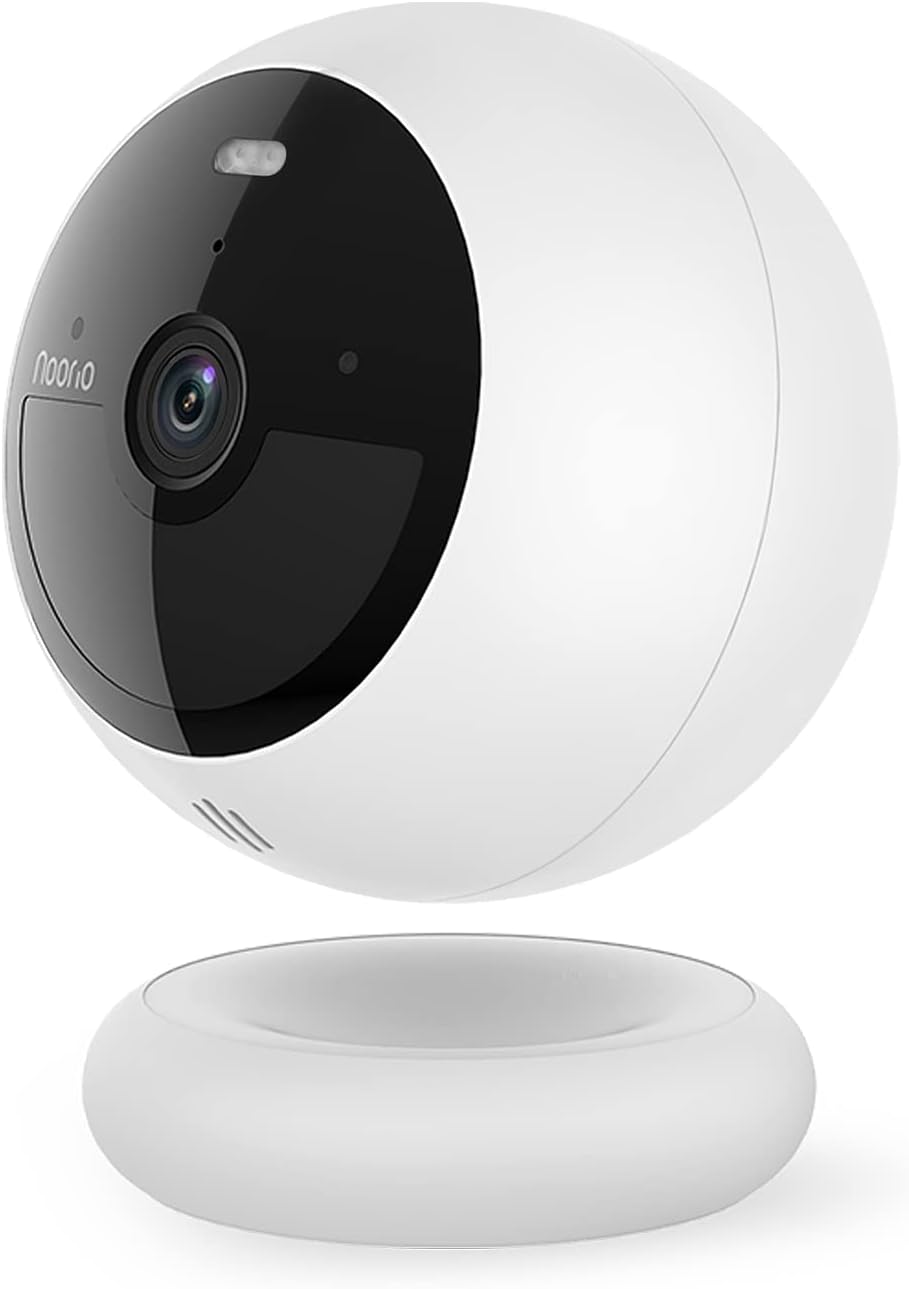
Figure 1: Noorio B200 Security Camera
2. دٻي ۾ ڇا آهي
- سيڪيورٽي ڪئميرا x 1
- مقناطيسي جبل x 1
- Screw Mount x 1
- چارجنگ ڪيبل x 1
- اسڪرو پيڪ x 2
- Positioning Sticker x 2
- ڊيڄاريندڙ اسٽيڪر x 2
- تڪڙي شروعات گائيڊ ايڪس 1
3. اهم خاصيتون

3.1 1080p HD Clarity
Experience crystal clear 1080p Full HD video, allowing you to see the finest details of your surroundings.

3.2 Advanced AI Motion Detection
The camera features advanced AI that distinguishes human motion from other subjects like animals or cars, minimizing false alarms and ensuring you only get relevant alerts.

3.3 Color Night Vision with Built-in Spotlight
Equipped with a motion-activated spotlight, the camera illuminates the area when motion is detected, providing clear color night vision and deterring unwanted visitors.

3.4 ٻه طرفي آڊيو
Communicate with visitors or deter intruders using the built-in microphone and speaker, accessible through the mobile app.

3.5 100% Wire-Free & Long Battery Life
Enjoy flexible placement options with no wires. The built-in rechargeable battery provides up to 180 days of operation on a single charge, depending on usage.

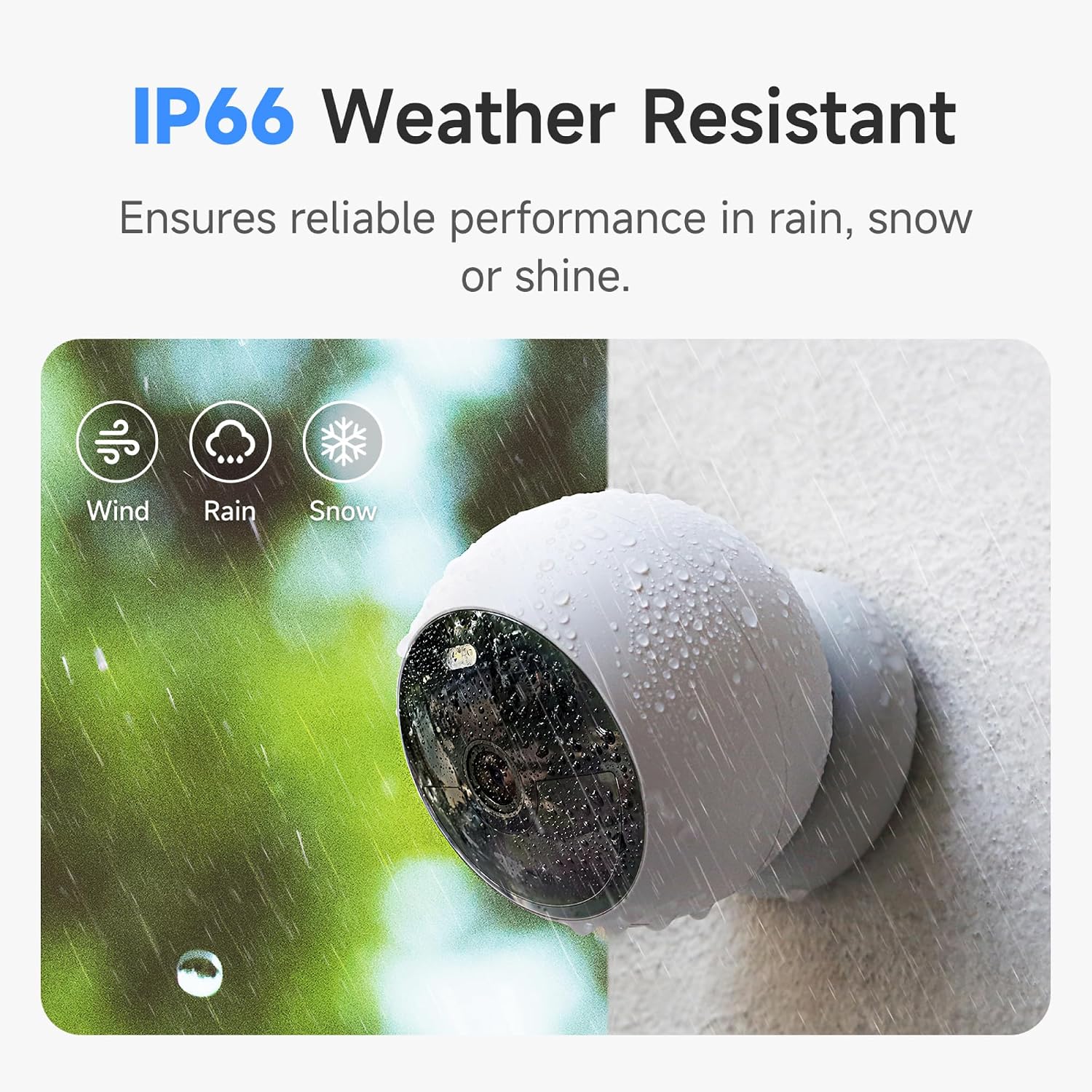
3.6 IP66 Weather Resistance
Designed to withstand various weather conditions, the IP66 rating ensures reliable performance in rain, snow, or shine.
3.7 8GB Local Storage & Cloud Option
Store up to 3000 pieces of footage directly on the camera's built-in 8GB local storage without any subscription fees. Optional cloud service is also available.
4. سيٽ اپ ۽ انسٽاليشن
The Noorio B200 offers flexible installation options. Before starting, ensure your camera is fully charged using the provided USB-C cable.
4.1 موبائل ايپ سيٽ اپ
Download the 'Noorio' app from your device's app store (available on Android and iOS). Follow the in-app instructions to create an account, add your device by scanning the QR code on the camera's back, and connect it to your 2.4GHz Wi-Fi network.
Video 1: Detailed setup and feature overview of the Noorio B200 camera via the mobile app.
4.2 چڙهڻ جا اختيار
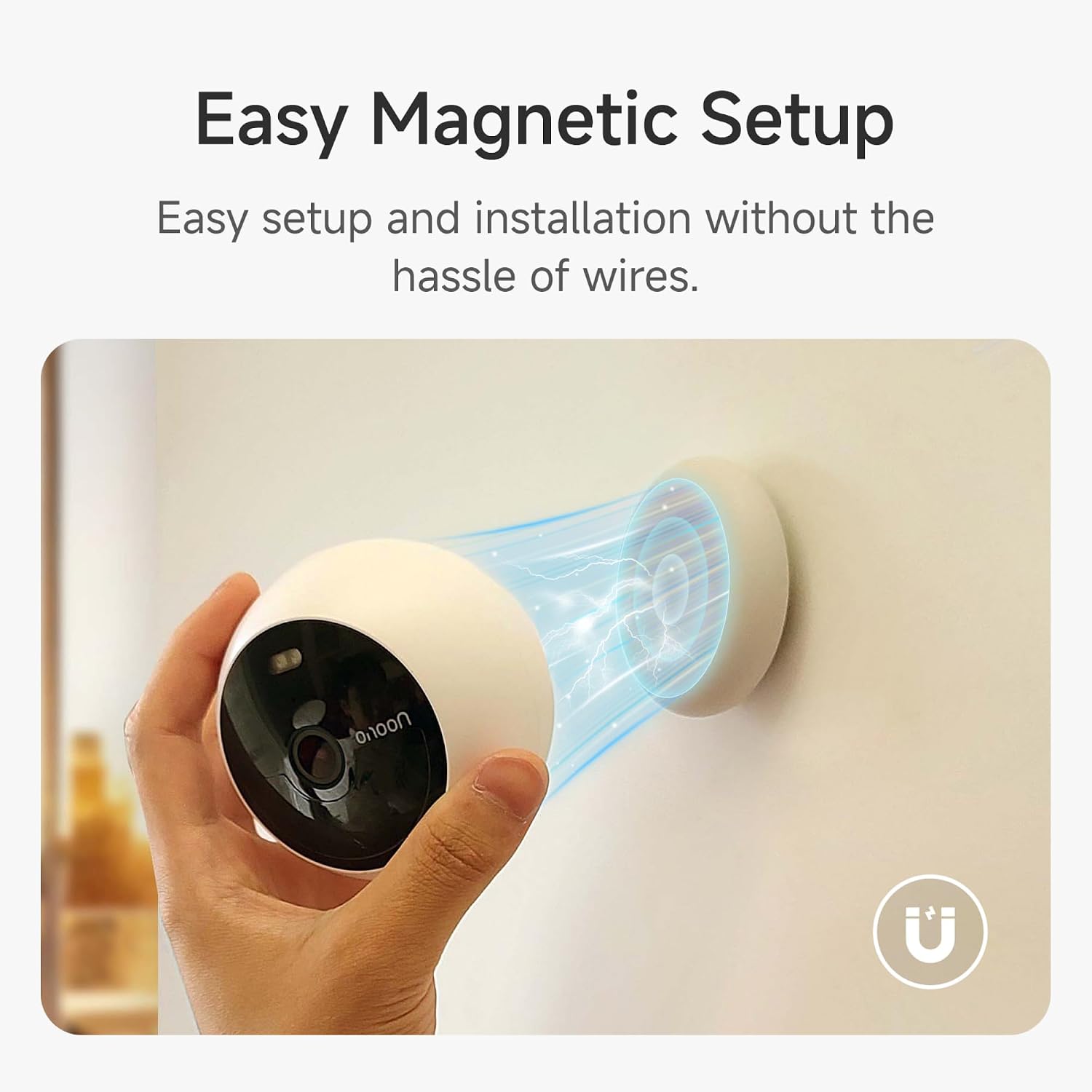
The camera supports both magnetic and screw mounting for versatile placement.
مقناطيسي جبل
The magnetic mount allows for easy attachment to any metallic surface. Simply place the camera onto the magnetic base. This method is ideal for temporary placement or frequent repositioning.
اسڪرو جبل
For a more permanent installation, use the provided screw mount. Attach the mount to your desired surface using the screw pack, then secure the camera to the mount. This is suitable for both indoor and outdoor use.
Video 2: Demonstrates the magnetic mounting and general usage of the Noorio security camera.
5. ڪئميرا کي هلائڻ
The Noorio app provides full control over your camera's functions.
5.1 زنده View
Access the live feed from your camera anytime, anywhere through the app. Simply tap on your camera's name to view حقيقي وقت جي وڊيو اسٽريم.
Video 3: Shows the camera's live view and two-way audio features in action.
5.2 ٻه طرفي آڊيو
زنده مان view, tap the phone icon to initiate two-way communication. Speak into your phone, and your voice will be projected through the camera's speaker, allowing you to interact with anyone on the other end.
5.3 حرڪت جي ڳولا ۽ الرٽ
Configure motion detection settings, including sensitivity and activity zones, to receive instant alerts on your phone when human motion is detected. You can also enable or disable person detection.
5.4 Night Vision & Spotlight Control
Switch between full color night vision and infrared night vision modes. You can manually turn the built-in spotlight on or off via the app.
5.5 Video Storage & Playback
The camera continuously records and stores footage on its 8GB built-in memory. Access recorded events and playback video clips directly from the app. You can rewind and watch any moment from the past days.
6. وضاحتون
| خاصيت | تفصيل |
|---|---|
| ماڊل نالو | بي 200 |
| وڊيو ڪيپچر ريزوليوشن | 1080 ص |
| رابطي ٽيڪنالاجي | وائرليس (وائي فائي 2.4GHz) |
| طاقت جو ذريعو | بيٽري سان هلندڙ |
| بيٽري جي زندگي | Up to 180 days (single charge) |
| مقامي اسٽوريج | 8GB built-in eMMC |
| موسم جي مزاحمت | IP66 |
| جو ميدان View | 140 درجا |
| نائيٽ ويزن رينج | 26.25 فوٽ |
| طول و عرض (L x W x H) | 3.35 x 3.35 x 2.98 انچ |
| شيءِ جو وزن | 1.3 پائونڊ |
7. سار سنڀال
- چارج ڪرڻ: Recharge the camera using the provided USB-C cable when the battery level is low.
- صفائي: ڪئميرا لينس ۽ جسم کي نرم، ڊي سان نرميءَ سان صاف ڪريو.amp مٽي ۽ ملبہ هٽائڻ لاءِ ڪپڙو. سخت ڪيميڪلز کان پاسو ڪريو.
- فرم ويئر اپڊيٽس: Regularly check the Noorio app for firmware updates to ensure optimal performance and security.
8. مسئلا حل ڪرڻ
- ڪئميرا آف لائن: Ensure the camera is within range of your 2.4GHz Wi-Fi network. Restart your router and the camera.
- غلط موشن الرٽ: Adjust the motion sensitivity settings in the app. Define specific activity zones to reduce unwanted alerts.
- خراب رات جو نظارو: Ensure the camera lens is clean. Check for any obstructions blocking the spotlight or infrared sensors.
- بيٽري جلدي ختم ٿيڻ: بار بار لائيو view access, high motion detection sensitivity, and continuous spotlight usage can reduce battery life. Adjust settings as needed.
- ٻه طرفي آڊيو ناهي: ايپ ۾ مائڪروفون ۽ اسپيڪر سيٽنگون چيڪ ڪريو. پڪ ڪريو ته توهان جي فون جو واليوم مٿي آهي.
9. وارنٽي ۽ سپورٽ
For detailed warranty information, please refer to the Quick Start Guide or the User Manual (PDF) provided with your product. You can also visit the official Noorio webسپورٽ وسيلن لاء سائيٽ.
ڪسٽمر سروس:
- Phone: 800-642-5905 (9 AM - 6 PM ET, Business Day)
- اي ميل: support@nooriolife.com