تعارف
This manual provides detailed instructions for the installation, operation, and maintenance of your Weiser Aura Satin Nickel Bluetooth Door Lock with Re-Key Kit. Please read all instructions carefully before installation and use to ensure proper function and safety.
حفاظت جي ڄاڻ
- Do not attempt to disassemble or modify the lock. This may cause damage to the product, void the warranty, and compromise security.
- Use only the specified battery type (4x AA alkaline batteries). Do not mix old and new batteries or different types of batteries.
- Keep all keys and access codes in a secure location.
- Ensure the door frame and door are in good condition and properly aligned for optimal lock performance.
پيڪيج مواد
انسٽاليشن شروع ڪرڻ کان اڳ پڪ ڪريو ته سڀئي جزا موجود آهن:
- Weiser Aura Bluetooth Smart Lock (Exterior Keypad and Interior Assembly)
- Deadbolt Latch
- Strike Plate and Reinforcement Screws
- چڙهڻ واري پليٽ
- SmartKey Re-Key Kit (including SmartKey tool and new keys)
- Installation Hardware (screws, bolts)
- استعمال ڪندڙ جو دستياب (ھي دستاويز)

Image: Weiser Aura Smart Lock showing both the exterior keypad and the interior assembly.

Image: Front packaging of the Weiser SmartKey Re-Key Kit, displaying keys and branding.
سيٽ اپ ۽ تنصيب
Follow these steps for proper installation of your Weiser Aura Smart Lock. For visual guidance, refer to the provided installation videos.
1. دروازو تيار ڪريو
- Ensure your door has standard preparations for a deadbolt.
- Check door thickness (typically 1 3/8" to 2 1/4" or 35mm to 55mm).
- Verify backset distance (60mm or 70mm).
2. Install the Deadbolt Latch
- Insert the deadbolt latch into the edge of the door.
- Ensure the word "TOP" on the latch is oriented upwards.
- اسڪرو سان لچ کي محفوظ ڪريو.
3. Install the Exterior Keypad
- Route the cable from the exterior keypad through the cross bore hole in the door.
- Align the keypad with the deadbolt latch.
4. اندروني اسيمبلي انسٽال ڪريو
- Attach the mounting plate to the interior side of the door, routing the cable through the plate.
- Connect the cable from the exterior keypad to the interior assembly.
- اندروني اسيمبلي کي ماؤنٽنگ پليٽ سان محفوظ ڪريو.
- Install 4x AA alkaline batteries (not included) into the interior assembly.
5. اسٽرائڪ پليٽ انسٽال ڪريو
- دروازي جي فريم تي اسٽرائڪ پليٽ لڳايو، ان کي ڊيڊ بولٽ لچ سان ترتيب ڏيو.
- سکرو سان محفوظ ڪريو.
6. Re-Keying with SmartKey Technology
The included SmartKey Re-Key Kit allows you to re-key your lock to an existing key. This process is quick and does not require a locksmith.

Image: Back packaging of the Weiser SmartKey Re-Key Kit, showing visual instructions for re-keying.
انسٽاليشن وڊيوز:
Weiser Aura Bluetooth Keypad Smart Lock Overview
وڊيو: هي وڊيو هڪ اوور مهيا ڪري ٿوview of the Weiser Aura Bluetooth Keypad Smart Lock, demonstrating its features and benefits in daily use.
How to Install SMONET Smart Lock (General Guide)
Video: A general installation guide for a smart lock, illustrating common steps for preparing the door, installing the deadbolt, exterior keypad, and interior assembly.
Installing eufy Smart Lock C30 Keyless Entry Door Lock (General Guide)
Video: Another general installation guide for a keyless entry door lock, showing the process from door preparation to final assembly and testing.
Weiser SmartKey Tutorial - Re-Key Your Lock In Seconds
Video: A tutorial demonstrating how to use the Weiser SmartKey technology to re-key your lock quickly and easily.
آپريٽنگ هدايتون
The Weiser Aura Smart Lock offers multiple ways to control access to your home:
1. Weiser App Control (Bluetooth)
- Download the Weiser App on your smartphone.
- Pair your smartphone with the lock via Bluetooth (within approximately 100 feet).
- تالا / کولڻ: Use the app to remotely lock or unlock your door.
- يوزر ڪوڊ مينيجمينٽ: Create, modify, or delete up to 250 customizable user codes for family, friends, or service providers.
- شيڊول: Set specific times or days for user codes to be active.
- سرگرمي جي اطلاع: Receive alerts on your smartphone when the lock is accessed.
- واقعن جا نشان: View a history of lock activity, including who accessed the lock and when.
2. ڪي پيڊ آپريشن
- ون ٽچ لاڪنگ: Press the lock button on the keypad to lock the door from the outside.
- کولڻ: Enter a valid user code on the keypad, then press the lock button to unlock.
3. آٽو-لاڪ فيچر
- The lock can be configured to automatically lock after a user-selectable time delay (e.g., 30 seconds, 60 seconds, 3 minutes, 5 minutes, 10 minutes). This feature enhances security by ensuring the door is always locked after entry or exit.
4. Manual Key Override
- In case of battery depletion or electronic malfunction, the lock can always be operated manually using the physical key.
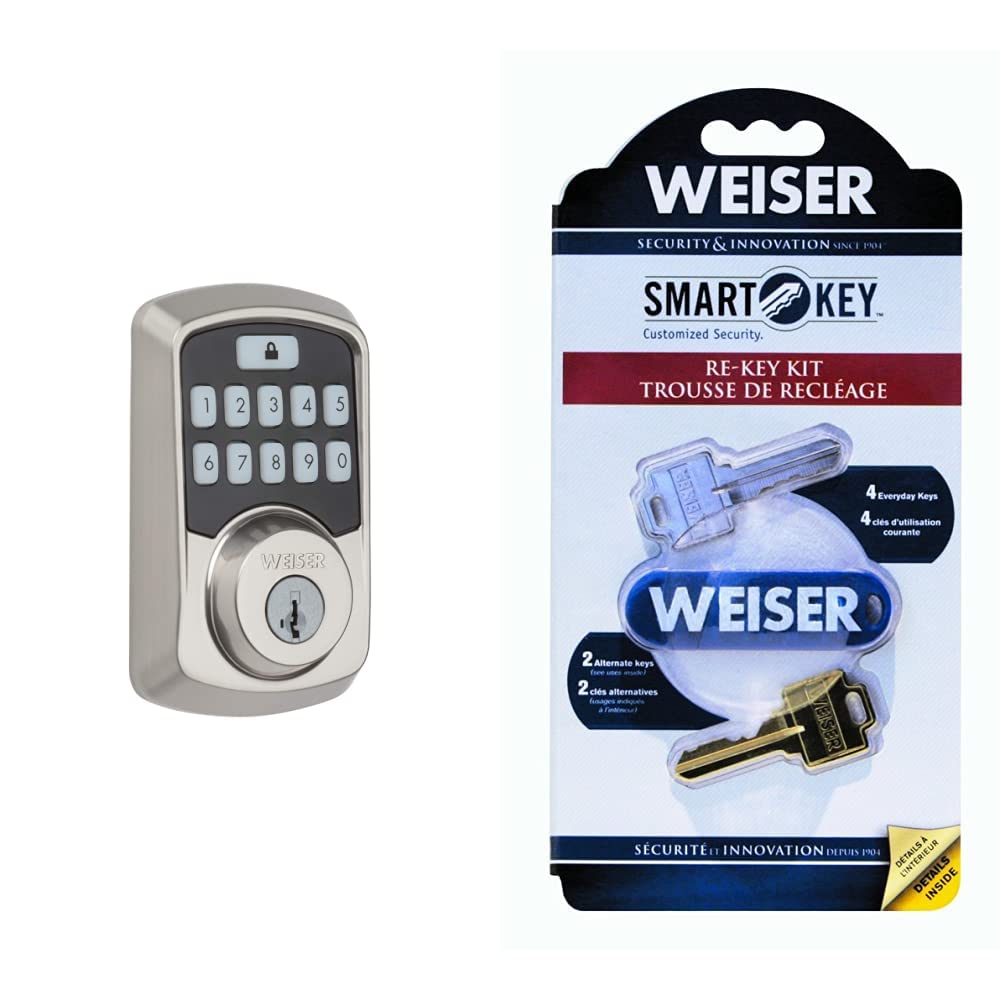
Image: Close-up of the Weiser Aura Smart Lock exterior keypad, showing the numbered buttons and the lock icon.
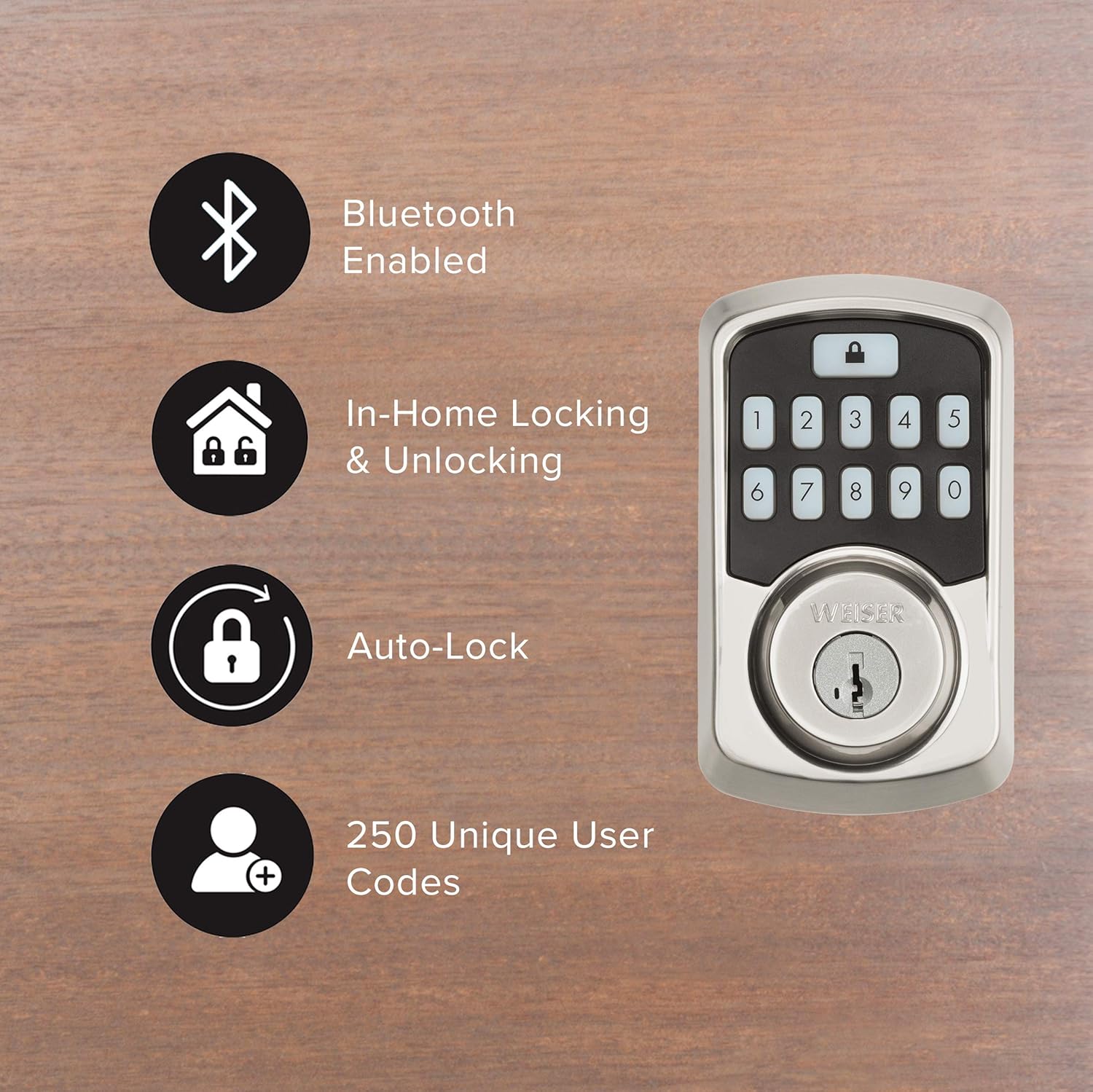
Image: Graphic illustrating key features of the Weiser Aura Smart Lock, including Bluetooth connectivity, in-home locking/unlocking, auto-lock, and support for 250 unique user codes.
سار سنڀال
1. بيٽري مٽائڻ
- The lock will provide a low battery warning through the app and an indicator light on the interior assembly.
- To replace batteries, remove the battery cover on the interior assembly.
- Replace all four AA alkaline batteries with new ones. Ensure correct polarity.
- بيٽري جي ڍڪ کي تبديل ڪريو.
2. صفائي
- تالي جي ٻاهرين سطحن کي نرم، ڊي سان صاف ڪريوamp ڪپڙو.
- گھڙڻ وارا صاف ڪندڙ، محلول، يا سخت ڪيميڪل استعمال ڪرڻ کان پاسو ڪريو، ڇاڪاڻ ته اهي ختم ۽ اليڪٽرانڪ حصن کي نقصان پهچائي سگهن ٿا.
مشڪلاتون
- لاڪ جواب نه ڏئي رهيو آهي: Check battery levels. Replace batteries if low. Ensure Bluetooth connection is active if using the app.
- ڪي پيڊ روشن نه ٿي رهيو آهي: Check battery levels. Ensure the keypad is clean and free from debris.
- ڊيڊ بولٽ مڪمل طور تي نه وڌي رهيو آهي/ پوئتي نه هٽي رهيو آهي: Check for obstructions in the door frame or strike plate. Ensure the door is properly aligned.
- Forgotten user code: Reset or manage user codes through the Weiser App.
- Lock history/event logs: Access these features directly through the Weiser App for detailed information on lock usage and alerts.
وضاحتون
| برانڊ | ويزر |
| ماڊل نمبر | 9GED18500-001 |
| رنگ | ستين نڪيل |
| انداز | Door Lock + Re-Key Kit |
| مواد | زنڪ |
| تالا جو قسم | ڪي پيڊ |
| خاص خاصيتون | Keyless, Bluetooth, SmartKey Technology |
| سيڪيورٽي سرٽيفڪيشن | BHMA Grade 2, 128-bit Encryption Security, 20-minute fire rating (UL) |
| طاقت جو ذريعو | 4x AA بيٽريون (شامل نه آھن) |
وارنٽي ۽ سپورٽ
For warranty information, please refer to the documentation included with your product or visit the official Weiser website. For technical support, troubleshooting assistance, or to inquire about replacement parts, please contact Weiser customer service through their official channels.


