1. تعارف
This manual provides detailed instructions for the Alxum USB 3.0 to SATA Converter Cable (Model Y-1039). This device allows you to connect 2.5-inch and 3.5-inch SATA SSDs and HDDs to your computer via a USB 3.0 port, facilitating data transfer, backup, and recovery.
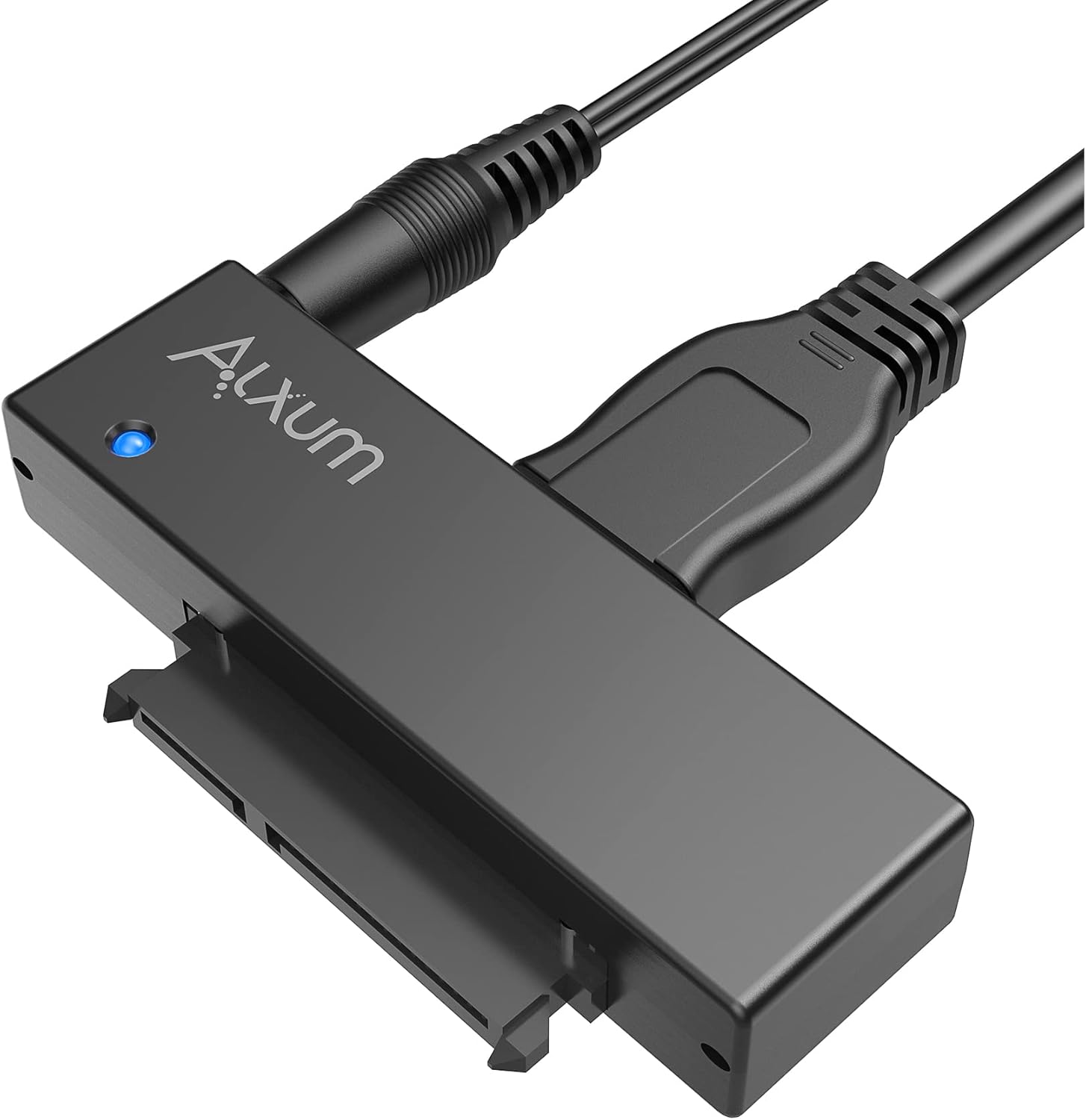
Image 1: Alxum USB 3.0 to SATA Converter Cable with power adapter and USB cable connected.
2. پيڪيج مواد
پڪ ڪريو ته سڀئي شيون توهان جي پيڪيج ۾ موجود آهن:
- Alxum USB 3.0 to SATA Converter Cable
- 12V 2A پاور اڊاپٽر
- USB 3.0 ڪيبل
3. پراڊڪٽ ختمview
Familiarize yourself with the components of the Alxum USB 3.0 to SATA Converter Cable:

تصوير 2: ويجهو تصوير view of the Alxum converter showing its ports and indicator light.
- Micro USB 3.0 Interface: Connects to your PC or notebook.
- پاور ڪنيڪشن: Input for the 12V 2A power adapter, essential for 3.5-inch drives.
- LED اشارو: Displays power and activity status.
- 15+7 Pin SATA Interface: Connects to 2.5-inch or 3.5-inch SATA SSD/HDD.
4. سيٽ اپ جون هدايتون
Follow these steps to connect your SATA drive to your computer:
- Connect the SATA Drive:
Align the 15+7 pin SATA interface of the converter with the SATA port on your 2.5-inch or 3.5-inch SSD/HDD. Gently push the drive onto the connector until it is firmly seated.
- Connect Power (for 3.5-inch drives):
For 3.5-inch hard drives, the external 12V 2A power adapter is required to provide sufficient power. Connect the power adapter to the converter's power connection port, then plug the adapter into a wall outlet.

Image 3: Illustration of connecting the 12V 2A power adapter to the Alxum converter for a 3.5-inch HDD.
Note: 2.5-inch SSDs and HDDs typically draw enough power from the USB connection and do not require the external power adapter.
- ڪمپيوٽر سان ڳنڍيو:
Connect the USB 3.0 cable from the converter's Micro USB 3.0 interface to an available USB 3.0 port on your computer. The LED indicator on the converter will illuminate.
5. آپريٽنگ هدايتون
5.1. Plug and Play Operation
The Alxum USB 3.0 to SATA Converter Cable is designed for plug-and-play functionality. No drivers or additional software are required for most operating systems.
5.2. Drive Recognition
Once connected, your operating system should automatically detect the connected SATA drive. The drive will appear as an external storage device. If the drive is new or unformatted, you may need to initialize and format it through your operating system's disk management utility before it can be used.
5.3. ڊيٽا جي منتقلي
The converter supports USB 3.0 speeds up to 5Gbps, enhanced by UASP (USB Attached SCSI Protocol) for faster data transfer rates, especially with SSDs. Actual speeds may vary based on your drive, computer's USB port, and operating system.

Image 4: Diagram illustrating the speed advantage of UASP over standard USB 3.0 for data transfer.
5.4. Hot-Swapping
The device supports hot-swapping, allowing you to connect and disconnect drives without restarting your computer. Always safely eject the drive from your operating system before physically disconnecting it to prevent data corruption.
5.5. سمهڻ جو موڊ
The converter features an automatic sleep mode. If no operation is detected for 30 minutes, the device will enter sleep mode to conserve power. It will reactivate upon activity.
5.6. مطابقت
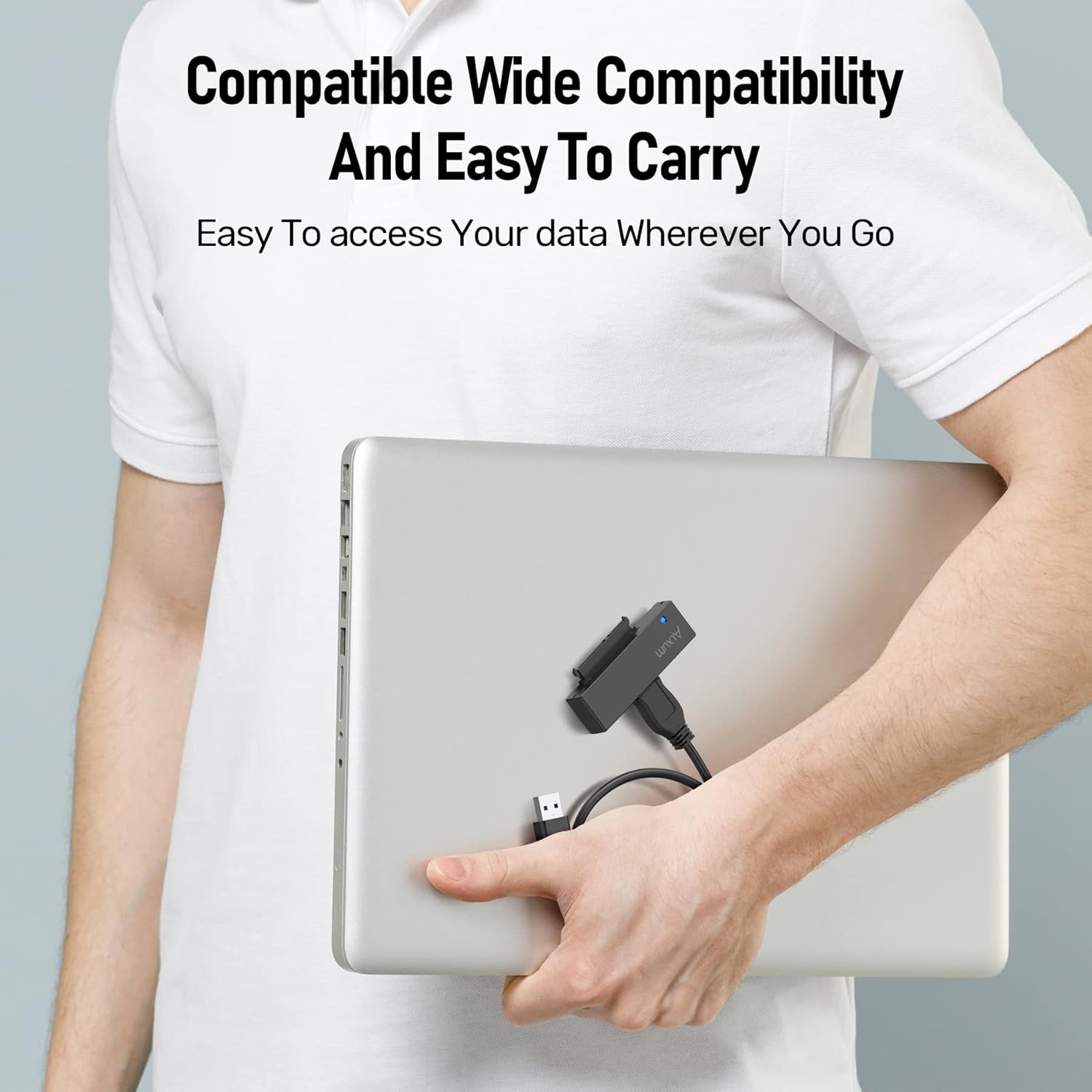
The Alxum USB 3.0 to SATA Converter Cable is compatible with a wide range of operating systems and drive types:
- آپريٽنگ سسٽم: Windows 2000 / XP / Server 2003 / Vista / 7 / 8 / 10 / 11, Mac OS 10.10 or higher, Linux.
- ڊرائيو جا قسم: 2.5-inch and 3.5-inch SATA I/II/III SSDs and HDDs, BLU-RAY DVD, CD-ROM, DVD-ROM, CD-RW, DVD-RW, DVD+RW Combo devices. Supports ATA/ATAPI devices and hard drives up to 12TB.

Image 5: Visual representation of compatible operating systems: Windows, Mac OS, and Linux.
تصوير 6: اڳوڻيamples of compatible storage devices: 3.5" SATA HDD, 2.5" SATA HDD, SATA SSD, and SATA DVD-ROM.
6. سار سنڀال
To ensure optimal performance and longevity of your Alxum USB 3.0 to SATA Converter Cable:
- Keep the device in a clean, dry environment.
- ان کي انتهائي گرمي پد يا سڌي سج جي روشني کي ظاهر ڪرڻ کان بچاء.
- ڊوائيس کي ڌار ڪرڻ يا تبديل ڪرڻ جي ڪوشش نه ڪريو.
- ٻاهرين حصي کي نرم، سڪل ڪپڙي سان صاف ڪريو. مائع صاف ڪندڙن کان پاسو ڪريو.
7. مسئلا حل ڪرڻ
جيڪڏهن توهان کي مسئلا درپيش اچن ٿا، ته هيٺ ڏنل عام مسئلن ۽ حلن جو حوالو ڏيو:
| مسئلو | ممڪن سبب | حل |
|---|---|---|
| ڪمپيوٽر طرفان ڊرائيو نه ملي. |
|
|
| سست ڊيٽا منتقلي جي رفتار. |
|
|
| ايل اي ڊي انڊيڪيٽر روشن نه ٿي رهيو آهي. |
|
|
8. وضاحتون
| خاصيت | تفصيل |
|---|---|
| ماڊل نمبر | Y-1039 |
| ھارڊويئر انٽرفيس | USB 3.0 |
| مطابقت رکندڙ ڊرائيوز | 2.5" / 3.5" SATA SSD/HDD, BLU-RAY DVD, CD-ROM, DVD-ROM, CD-RW, DVD-RW, DVD+RW Combo devices |
| Max Drive Capacity | 12TB تائين |
| ڊيٽا جي منتقلي جي شرح | Up to 5 Gbps (USB 3.0), supports UASP |
| پاور ان پٽ | DC 12V 2A (for 3.5" drives) |
| آپريٽنگ سسٽم مطابقت | Windows 2000 / XP / Server 2003 / Vista / 7 / 8 / 10 / 11, Mac OS 10.10+, Linux |
| شيءِ جو وزن | 7.1 آونس (200 گرام) |
| مواد | ٽوپي |
9. وارنٽي ۽ سپورٽ
Alxum provides professional customer service to address any concerns you may have. For product information, after-sales support, or troubleshooting assistance, please contact Alxum customer service.
You can typically find contact information by clicking on the seller's name in the "Sold By" section of the product detail page on the platform where you purchased the item.

Image 7: Icons representing Alxum's customer service offerings, including product information, after-sales support, and instructions for use.


